Plan your garage floor, walls, storage and lighting as one project
Garage Ottawa plans a garage as one coordinated project — slab and drainage, coating, walls, storage, lighting — starting from your actual bay size, and answers real garage problems from real work.
Guide revision: 2026-09-23
5-step walkthrough with voiceover, recorded from the same checked steps.
Voiceover: Kokoro text-to-speech (Apache 2.0).
What do I do next?
- 1
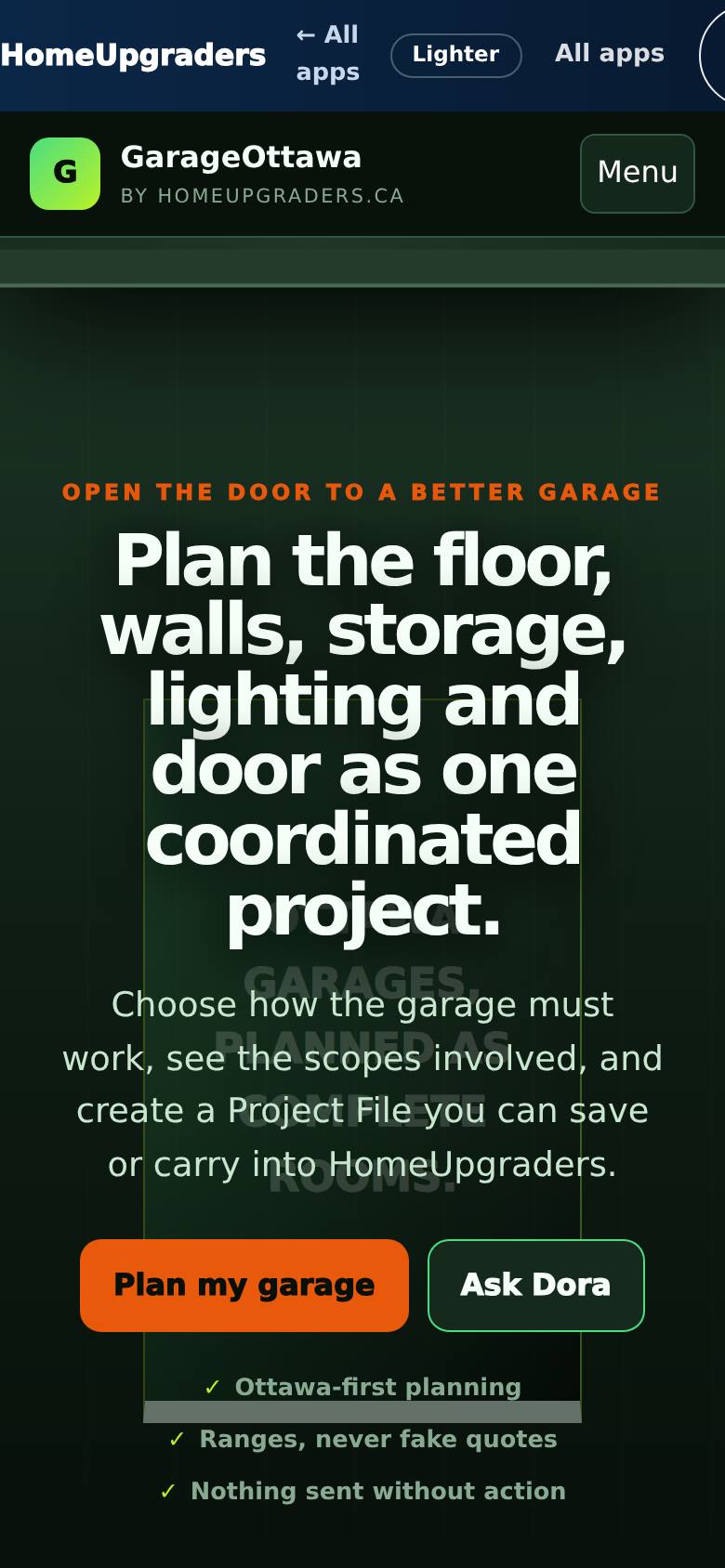
Open Garage Ottawa
Open Garage Ottawa from the Apps Hub.
Plan the floor, walls, storage and lighting — starting with your actual bay configuration.
- 2
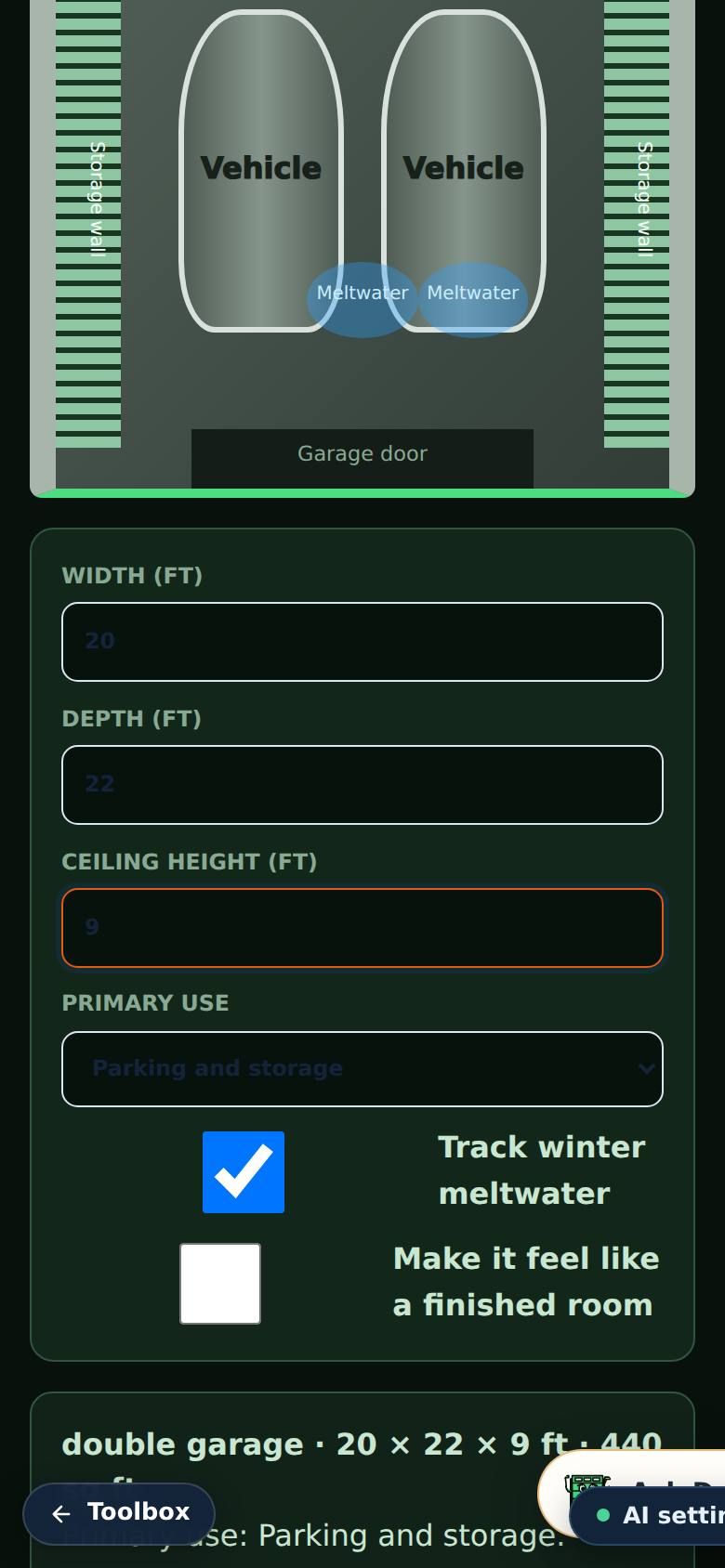
Set up your garage
Tap your bay configuration (e.g. Double car), check the width, depth and ceiling height, and choose what the garage is mostly for.
The plan uses your garage size and use.
- 3
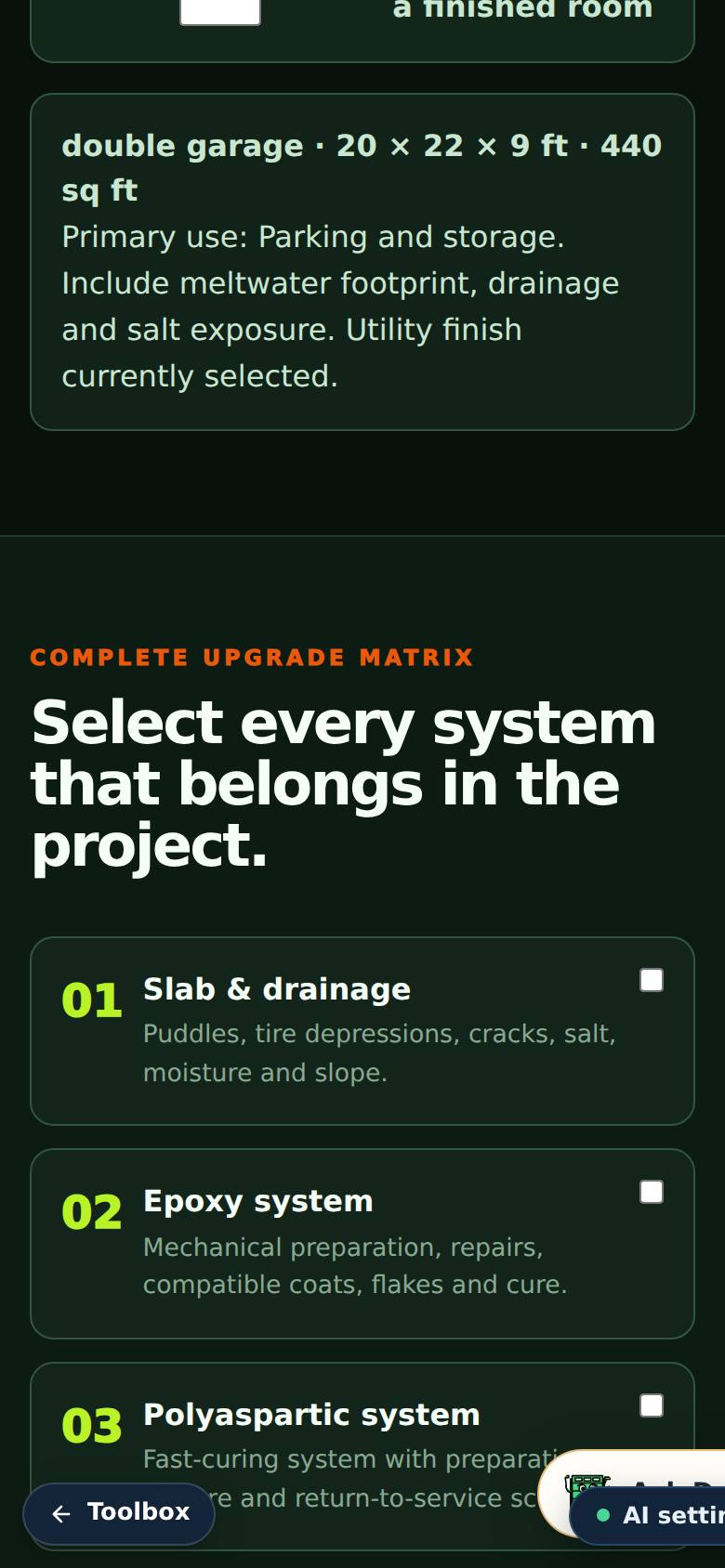
Pick the systems
Tick every system that belongs in the plan — floor coating, walls, storage, lighting and so on.
The plan includes the systems you picked.
- 4
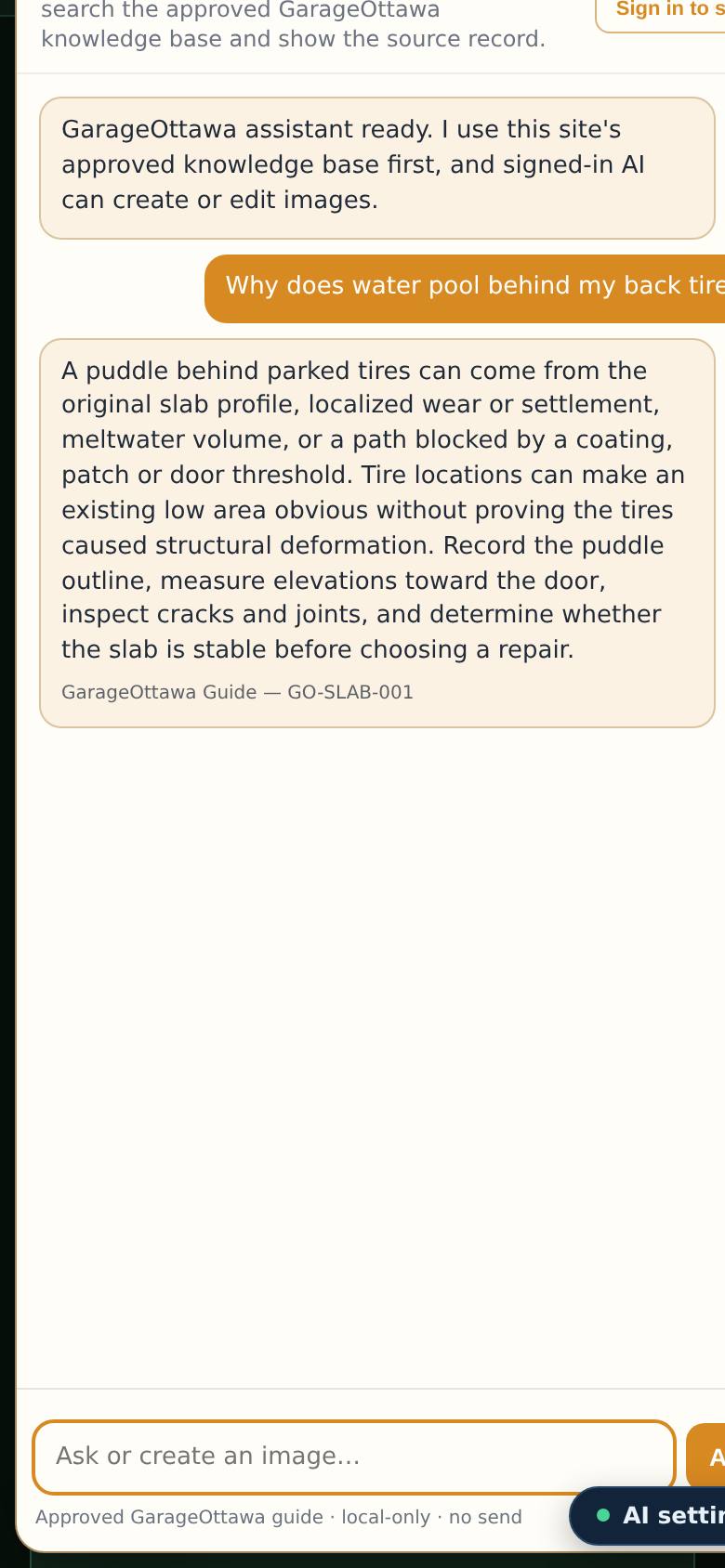
Get real answers
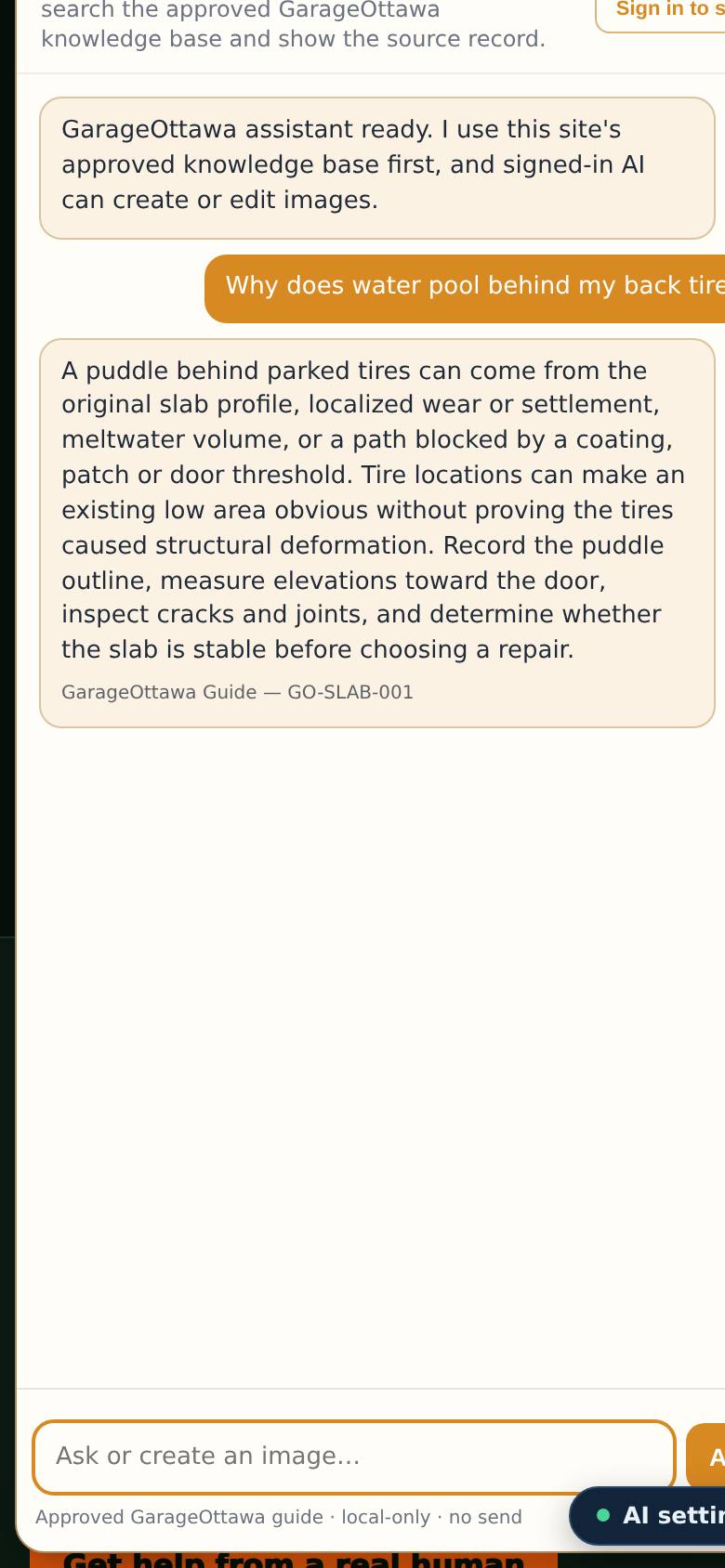
Tap a common garage problem — like "Water pools behind my tires" — for Ryan's answer.
An answer from real garage work, not a sales pitch.
- 5
Keep a copy
Tap "Download Project File".
The file downloads to your phone (garageottawa-project-file.json). "Continue as homeowner" hands the plan to HomeUpgraders when you are ready.
What result should I expect?
A garage plan with the systems you picked and a Project File to take into quotes. Answers to common problems (pooling water, grinding, peeling coatings) come from the approved garage knowledge base.
How do I save, share or get help?
Download Project File keeps the plan on your phone. Continue as homeowner hands it to HomeUpgraders. Ask Dora (the chat) answers garage questions; "Get help from a real human" reaches a person.
Every screenshot here was taken while doing these exact steps on the app's current build (3fcc5c7), on a phone-sized screen, signed out, on 2026-09-23. Steps that need an account are marked. Nothing was submitted or bought.
All How-To guides Return to Garage Ottawa