Say the job out loud and watch the links go on the wall
The voice planner in the World Builder's Sequence tab. Say or type the job. Gemini writes the subject line and Muse Spark writes the detail for each link; the screen labels which model wrote each line. The 10- or 20-step template is locked, every link is laid on the wall, and the plan is read back before you press Go.
Guide revision: 2026-10-30 · steps checked 2026-10-30 on build 60be955
4-step walkthrough, recorded from the same checked steps.
How do I start?
Open the World Builder, pick A room, then open the Sequence tab and find Plan it out loud.
What do I do next?
- 1
Plan it out loud
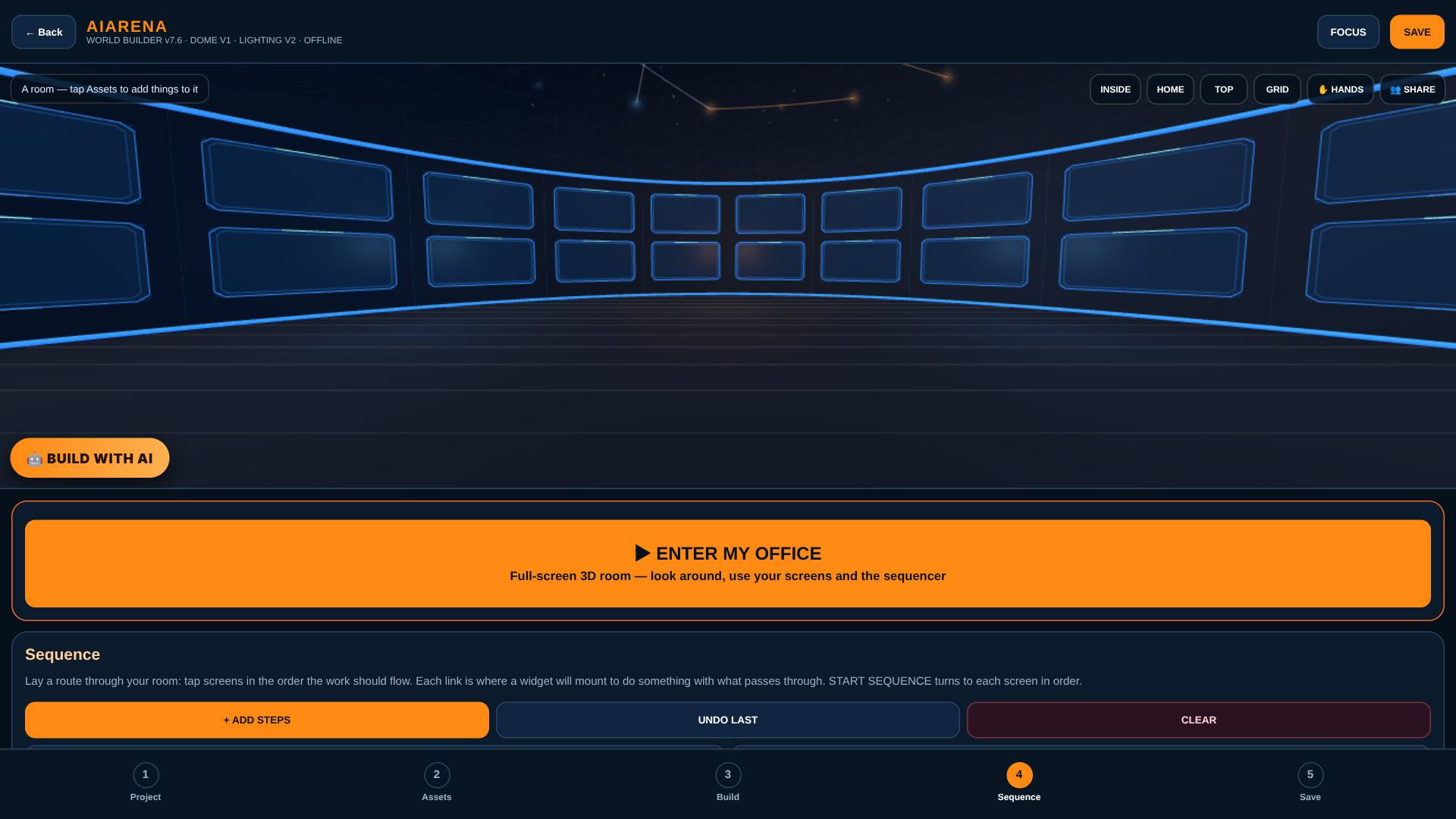
Open the Sequence tab and find Plan it out loud.
Say what you are building: the room, the sizes, what you want at the end. Say "twenty" for the 20-step build.
- 2
Say the job
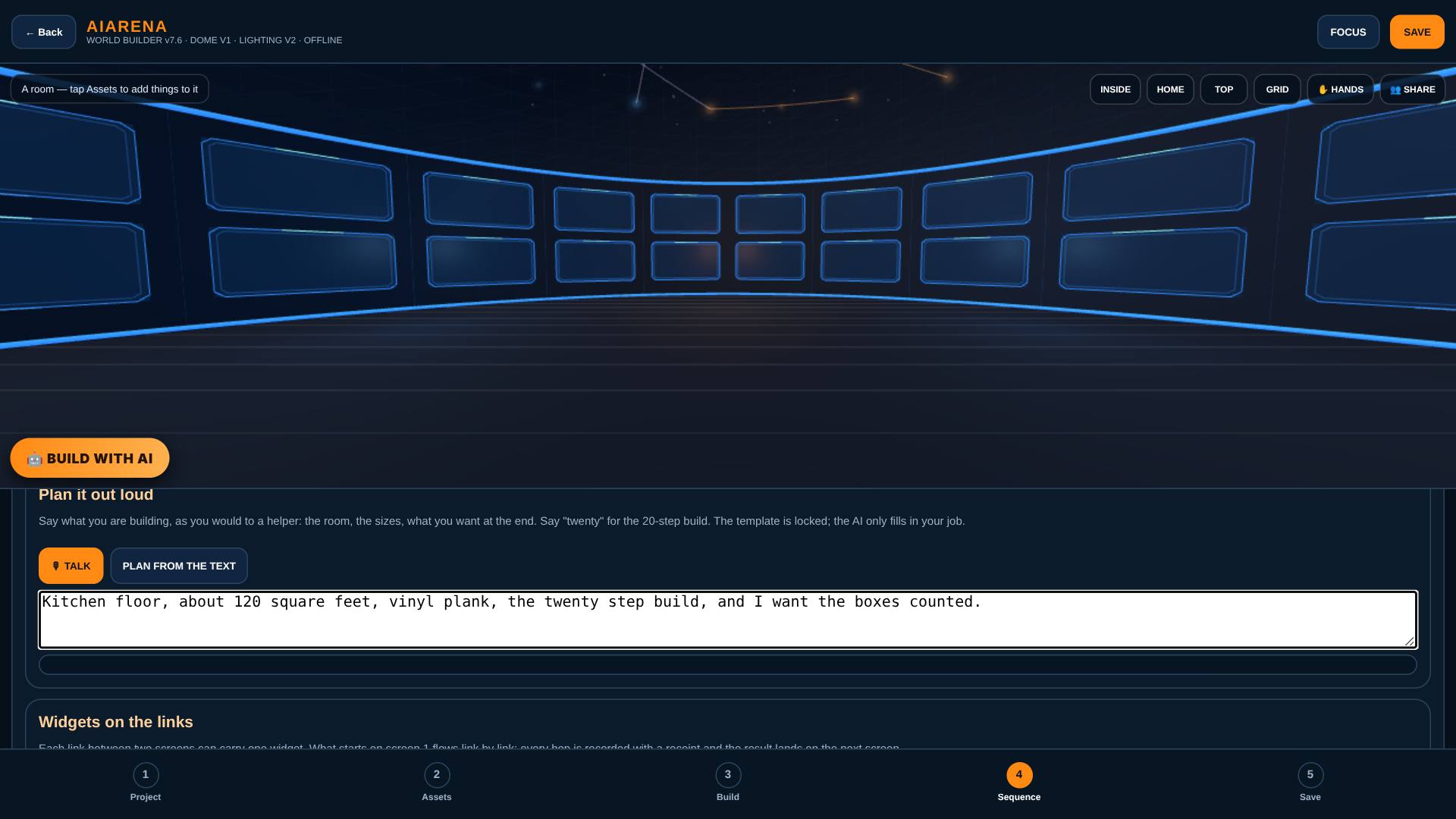
Say the job out loud, or type it in the box.
The words appear in the box as they are heard.
- 3
The links go on the wall
Tap PLAN FROM THE TEXT.
The template is locked: the planner picks the 20-step build, lays every link, and reads the plan back.

- 4
The read-back
Listen to the read-back, link by link.
Each line is the subject or one link, read out before Go.

What result should I expect?
The links are on the wall in template order, with the subject and each link's detail read back to you.
How do I save, share or get help?
The plan stays with the room on this device. Save keeps the project; signed in, it also keeps a copy in your account.
If something goes wrong
- The planner says it could not fill the template. The AI was not reached or the cap was hit. The template is still laid with your words as the subject; try again later.
- Talk does nothing. This browser has no microphone-to-text. Type the job in the box and tap PLAN FROM THE TEXT.
Every screenshot here was taken while doing these exact steps on the current build (60be955), on a laptop-sized screen, on 2026-10-30.
All AiArena How-To guides Open AiArena World Builder: the voice planner