Plan, Continue, Build Again: ten links, one Go
The Sequence page of your AiArena office lays a route through the screens of the room, and every link between two screens carries a step. This is a whole project on the links: one button lays ten steps, one Go runs them all, and the room turns to each window as its result lands. The run is a plan, four work packages done by typing nothing but Continue, a condensed one-file widget, a summary, the next plan and a five-picture package. The video is a replay of the recorded real run on aiarena.ca: every answer is what the house seat produced, with the waiting shortened.
Guide revision: 2026-10-13 · steps checked 2026-10-13 on build df8beeb
Replay of the recorded real run: every answer in the video is what the house Gemini seat produced on aiarena.ca on 2026-10-12 (eight minutes, ten links, 15 house calls), with the waiting shortened. The transcript, the widget from link 7 and the pictures are kept in the repo (docs/help/evidence/2026-10-12/aiarena-ten-step-run).
8-part walkthrough with voiceover, recorded from the same checked parts.
Voiceover: Kokoro text-to-speech (Apache 2.0).
How do I start?
Open AiArena, tap Work, then Design your workspace, choose the Dome, and open the Sequence page.
What do I do next?
- 1
Open the Office builder
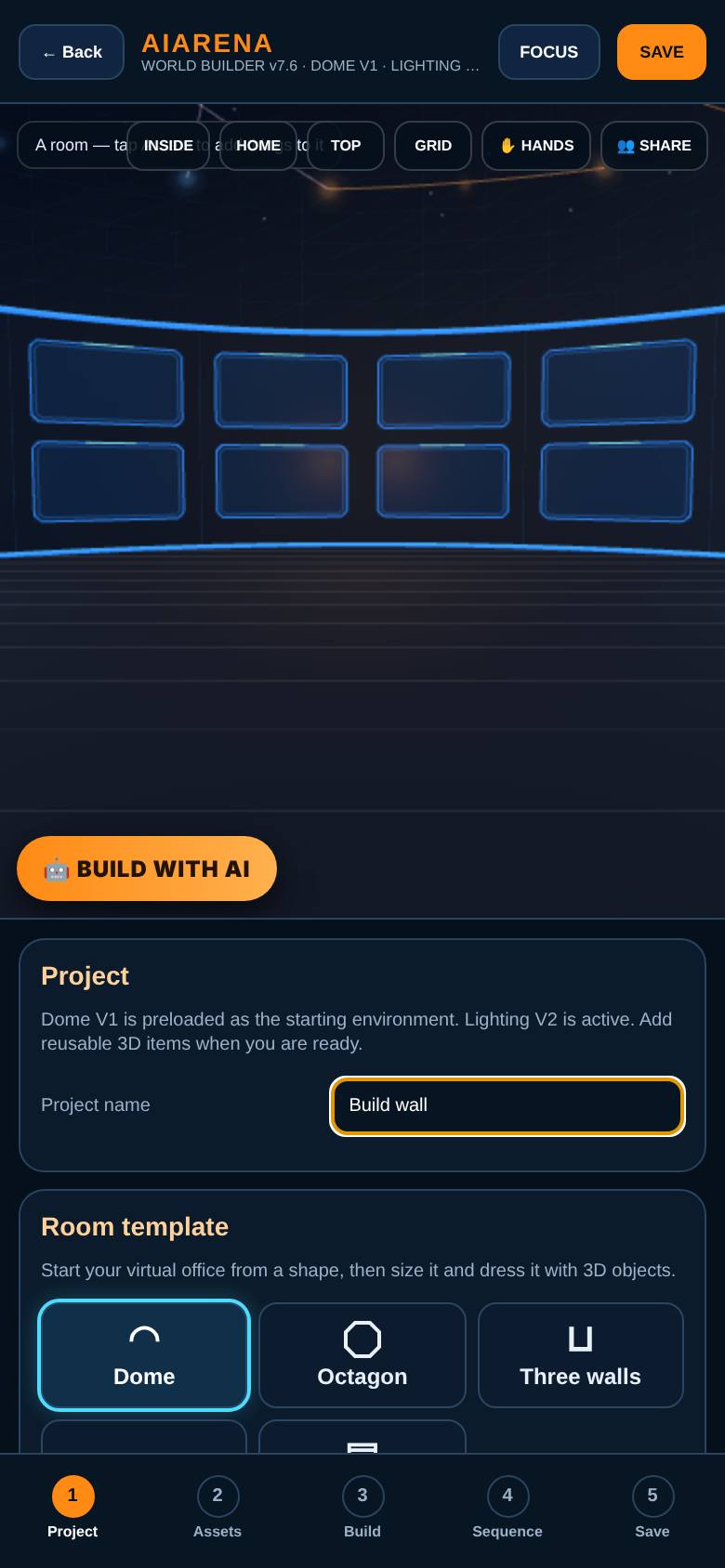
Open AiArena, tap Work, then Design your workspace, and choose A room.
A dome of screens. Name it.
- 2
Lay the project
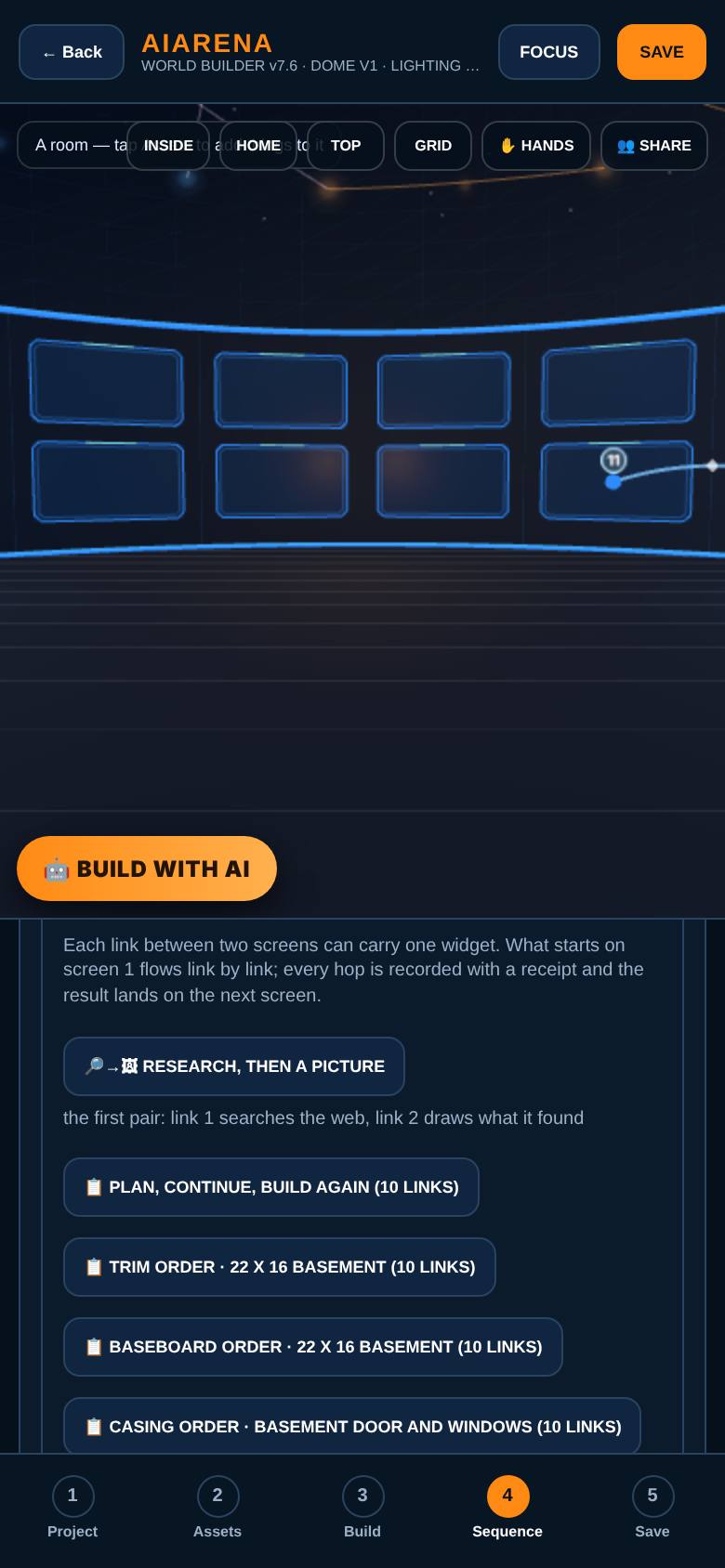
On the Sequence page, tap Plan, Continue, Build Again (10 links).
Eleven screens are laid in a row and every link gets its step: a plan, four work packages, condense, summary, next plan, five pictures.
- 3
What each link does
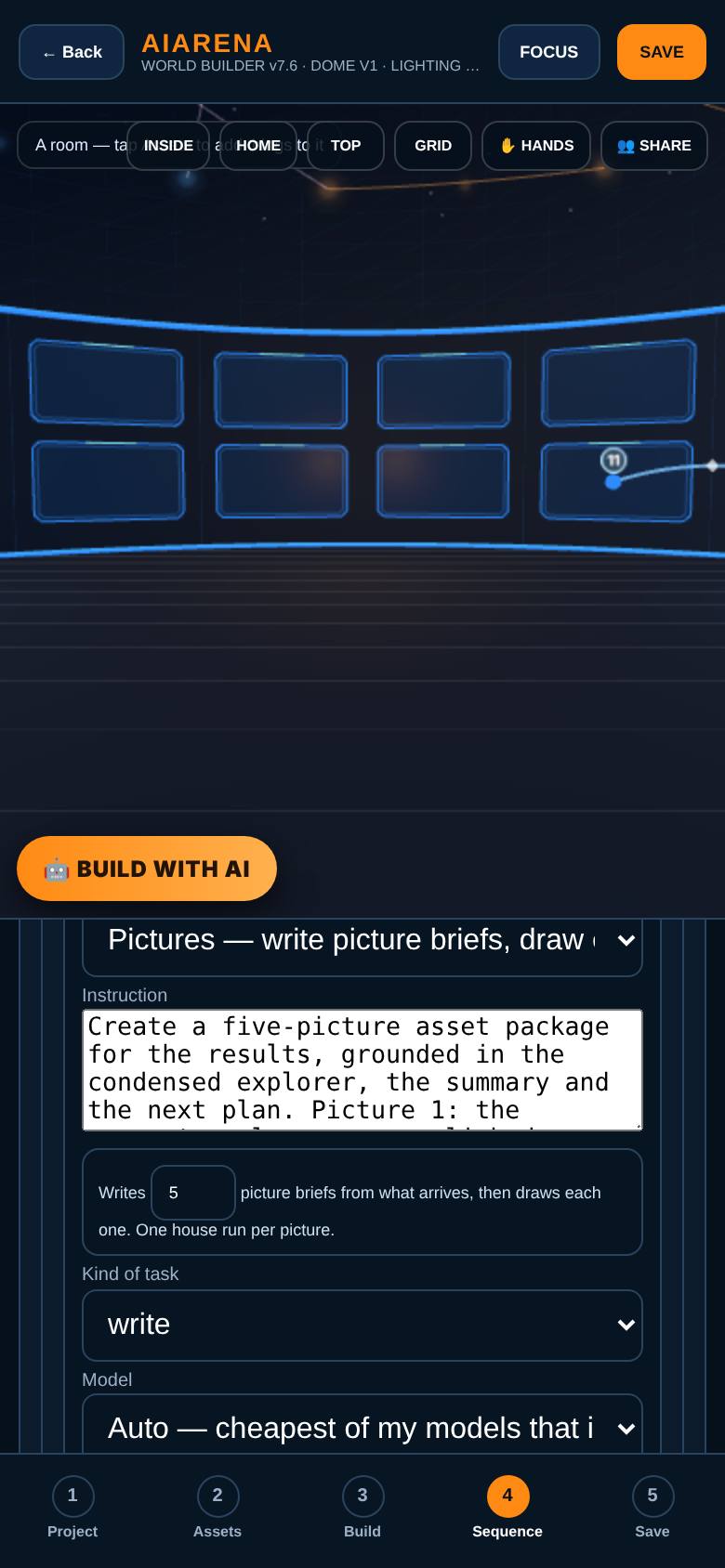
Scroll down the links.
Links 3 to 6 say nothing but Continue. Link 10 is a Pictures step: five briefs, five pictures.
- 4
Go
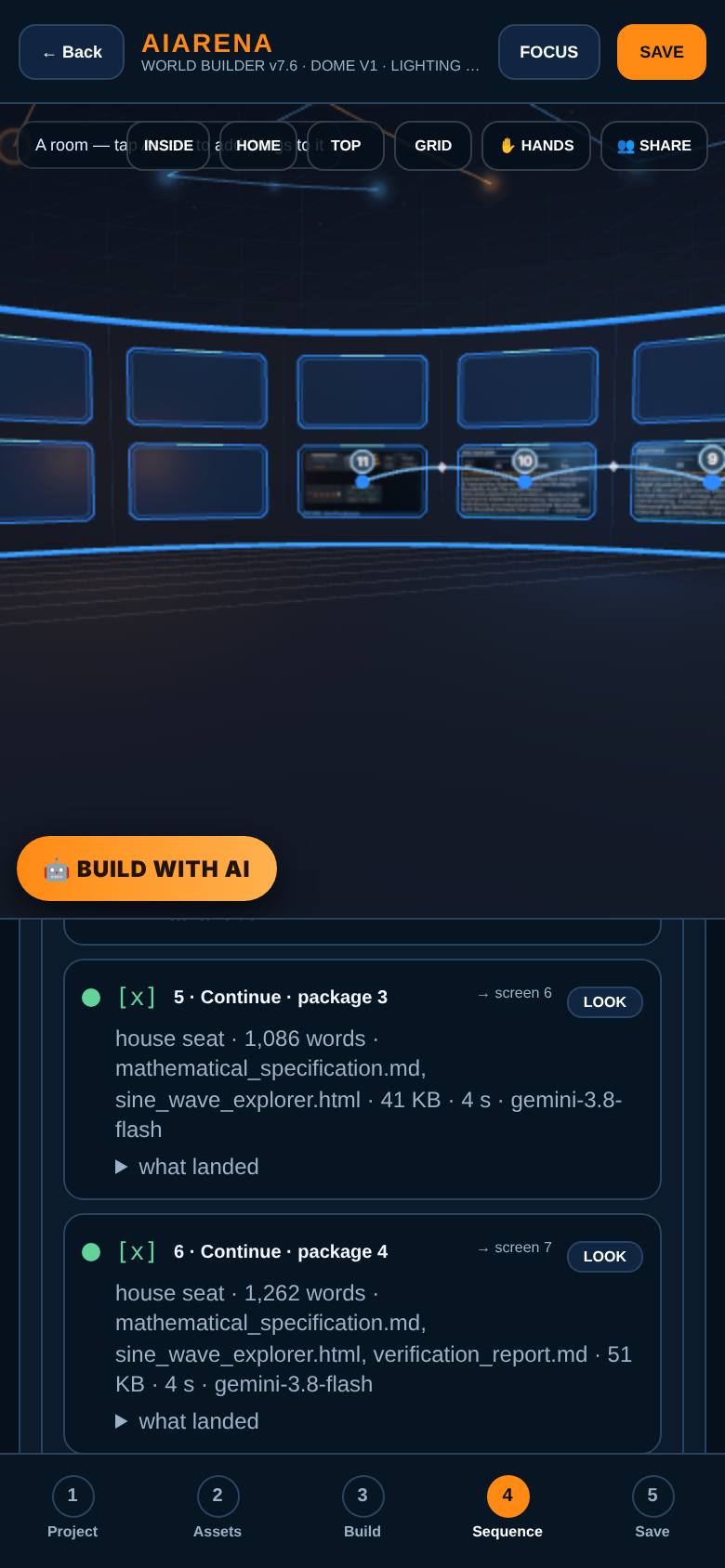
Tap Go. The whole project runs on its own.
Link 1 runs: the room turns to screen 2 as the plan lands there, as a dashboard: words, sections, size, time.
- 5
Following the windows
Wait.
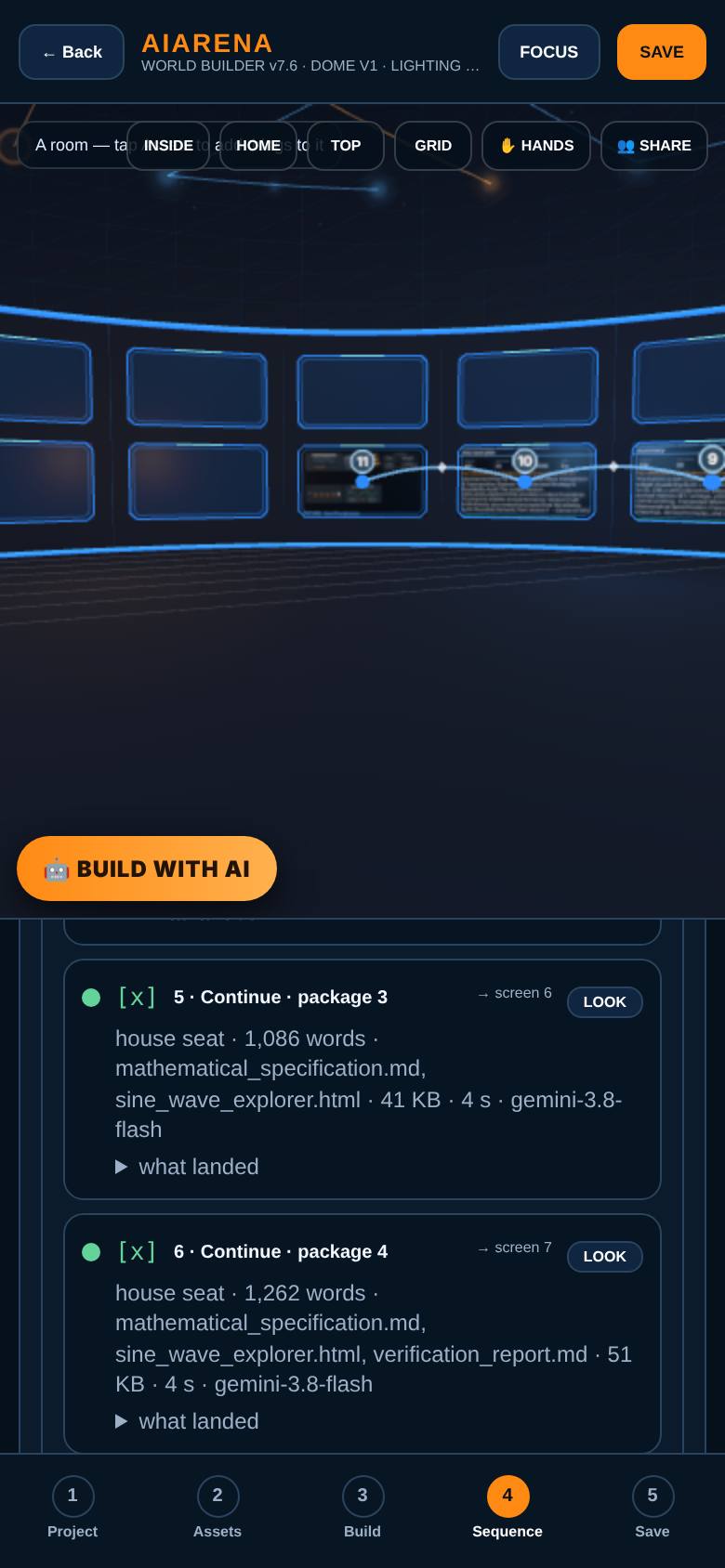
Continue, four times: the project grows link by link and the room turns to each window as it finishes. The project board shows what landed where.
- 6
Done
Wait for Done.
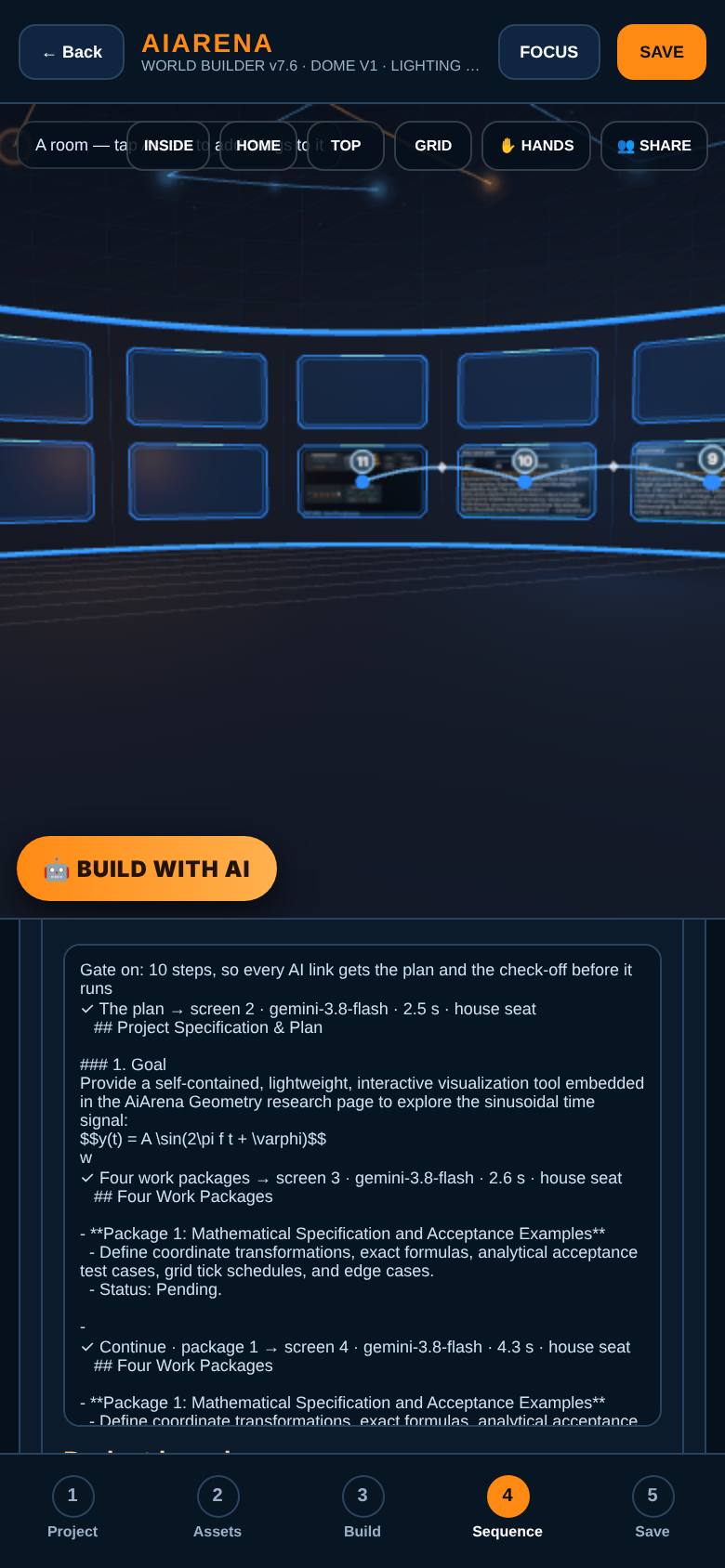
Ten links done: the widget file on screen 8, the summary and next plan after it, five pictures on screen 11.
- 7
The picture window
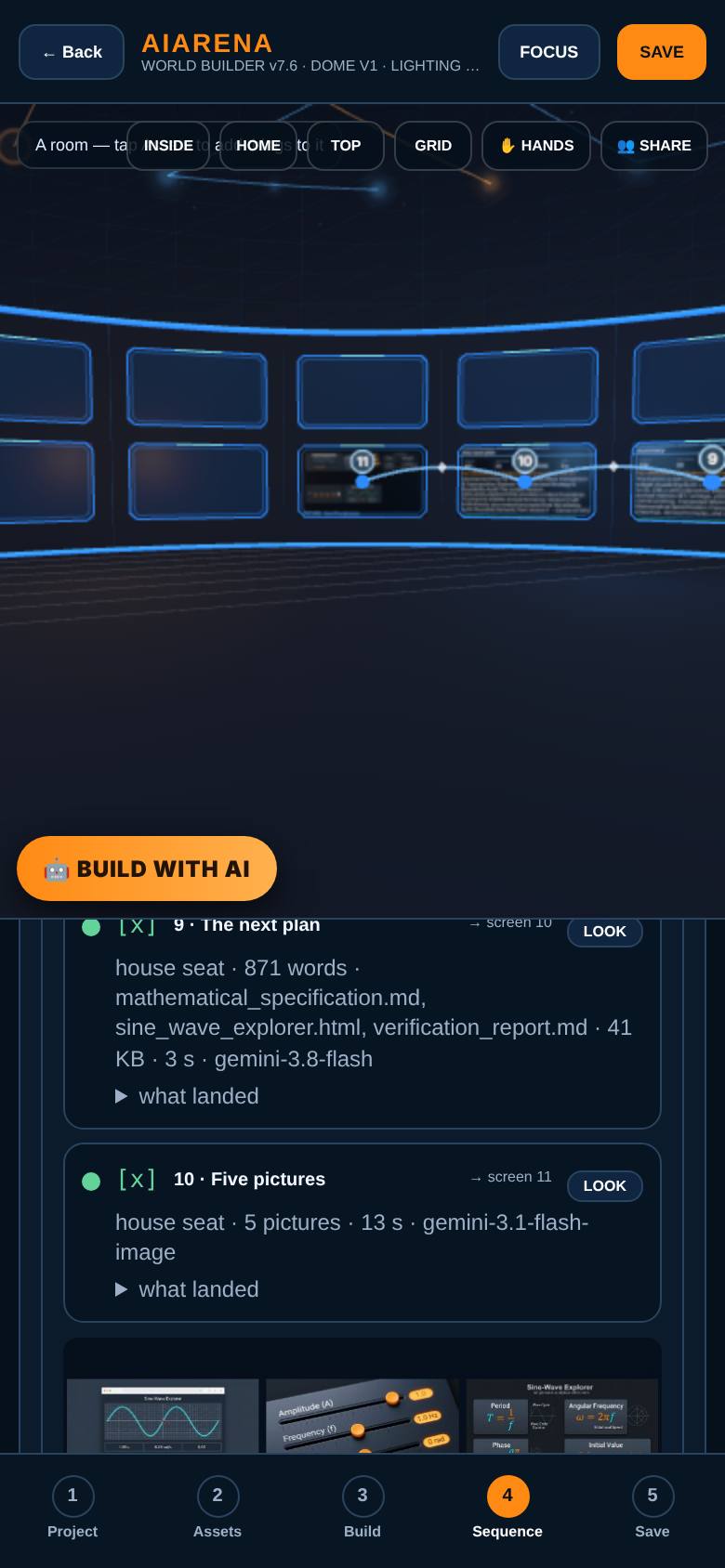
On the project board, tap Look on the last link.
The room turns to screen 11: the five pictures on one screen.
- 8
Read it out
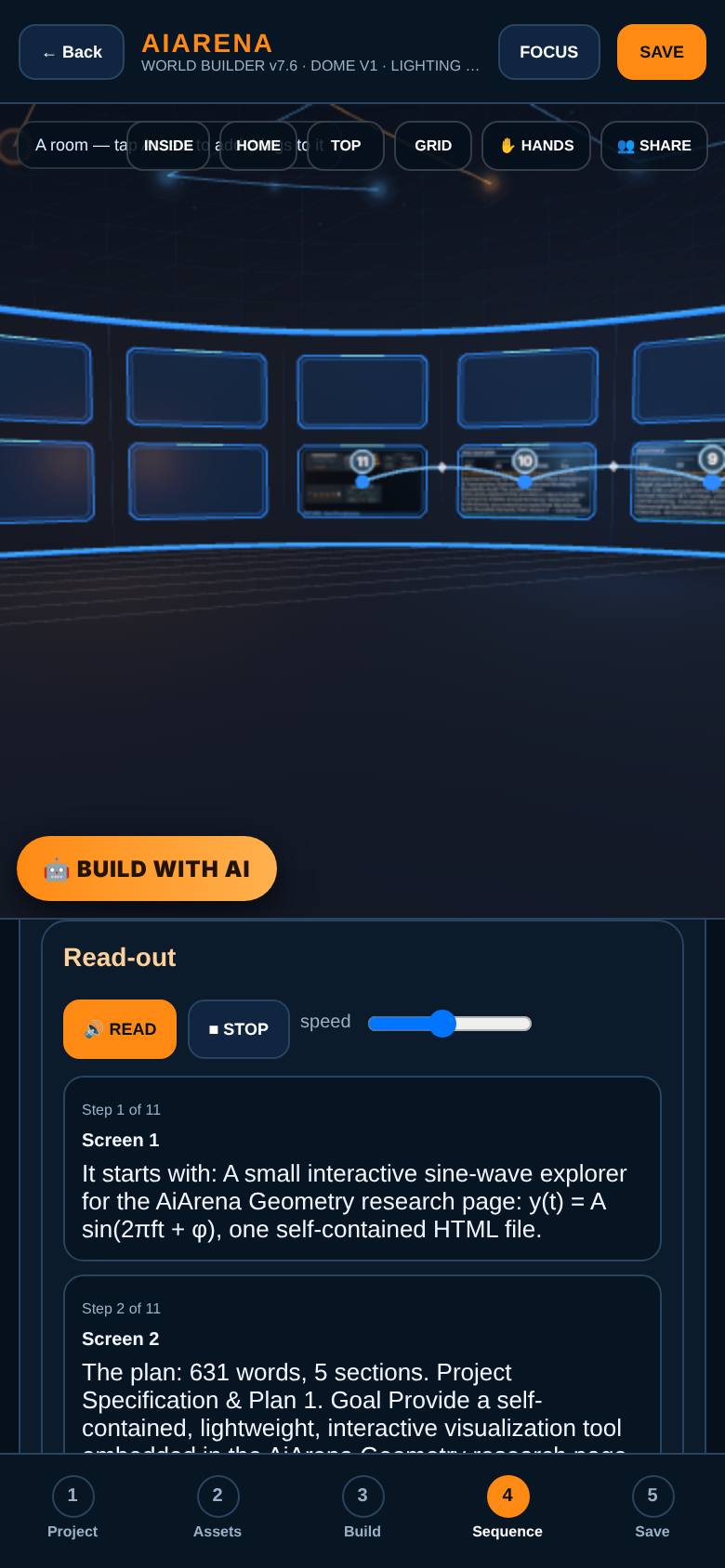
Tap Read it out.
The sequence as a strip: each screen, what landed there and how big, read in order while the room turns to each one.
What result should I expect?
A whole project finished by one Go: a plan, four packages by Continue, a one-file widget, a summary, the next plan and five pictures, each on its own screen.
How do I save, share or get help?
Save the room: the links, the results on the screens and the project board are saved with it.
If something goes wrong
- Go stopped partway with a cap message. The AI cap under Go is per run. Raise it, or put a cheaper model on the links.
- A Continue link did something else. Link 2 sets the rule: whenever the next message is exactly Continue, do the next pending package and stop. The whole project travels link to link, so the rule travels with it.
- The summary link came back short and the file was gone from the later screens. That is what happened in this run too: link 8 returned the summary alone. Every screen keeps its own result, so the file is still on screen 8. Ask the summary link to keep the file if the later links need it.
Every screenshot here was taken while doing these exact steps on the current build (df8beeb), on a phone-sized screen, on 2026-10-13.
All AiArena How-To guides Open AiArena Sequence