Launch, fire, upgrade: the fighter-plane game
Sky Strike in AiArena Play: steer the plane, hold to fire, grab the upgrades as they drift past, and survive each wave. Three levels, with the third in full 3D.
Guide revision: 2026-10-13 · steps checked 2026-10-13 on build 30aa5b6
7-step walkthrough with voiceover, recorded from the same checked steps.
Voiceover: Kokoro text-to-speech (Apache 2.0).
How do I start?
Open AiArena, tap Play, then Sky Strike. It is free to play.
What do I do next?
- 1
Play: pick a game
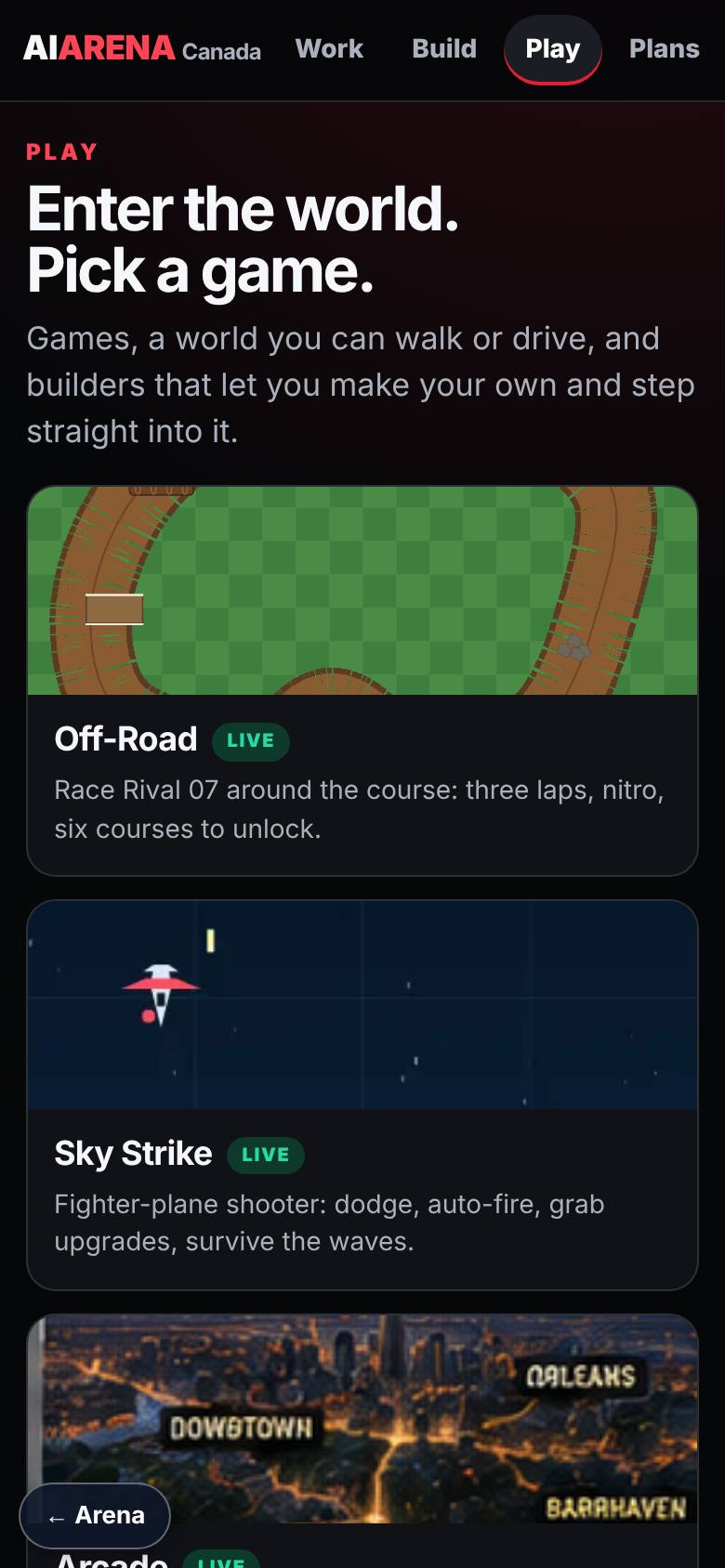
On AiArena, tap Play.
Four games to start with; Sky Strike is one of them.
- 2
The menu
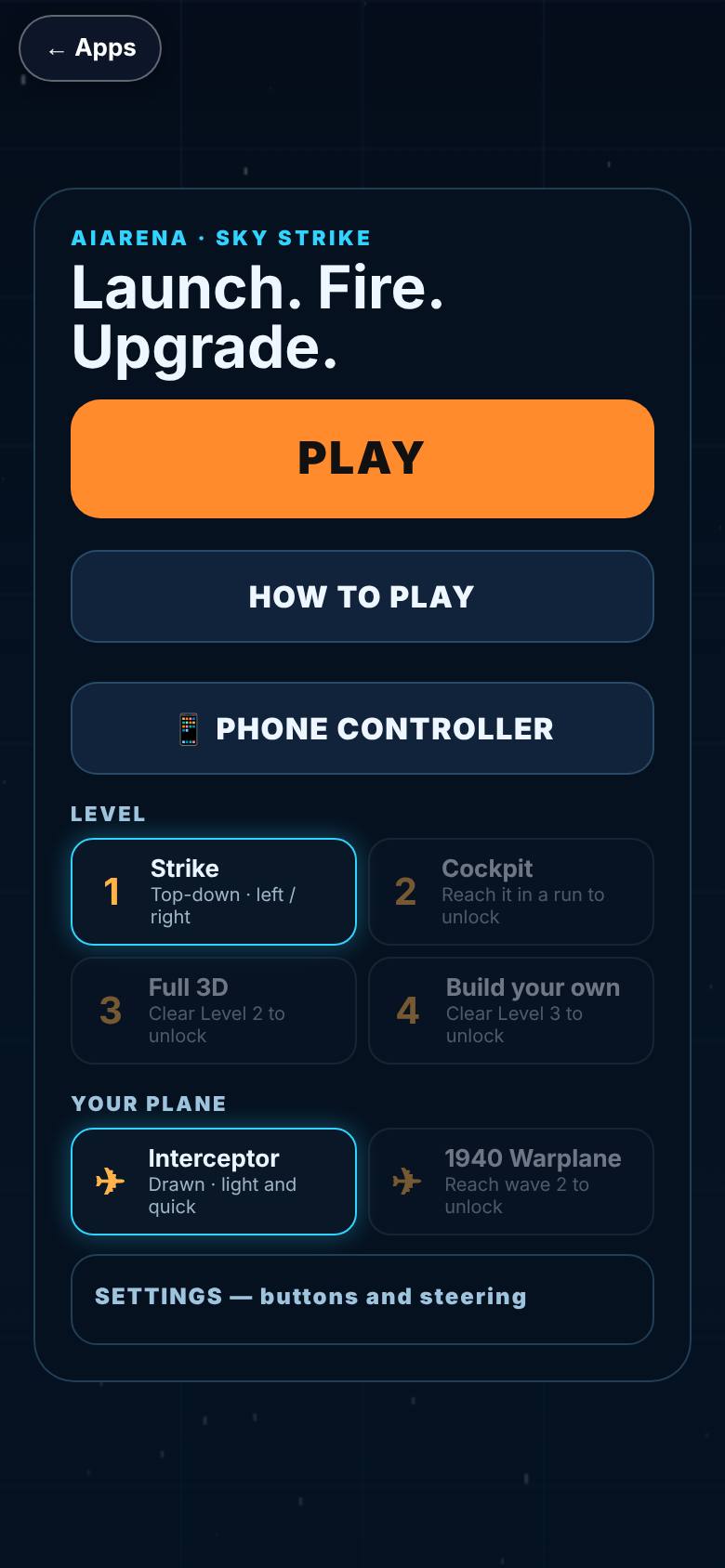
Tap Sky Strike.
Play, How to play, Level, Your plane and Settings.
- 3
How to play
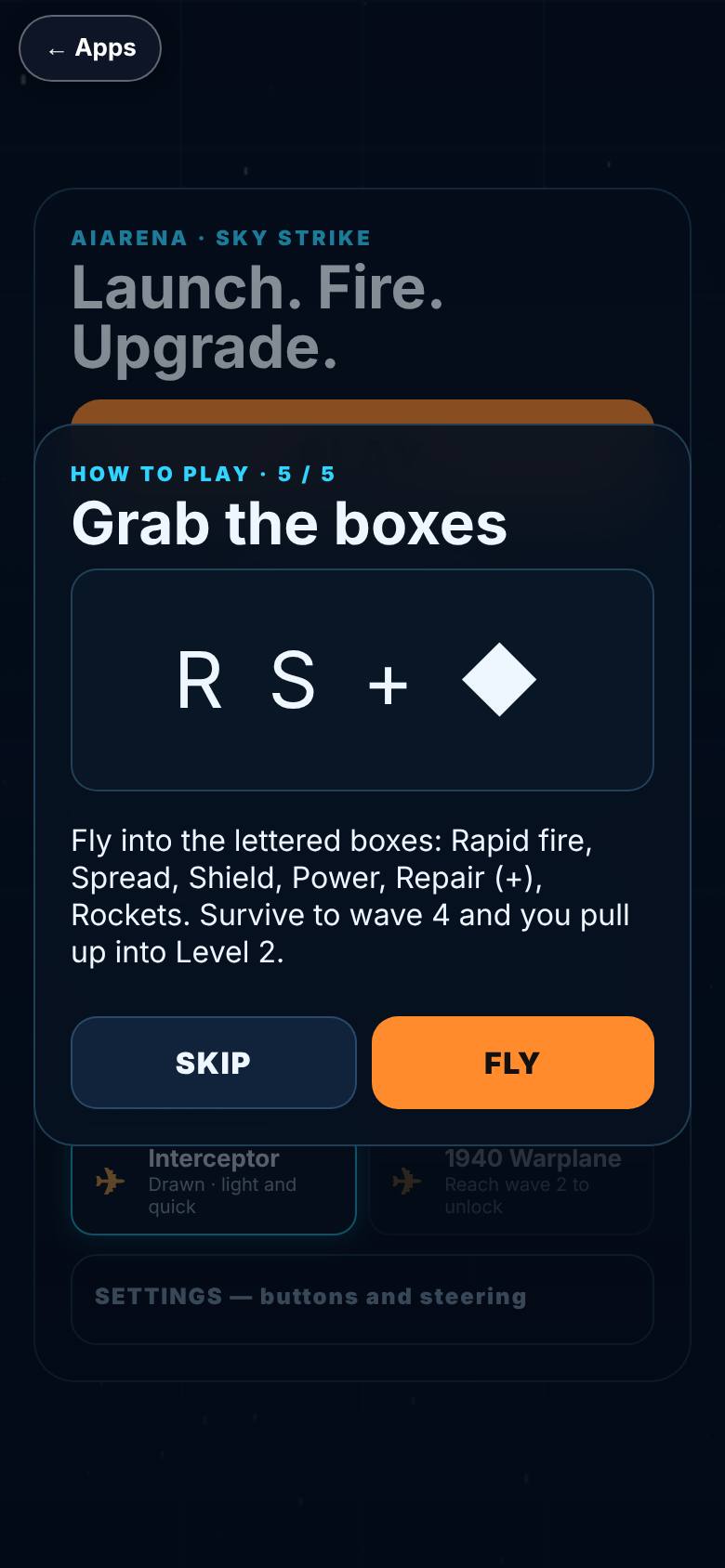
Tap Play. The first time, five how-to cards show; tap Next through them.
Card 5 of 5, with Fly.
- 4
Fly
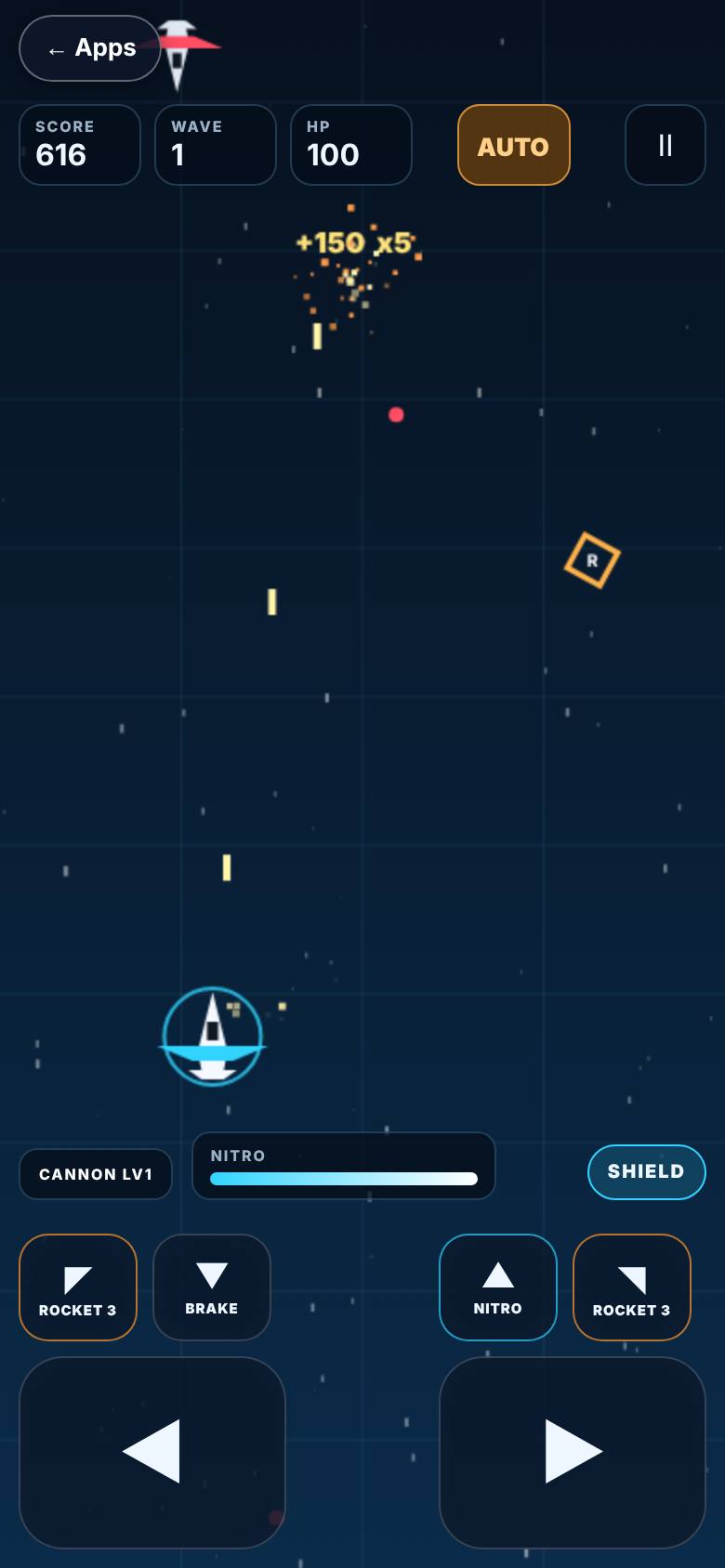
Tap Fly, then steer and hold to fire.
Score, wave and HP at the top; the plane fires.
- 5
Nitro and rockets
The bottom row: nitro, brake and two rockets.
Controls along the bottom.
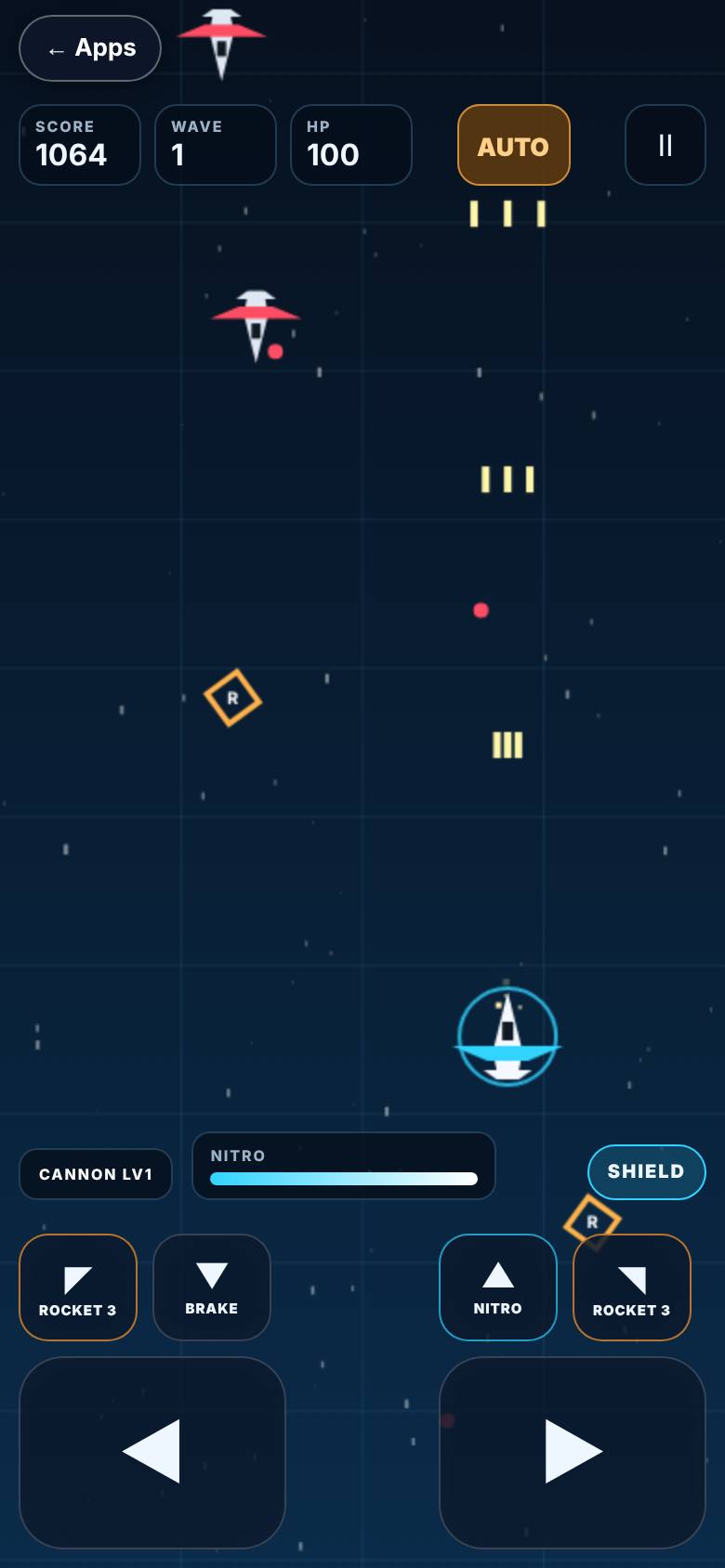
- 6
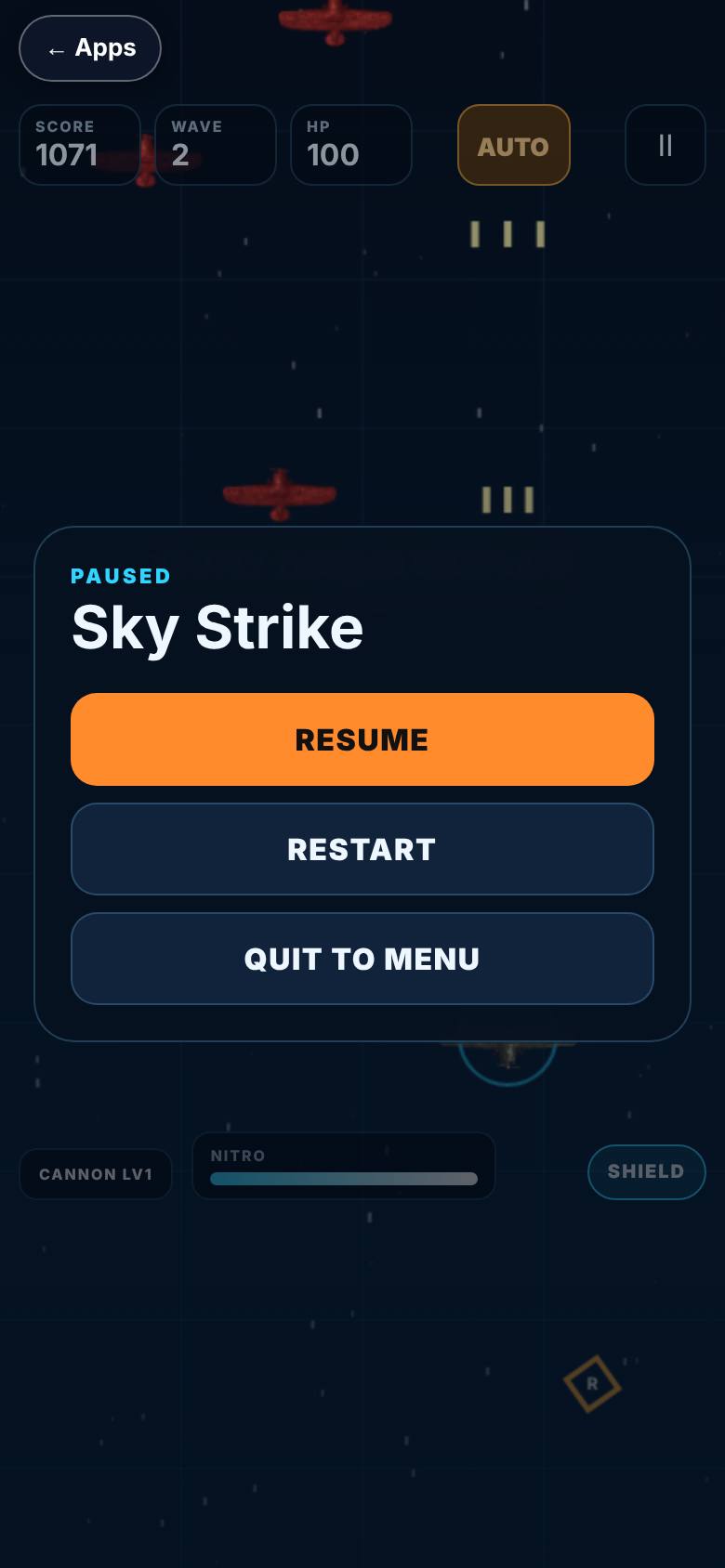
Pause
Tap the pause mark.
Resume, Restart, Quit to menu.
- 7
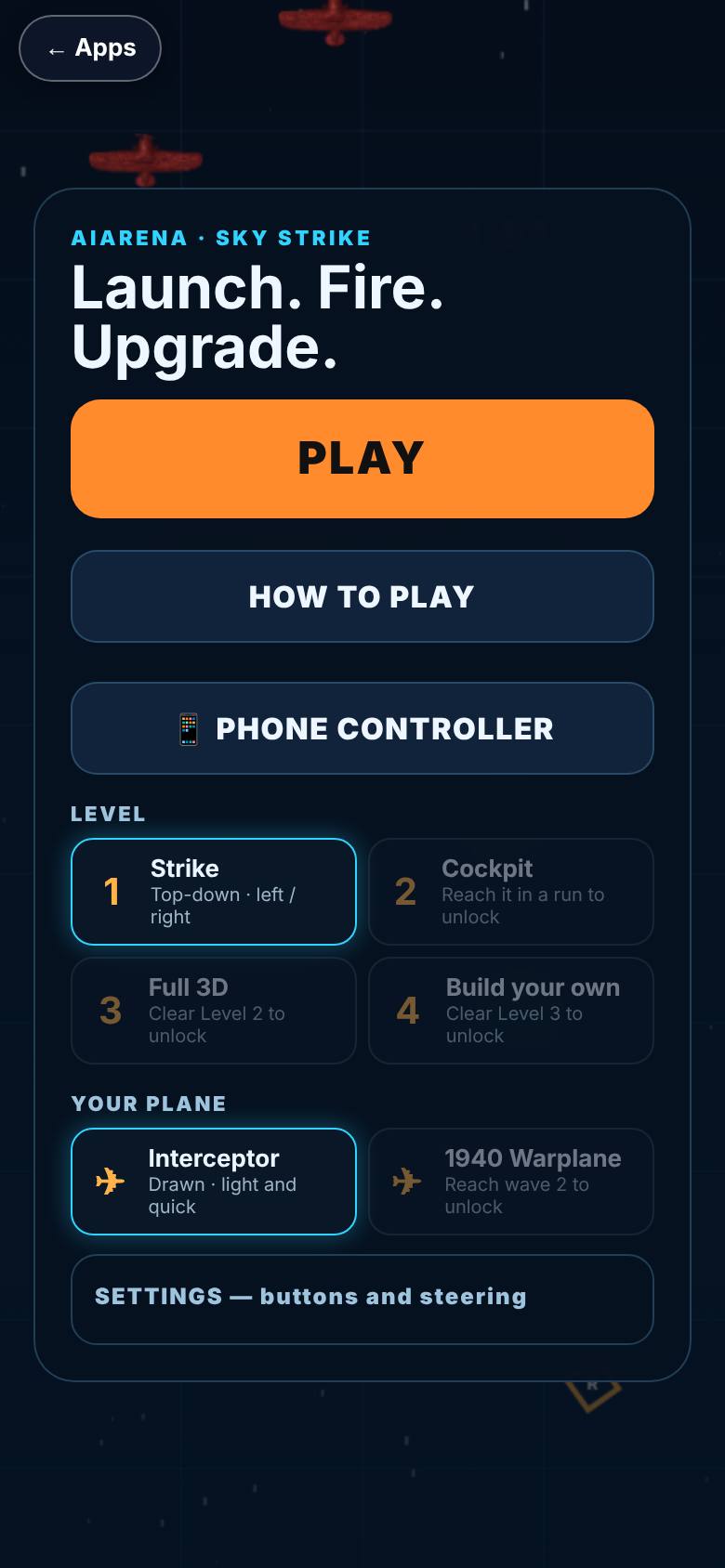
Back to Play
Tap Quit to menu, then Back at the top.
The menu again, with the Back pill.
What result should I expect?
A run with a score and a best score, kept on this device.
How do I save, share or get help?
Your best score, the level you reached and the plane you chose stay on this phone.
If something goes wrong
- The plane does not move. On a phone, use the on-screen buttons; on a laptop, the arrow keys steer and the space bar fires. Settings on the menu lets you choose buttons, tilt or tap.
Every screenshot here was taken while doing these exact steps on the current build (30aa5b6), on a phone-sized screen, on 2026-10-13.
All AiArena How-To guides Open AiArena Sky Strike