Research, then a picture: the first two-step sequence
The Sequence page of the AiArena Office builder lays a route through the screens of your room, and every link between two screens can carry a widget. This is the first reusable pair: one link searches the web and answers with its sources, the next takes that answer and draws it. The picture lands on the third screen.
Guide revision: 2026-10-11 · steps checked 2026-10-11 on build 1493f38
7-step walkthrough with voiceover, recorded from the same checked steps.
Voiceover: Kokoro text-to-speech (Apache 2.0).
How do I start?
Open AiArena, tap Work, then Design your workspace, choose a room, and open the Sequence page.
What do I do next?
- 1
Open the Office builder
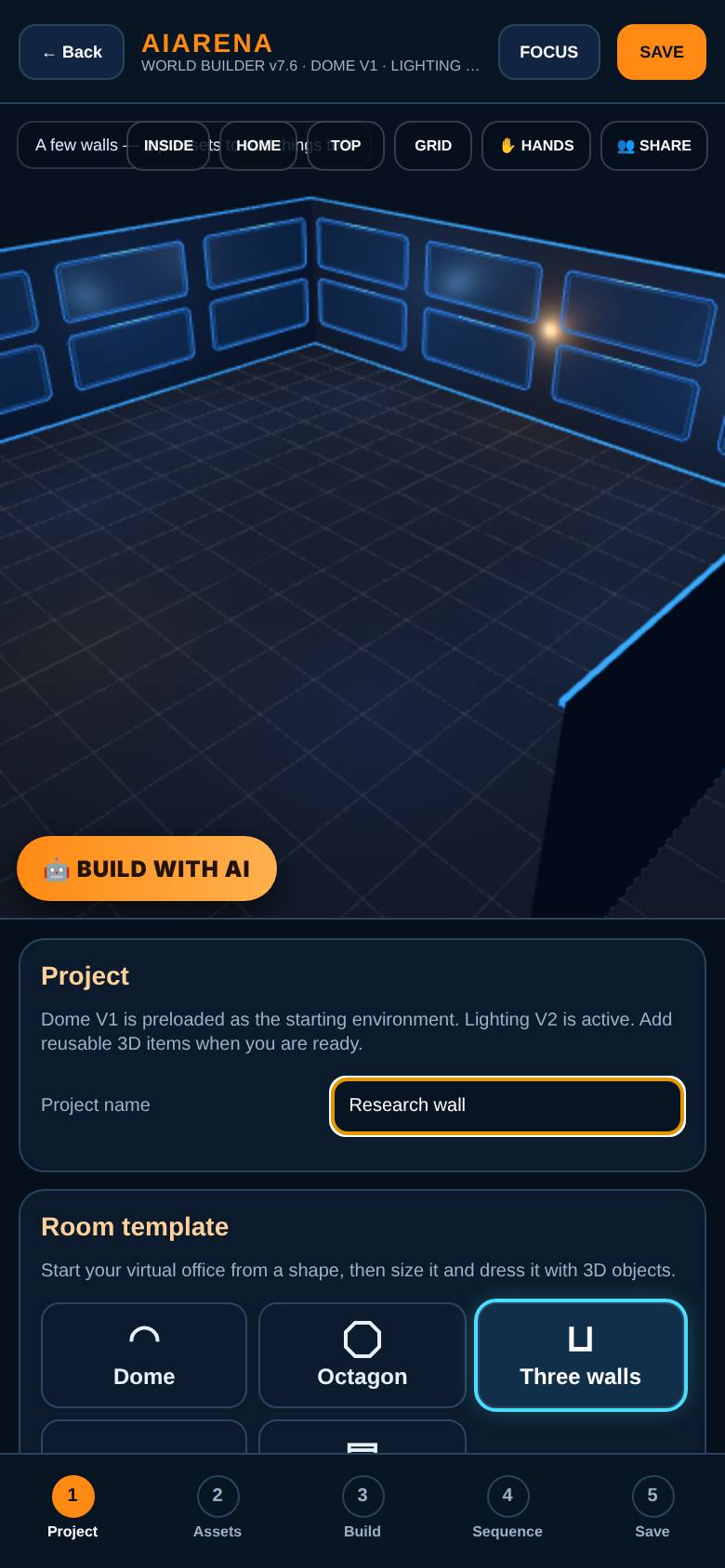
Open AiArena, tap Work, then Design your workspace, and choose A few walls.
Three walls of screens. Name it.
- 2
Lay three screens
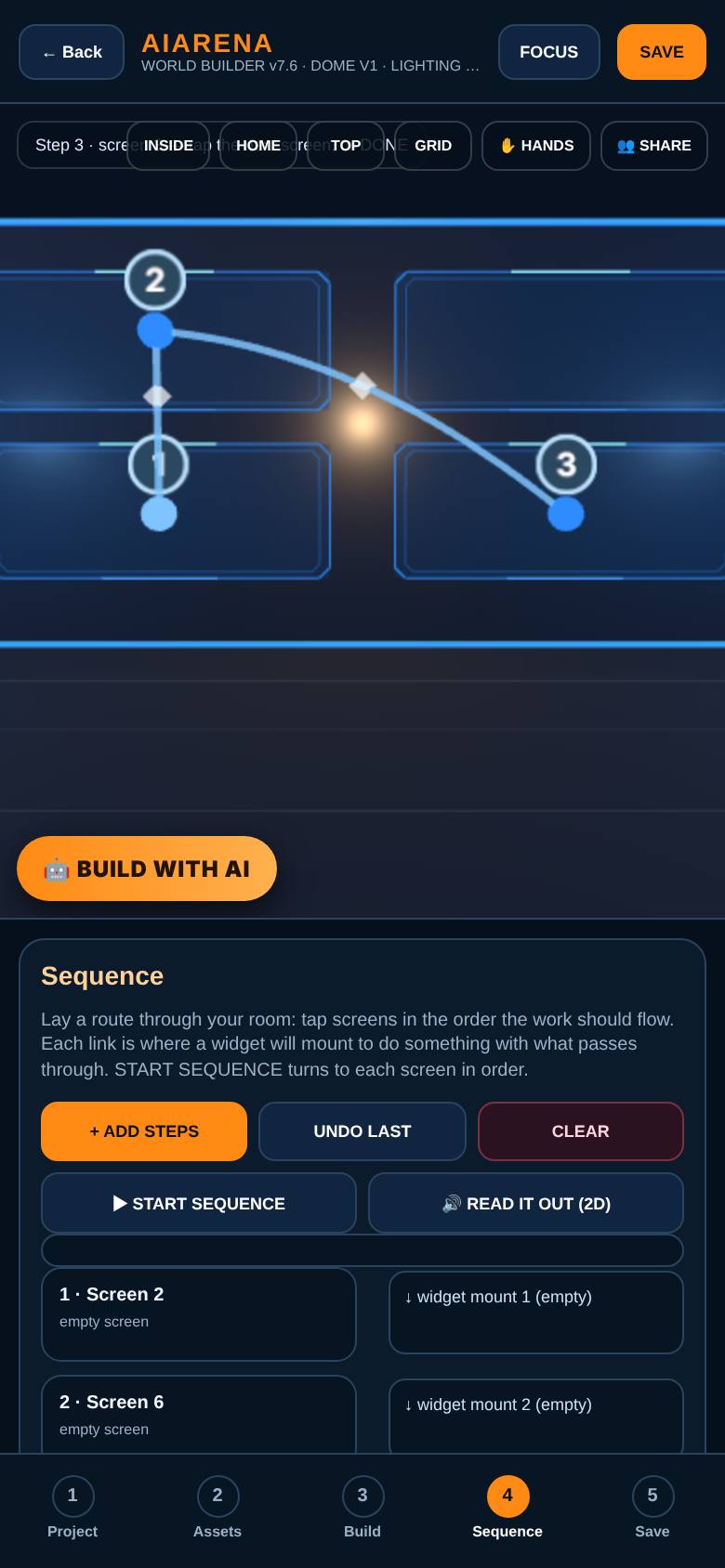
On the Sequence page, tap Add steps, then tap three screens in order: left, middle, right. Tap Done adding.
Three steps, two links between them. Each link can carry one widget.
- 3
Research, then a picture
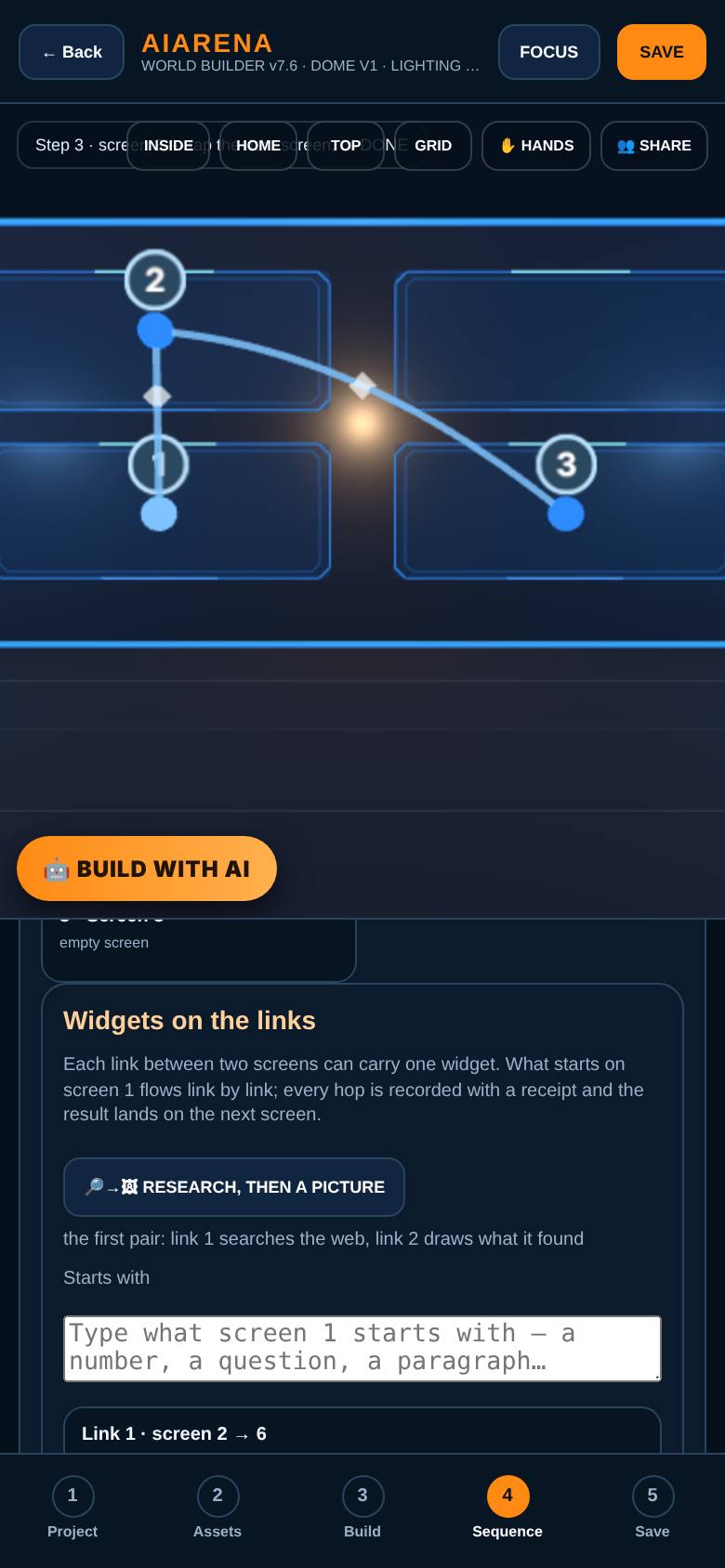
Below the steps, tap Research, then a picture.
Link 1 gets a Research step: a real web search, answered with its sources. Link 2 gets an Image step: a picture of whatever arrives.
- 4
What screen 1 starts with
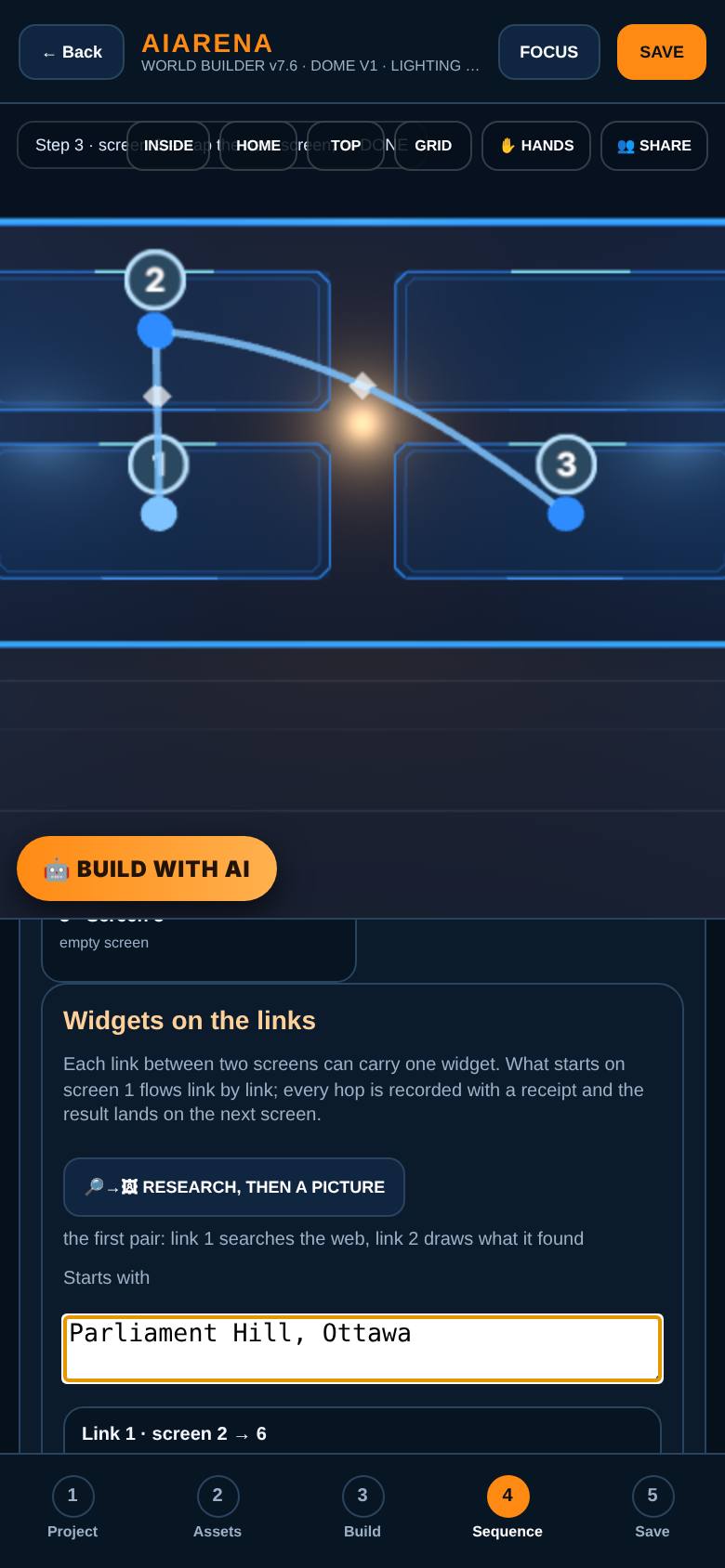
Under Starts with, type what to look up: Parliament Hill, Ottawa.
That is what flows into link 1.
- 5
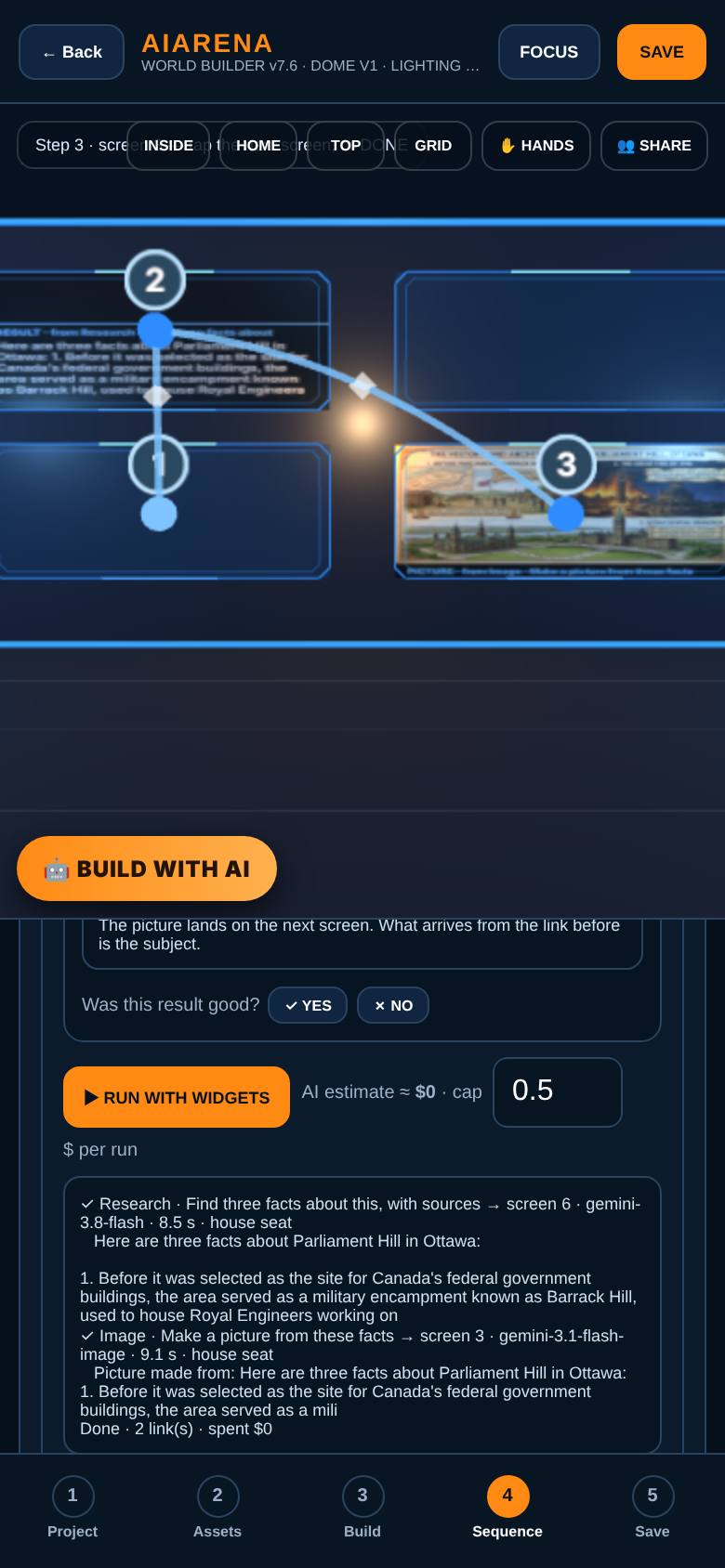
Run it
Tap Run with widgets.
Link 1 searches the web and writes three facts with their sources. Link 2 takes those facts and draws them. Every hop is recorded with a receipt.
- 6
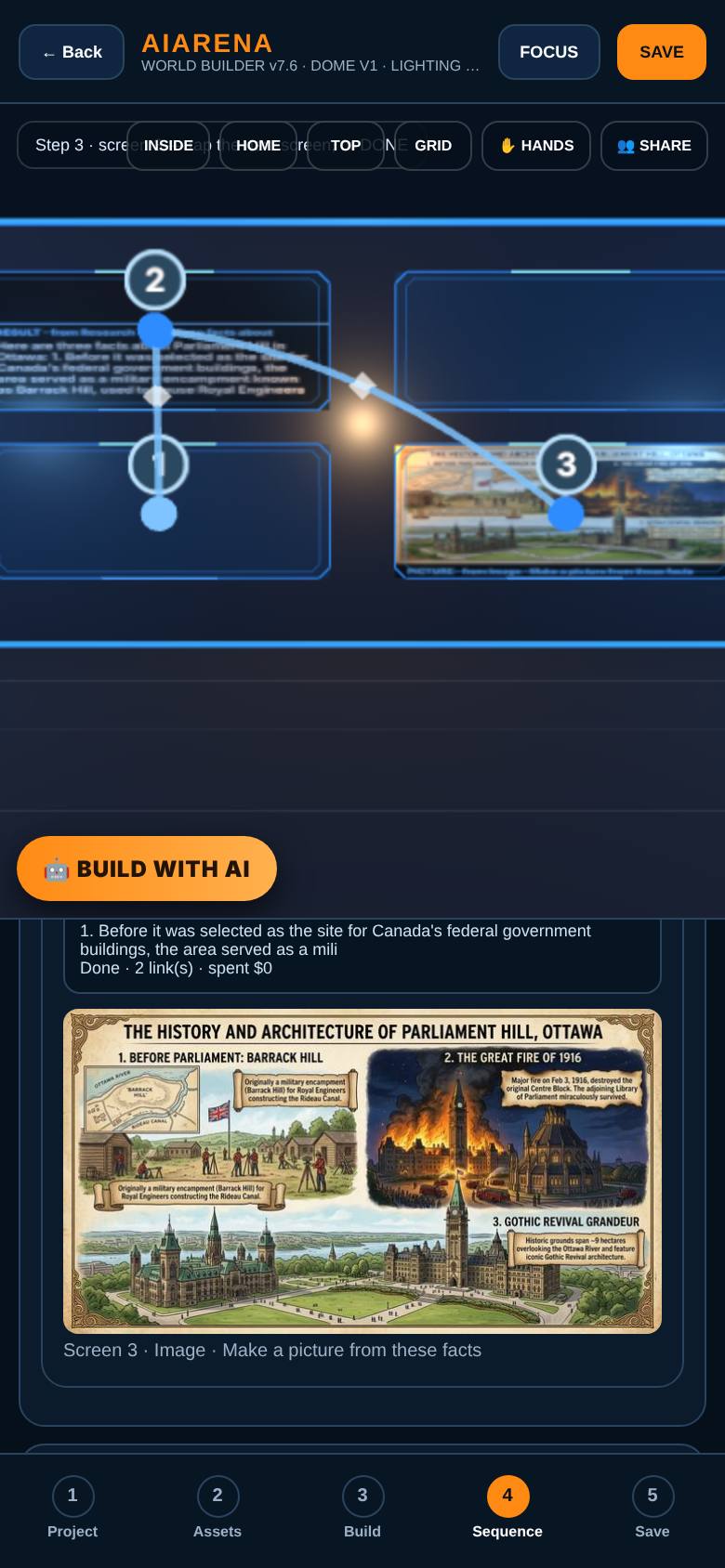
The picture
Scroll down.
The picture, with the screen it landed on.
- 7
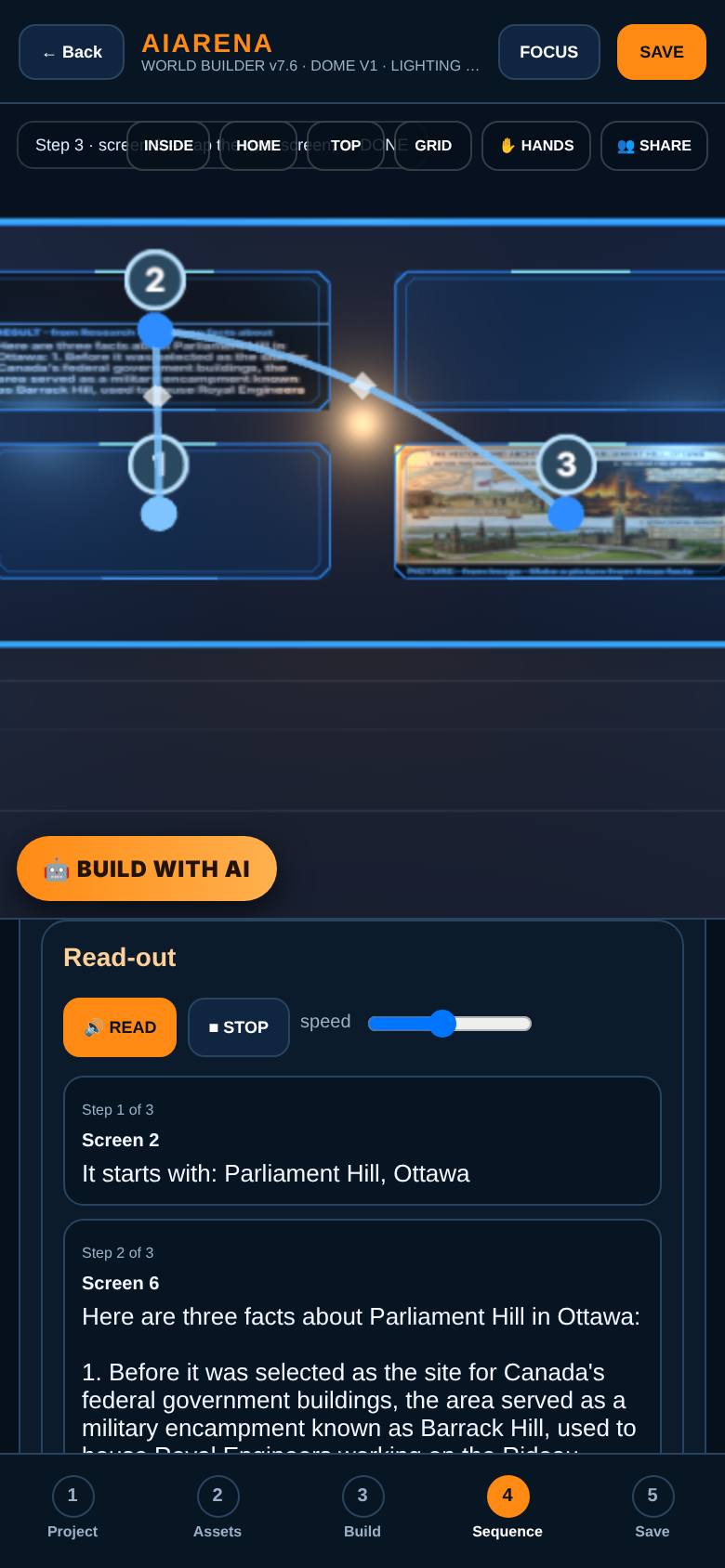
Read it out
Tap Read it out.
Screen 1: what it started with. Screen 2: the research, with its sources. Screen 3: the picture. The room turns to each screen as it is read.
What result should I expect?
A real web search handed to a second step that draws what was found, with a receipt for every hop.
How do I save, share or get help?
Save the room: the widgets on the links are saved with it, so the pair is there next time you open it.
If something goes wrong
- It says connect your AI or sign in. The steps need an AI to run: connect yours on the Models page, or sign in and the house seat does it on credits.
- The picture step says none of your models can draw. Choose an image-capable model under Image model, or leave it blank and the house draws it.
Every screenshot here was taken while doing these exact steps on the current build (1493f38), on a phone-sized screen, on 2026-10-11.
All AiArena How-To guides Open AiArena Sequence