Ten research modules, one project at a time
The research console: name a project, pick a research type, and work in that module's 2D and 3D workbench. Resonance and waves, math, physics, structures, materials, geometry, data, the wind tunnel, invention, and custom research.
Guide revision: 2026-10-13 · steps checked 2026-10-13 on build bd92538
6-part walkthrough with voiceover, recorded from the same checked parts.
Voiceover: Kokoro text-to-speech (Apache 2.0).
How do I start?
Open the research console from AiArena's tools, or from the app hub.
What do I do next?
- 1
Name a project, pick a type
Name the project, then tap a research type.
Ten research types.
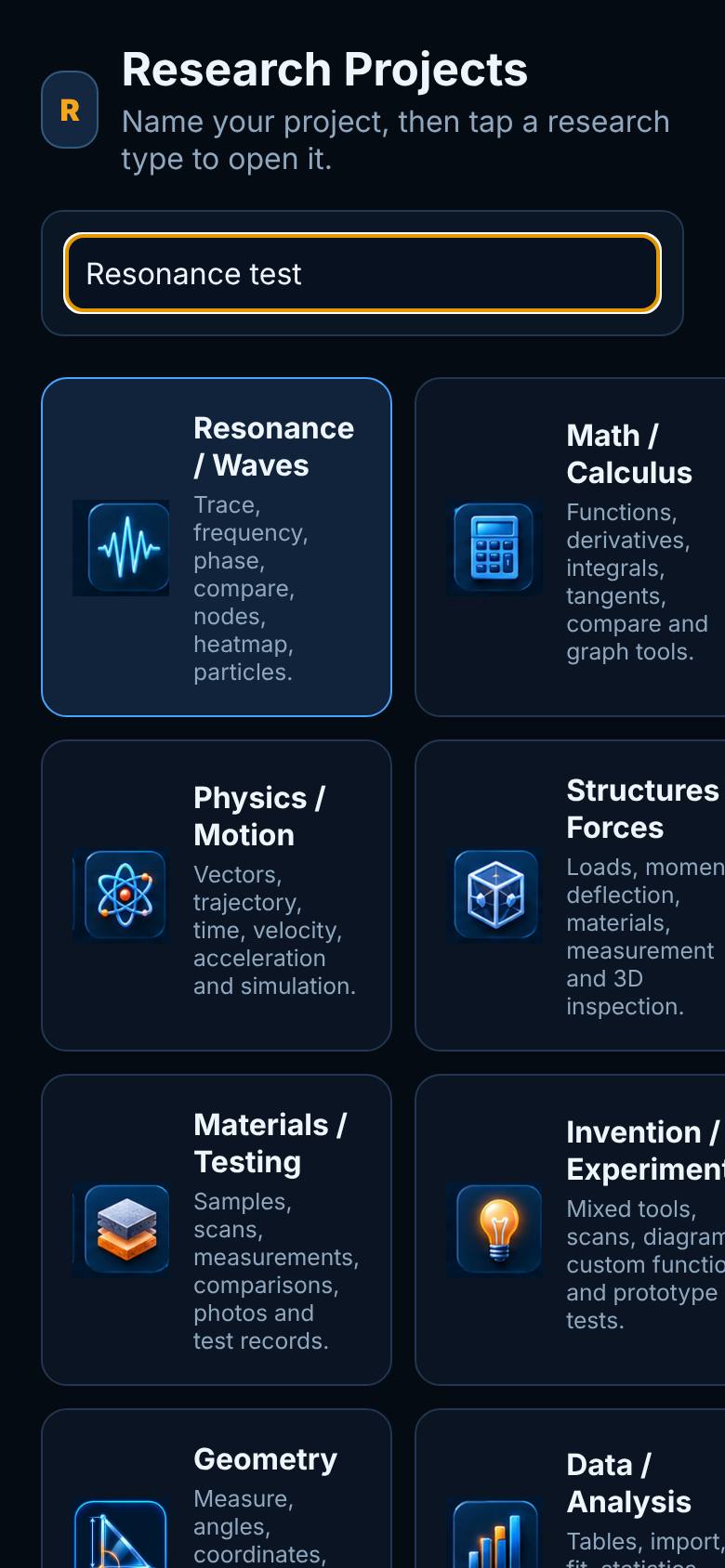
- 2
Resonance / Waves
Tap Resonance / Waves.
Tools, the stage, controls, Save to Project.
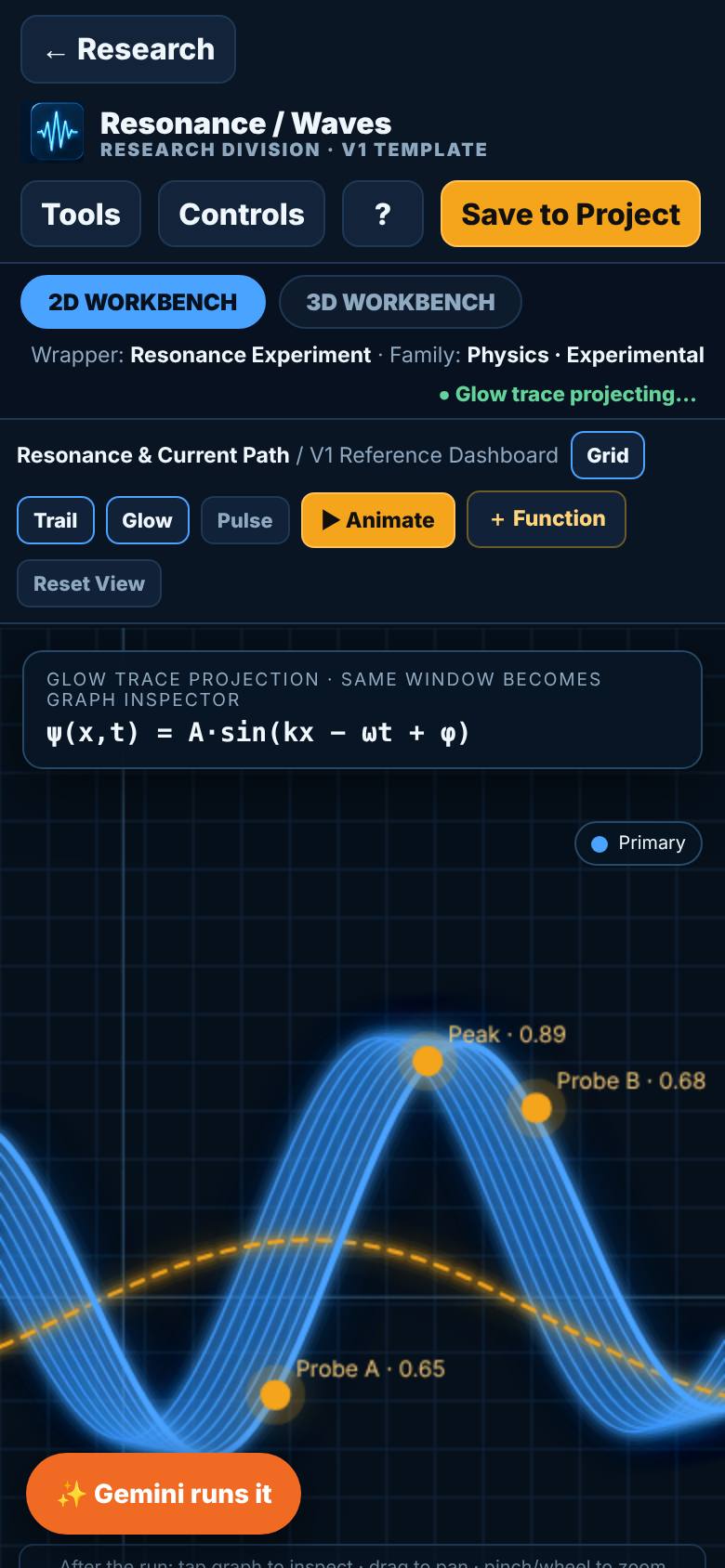
- 3
Run it
Tap Controls, set frequency and amplitude, tap Run.
The wave on the 2D workbench.
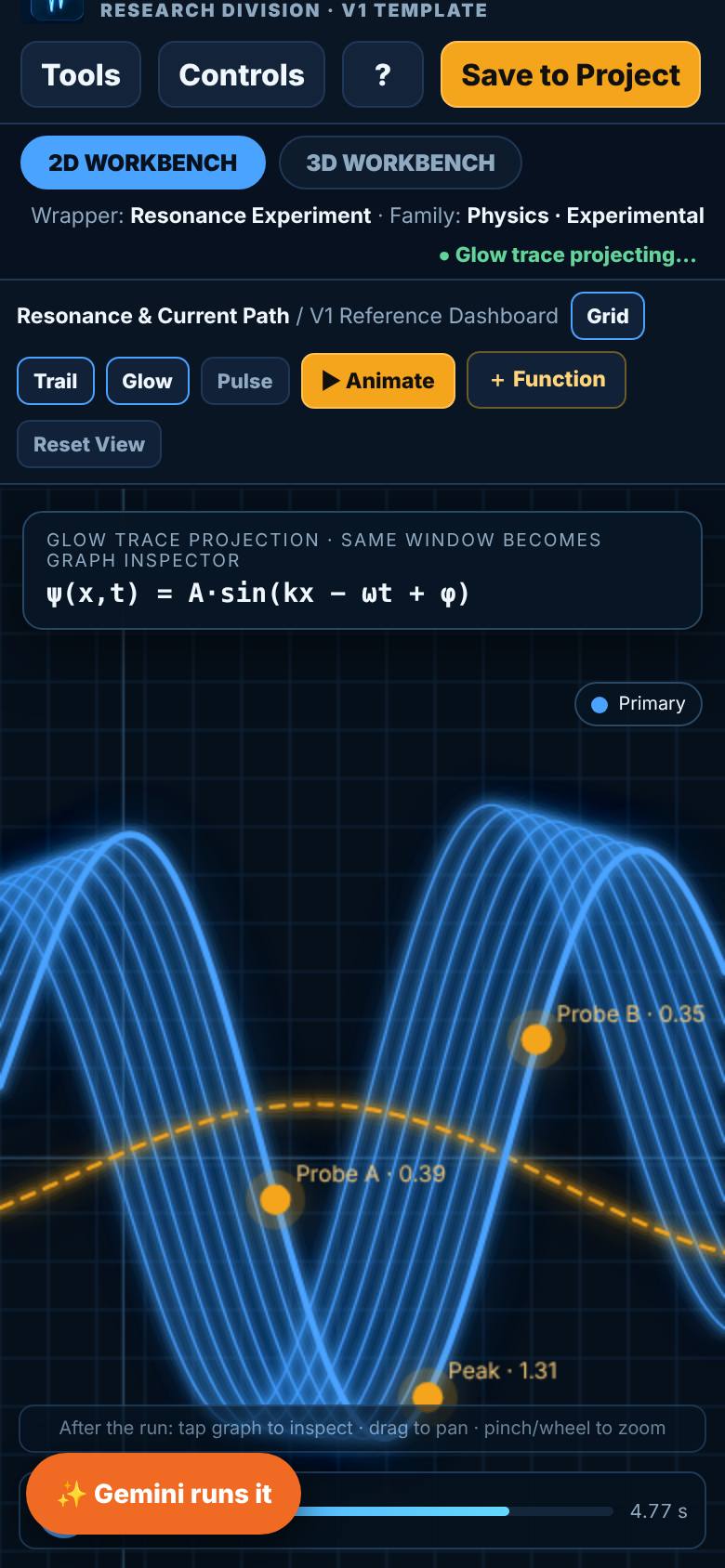
- 4
3D Workbench
Tap 3D Workbench.
The same state as a surface.
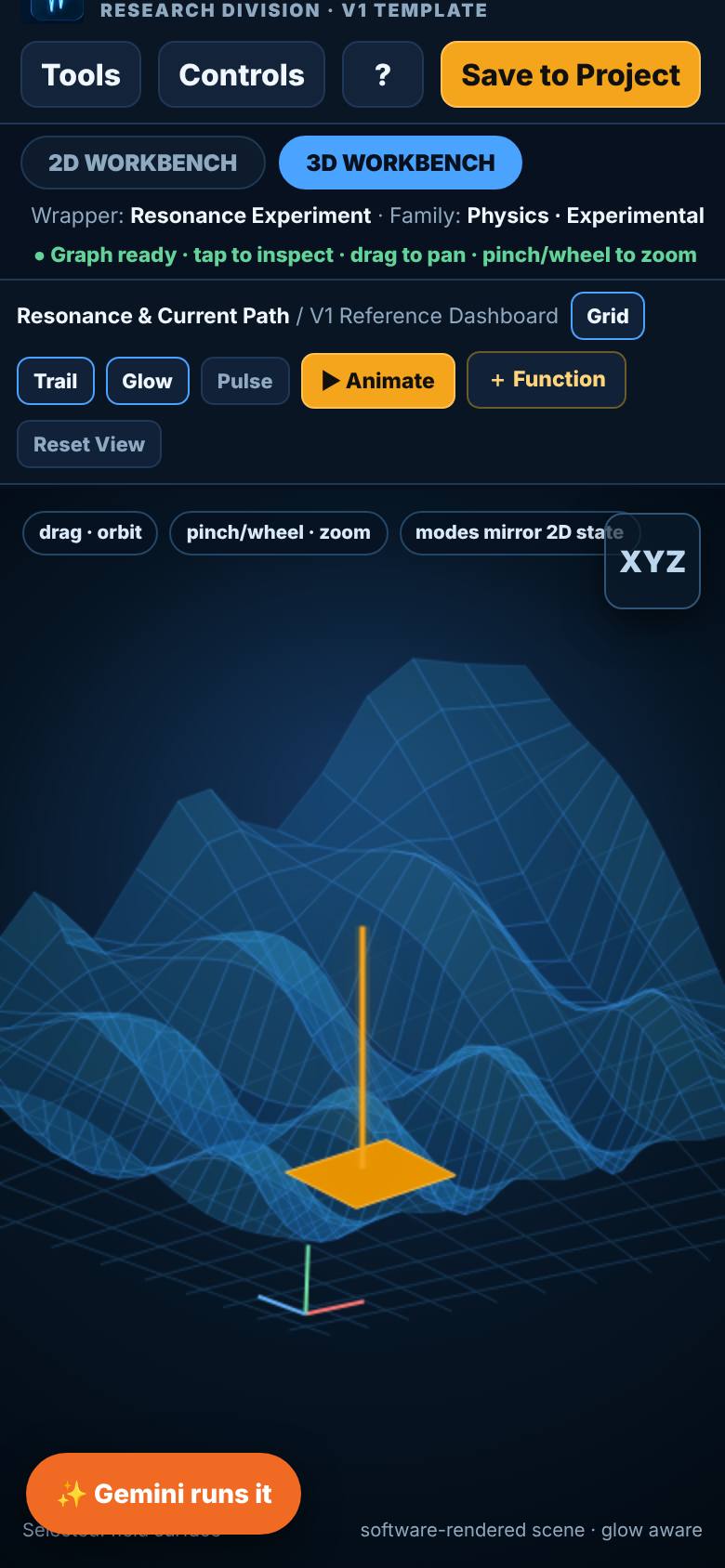
- 5
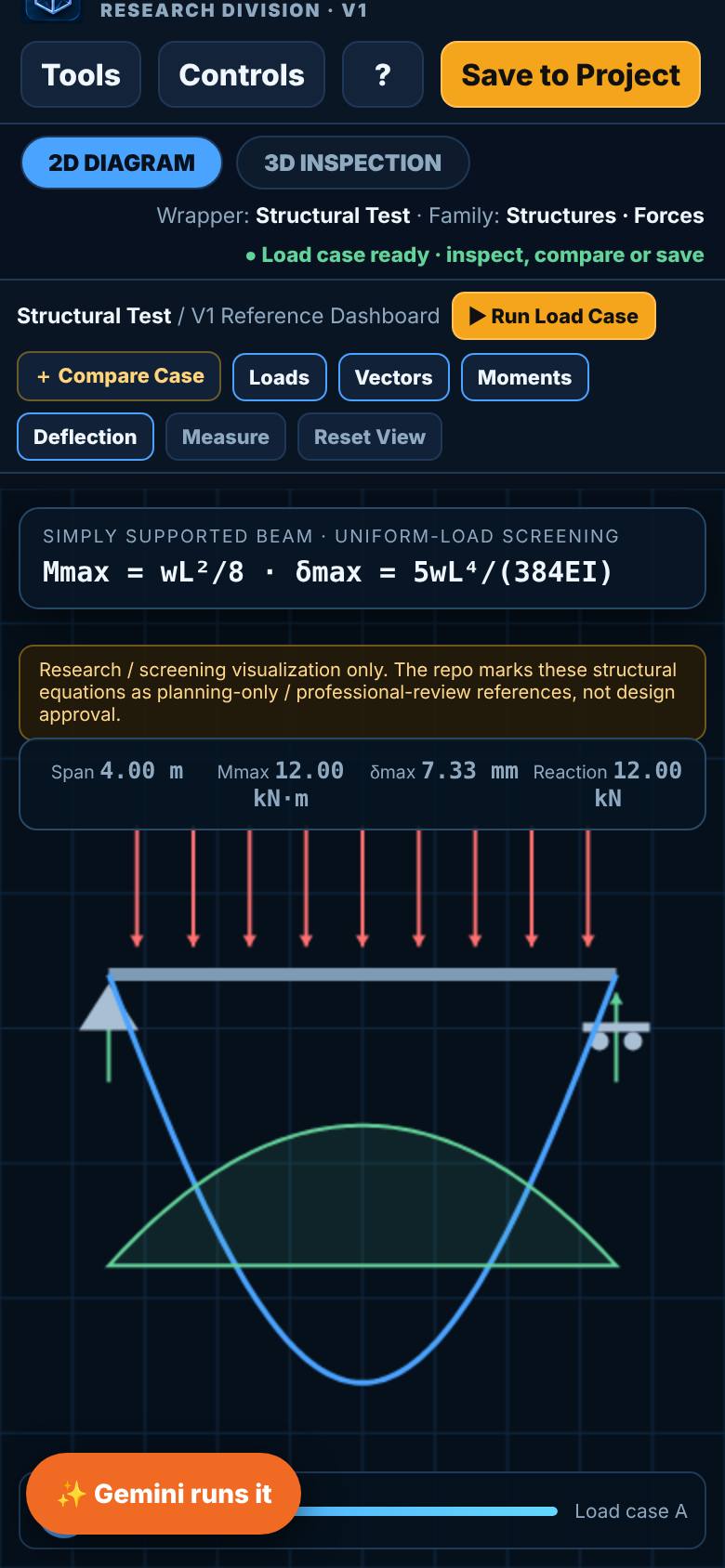
Structures / Forces
Open Structures / Forces, set the span and load, tap Run load case.
The beam, reactions, moment and deflection.
- 6
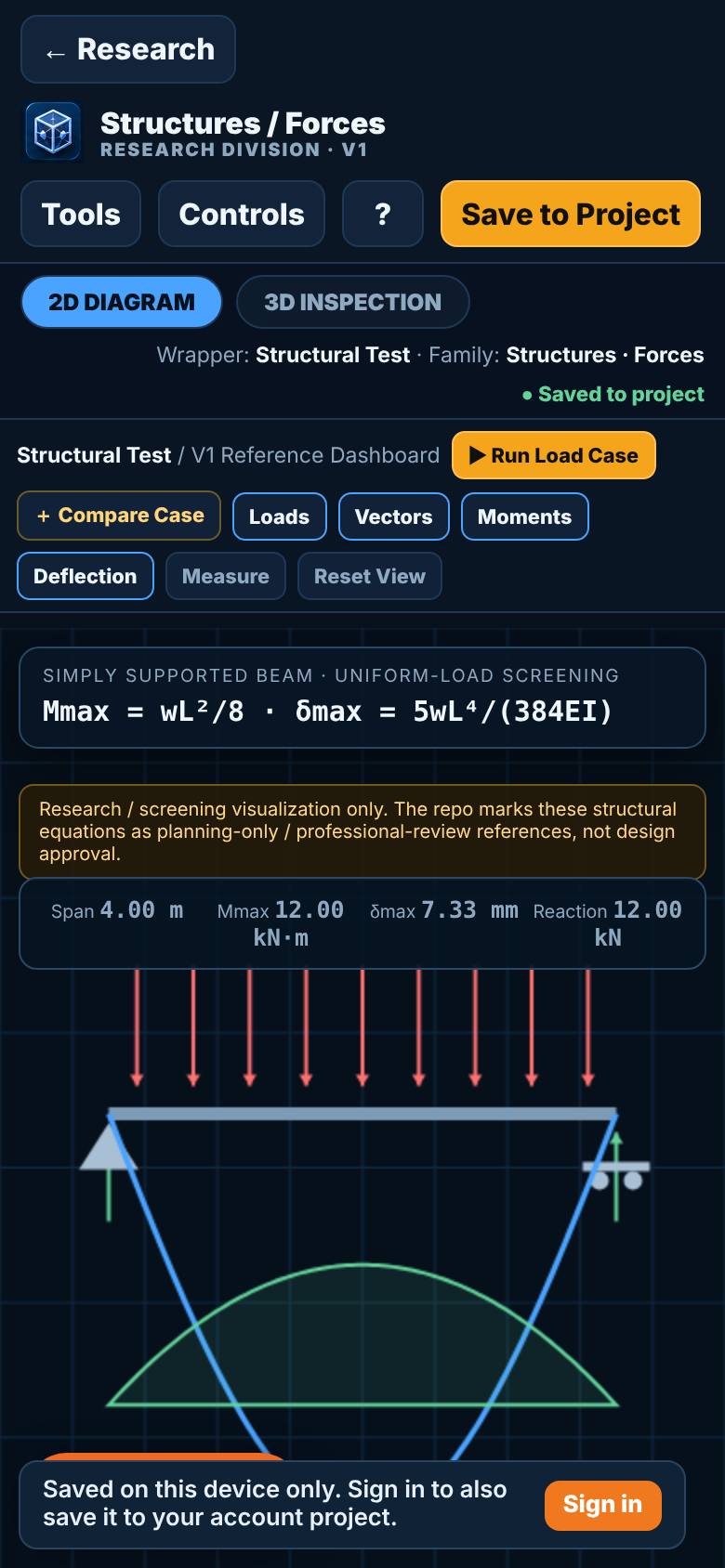
Save to Project
Tap Save to Project, then Back.
Filed with the project.
What result should I expect?
A research project with its saved runs, filed by module.
How do I save, share or get help?
Save to Project keeps each run with the project. Preset Windows keeps a widget layout you can launch again.
If something goes wrong
- The 3D view is blank. Your browser has 3D turned off. The 2D workbench still works.
Every screenshot here was taken while doing these exact steps on the current build (bd92538), on a phone-sized screen, on 2026-10-13.
All AiArena How-To guides Open Research console