Race the work truck: three laps, nitro, five courses
Off-Road in AiArena Play: a 3D off-road series built from real course data. Drive the blue work truck round each course, beat Rival 07, and unlock the next one.
Guide revision: 2026-10-13 · steps checked 2026-10-13 on build 30aa5b6
8-step walkthrough with voiceover, recorded from the same checked steps.
Voiceover: Kokoro text-to-speech (Apache 2.0).
How do I start?
Open AiArena, tap Play, then Off-Road. It is free to play.
What do I do next?
- 1
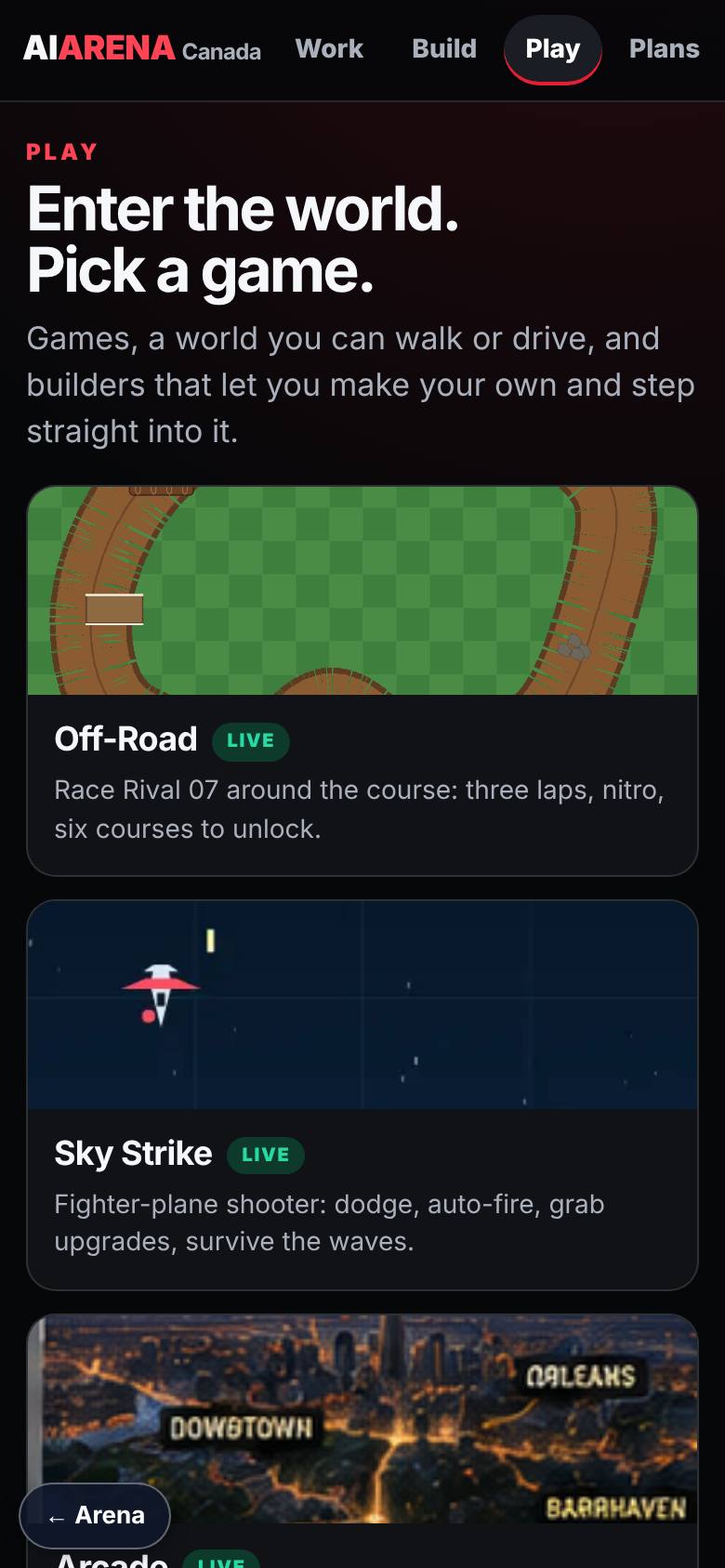
Play: pick a game
On AiArena, tap Play.
Off-Road is first in the row.
- 2
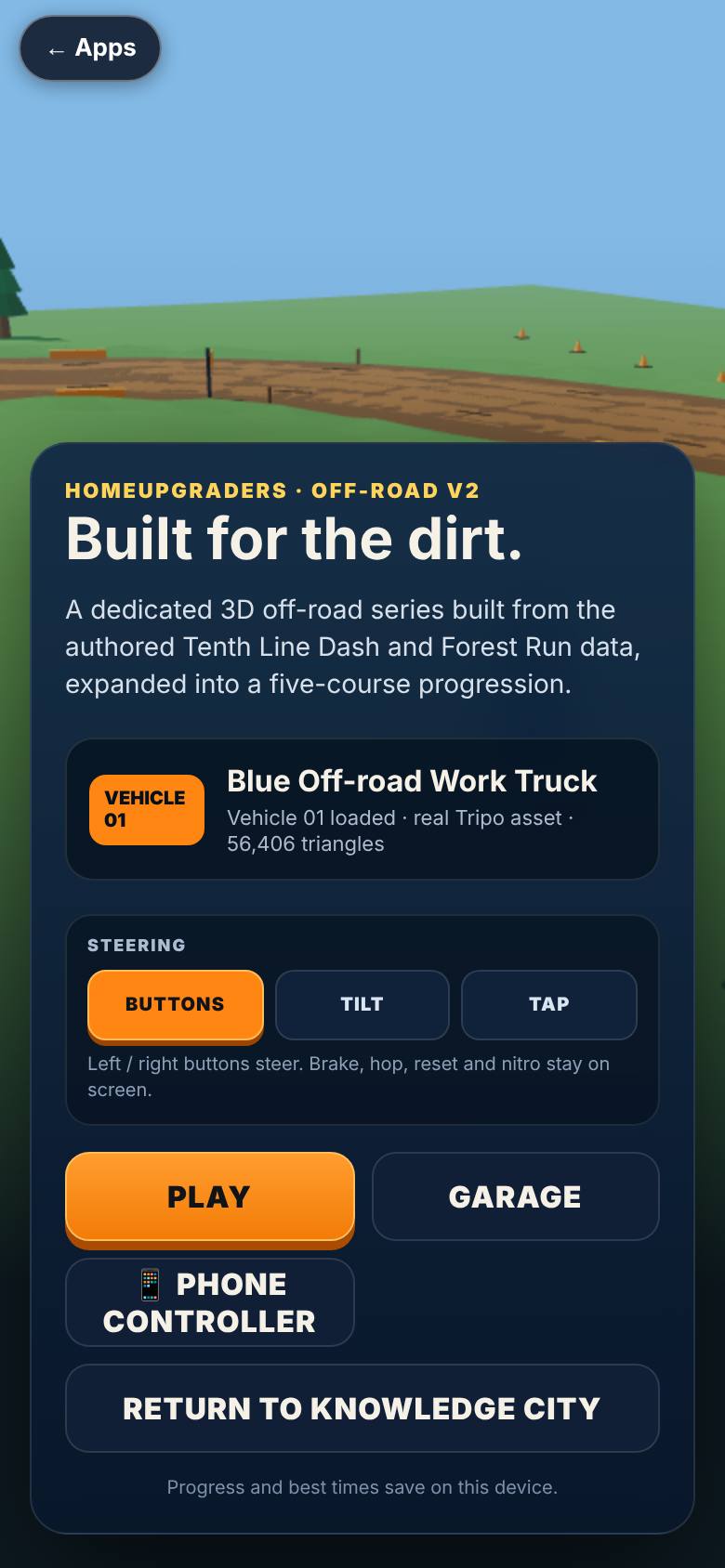
The menu
Tap Off-Road. The truck loads.
Vehicle 01, Play, Garage and Phone controller.
- 3
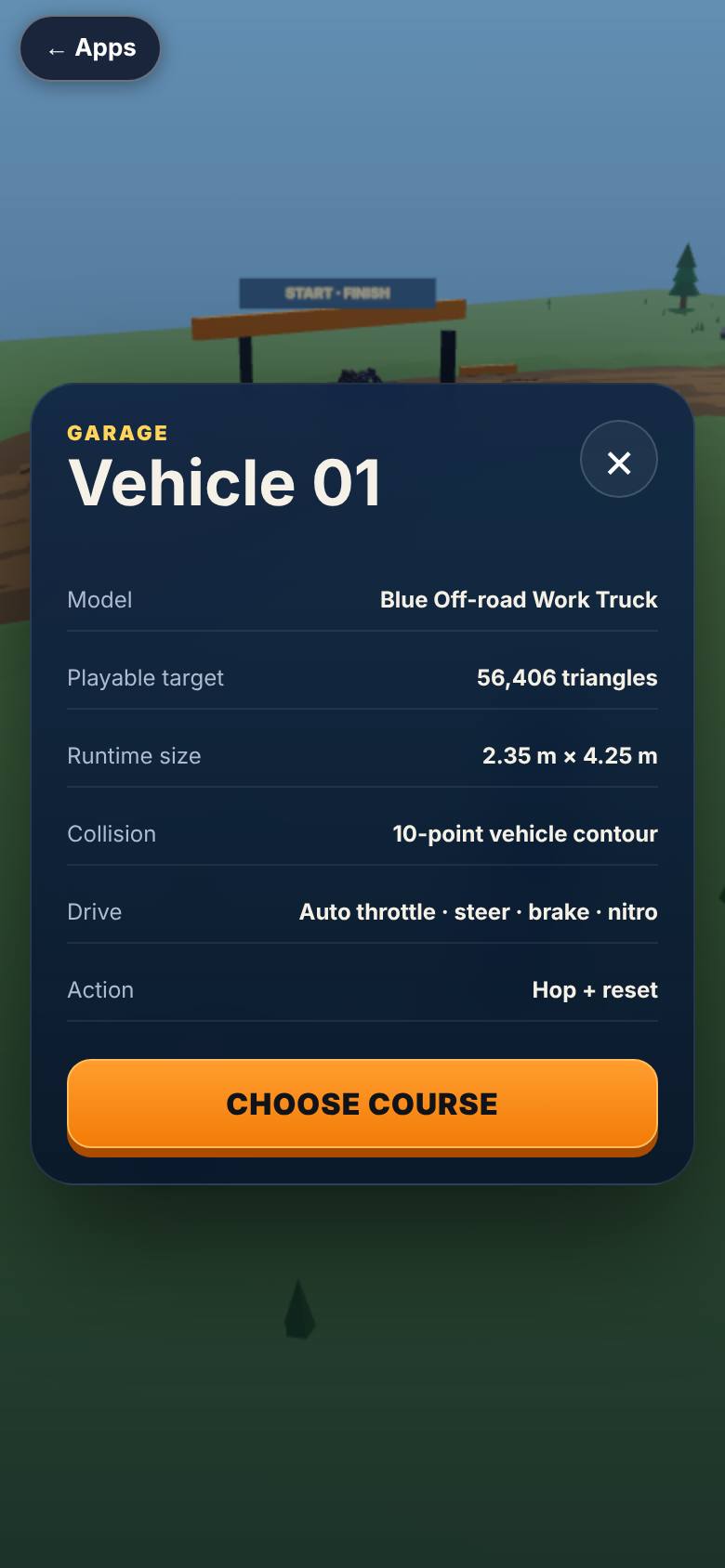
The garage
Tap Garage.
Vehicle 01 with its size, collision and controls.
- 4
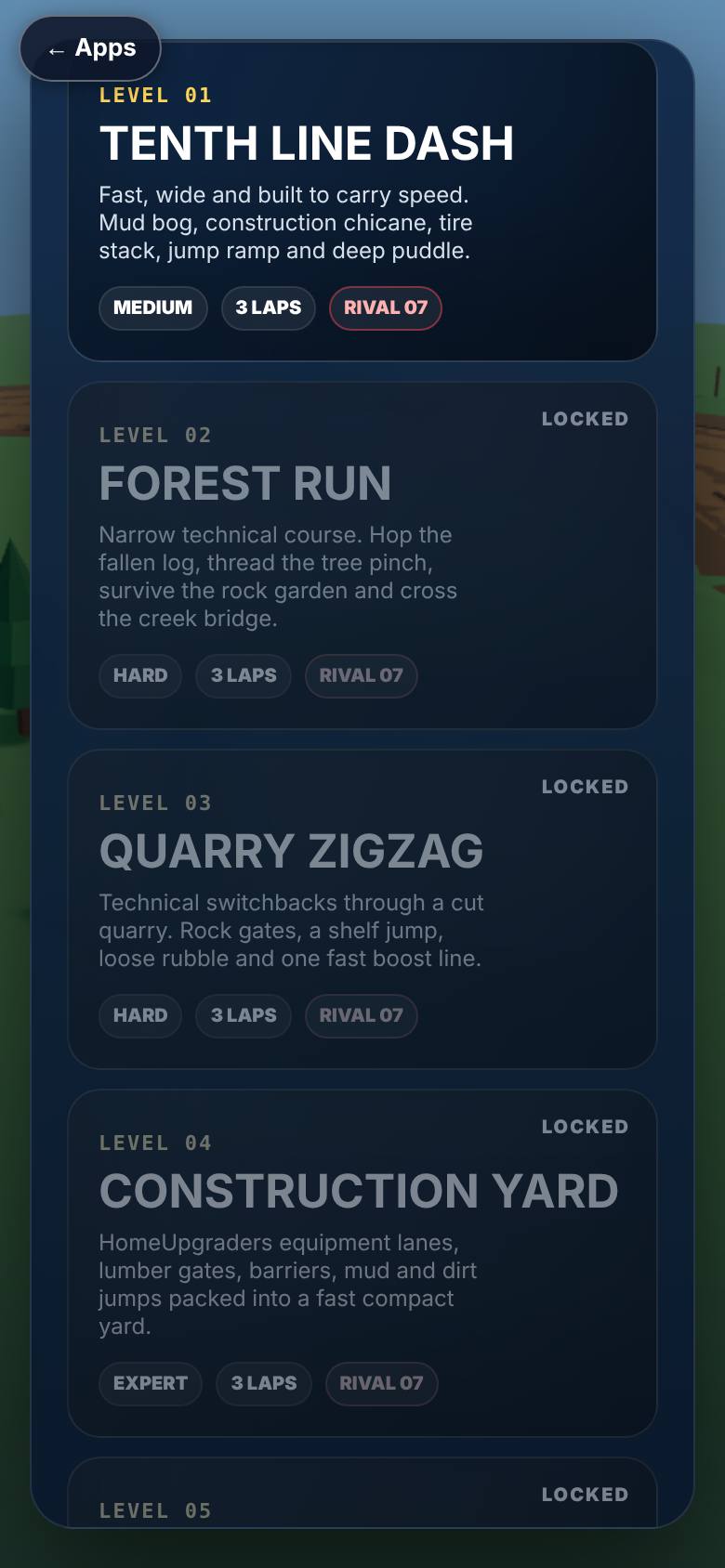
Choose a course
Tap Play.
Five courses; the first is open.
- 5
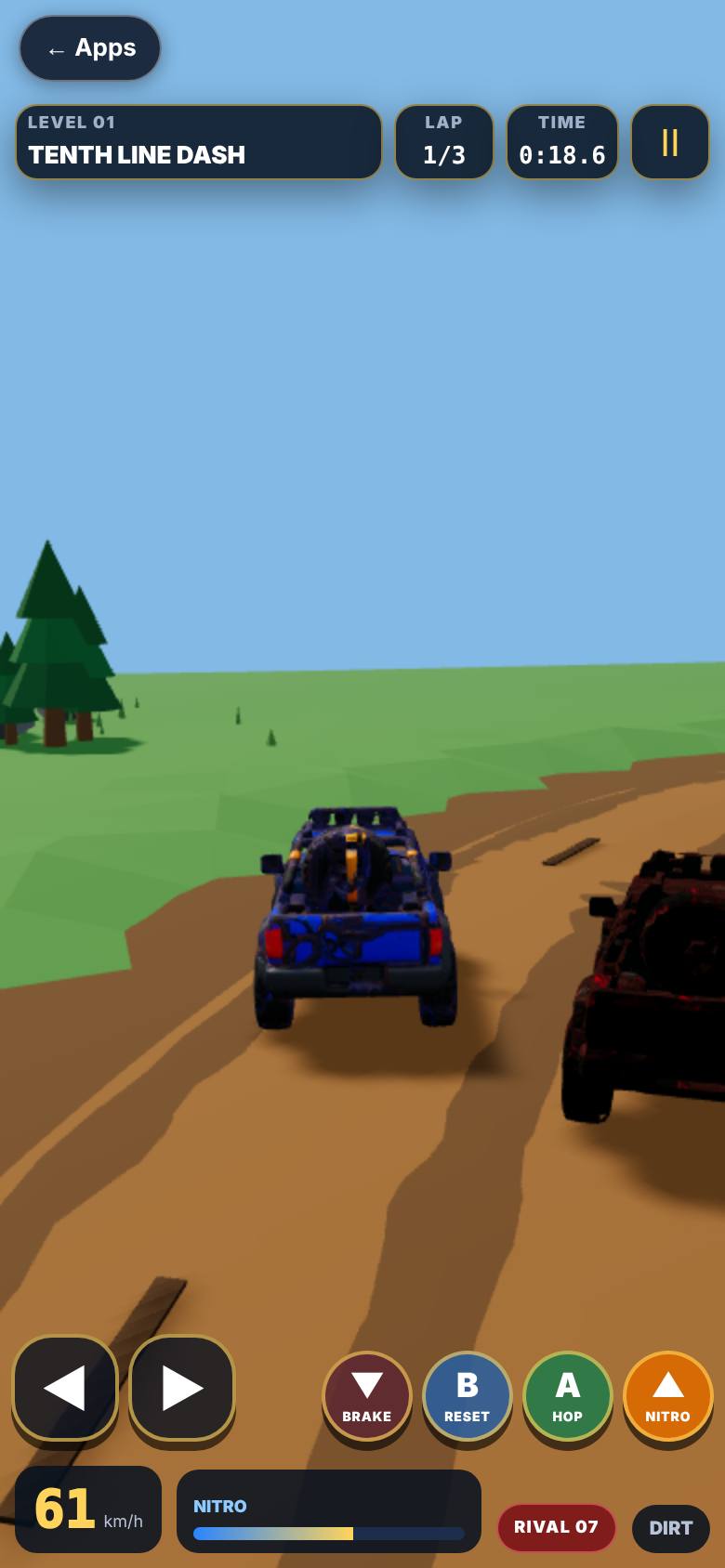
Race
Tap the course. After the countdown, steer and use nitro.
Lap, time, speed and the nitro bar on the HUD.
- 6
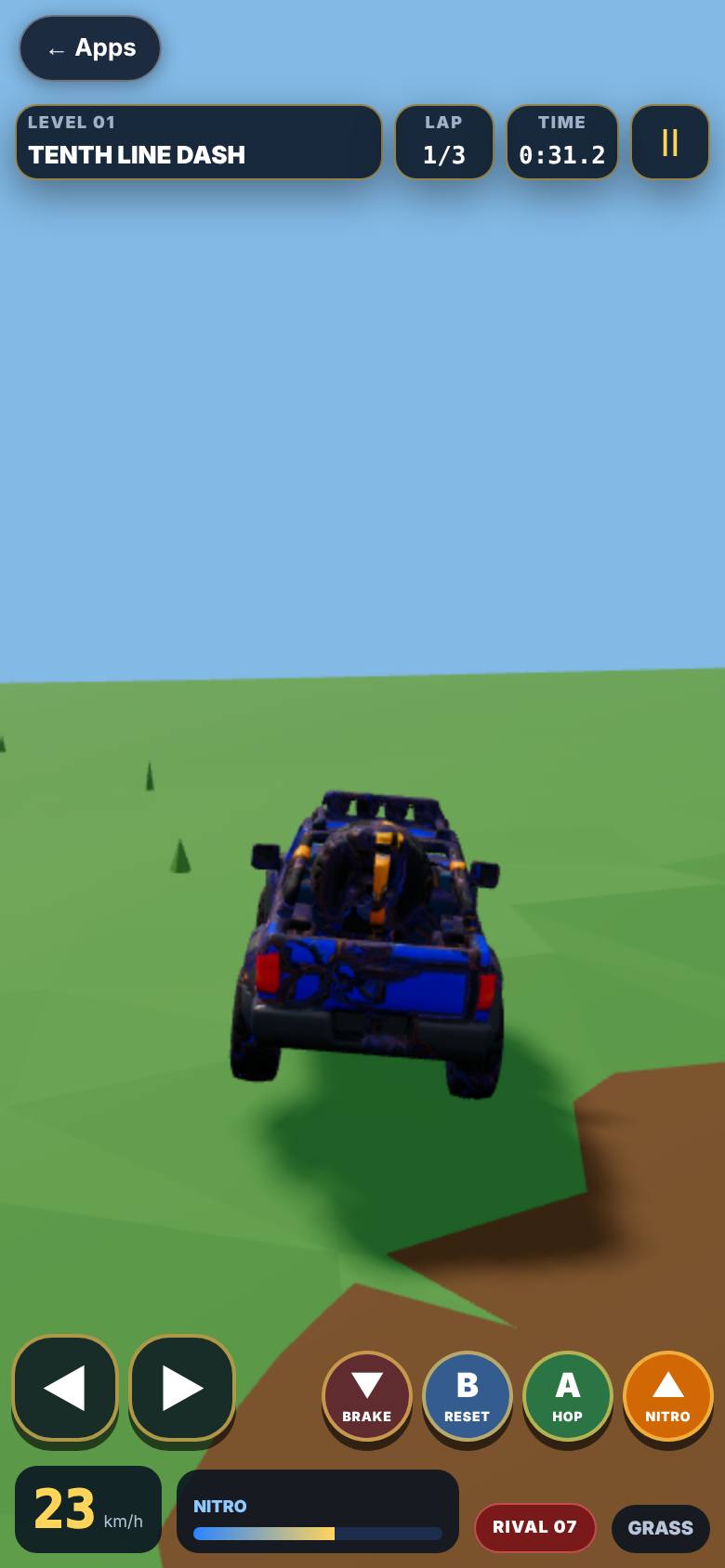
Hop, brake, reset
The bottom row: brake, reset, hop and nitro.
Controls along the bottom.
- 7
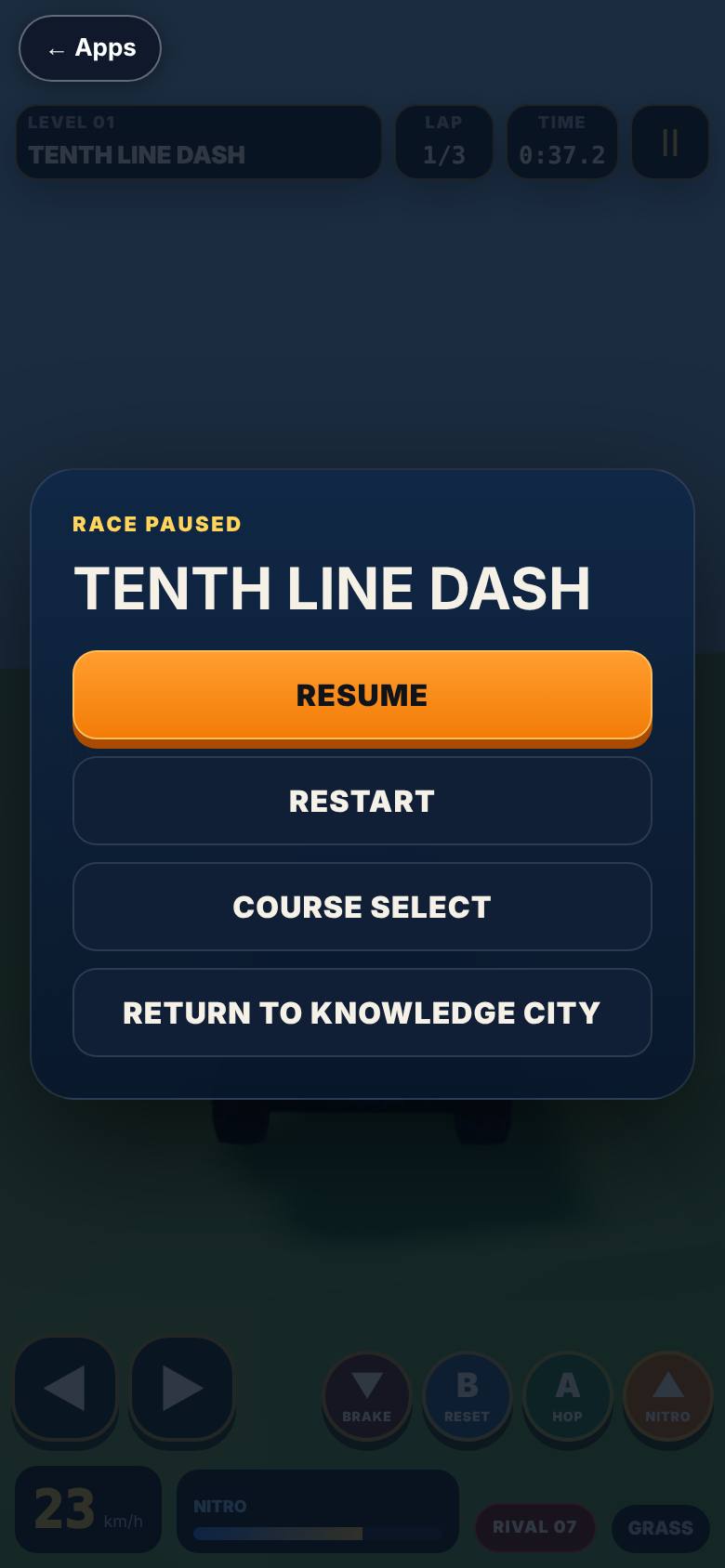
Pause
Tap the pause mark.
Resume, Restart, Quit to menu.
- 8
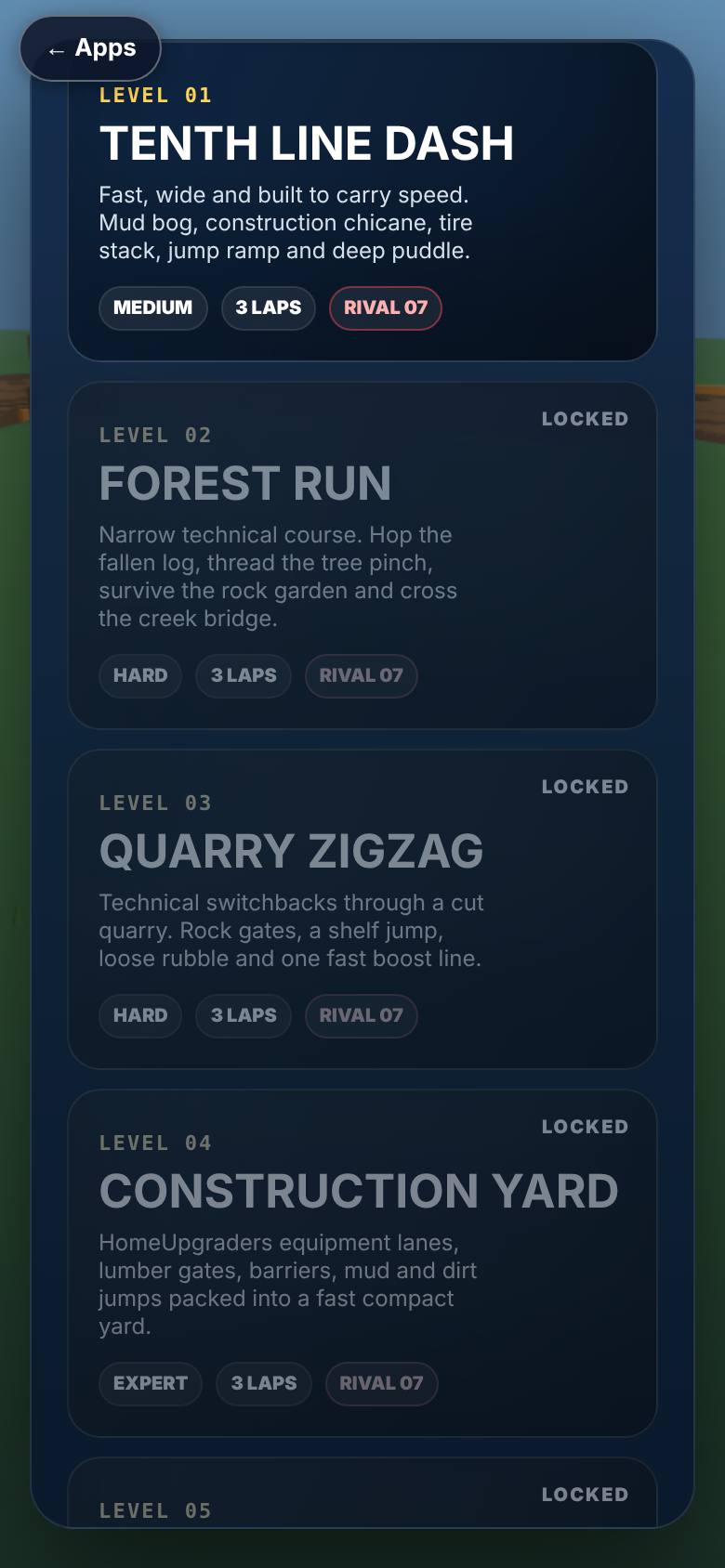
Back to Play
Tap Quit, then Back at the top.
The course list again, with the Back pill.
What result should I expect?
Lap times and a best time for each course, kept on this device.
How do I save, share or get help?
Progress and best times save on this device. Courses you unlock stay unlocked.
If something goes wrong
- It stays on Loading. The truck is a real 3D model and takes a moment on a slow connection. If it never finishes, your browser may have 3D turned off.
Every screenshot here was taken while doing these exact steps on the current build (30aa5b6), on a phone-sized screen, on 2026-10-13.
All AiArena How-To guides Open AiArena Off-Road