Walk into your office, put a tool on a screen, and save it
Inside the AiArena Office on a laptop: enter the 3D room you built, fold away the ring of AI windows, walk with the keys, fly to a screen, read a star on the star map, put a tool's icon on a screen, change the room's shape and save it.
Guide revision: 2026-10-14 · steps checked 2026-10-14 on build 2b0ce13
11-step walkthrough with voiceover, recorded from the same checked steps.
Voiceover: Kokoro text-to-speech (Apache 2.0).
How do I start?
Open AiArena, tap Build, then Open the World Builder. Pick a room, then on the fifth page, Save, tap Enter my office. It is part of AiArena Plus.
What do I do next?
- 1
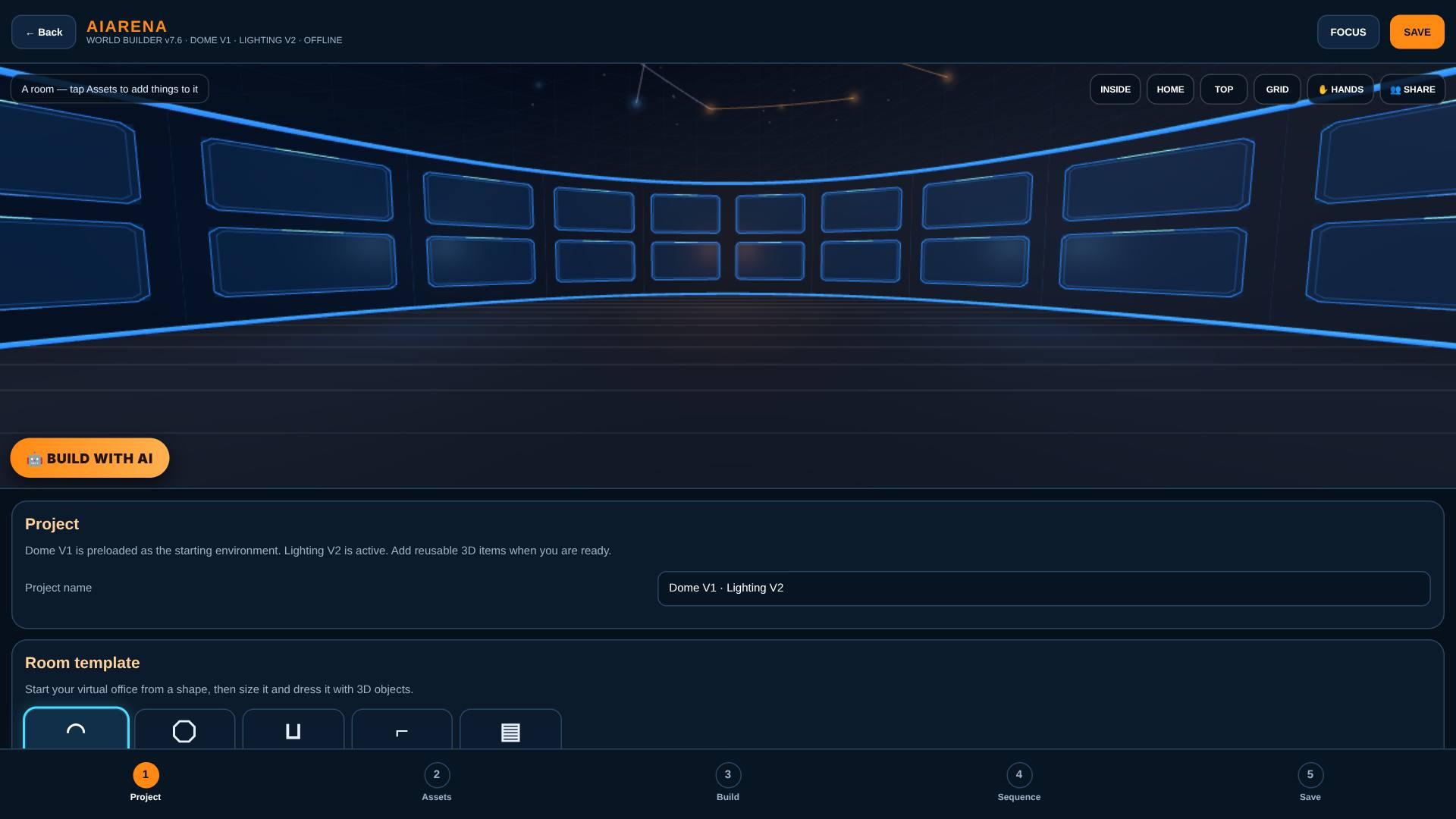
Pick A room
Open the World Builder and pick A room.
A dome of screens you can walk around in, with the builder's five pages along the bottom.
- 2
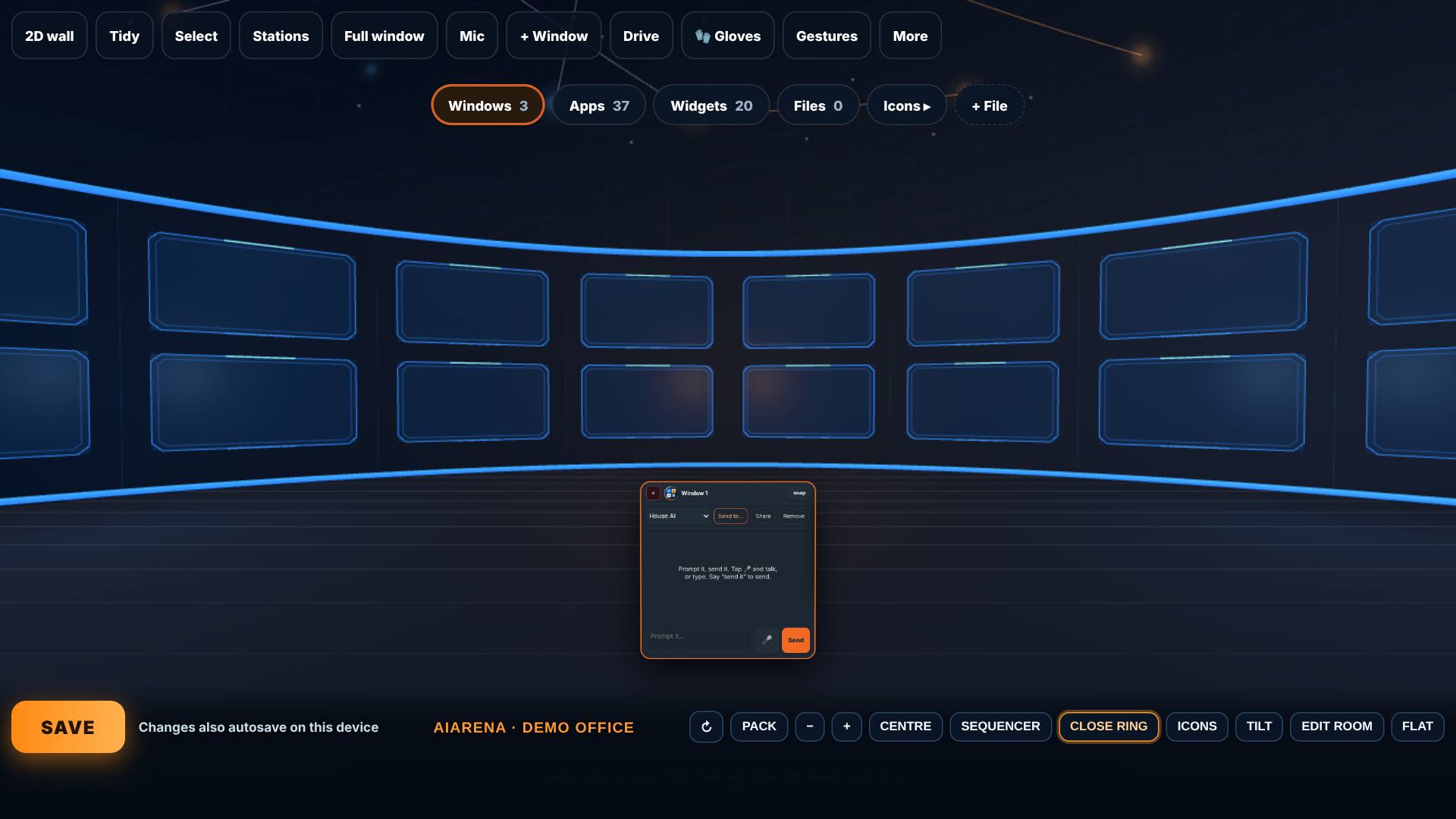
Enter my office
Name it, then on the fifth page, Save, tap Enter my office.
The office opens around you, with your ring of AI windows in front.
- 3
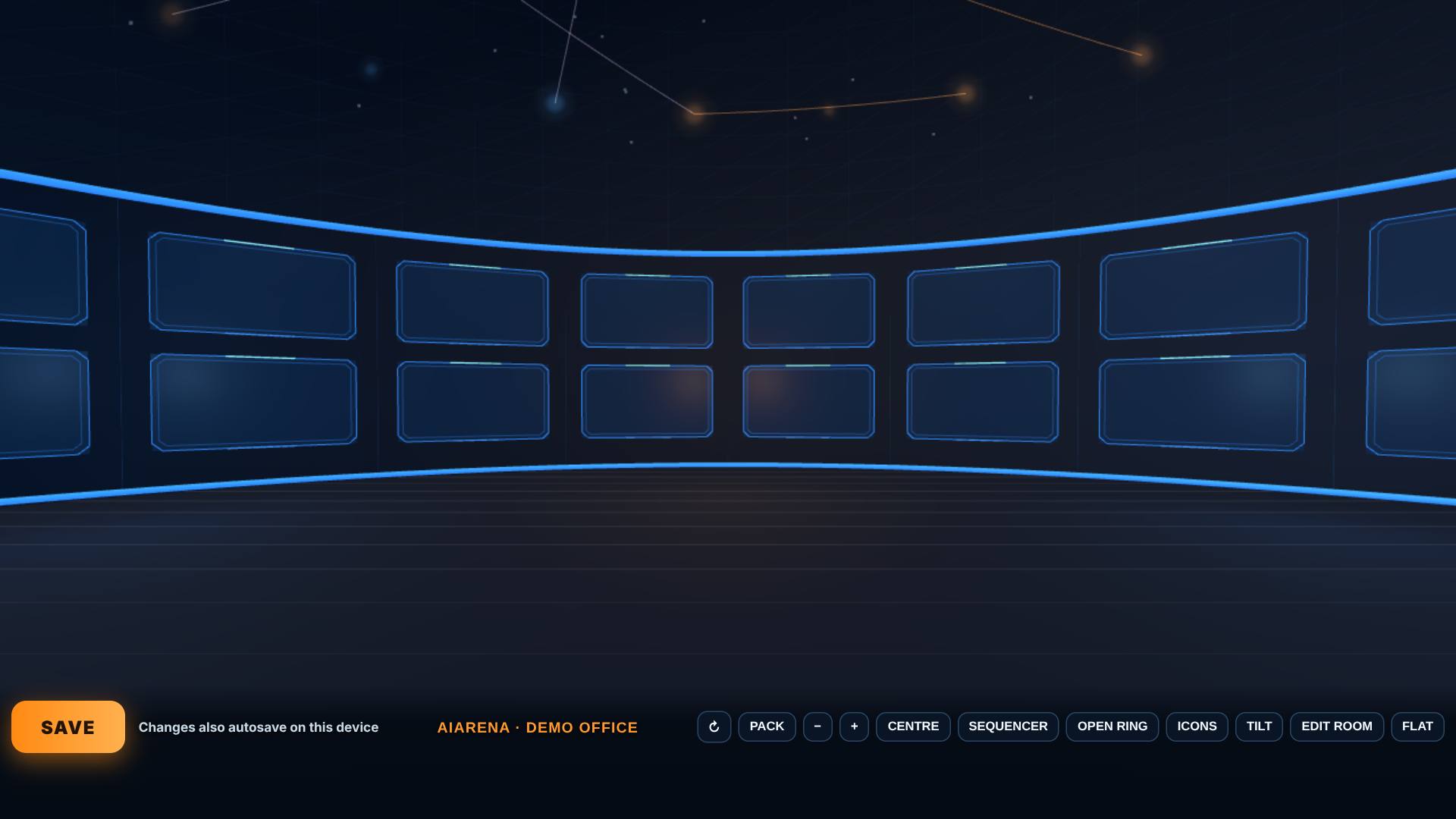
Close the ring
Tap Close ring.
The ring folds away and the room is yours; Open ring brings it back.
- 4
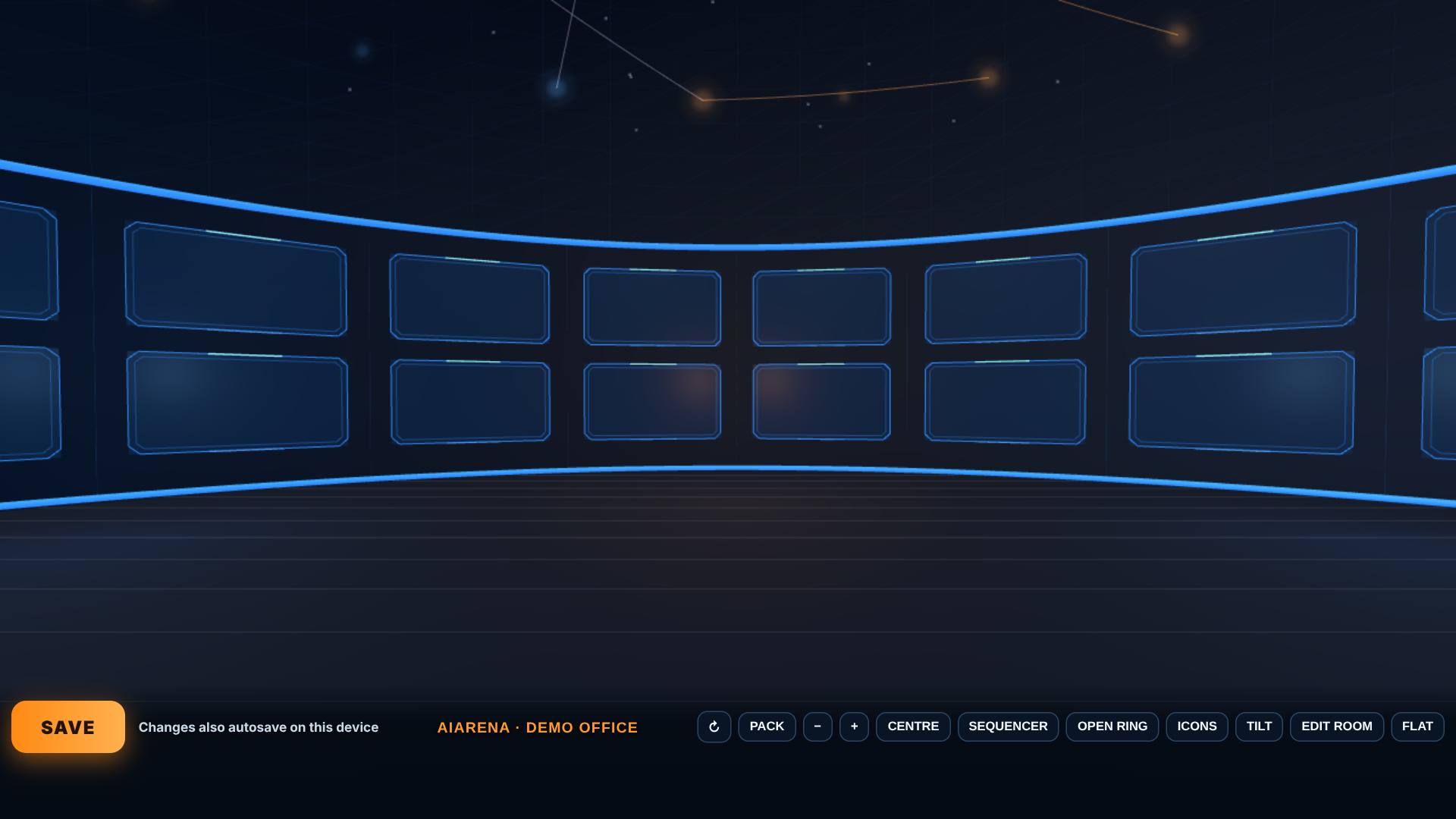
Walk with the keys
Click the room once, then walk: W and S walk, D and A slide, Q and E turn. Shift goes faster.
You move through the room.
- 5
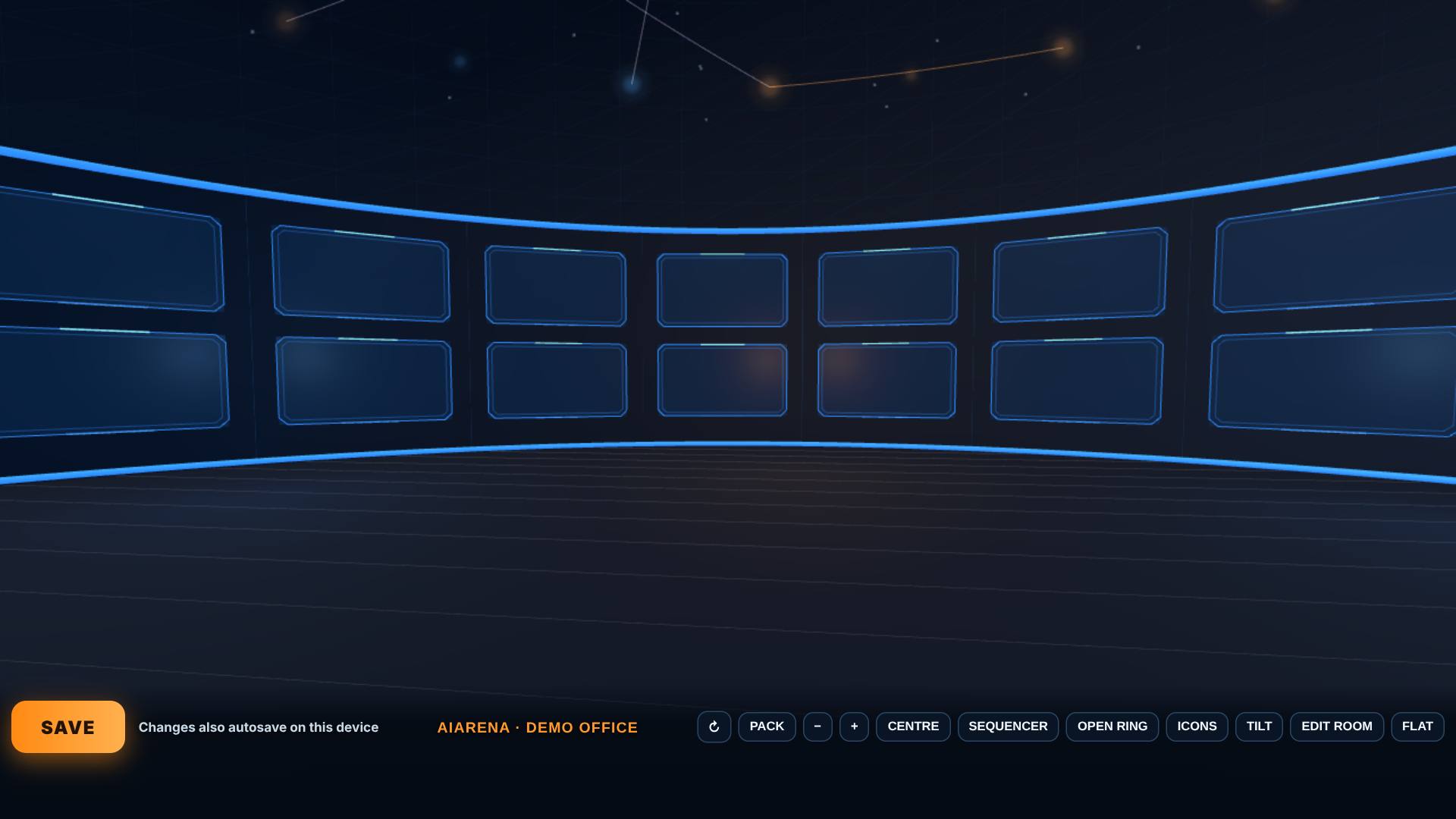
Fly to a screen, then Centre
Tap a screen across the room to fly up to it, then tap Centre.
You fly up to the screen, and Centre takes you back to the middle.
- 6
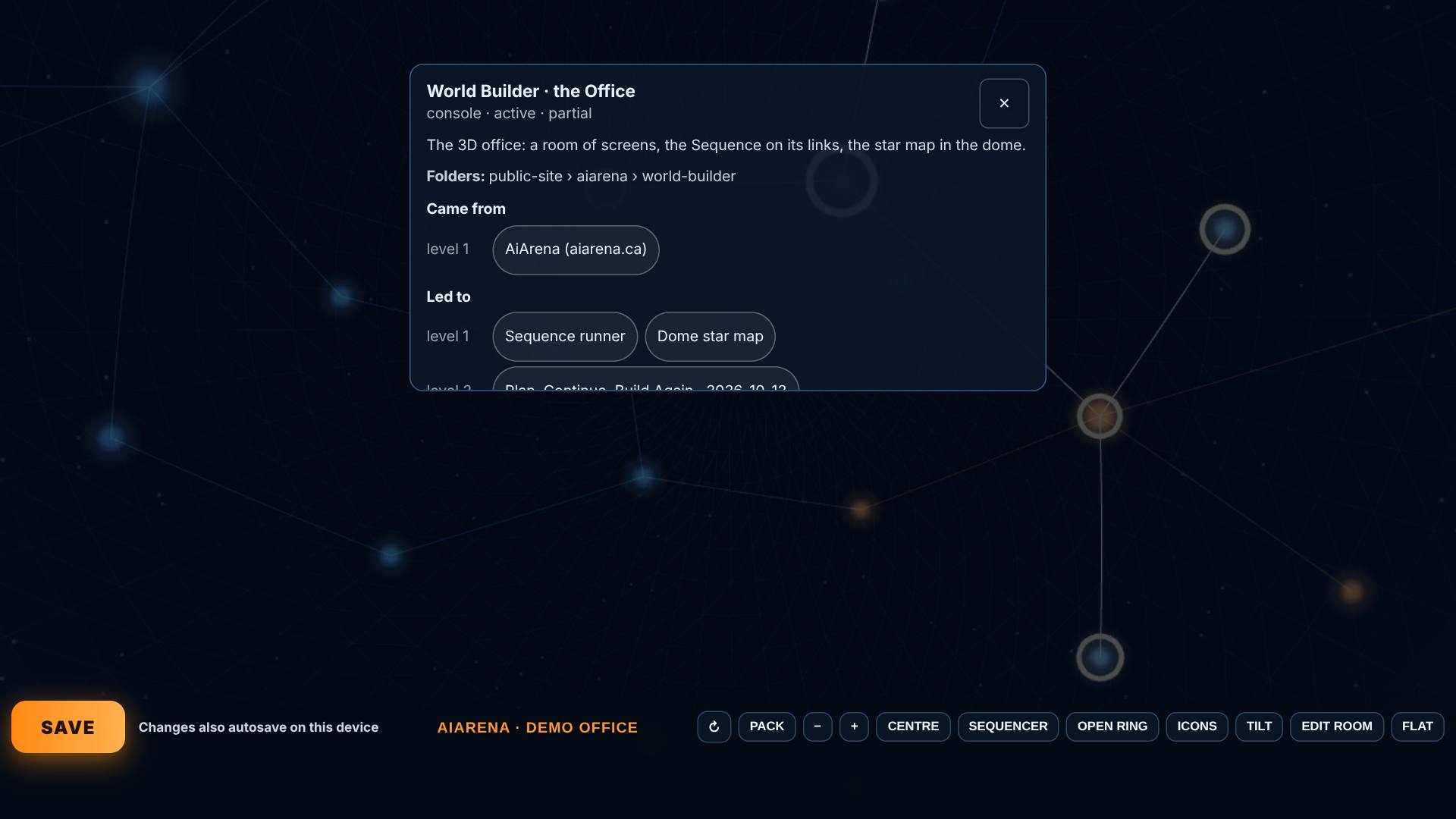
Look up: a star and its card
Drag the view to look up, then tap a star.
The star's card: what it is, where it came from and what it led to.
- 7
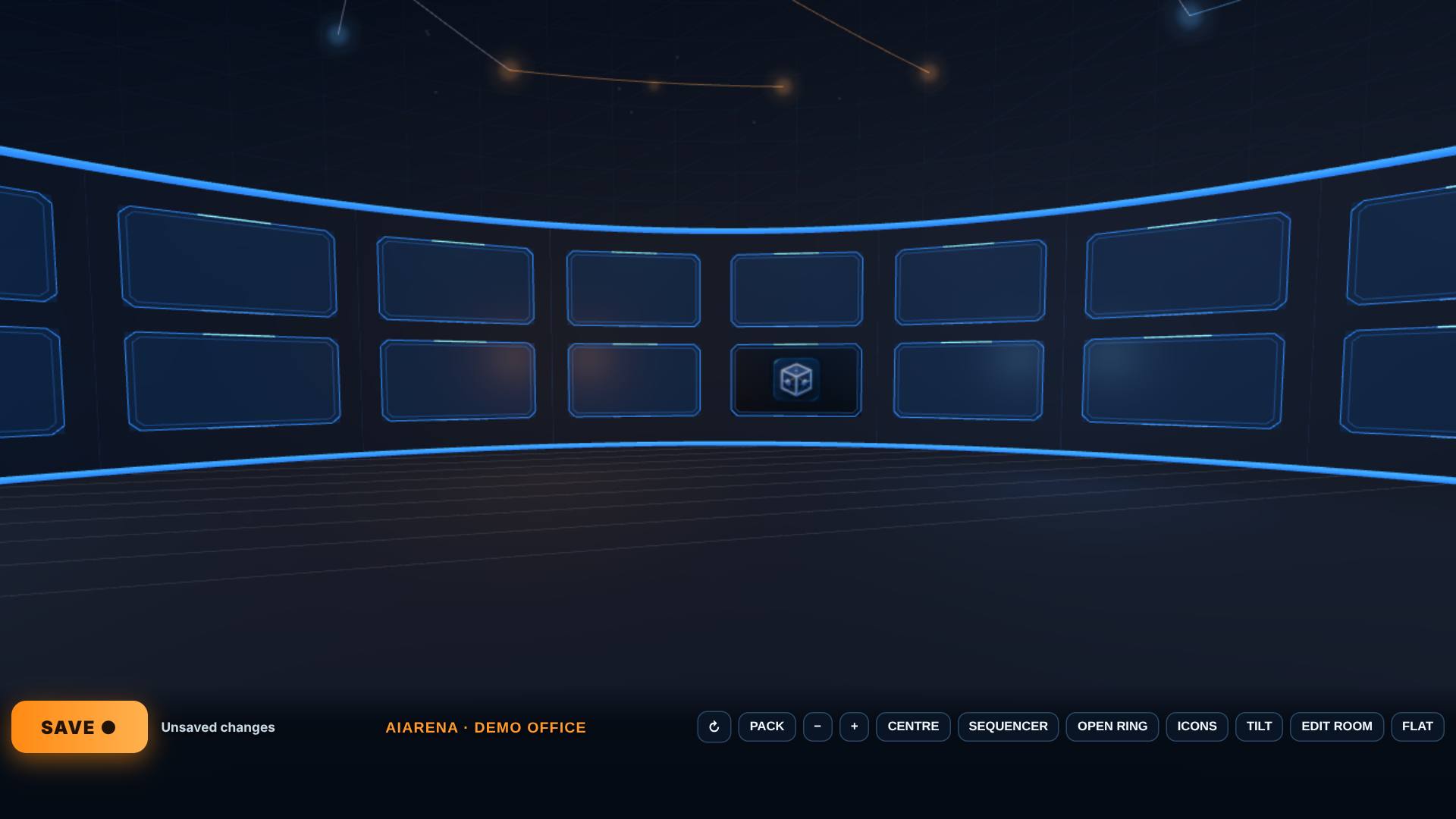
Put a tool on a screen
Close the card, tap Icons, pick a tool, then tap a screen. Close icons when you are done.
The tool sits on that screen, ready to open.
- 8
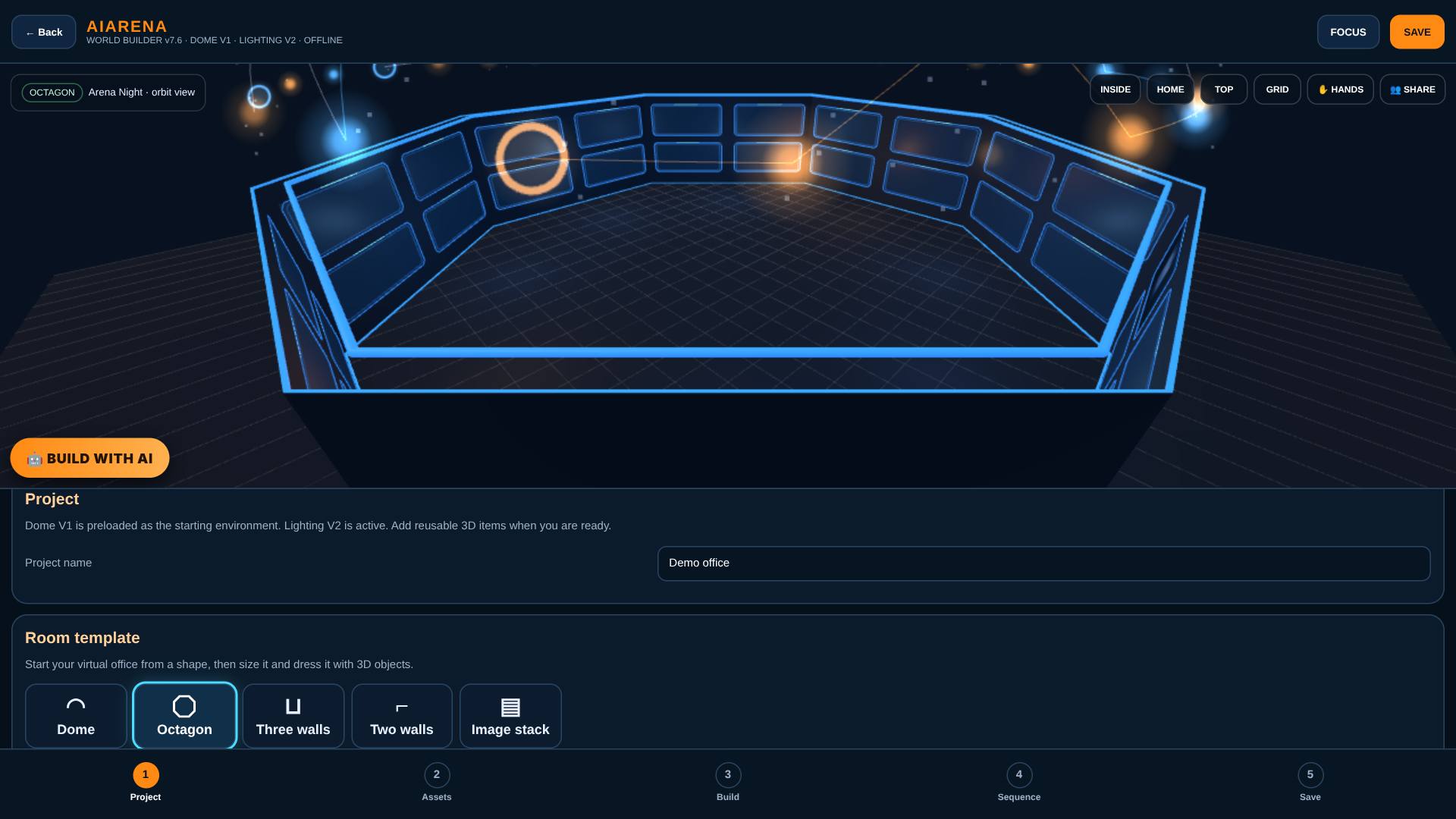
Edit room: pick another shape
Tap Edit room. On the first page, Project, pick Octagon.
Back in the builder, the room is now eight walls.
- 9
Back in: same office, new shape
On the fifth page, Save, tap Enter my office again, then Close ring.
The same office and tools, in the new shape.
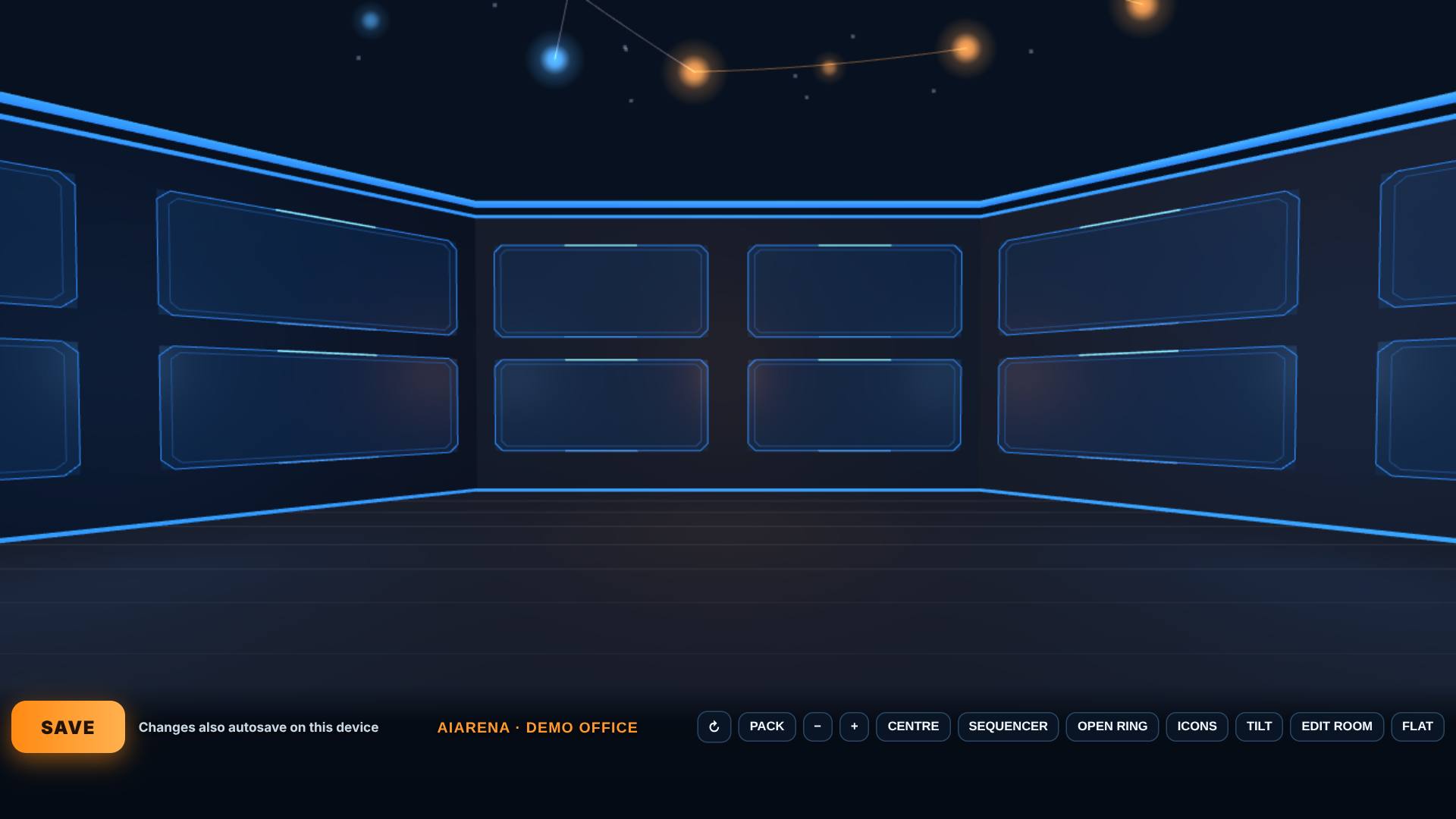
- 10
Save
Tap Save.
It says what it kept on this device. Signed in, it also keeps a copy in your account.
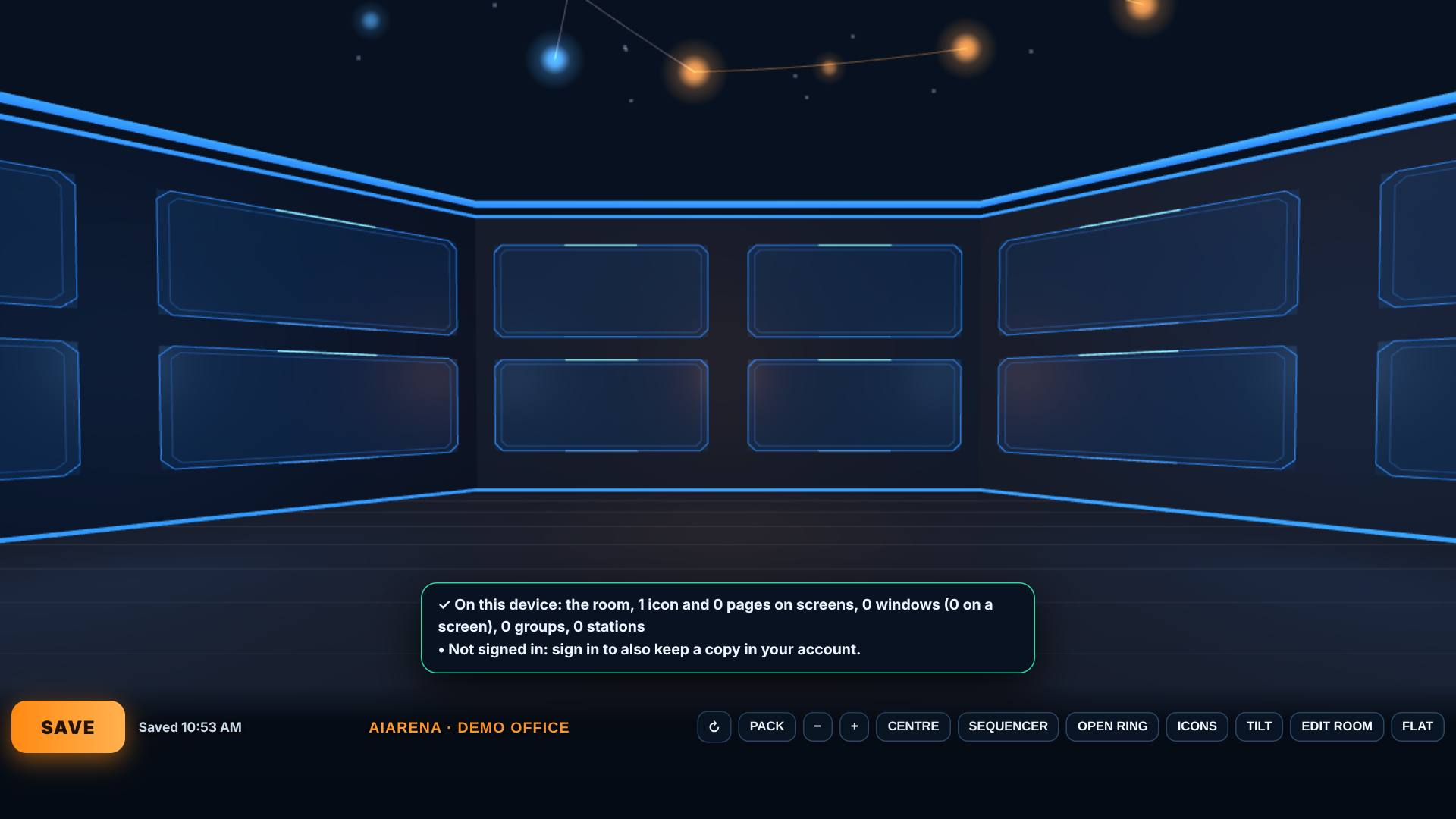
- 11
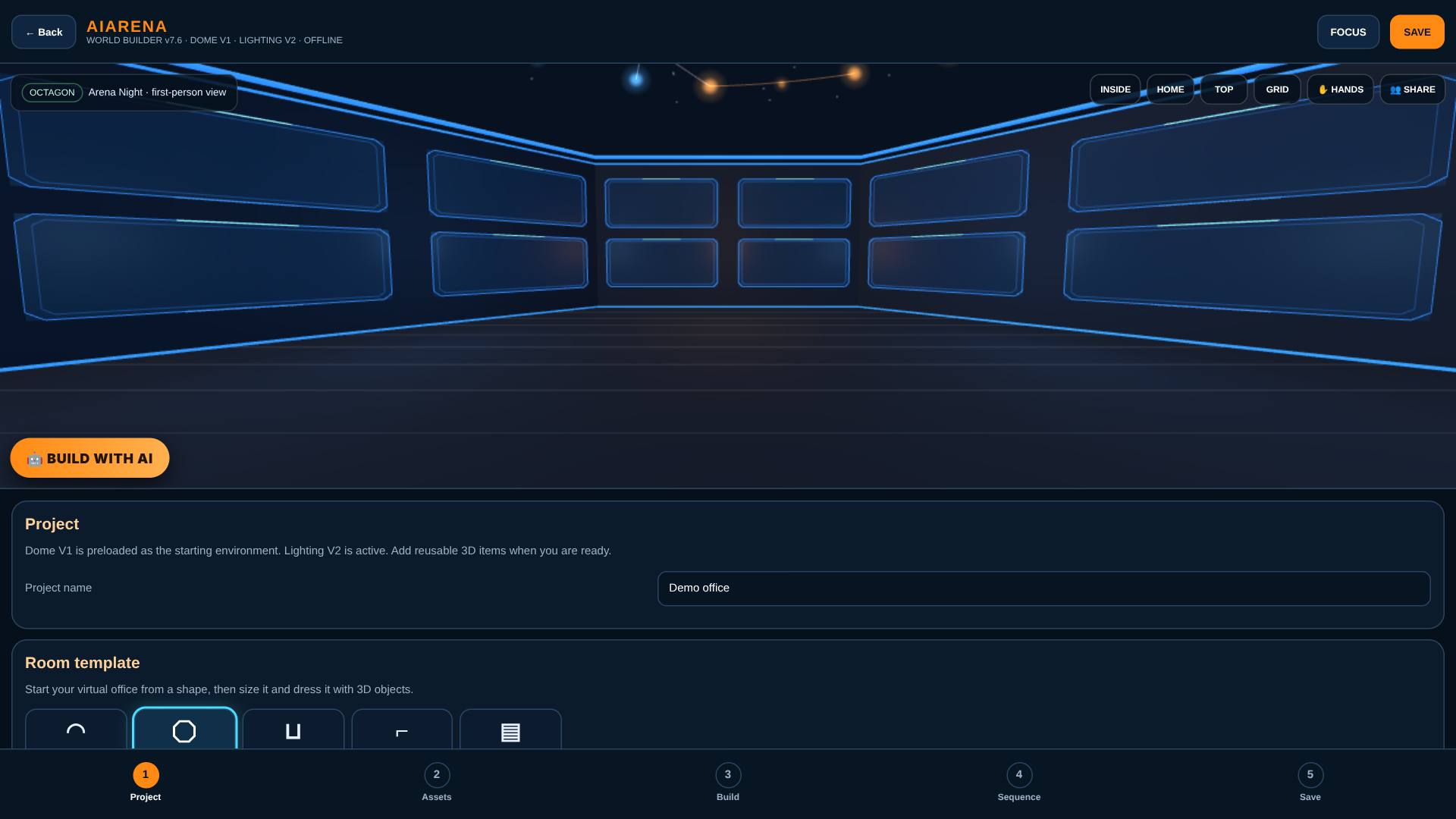
Leave by Edit room
Tap Edit room when you are done.
Back in the builder.
What result should I expect?
Your own office: a room of screens with a tool on the wall and the star map overhead, saved on this device, and in your account when you are signed in.
How do I save, share or get help?
Save keeps the room, the icons on your screens and the windows on your wall on this device, and checks that it kept them. Signed in, it also keeps a copy in your account (My office).
If something goes wrong
- It says 3D could not start. Your browser has 3D turned off. Turn on hardware acceleration or try another browser.
- The keys don't walk. Close the ring, click the room once, then use W, A, S, D, Q and E.
Every screenshot here was taken while doing these exact steps on the current build (2b0ce13), on a laptop-sized screen, on 2026-10-14.
All AiArena How-To guides Open AiArena Office