Lay the work across your screens and press Go once
The Sequencer inside the AiArena Office: tap screens in the order the work should flow, put a widget on each link, type what the first screen starts with, press Go and watch the room follow the work. Every run lands in the dome as stars you can trace back.
Guide revision: 2026-10-14 · steps checked 2026-10-14 on build 2b0ce13
8-step walkthrough with voiceover, recorded from the same checked steps.
Voiceover: Kokoro text-to-speech (Apache 2.0).
How do I start?
Open your office (AiArena, Build, Open the World Builder, then Enter my office on the Save page) and tap Sequencer. It is part of AiArena Plus.
What do I do next?
- 1
Enter your office
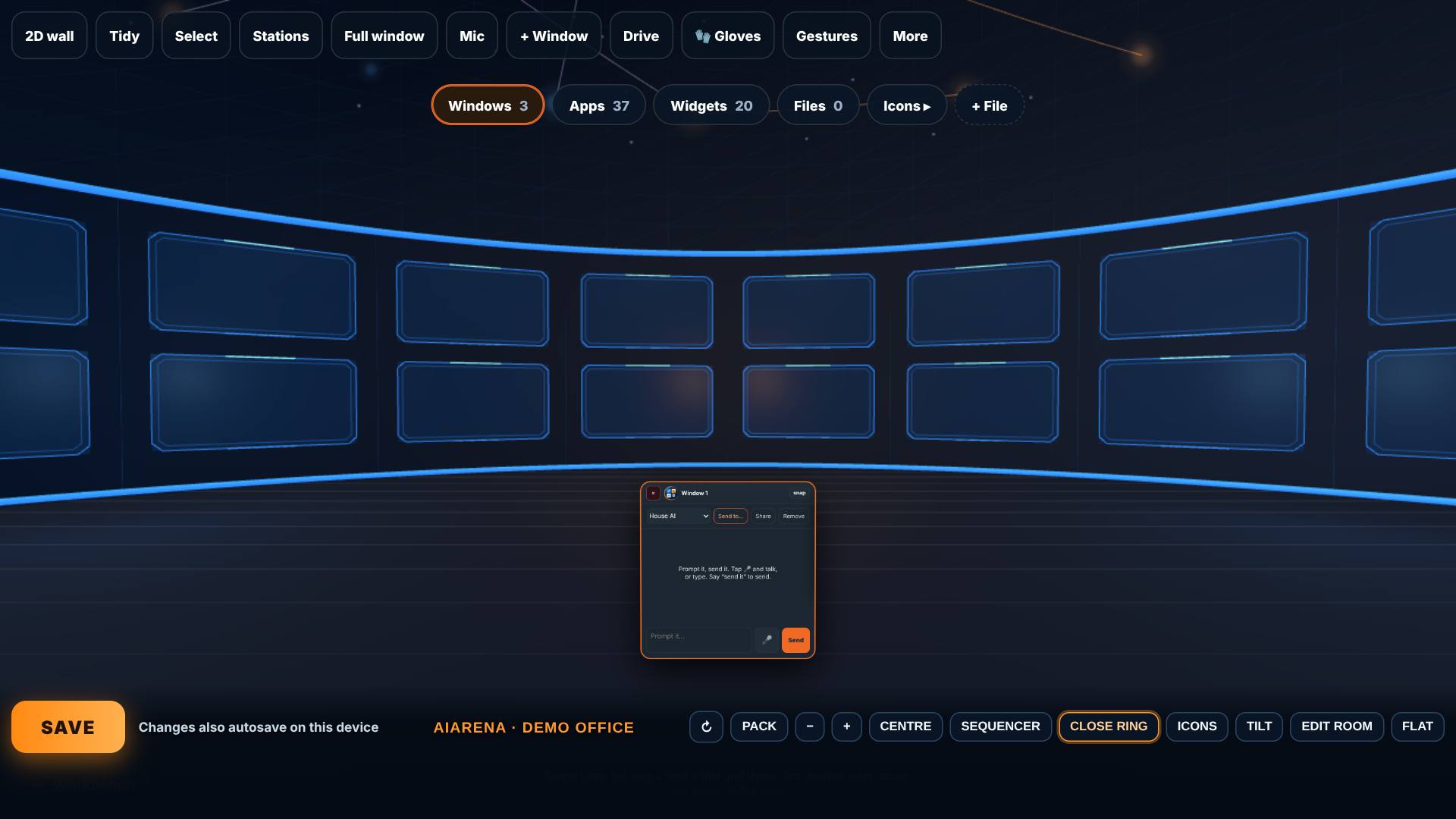
Open the World Builder, pick A room, then on the Save page tap Enter my office.
The office, with the ring of AI windows in front of you.
- 2
Open the Sequencer
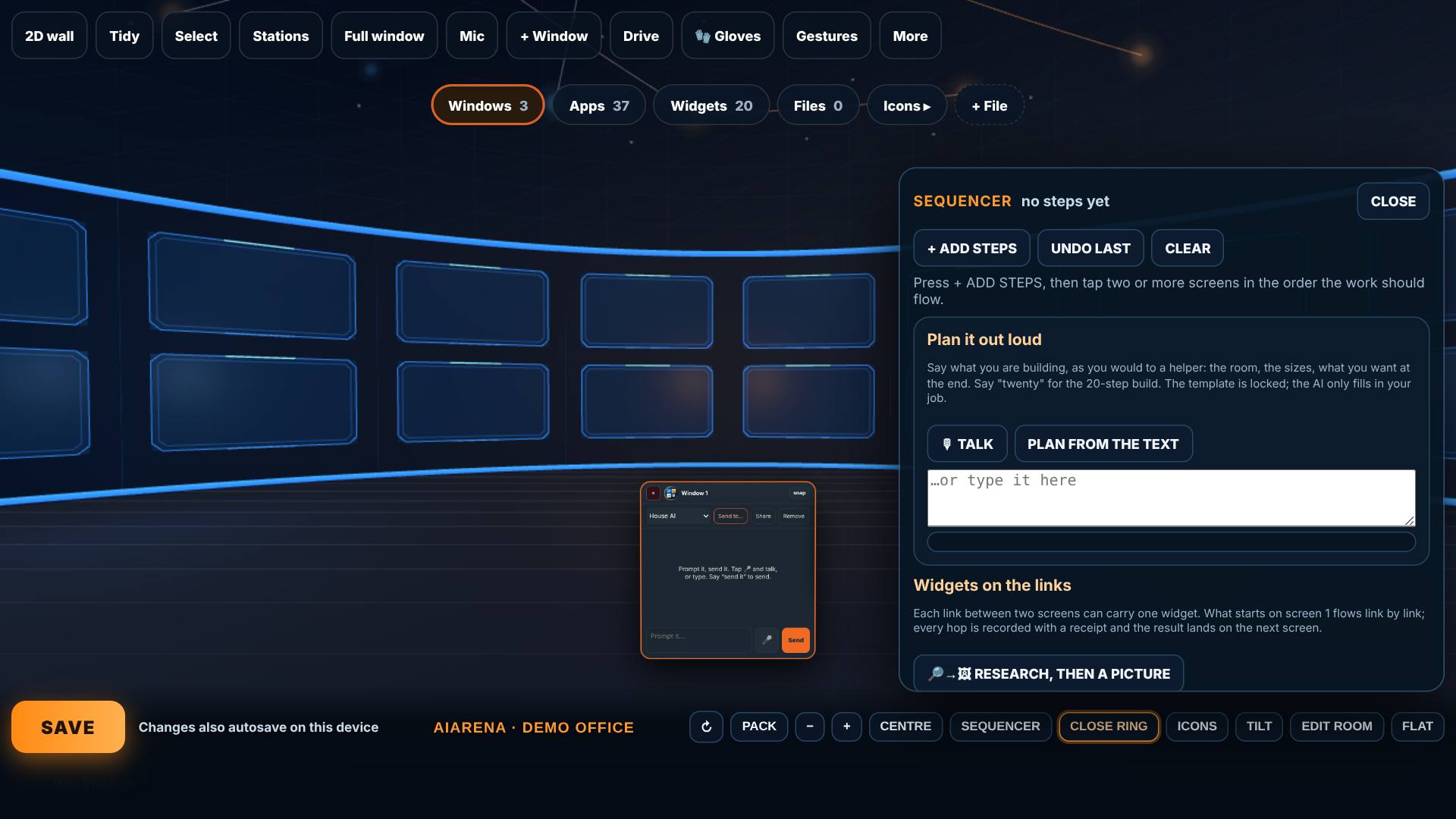
Tap Sequencer.
The drawer: add steps, undo the last, clear, and the widgets for each link.
- 3
Tap the screens in order
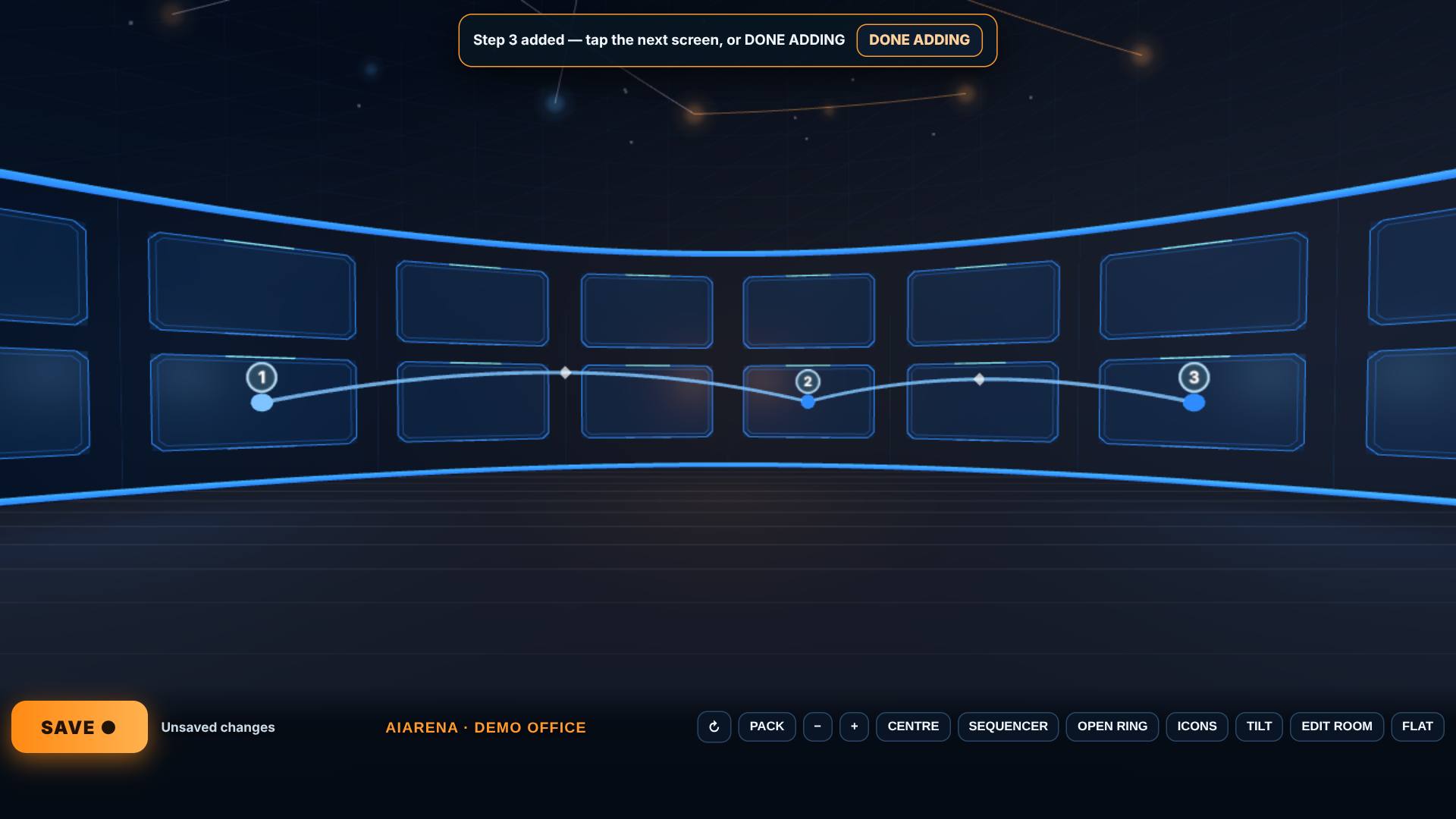
Tap + Add steps, then tap three screens in the order the work should flow.
Each tap adds a step; the strip at the top counts them.
- 4
A calculator on each link
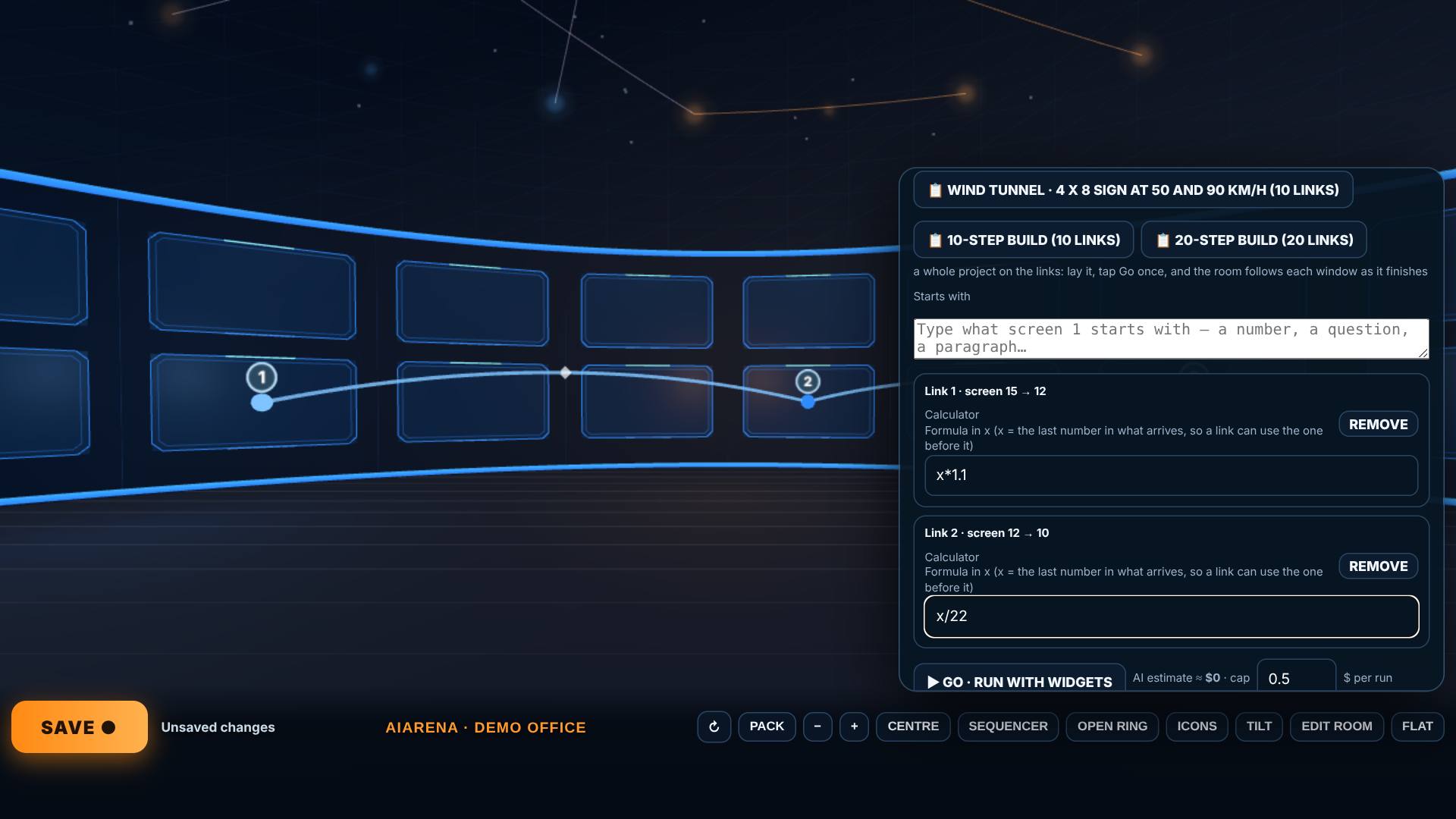
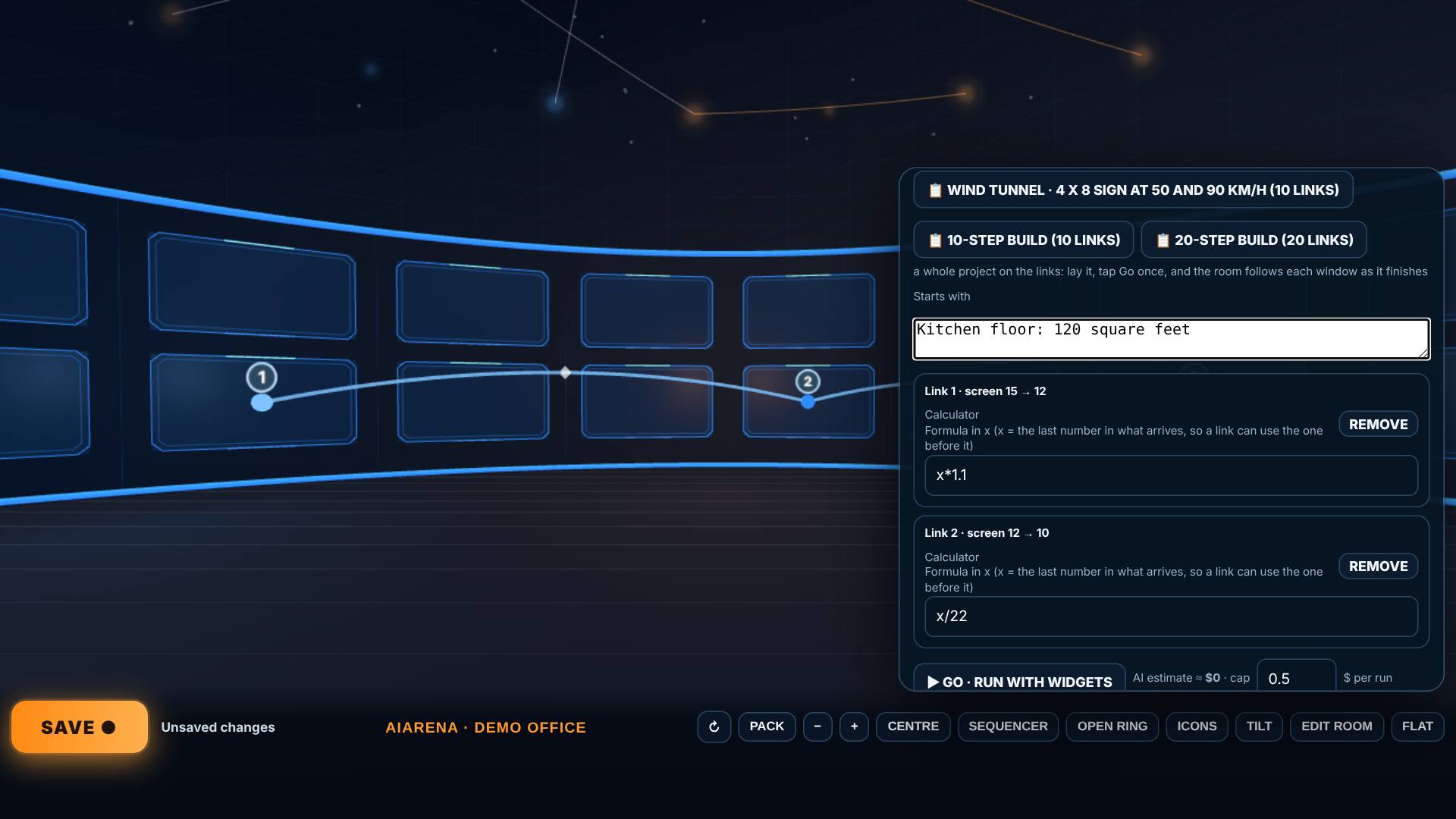
On Link 1 tap + Calculator and type x*1.1; on Link 2, + Calculator and x/22.
Link 1 adds 10% for cuts; link 2 divides by 22 square feet a box.
- 5
What it starts with
In Starts with, type what screen 1 starts with.
With no AI on the links, the estimate is $0.
- 6
Go: the room follows the work
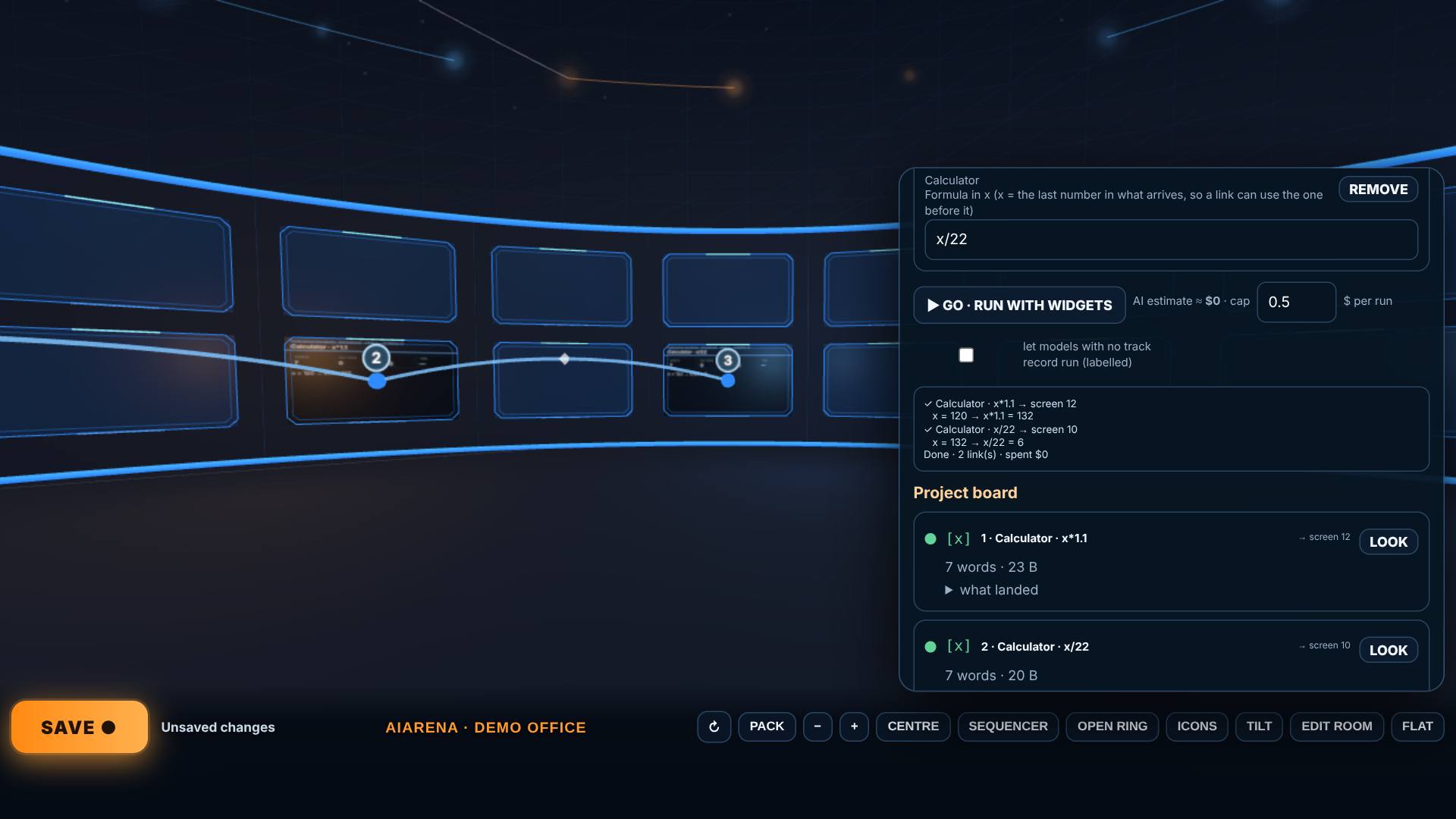
Tap Go.
The room turns to each screen as its step finishes: 132 square feet with cuts, then 6 boxes. The log says so.
- 7
The run is in the sky
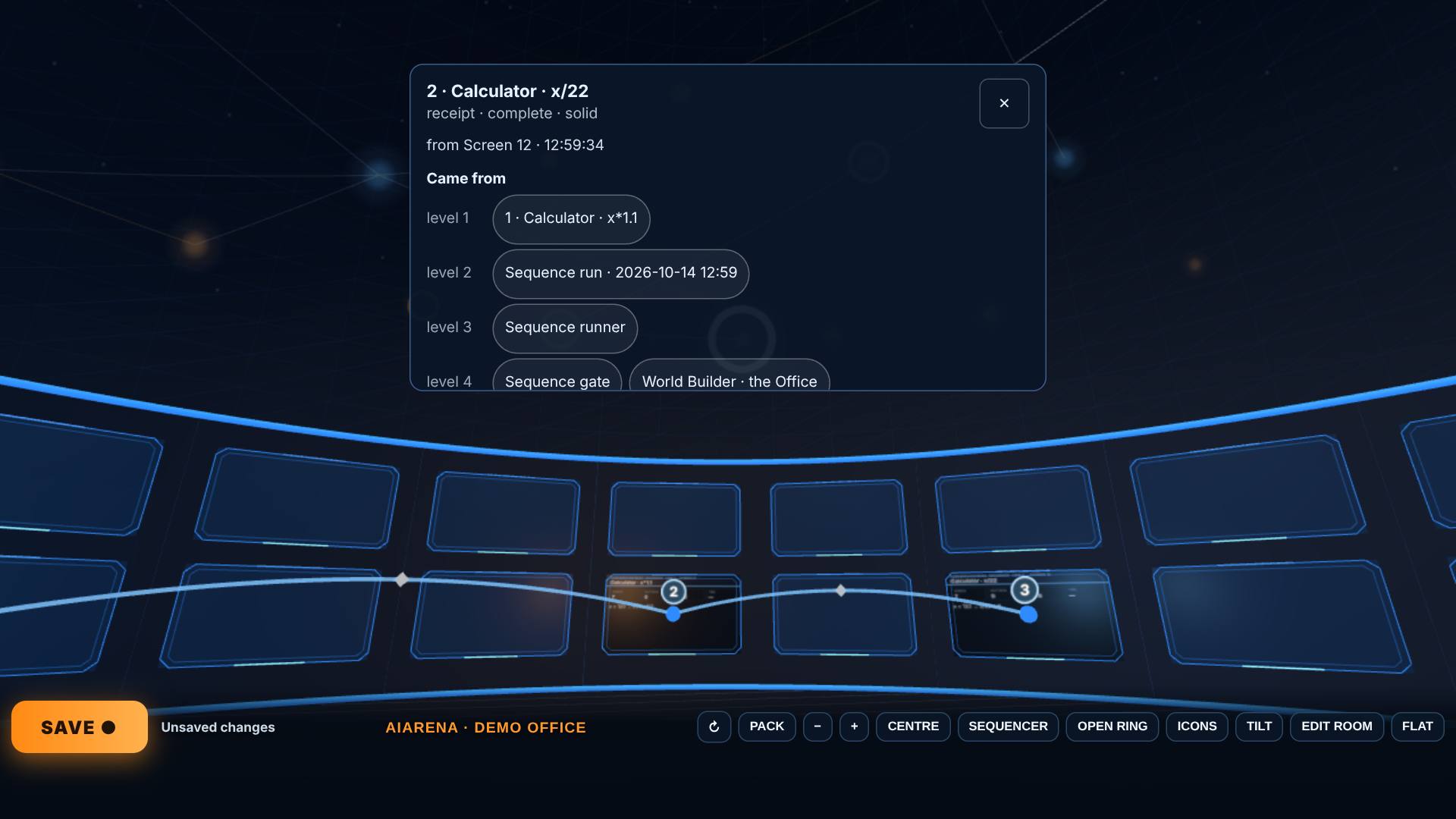
Close the drawer, look up and tap one of the new stars.
Its card traces it back: link 2 came from link 1, which came from the run.
- 8
Leave by Edit room
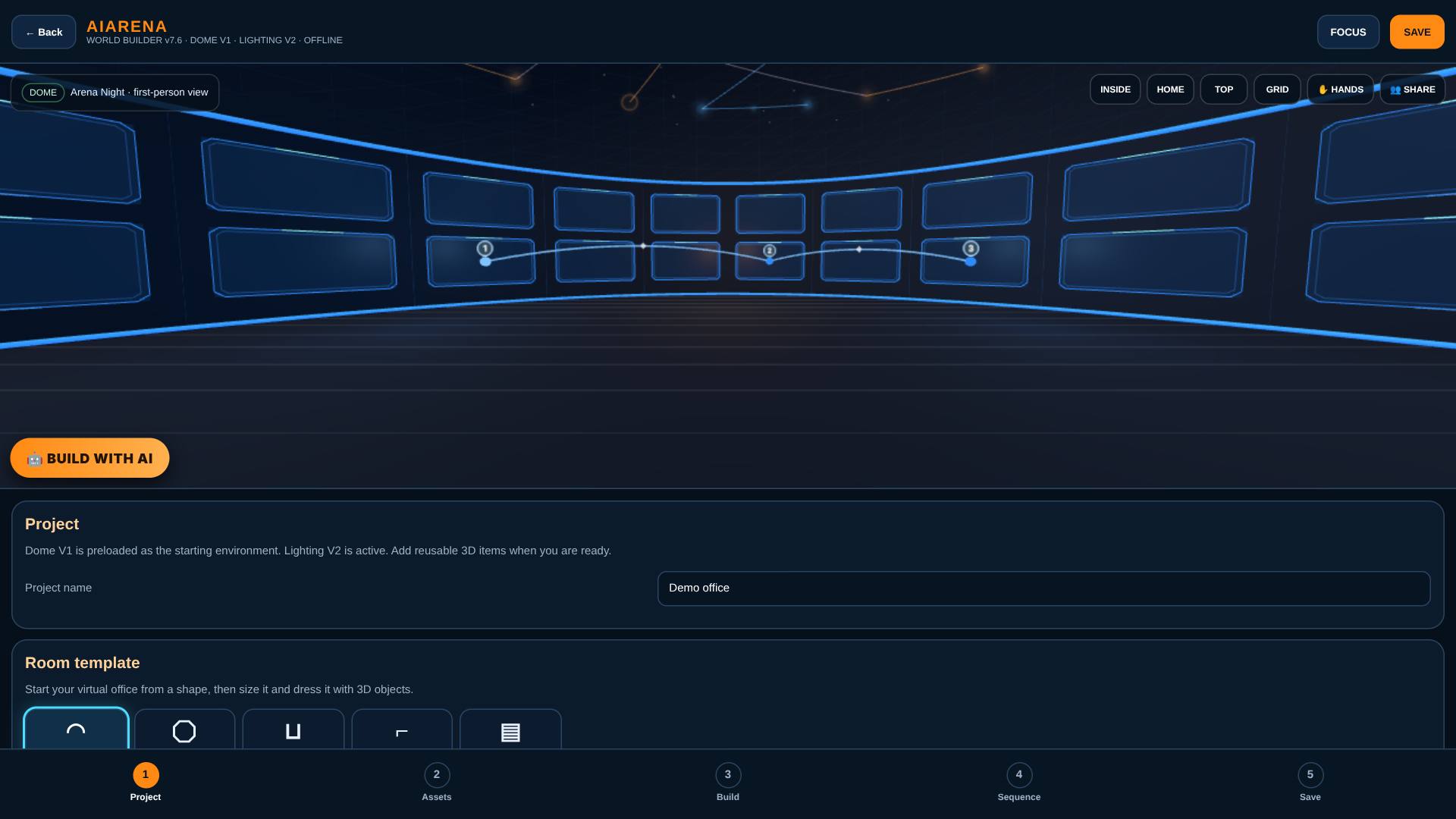
Tap Edit room when you are done.
Back in the builder.
What result should I expect?
Each screen shows what its step made, the room turns to each one as it finishes, and the run is kept as stars in the dome, traceable back to where it started.
How do I save, share or get help?
The results stay with the room on this device. Save keeps the office, sequence included; signed in, it also keeps a copy in your account.
If something goes wrong
- Go does nothing. Lay at least two steps first: tap + Add steps, then two or more screens.
- It stopped before a link. An AI step would pass your cap per run. Raise the cap, or use a cheaper model.
Every screenshot here was taken while doing these exact steps on the current build (2b0ce13), on a laptop-sized screen, on 2026-10-14.
All AiArena How-To guides Open AiArena Office: the Sequencer