One ring at a time: your apps, widgets, windows and files
The ring of windows in the AiArena Office: switch between Windows, Apps, Widgets and Files, turn the ring, add your own file and take it off, make a window show a website, see what happens when a site refuses, pack and zoom, and close the ring.
Guide revision: 2026-10-14 · steps checked 2026-10-14 on build 2b0ce13
10-step walkthrough with voiceover, recorded from the same checked steps.
Voiceover: Kokoro text-to-speech (Apache 2.0).
How do I start?
Open your office (AiArena, Build, Open the World Builder, then Enter my office on the Save page). The ring of windows is in front of you. It is part of AiArena Plus.
What do I do next?
- 1
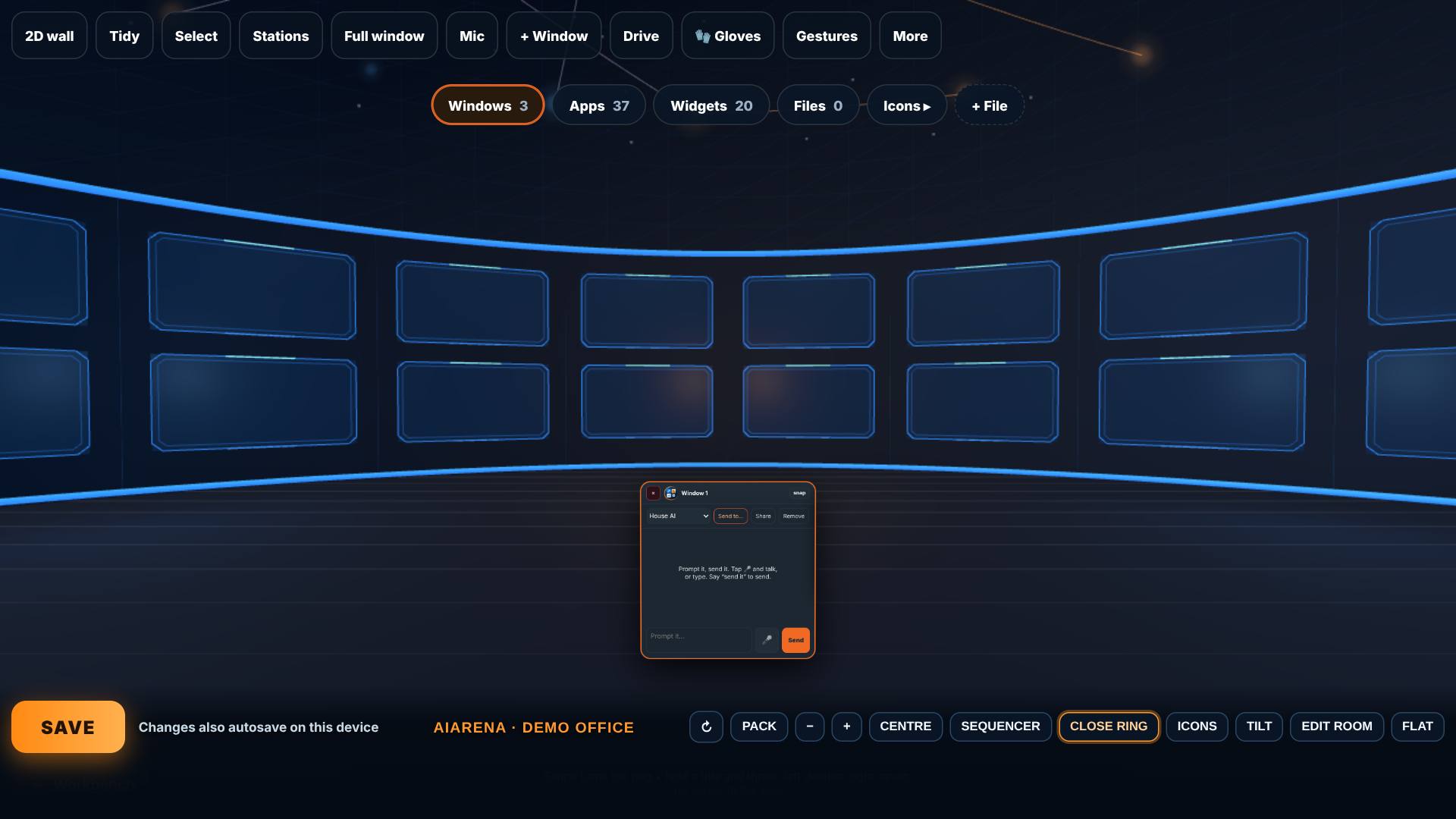
Enter your office
Open the World Builder, pick A room, then on the Save page tap Enter my office.
The office opens with the ring of AI windows in front of you.
- 2
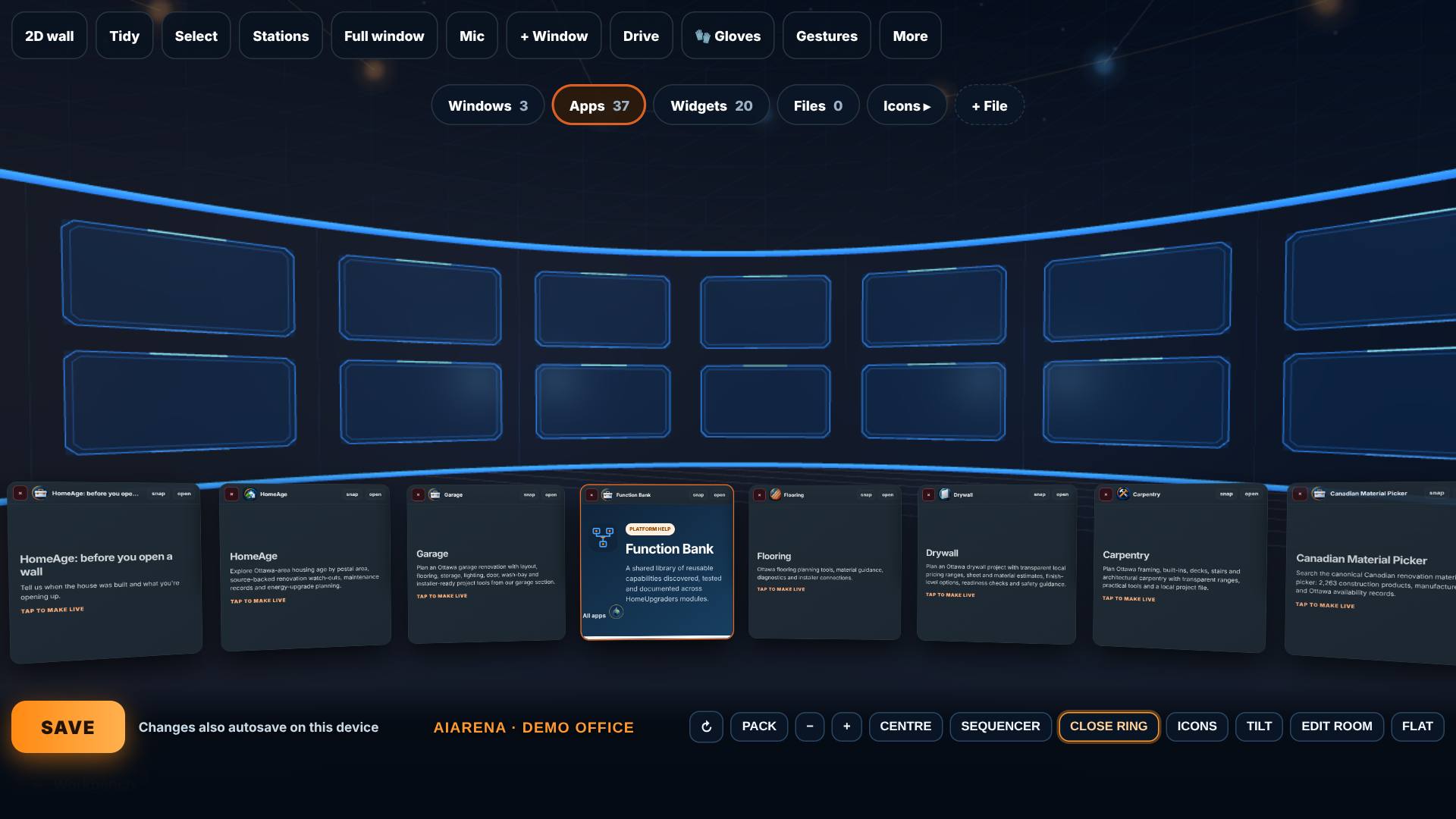
Apps: one ring at a time
Tap Apps on the switcher, then press and hold a card and drag sideways.
Only your apps are on the ring, and they come round as you turn it.
- 3
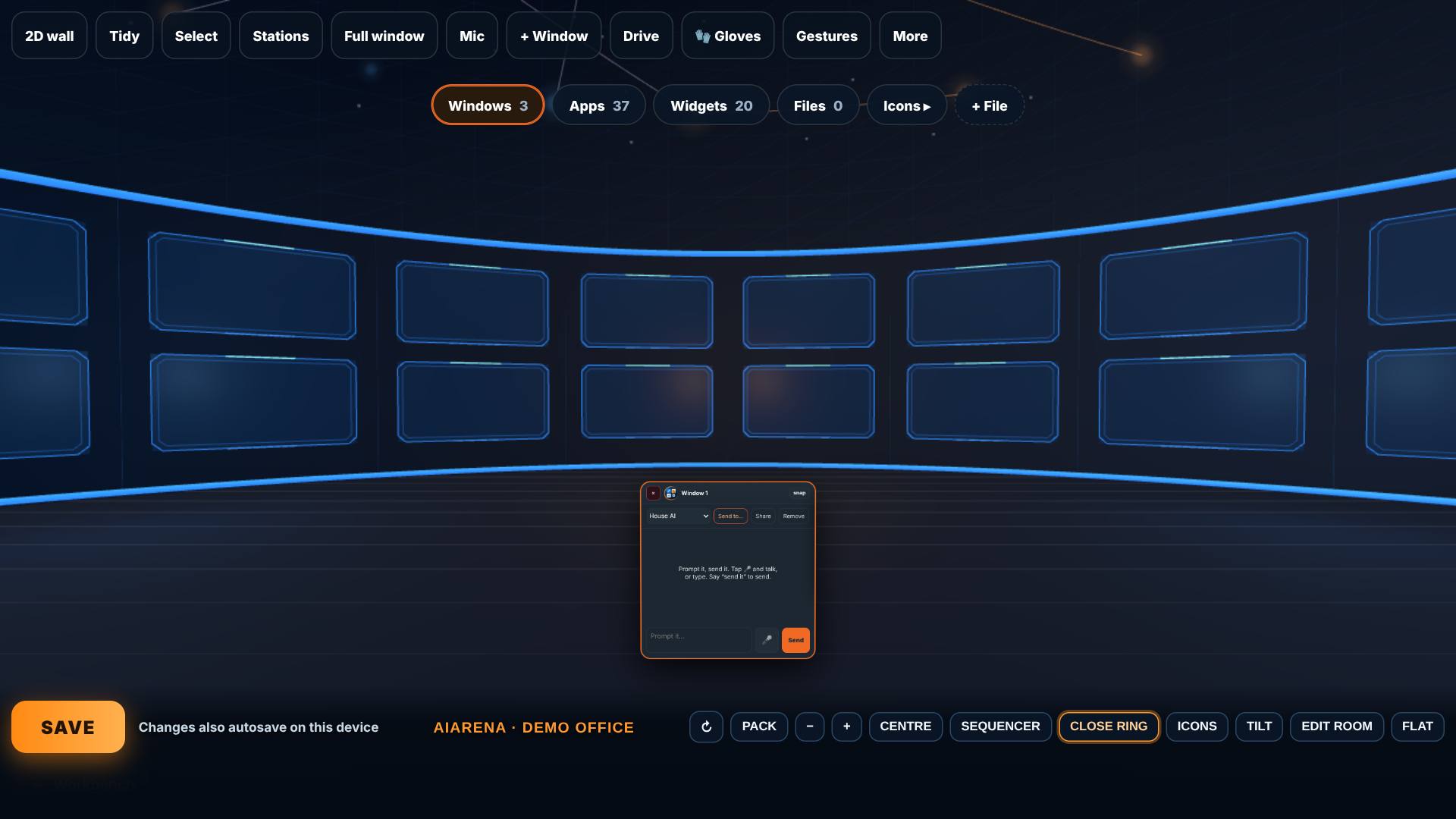
Widgets, then Windows
Tap Widgets, then Windows.
Widgets holds the research modules; Windows holds your AI windows.
- 4
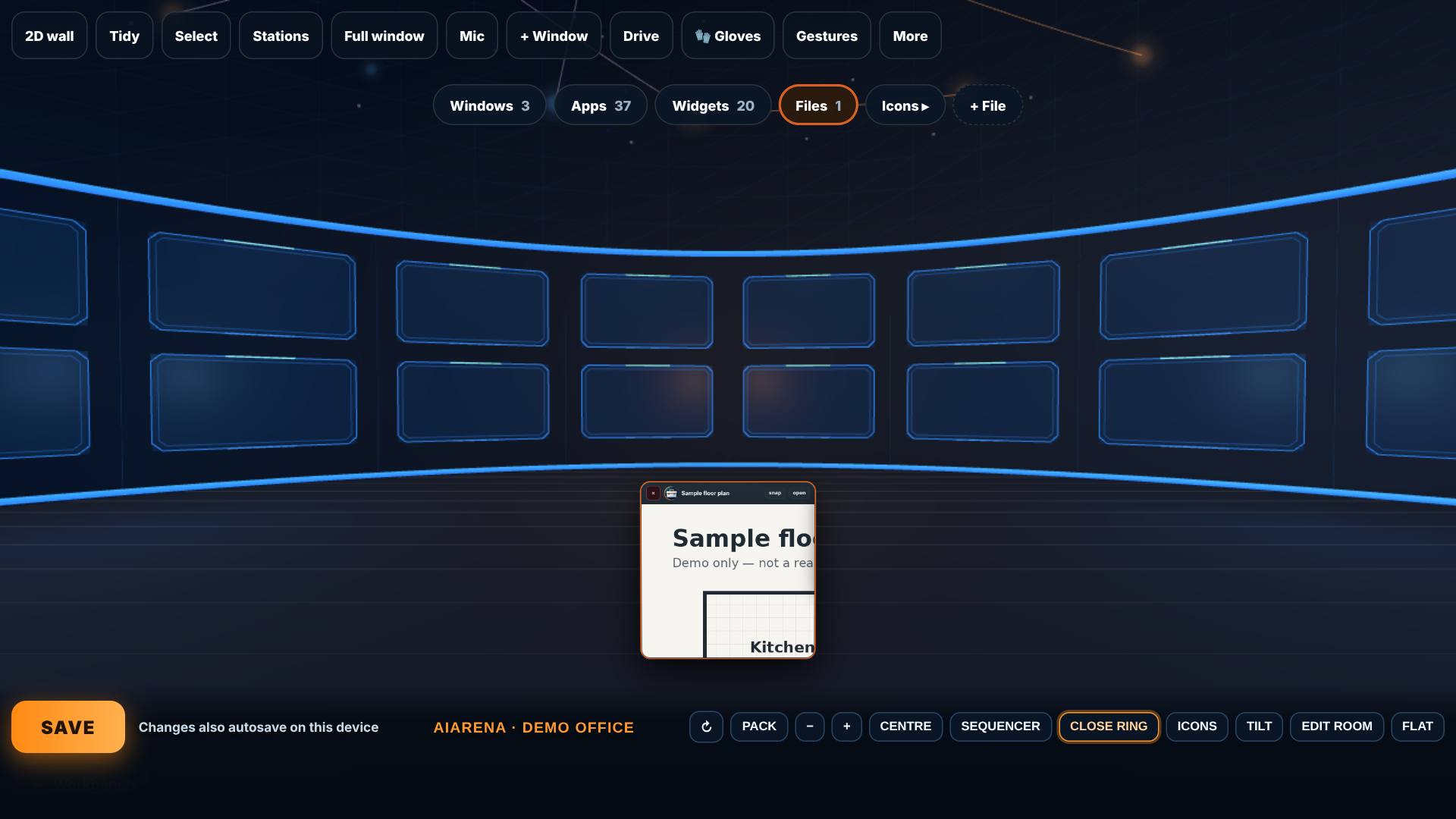
Add your own file
Tap + File and pick a picture, a PDF or a text file.
It becomes an item on the Files ring, kept on this device.
- 5
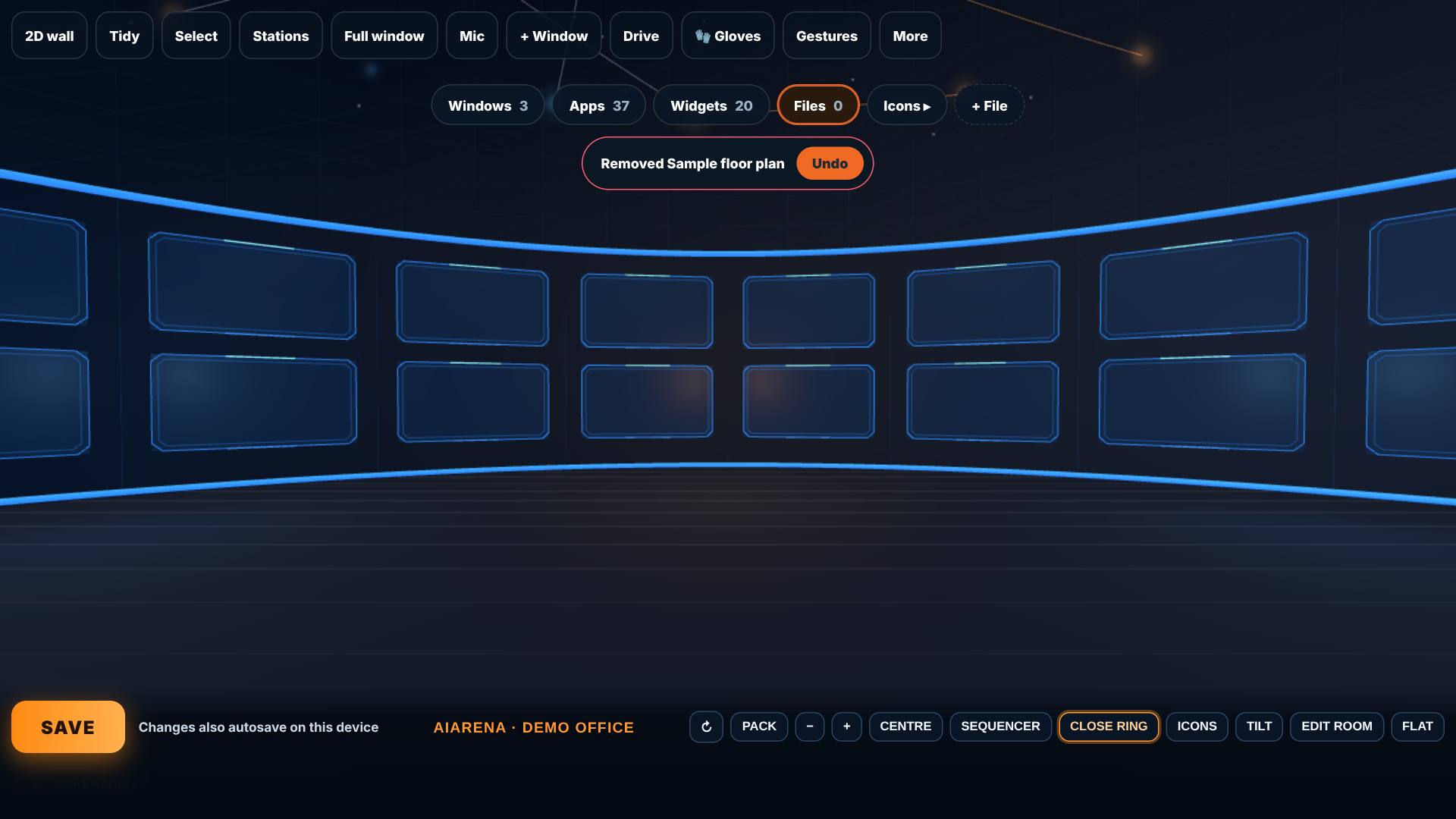
Take it off again
Tap the × on the file.
It comes off the ring, with Undo for a few seconds.
- 6
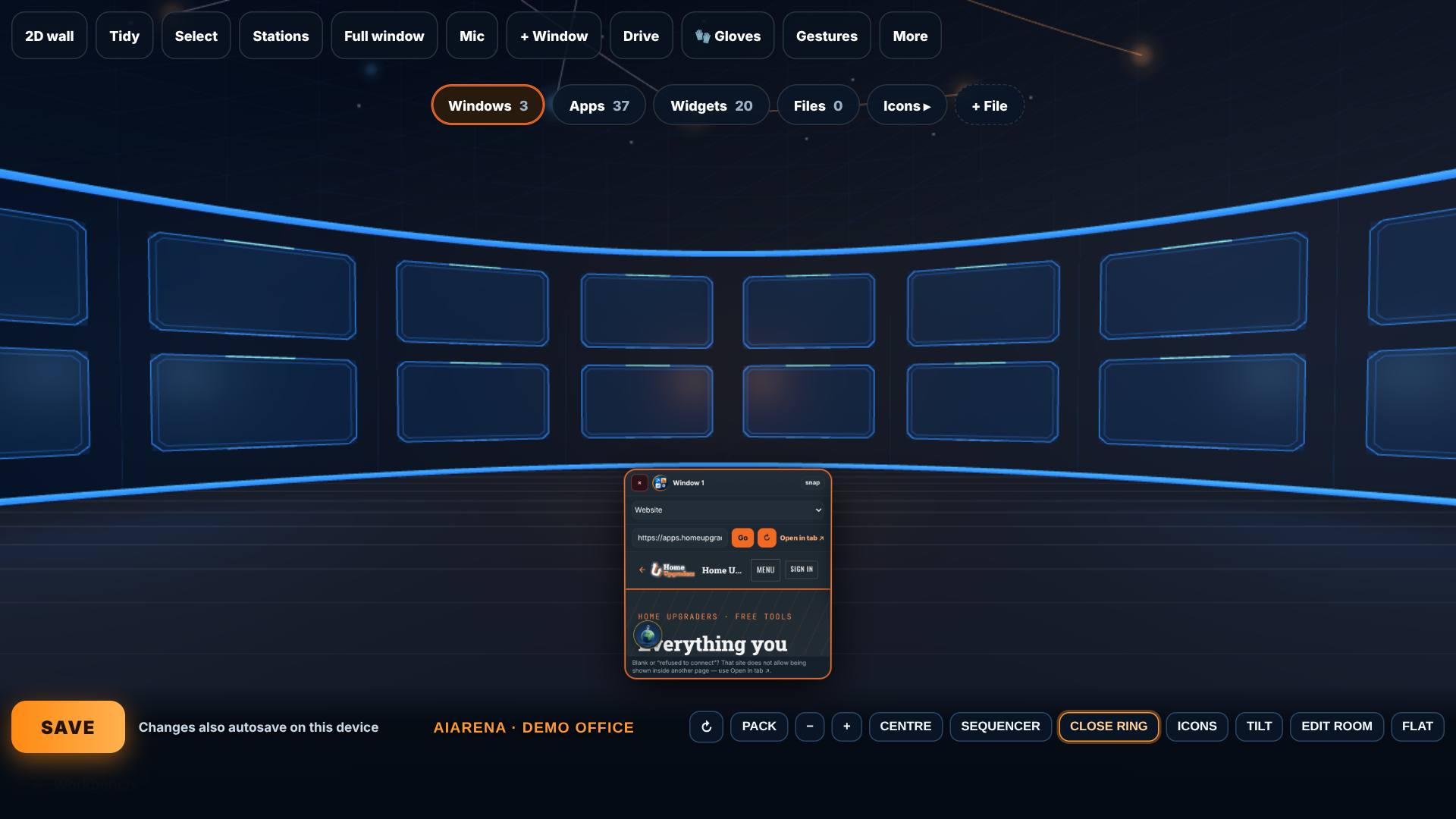
A website in a window
Set a window to Website, type an address and press Go. Tap + to come closer.
The website opens inside the window.
- 7
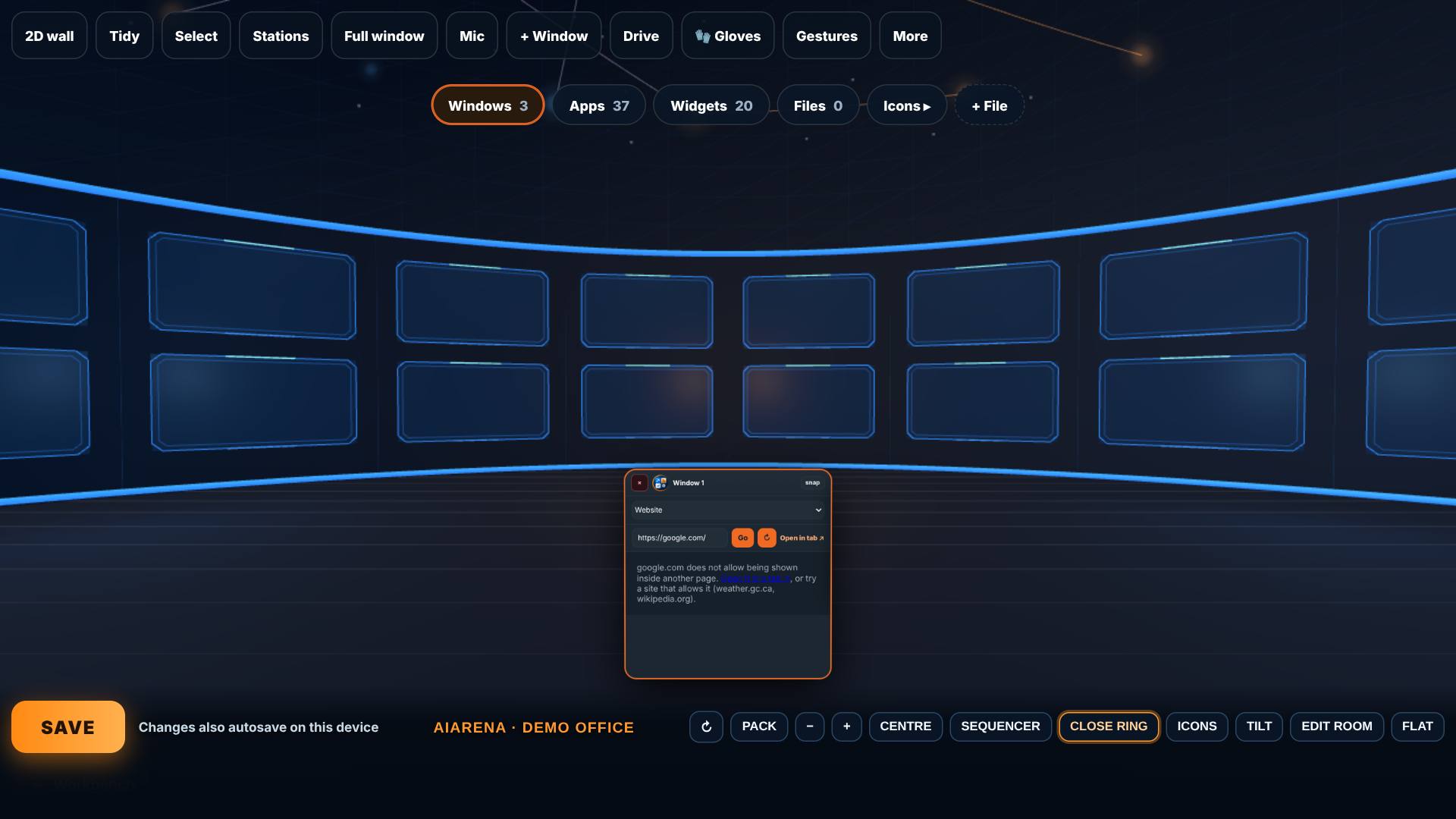
When a site says no
Try google.com.
It says the site does not allow being shown inside another page, with Open it in a tab.
- 8
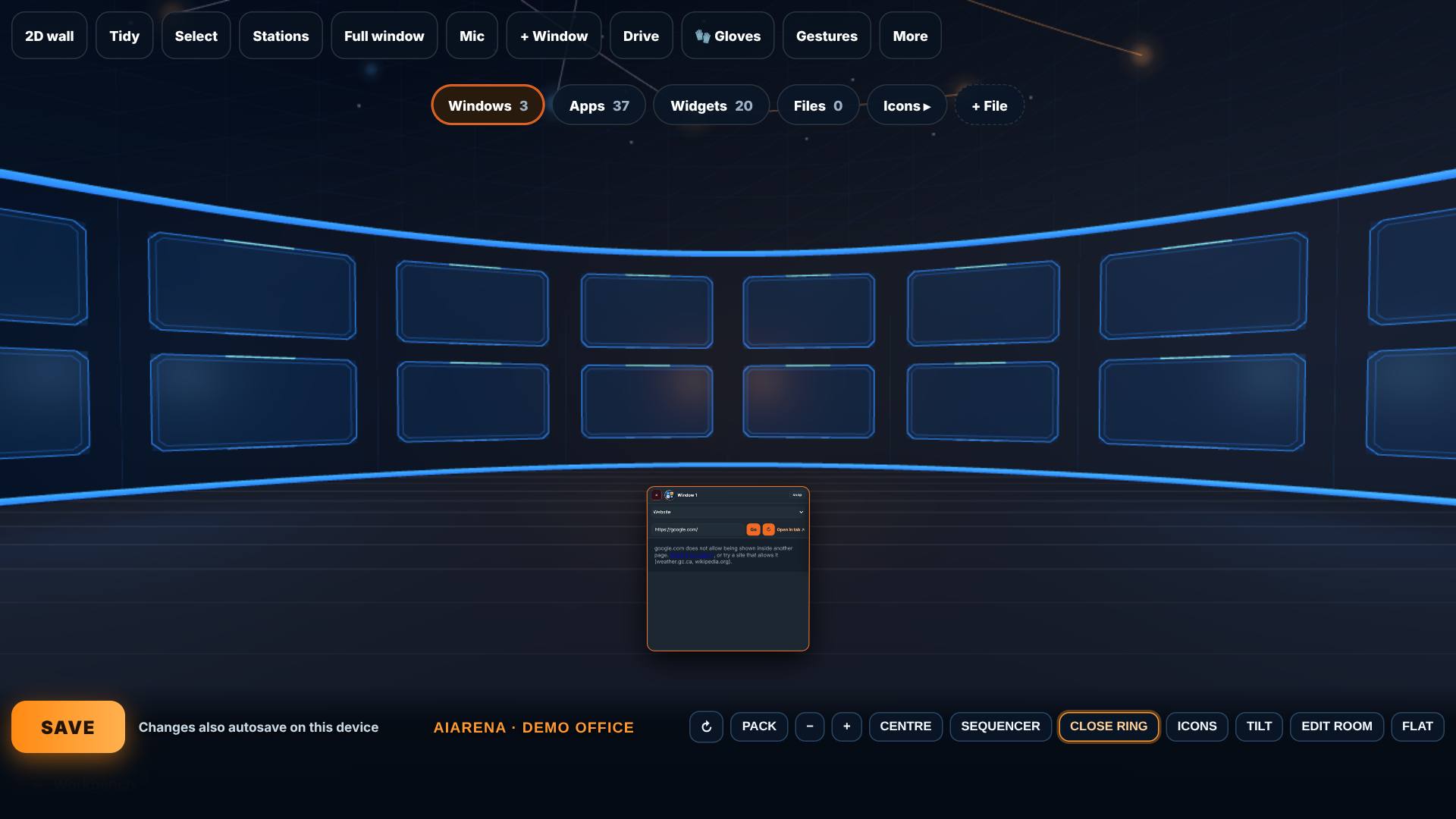
Pack and zoom
Tap Pack, then − and + to zoom.
Pack draws the windows closer together; − shows more of them, + comes closer.
- 9
Close the ring
Tap Close ring.
The ring folds away; the room is yours again.
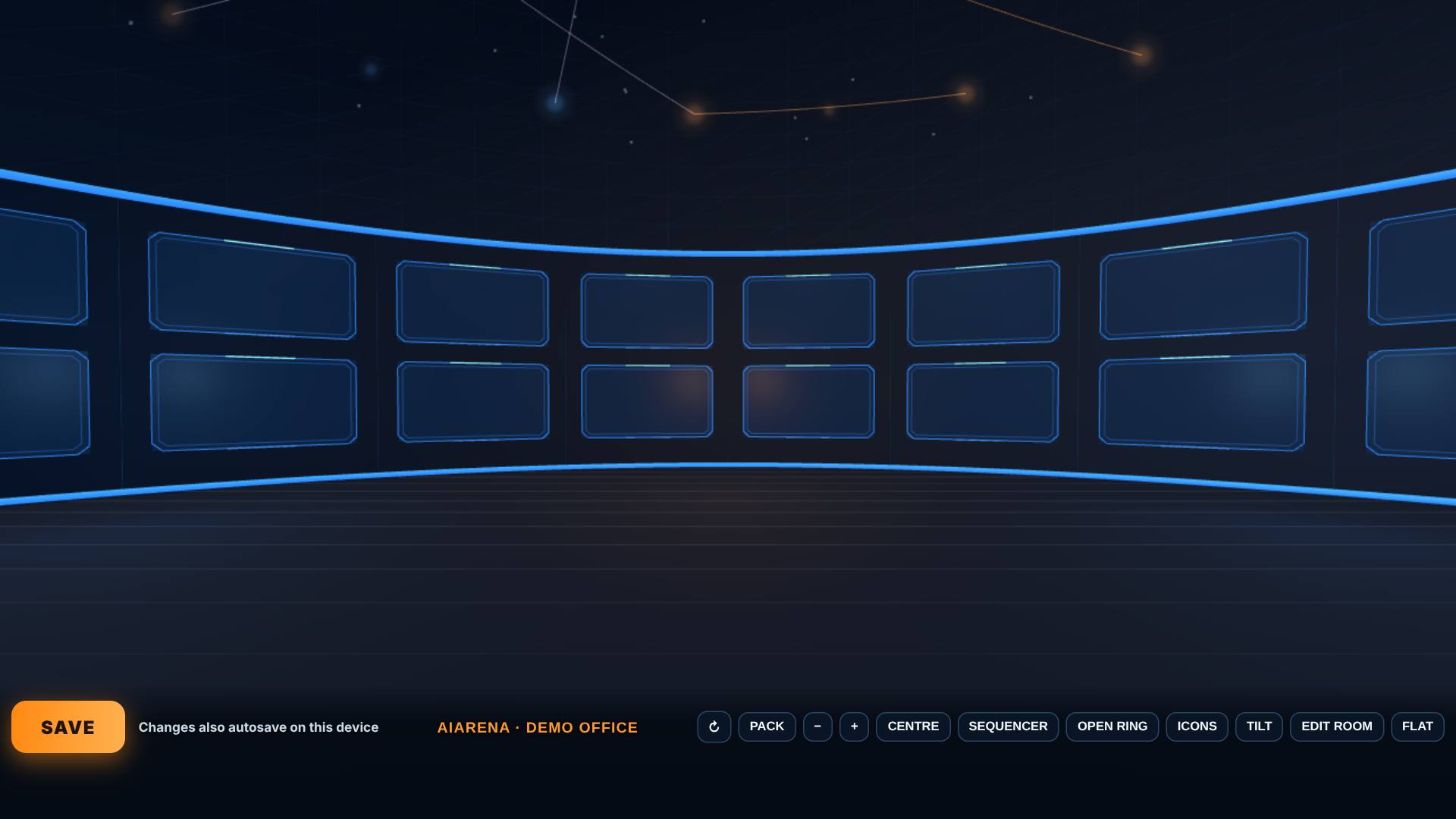
- 10
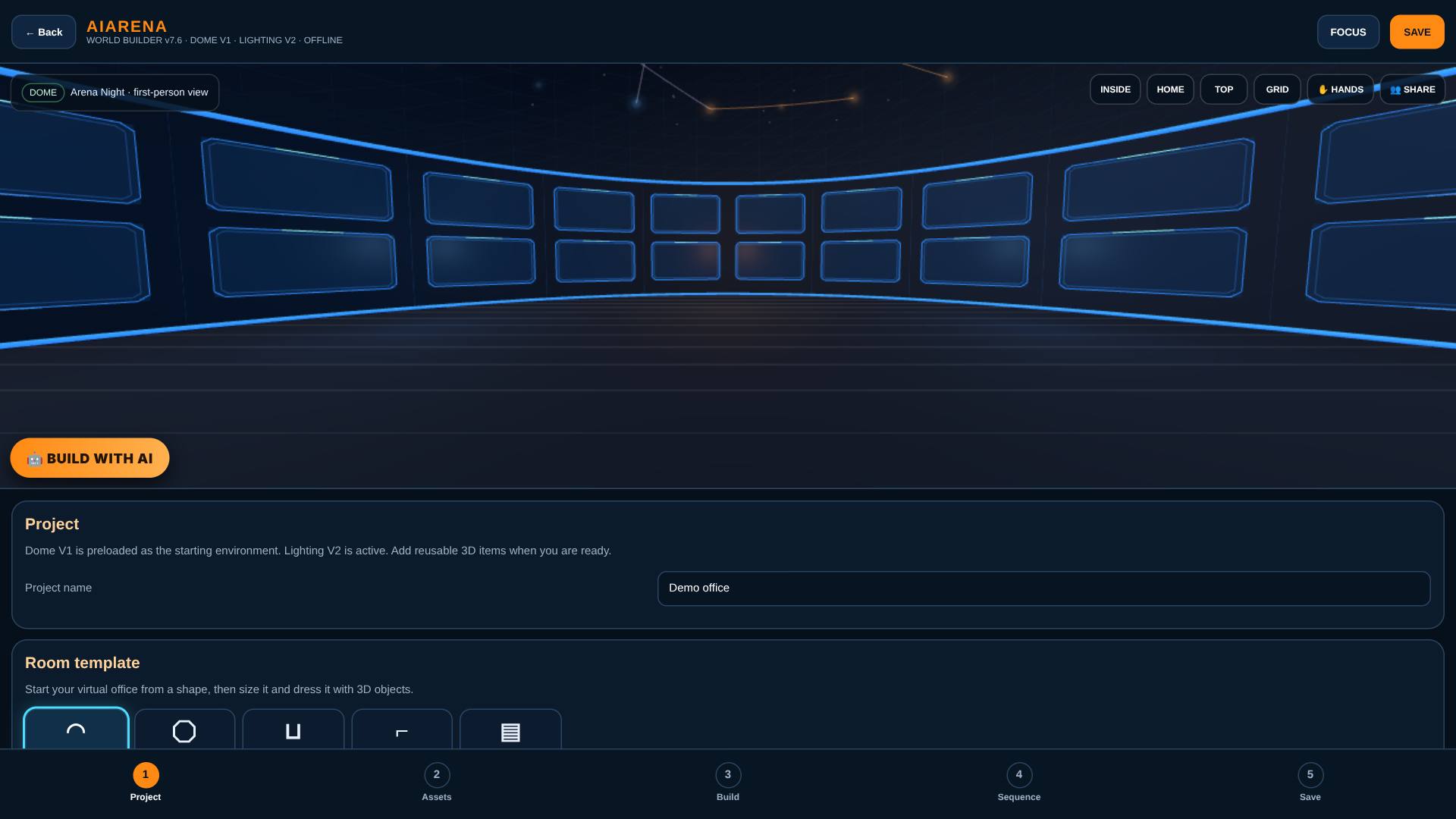
Leave by Edit room
Tap Edit room when you are done.
Back in the builder.
What result should I expect?
The ring shows exactly what you need: one kind of item at a time, your own files beside your AI windows, and websites inside a window.
How do I save, share or get help?
Files you add stay on this device and come back with the ring. Save keeps your windows, including website windows, with the office.
If something goes wrong
- A website stays blank. Some sites don't allow being shown inside another page. Use Open it in a tab, or pick a site that allows it.
- A file was skipped. The ring takes pictures (PNG, JPEG, WebP, GIF), PDFs and text files (TXT, MD, CSV, JSON) up to 25 MB.
The website shown inside the window is the app, apps.homeupgraders.ca, from the same files that are live; the recording has no internet, so it is served from those files.
Every screenshot here was taken while doing these exact steps on the current build (2b0ce13), on a laptop-sized screen, on 2026-10-14.
All AiArena How-To guides Open AiArena Office: the ring