Design your virtual office and add functions
The office side of the AiArena World Builder: pick a room shape, size it, theme it, put tools on its screens, lay a sequence for the work to flow through, and open it as your office.
Guide revision: 2026-10-11 · steps checked 2026-10-11 on build 0647309
11-step walkthrough with voiceover, recorded from the same checked steps.
Voiceover: Kokoro text-to-speech (Apache 2.0).
How do I start?
Open AiArena, tap Work, choose Office, then Design your workspace. It is part of AiArena Plus.
What do I do next?
- 1
Work: choose Office
On AiArena, tap Work, then choose Office.
Work in your workspace, or design it.
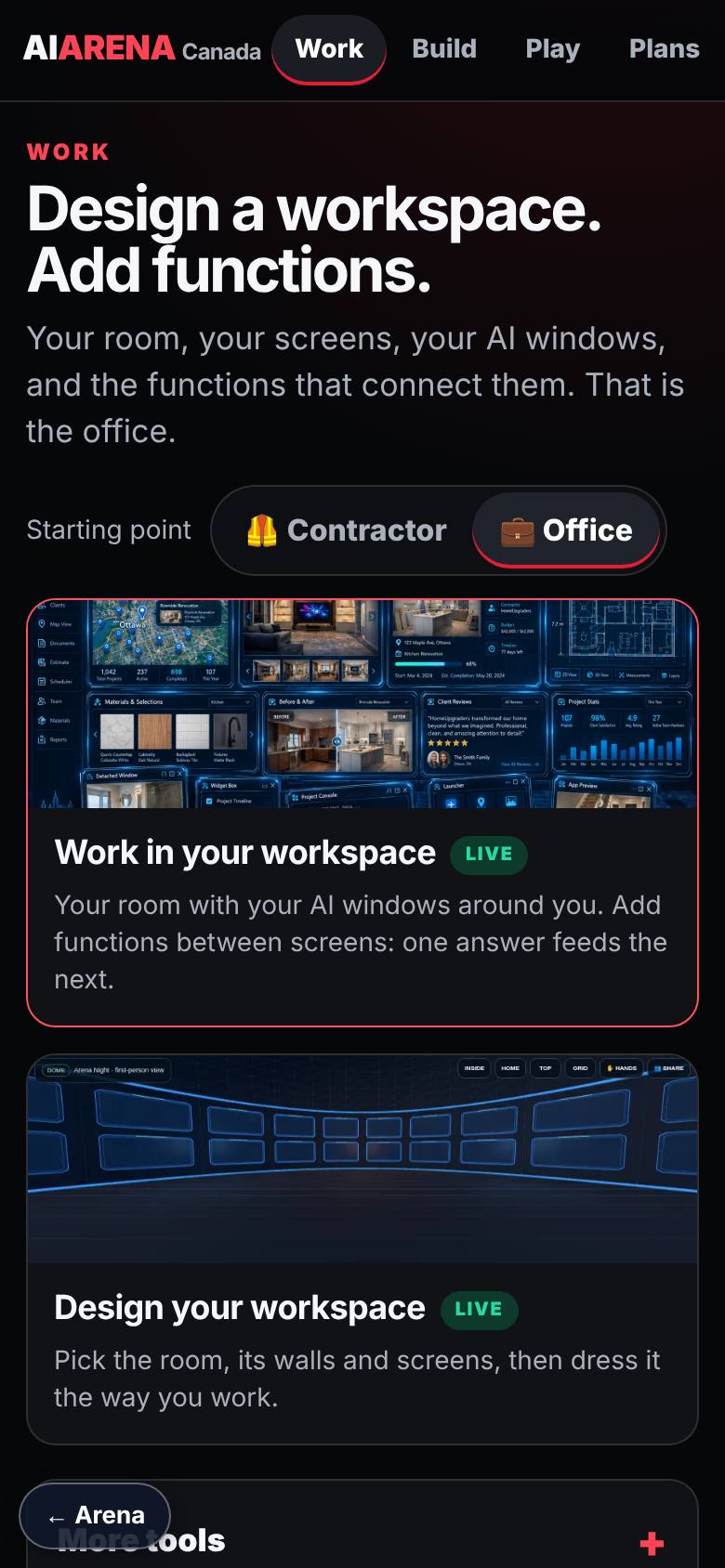
- 2
What do you want to make?
Tap Design your workspace.
A room, a big hall, a few walls or a wall of pictures.
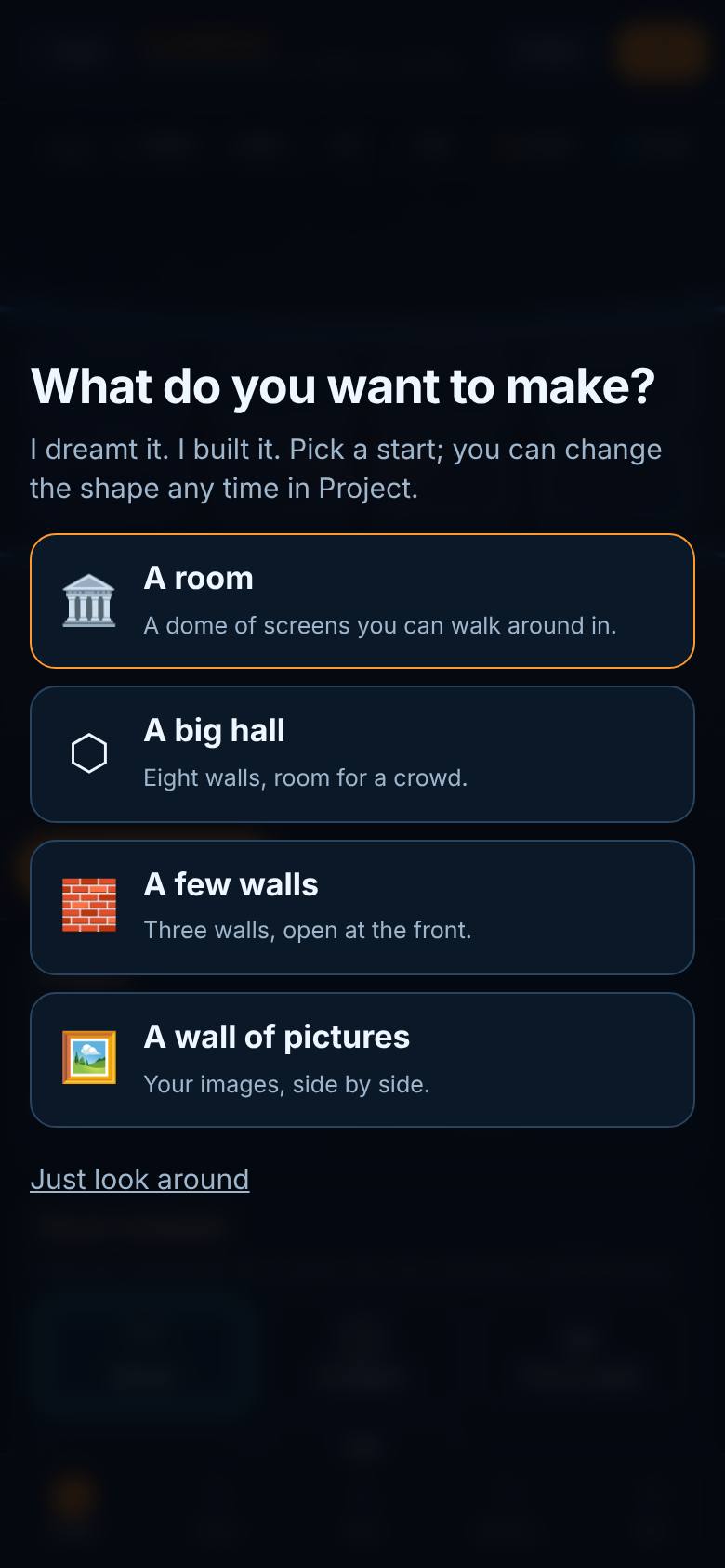
- 3
A few walls
Tap A few walls.
Three walls of screens, open at the front.
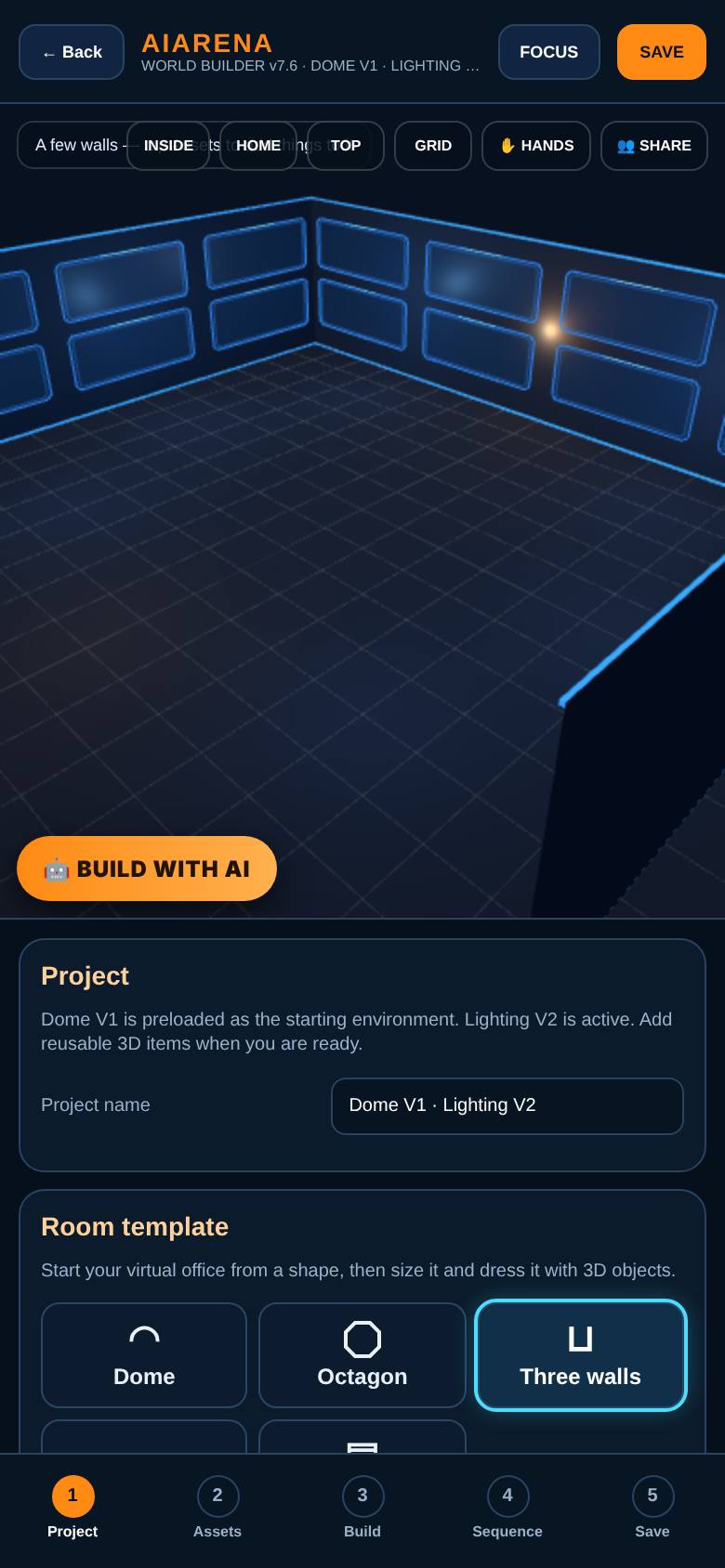
- 4
Size the room
Name it, then set the width, depth, wall height and rows of screens.
Two rows of screens.
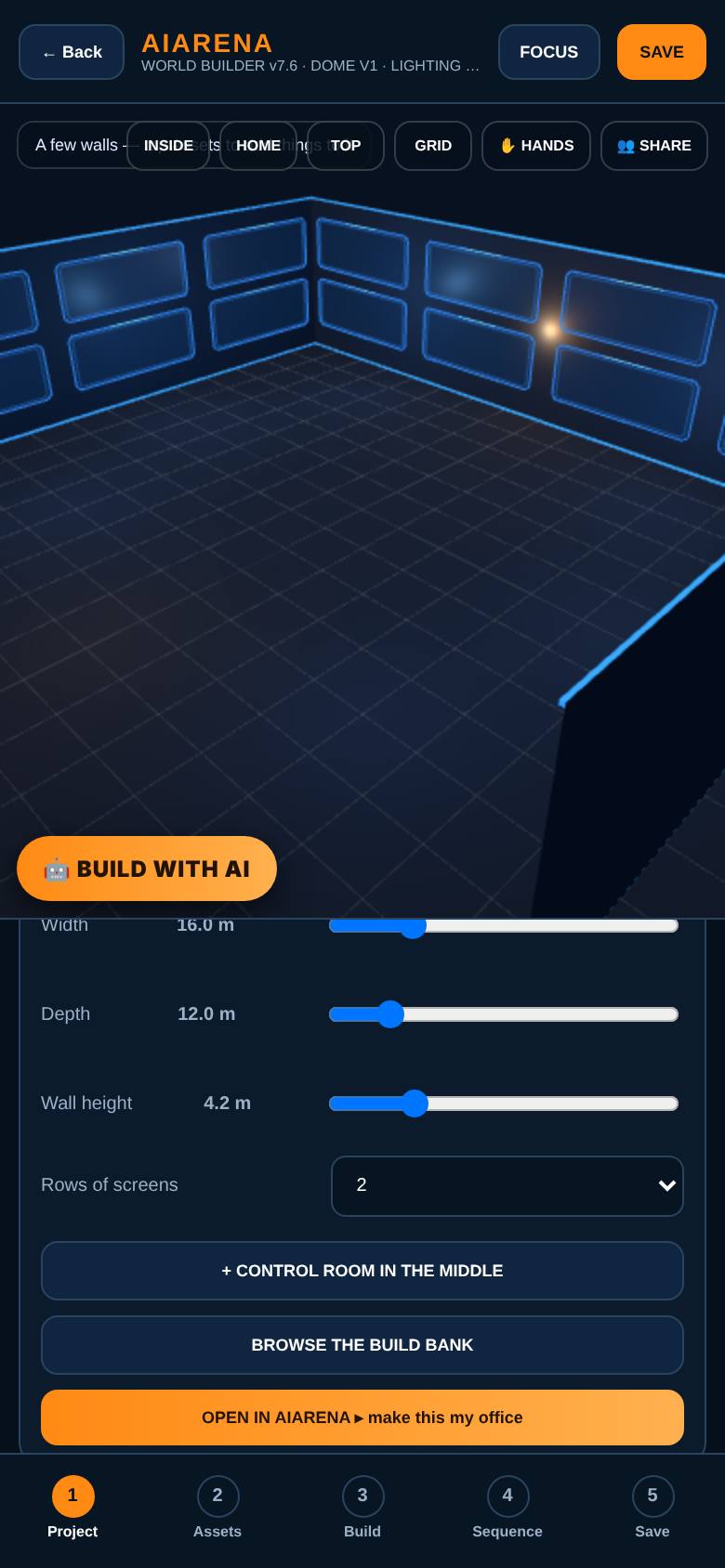
- 5
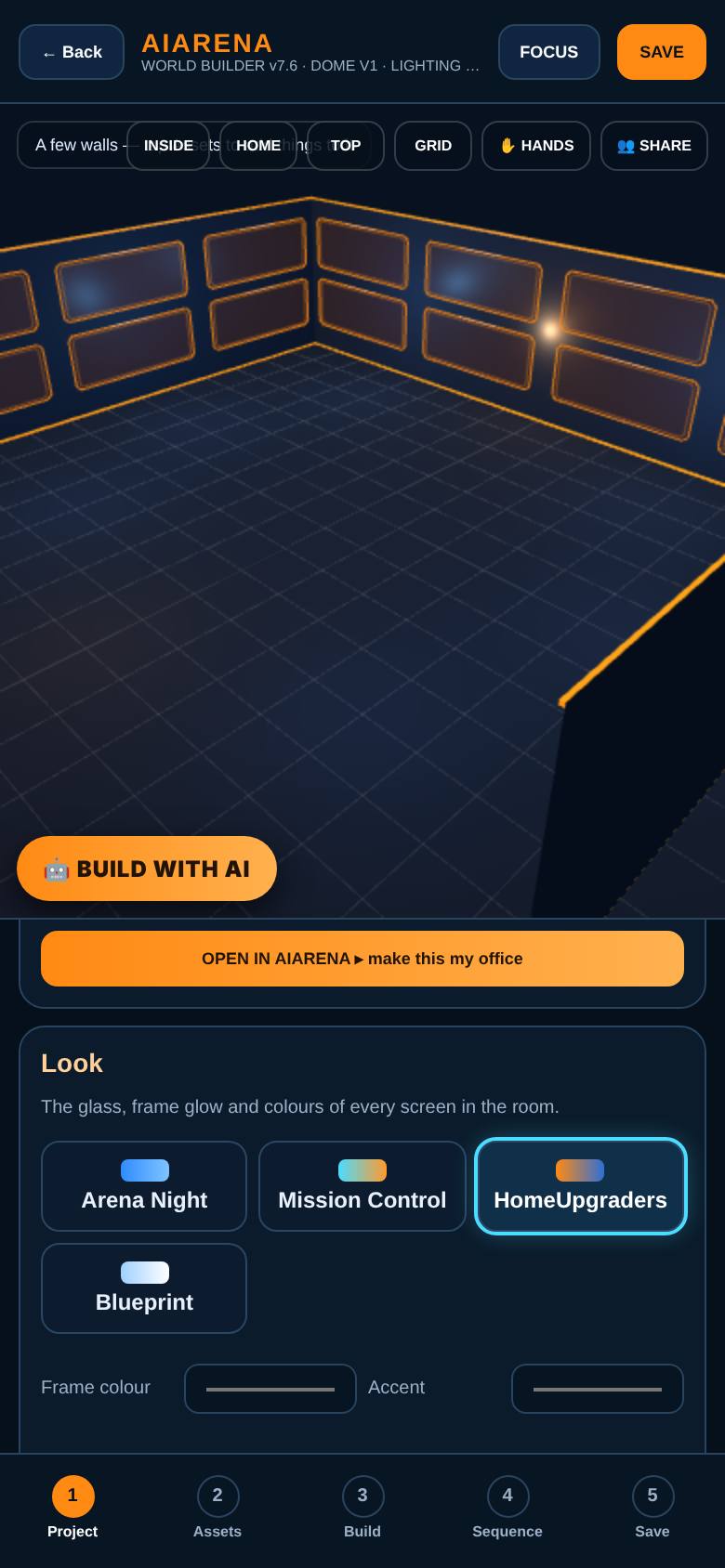
Choose the look
Under Look, pick a theme, or set the frame colour, accent, glow and glass.
HomeUpgraders orange frames.
- 6
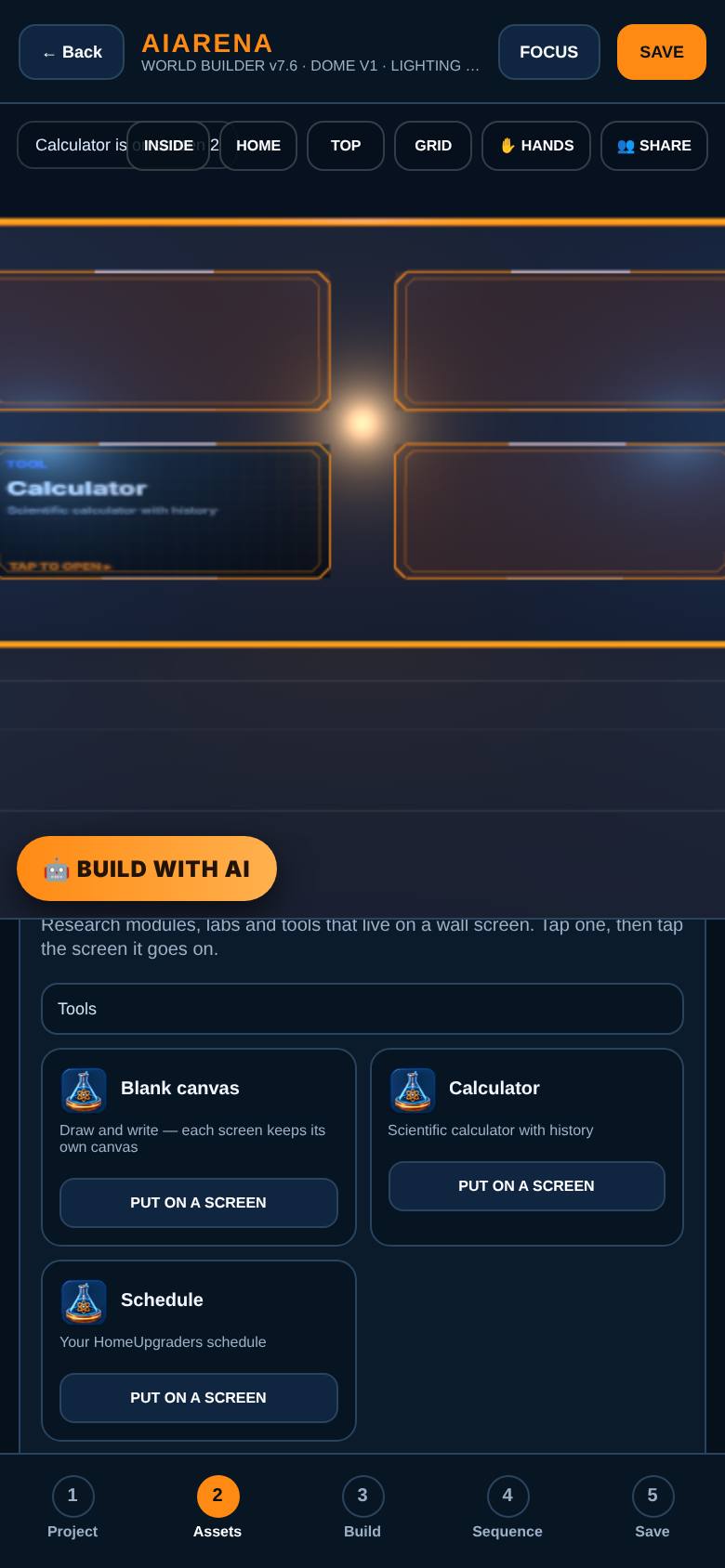
Put a tool on a screen
In Assets, tap Pages, tap Put on a screen for the Calculator, then tap a screen.
The calculator is on a screen.
- 7
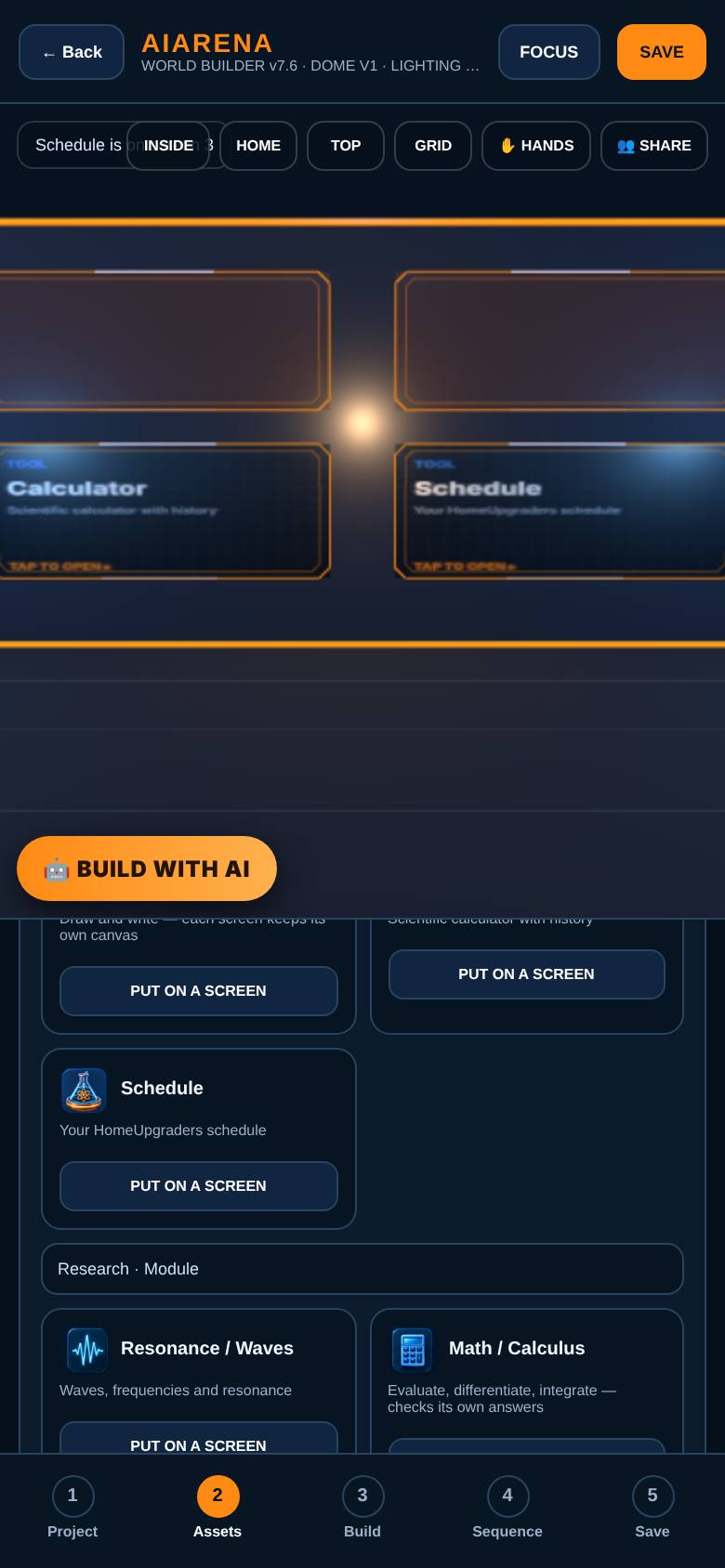
Add your schedule
Do the same for the Schedule.
Your schedule on another screen.
- 8
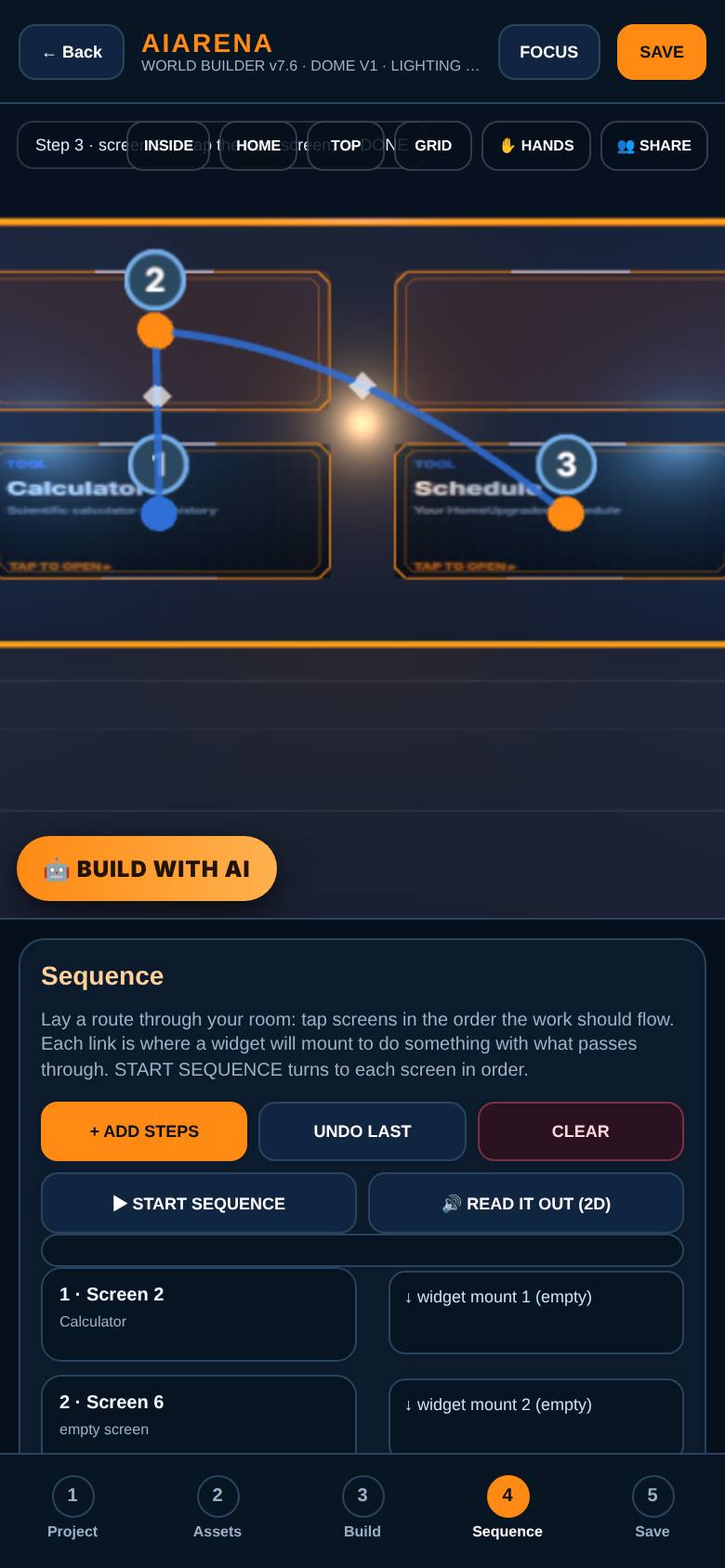
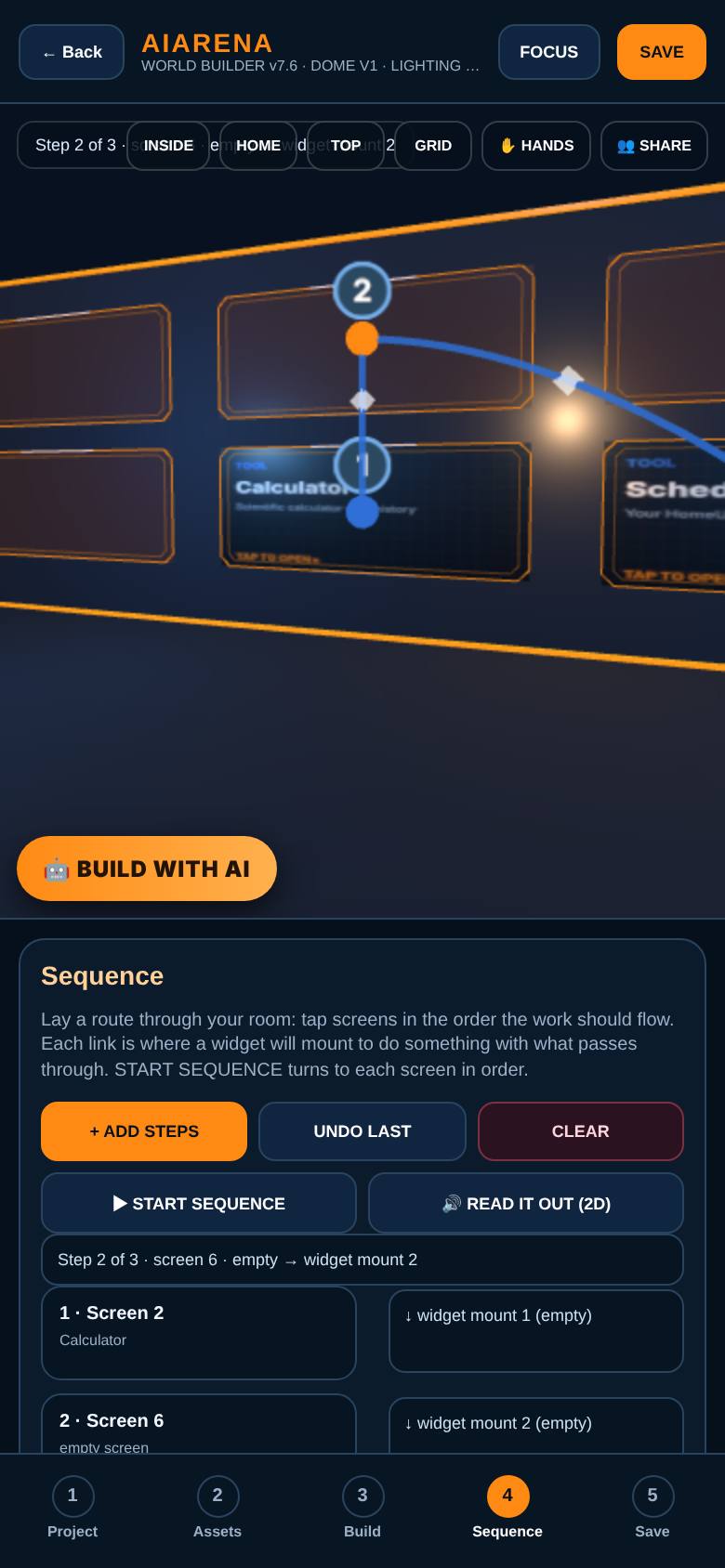
Lay a sequence
In Sequence, tap Add steps, then tap the screens in the order the work should flow.
Numbered steps with links between them.
- 9
Start sequence
Tap Start sequence.
The view turns to each screen in order.
- 10
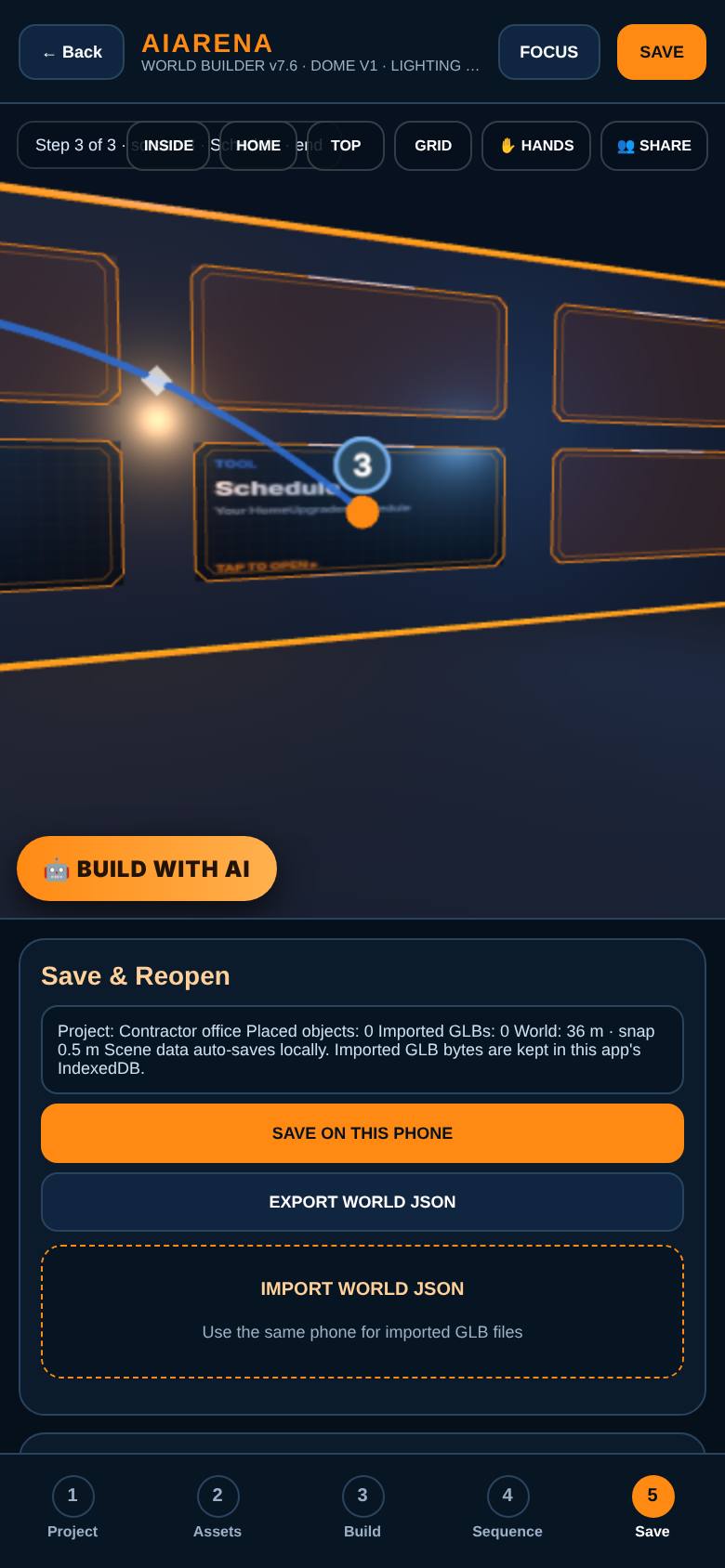
Save it
In Save, tap Save on this phone, or save it to My builds when signed in.
Saved, with time states and the Build Bank below.
- 11
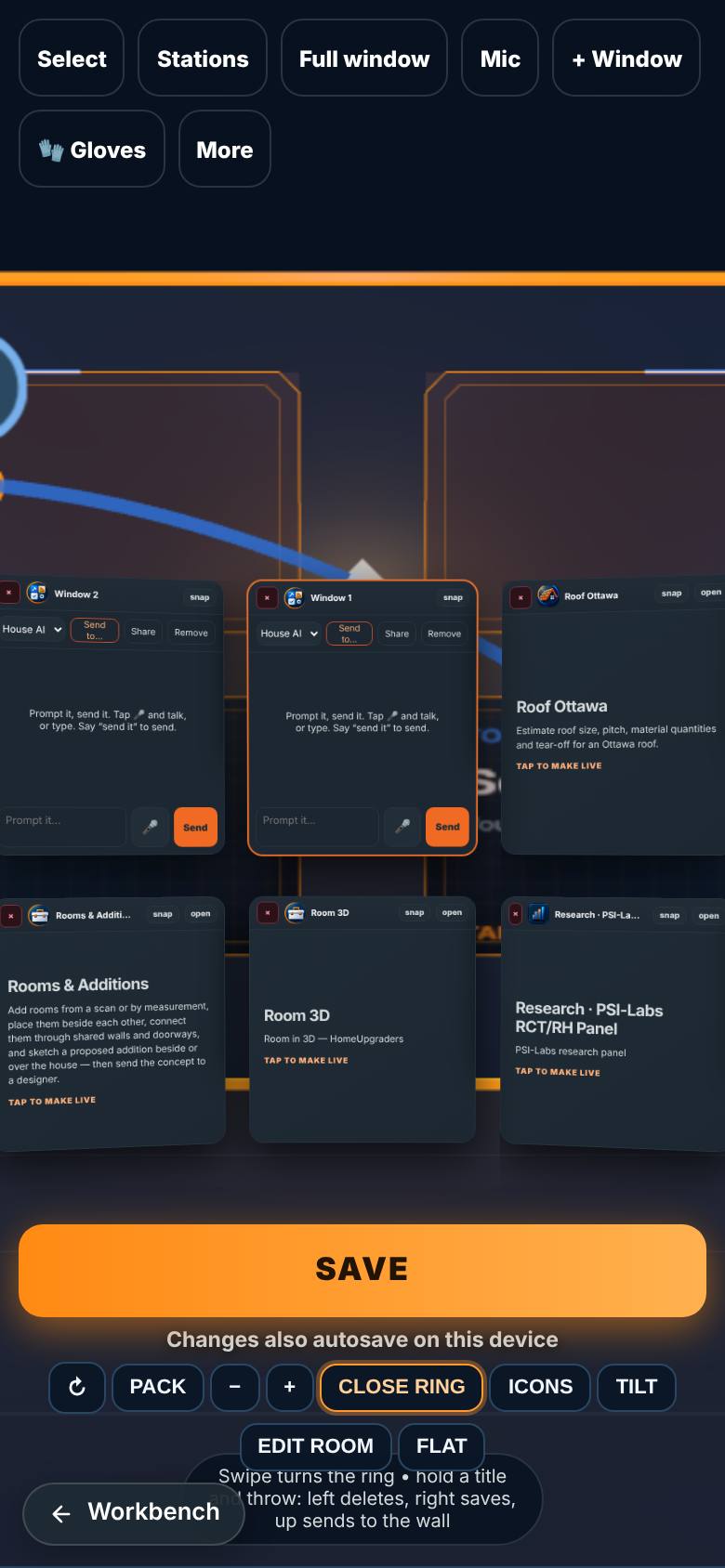
Make it your office
In Project, tap Open in AiArena, make this my office.
Your workspace with AI windows around you.
What result should I expect?
Your own office of screens, with tools on the walls and a sequence linking them.
How do I save, share or get help?
Save on this phone, export the world as a file, save time states, or save it to My builds and share it to the Build Bank.
If something goes wrong
- It says 3D could not start. Your browser has 3D turned off. Turn on hardware acceleration or try another browser.
Every screenshot here was taken while doing these exact steps on the current build (0647309), on a phone-sized screen, on 2026-10-11.
All AiArena How-To guides Open AiArena Office Builder