Put on the gloves and learn every hand move
The hands tutorial in AiArena Gestures: your camera turns your hands into robot gloves, and thirteen short lessons teach every move the arena understands.
Guide revision: 2026-10-11 · steps checked 2026-10-11 on build 257ad95
15-step walkthrough with voiceover, recorded from the same checked steps.
Voiceover: Kokoro text-to-speech (Apache 2.0).
How do I start?
Open AiArena, tap Gestures, then Put on the gloves. Allow the camera.
What do I do next?
- 1
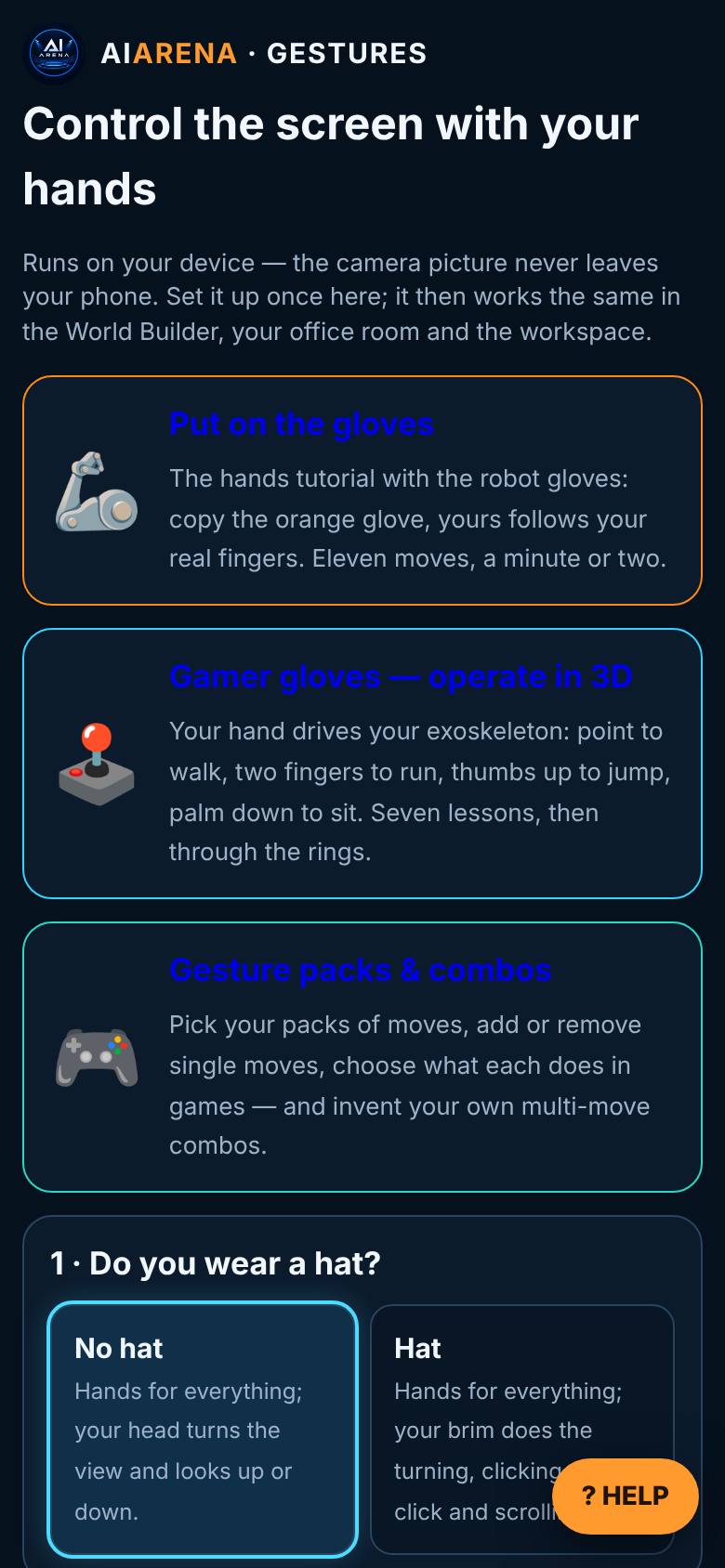
Gestures
On AiArena, open Gestures.
Put on the gloves, Gamer gloves, packs.
- 2
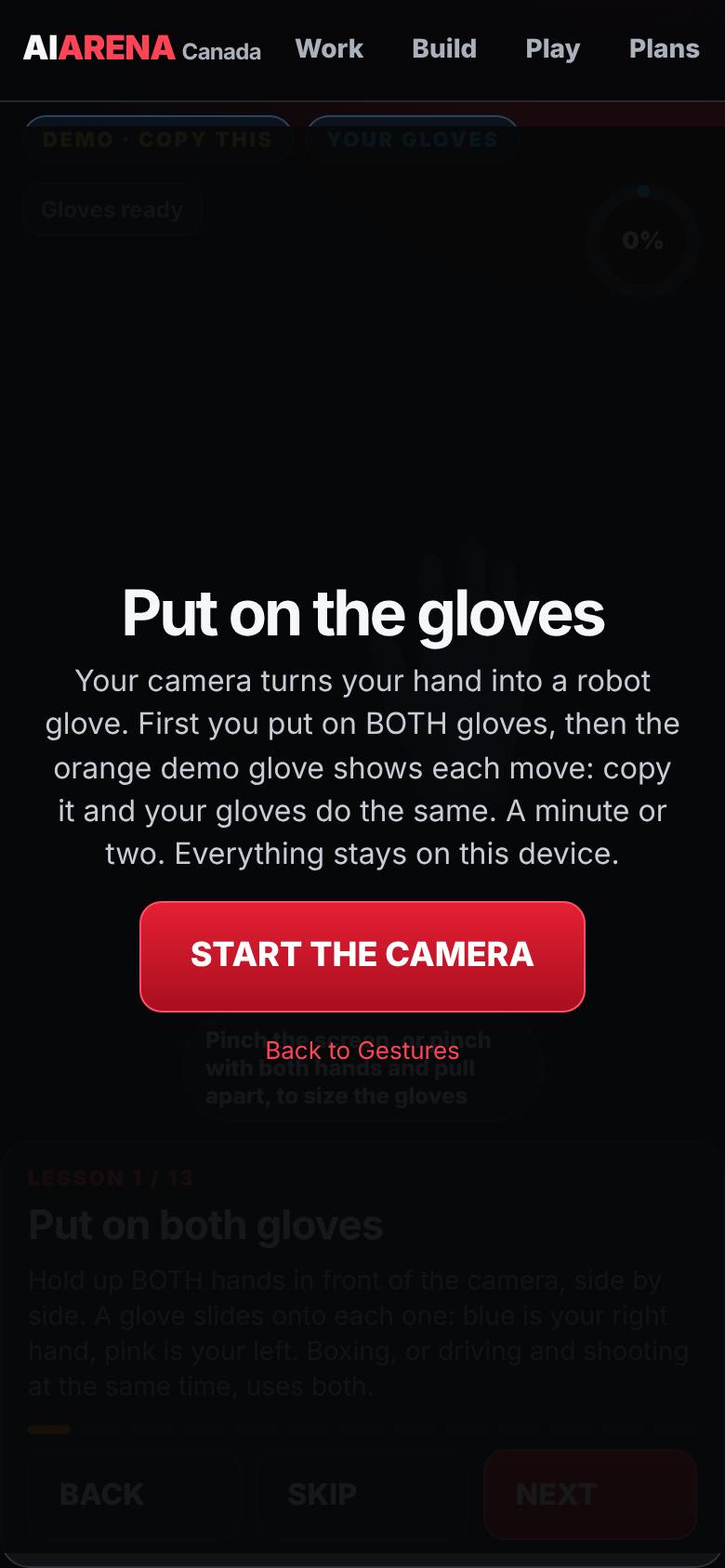
Put on the gloves
Tap Put on the gloves, then Start the camera.
The start screen.
- 3
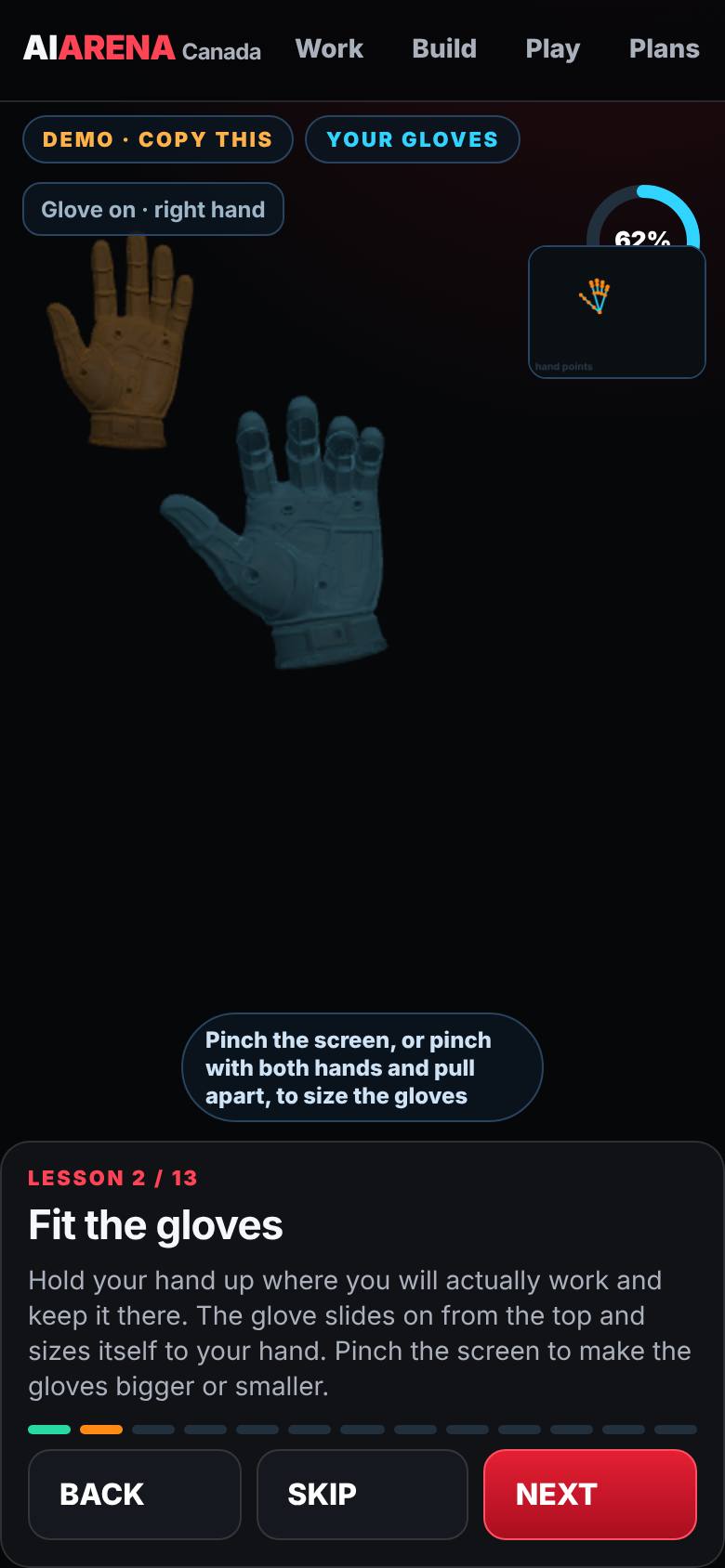
Both gloves
Hold up both hands.
A blue glove on the right hand, pink on the left.
- 4
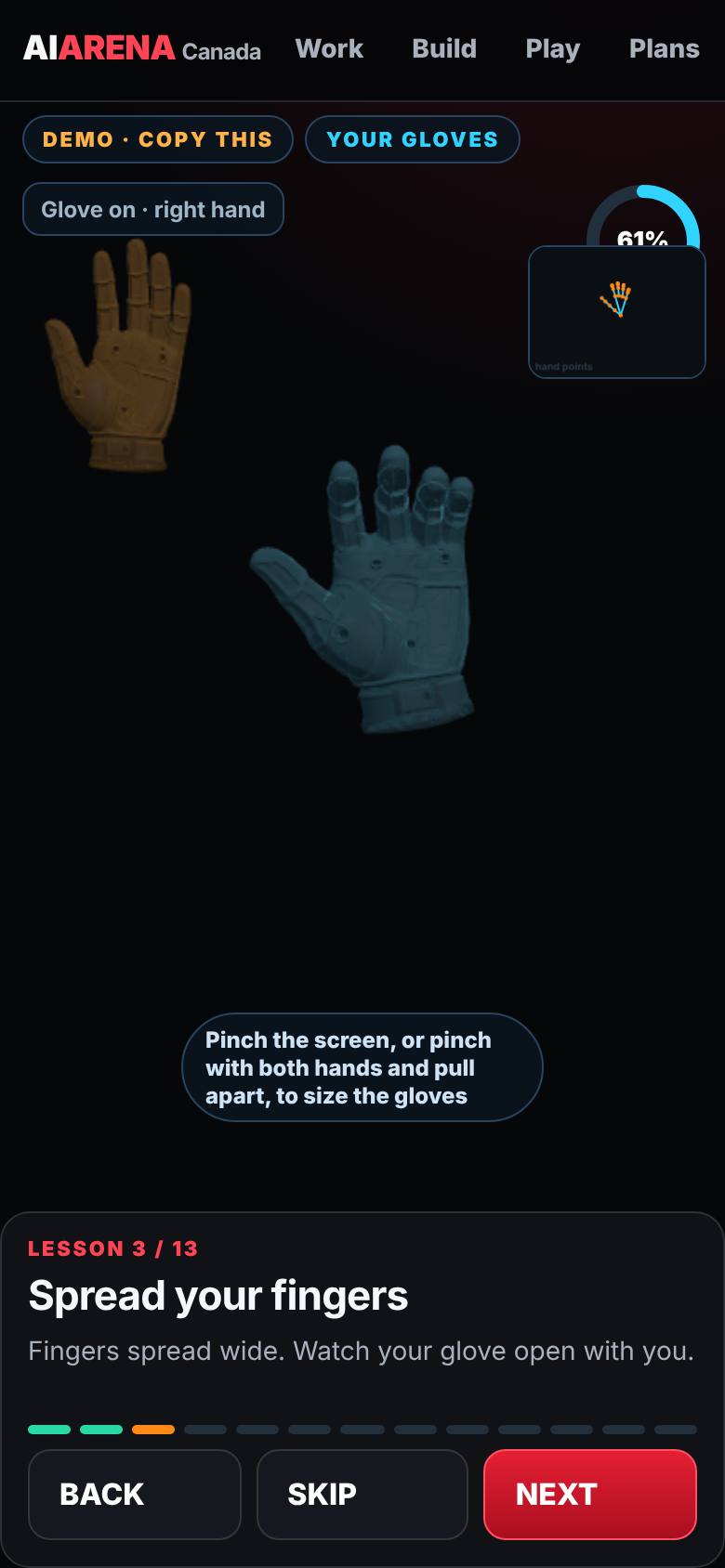
Fit the gloves
Hold one hand still where you work.
The glove sizes itself to the hand.
- 5
Spread your fingers
Open the hand wide.
The glove opens with it; the meter fills.
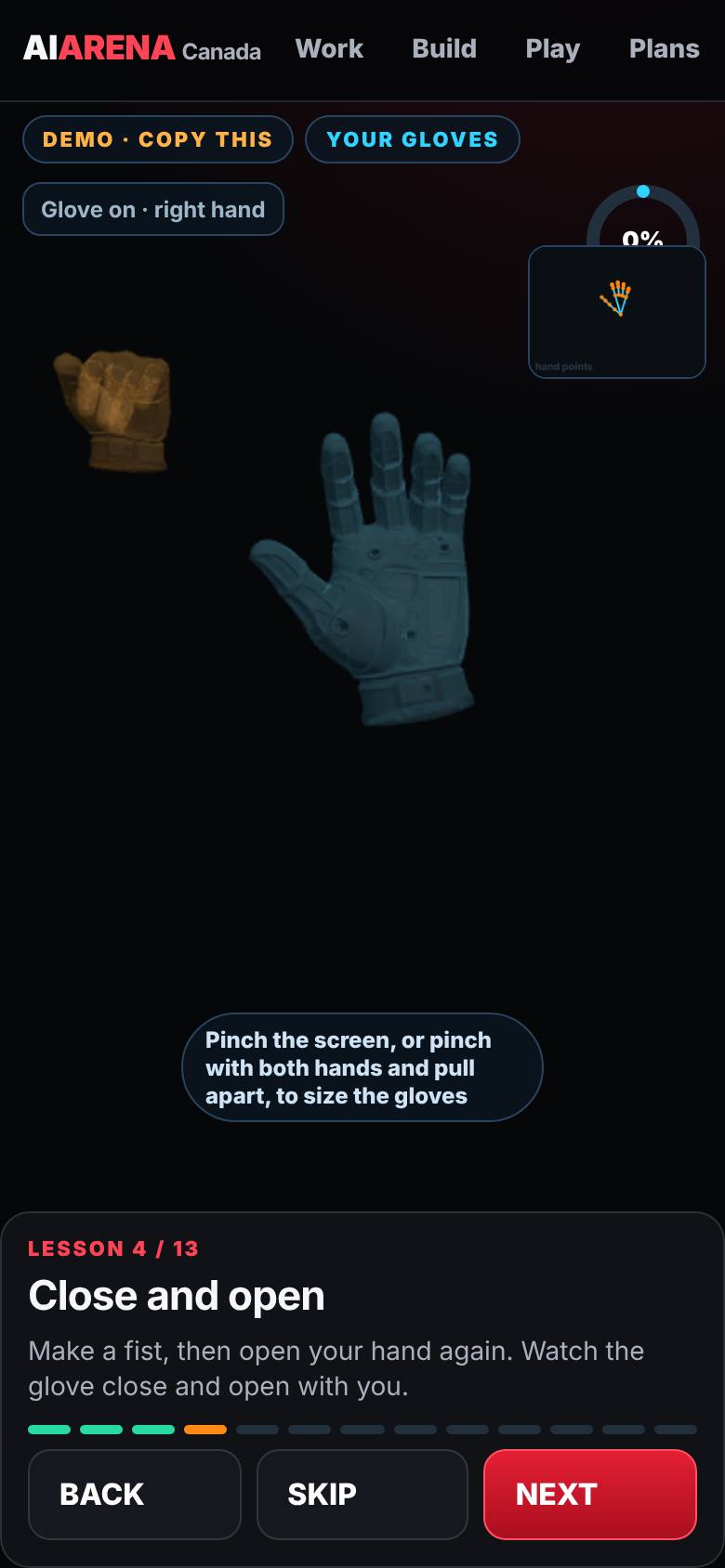
- 6
Close and open
Make a fist, then open.
The glove closes and opens.
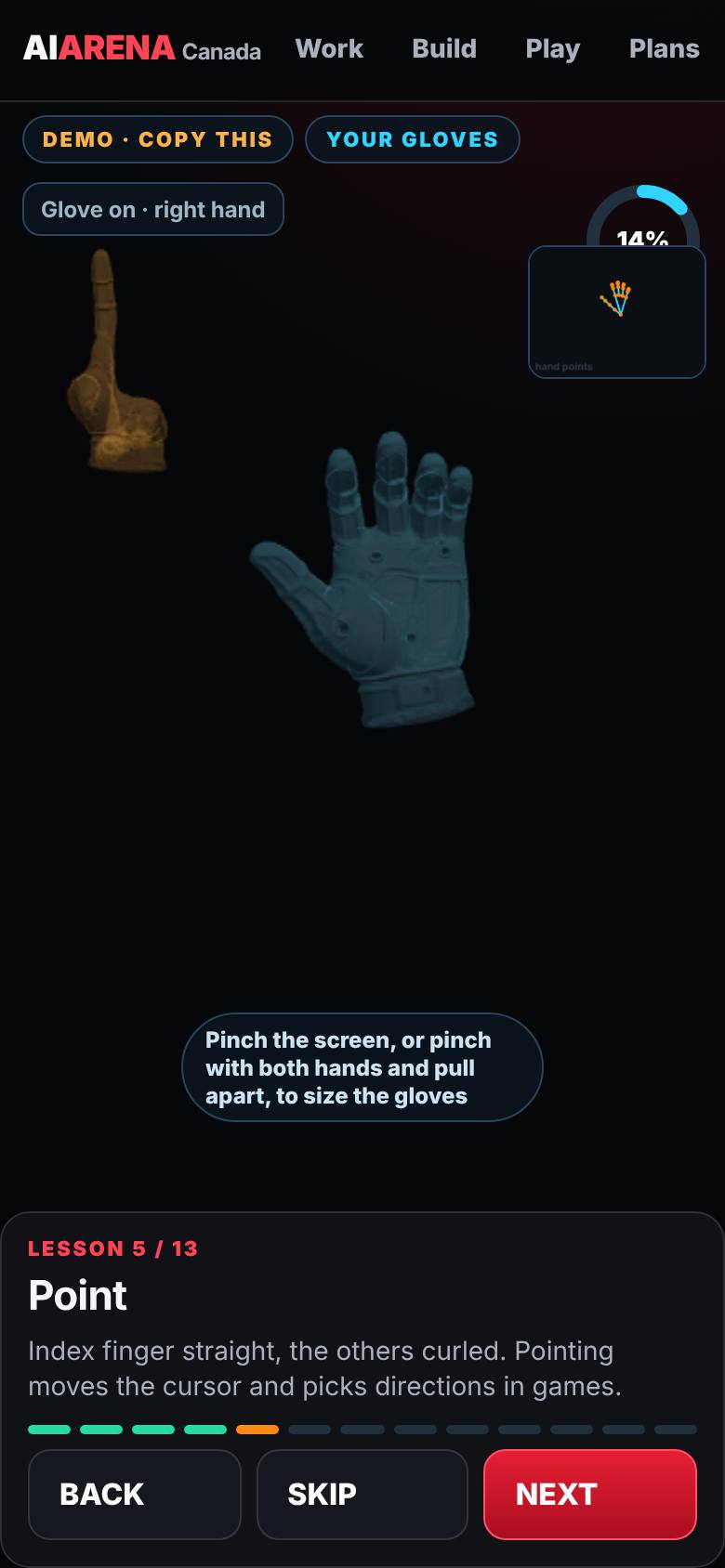
- 7
Point
Index finger out, the rest curled.
The glove points.
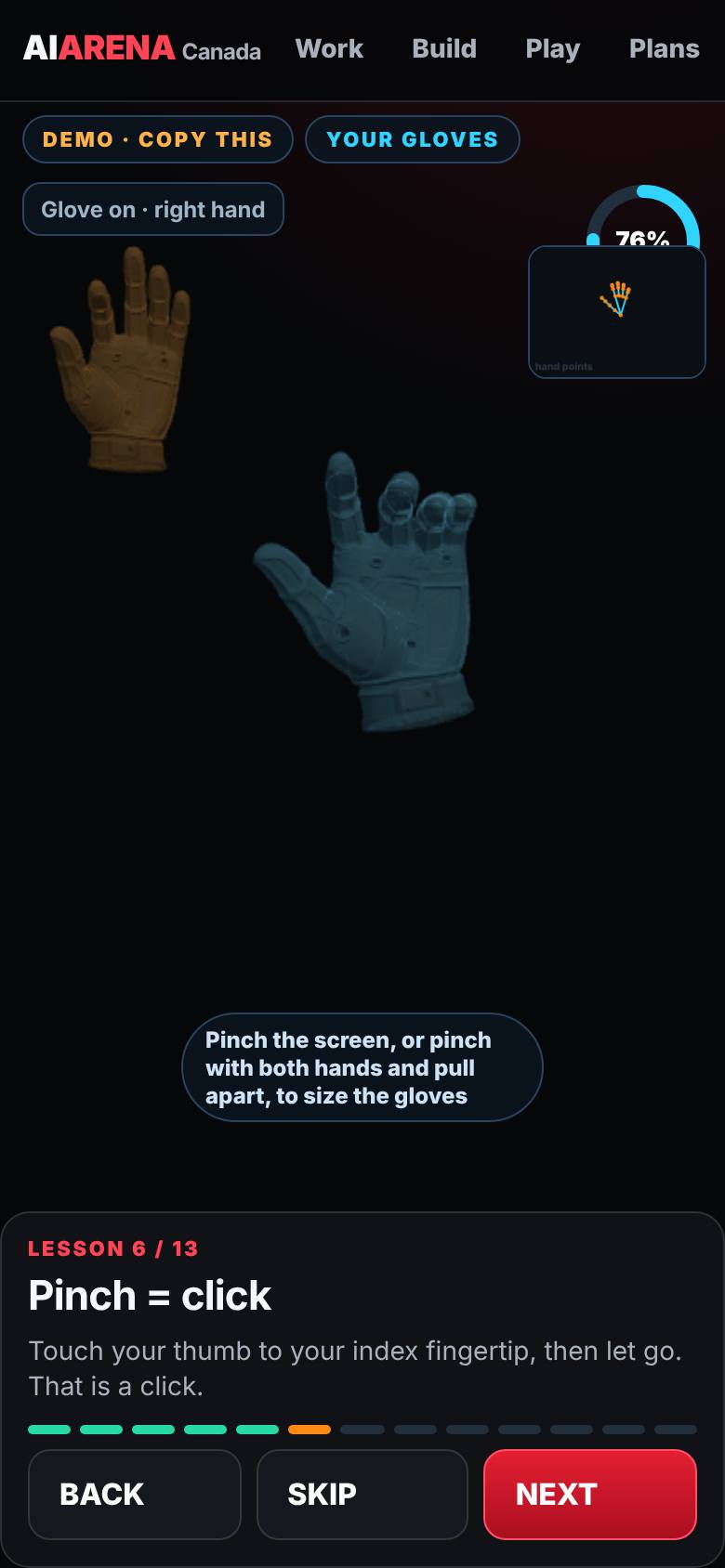
- 8
Pinch = click
Thumb to the index fingertip.
A click.
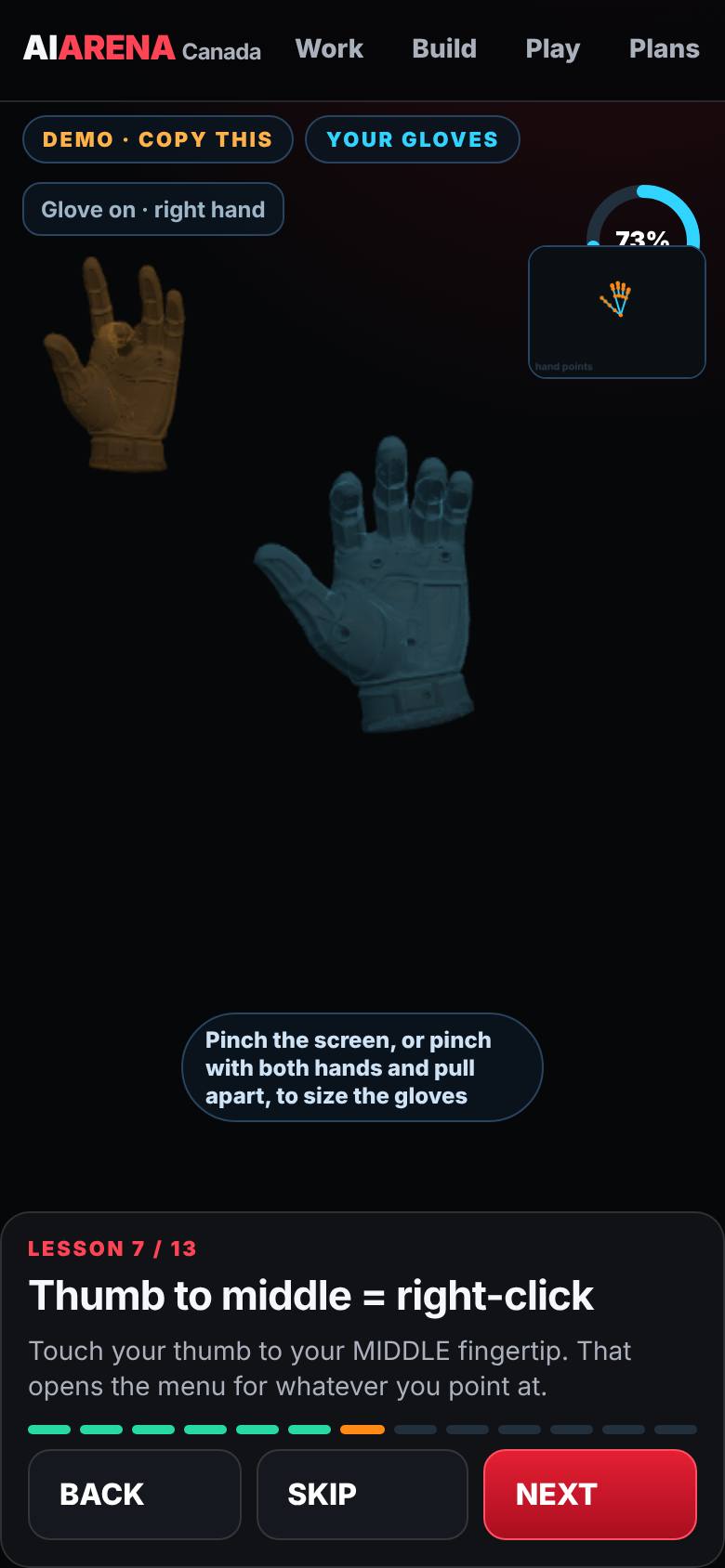
- 9
Thumb to middle = right-click
Thumb to the middle fingertip.
The menu gesture.
- 10
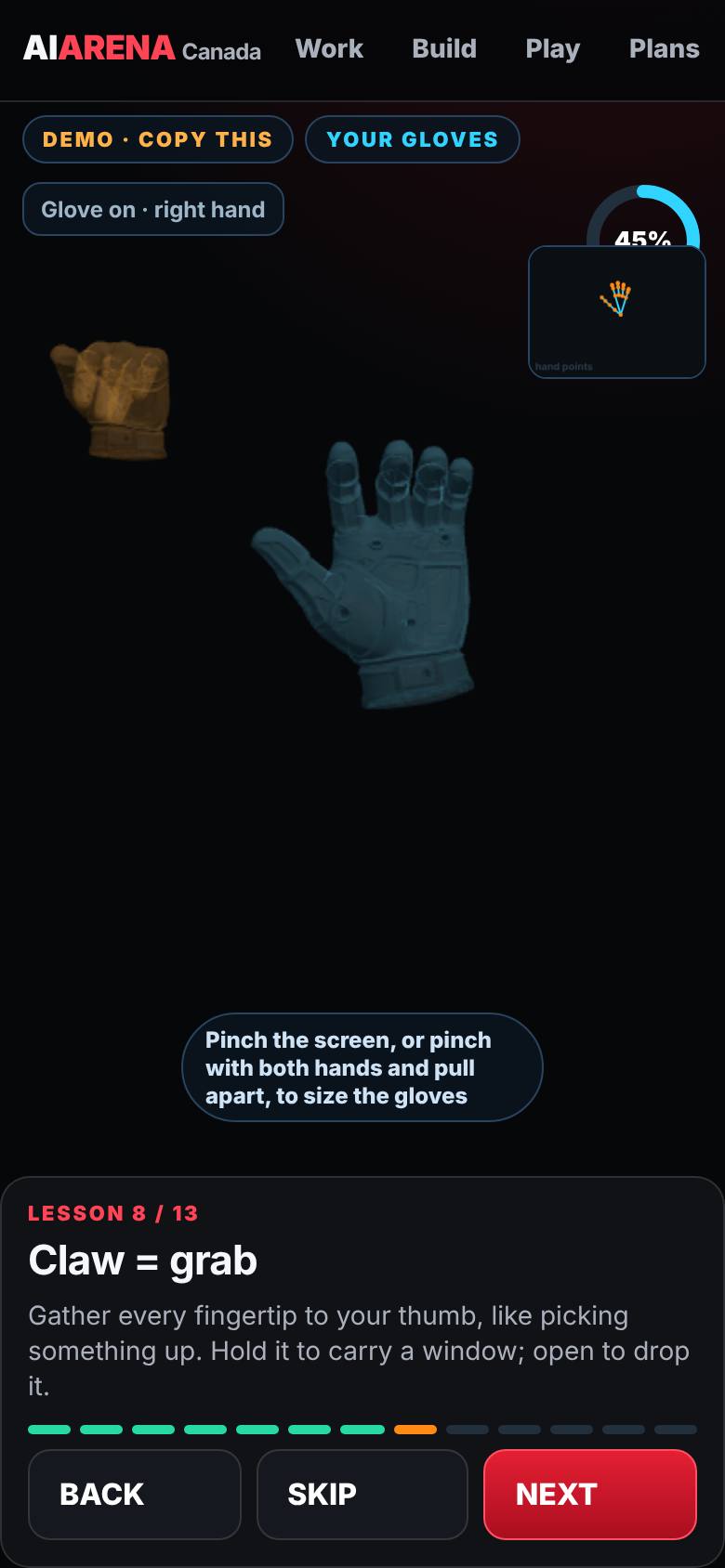
Claw = grab
All fingertips to the thumb.
Grab and carry.
- 11
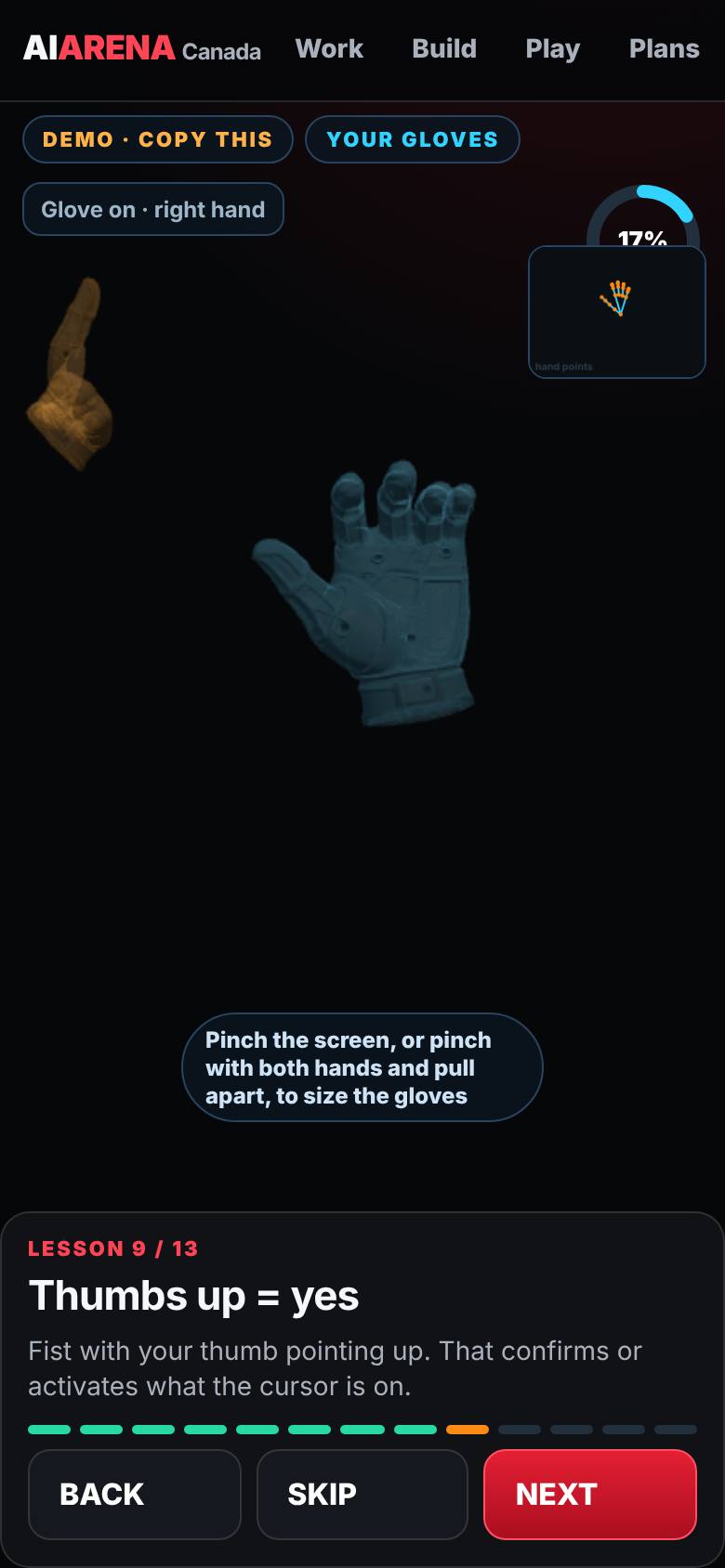
Thumbs up = yes
Fist, thumb up.
Confirm.
- 12
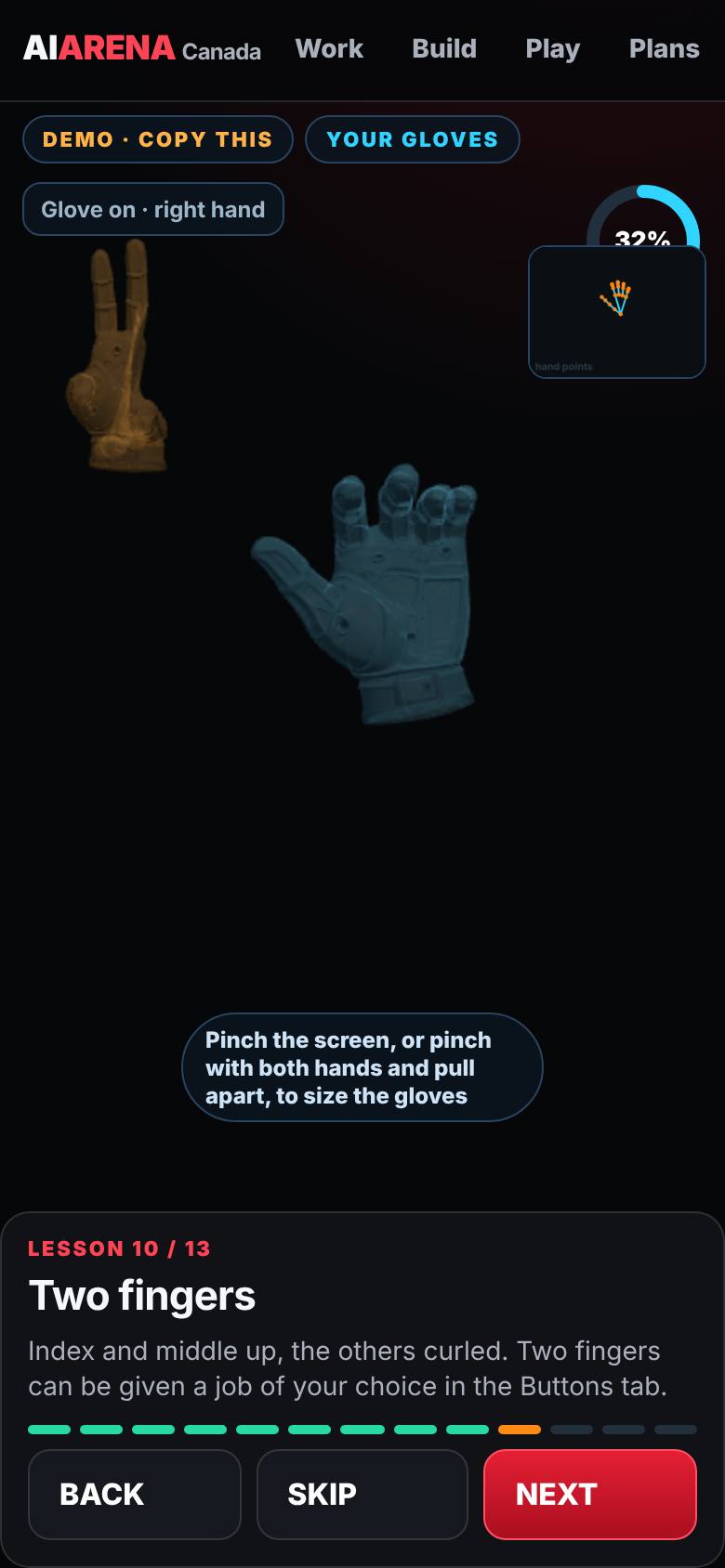
Two fingers
Index and middle up.
A spare gesture for the Buttons tab.
- 13
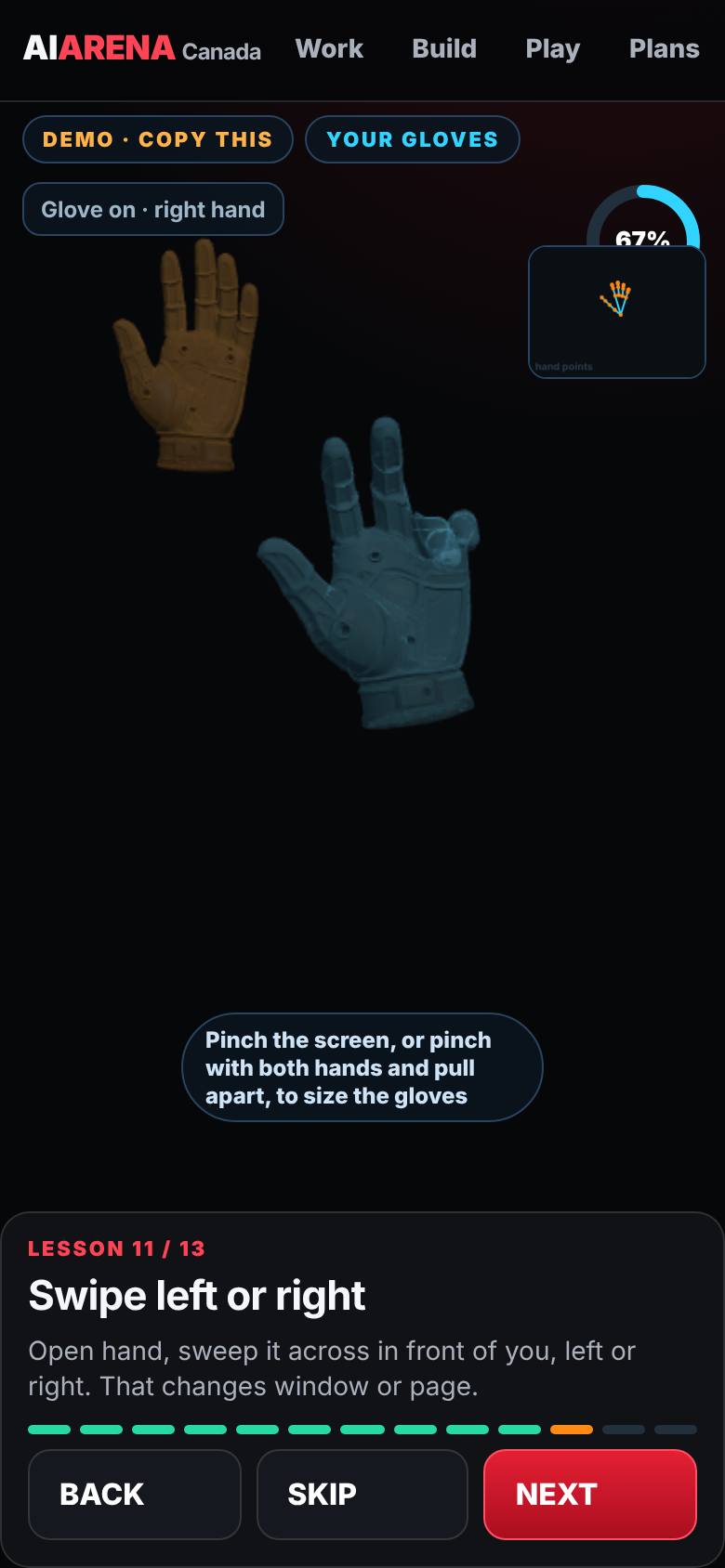
Swipe left or right
Open hand, sweep across.
Next window or page.
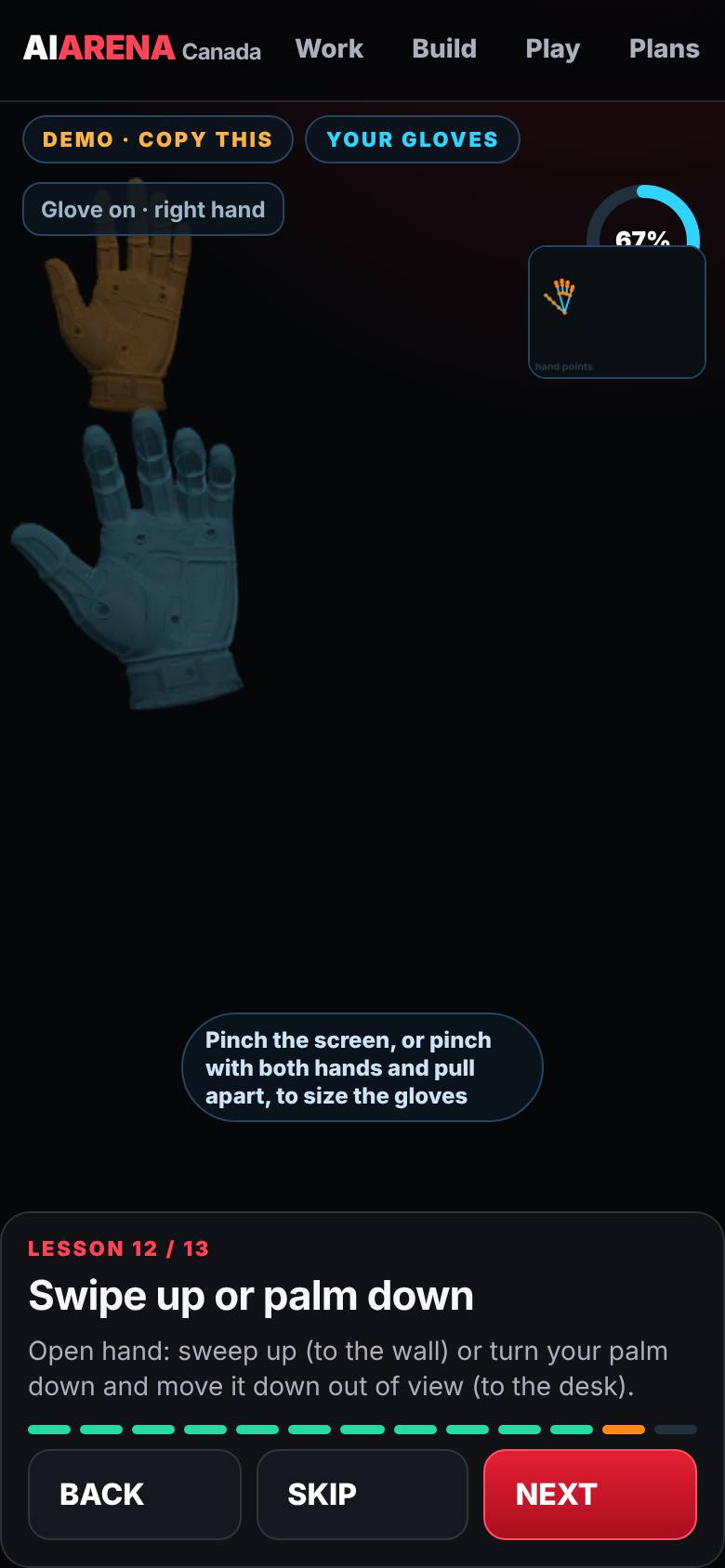
- 14
Swipe up or palm down
Sweep up, or palm down and out of view.
To the wall, or to the desk.
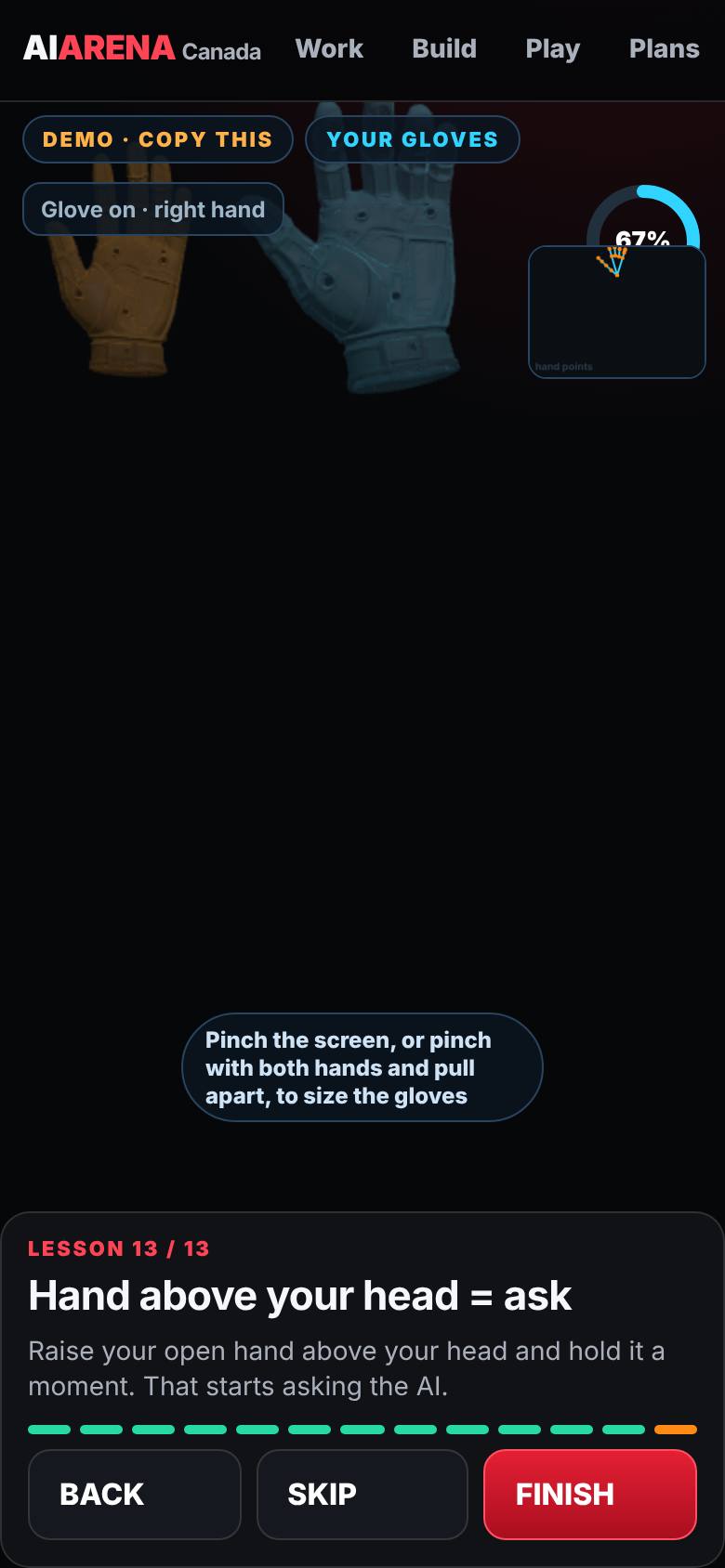
- 15
Hand above your head = ask
Raise the open hand and hold it.
Gloves on: every move learned.
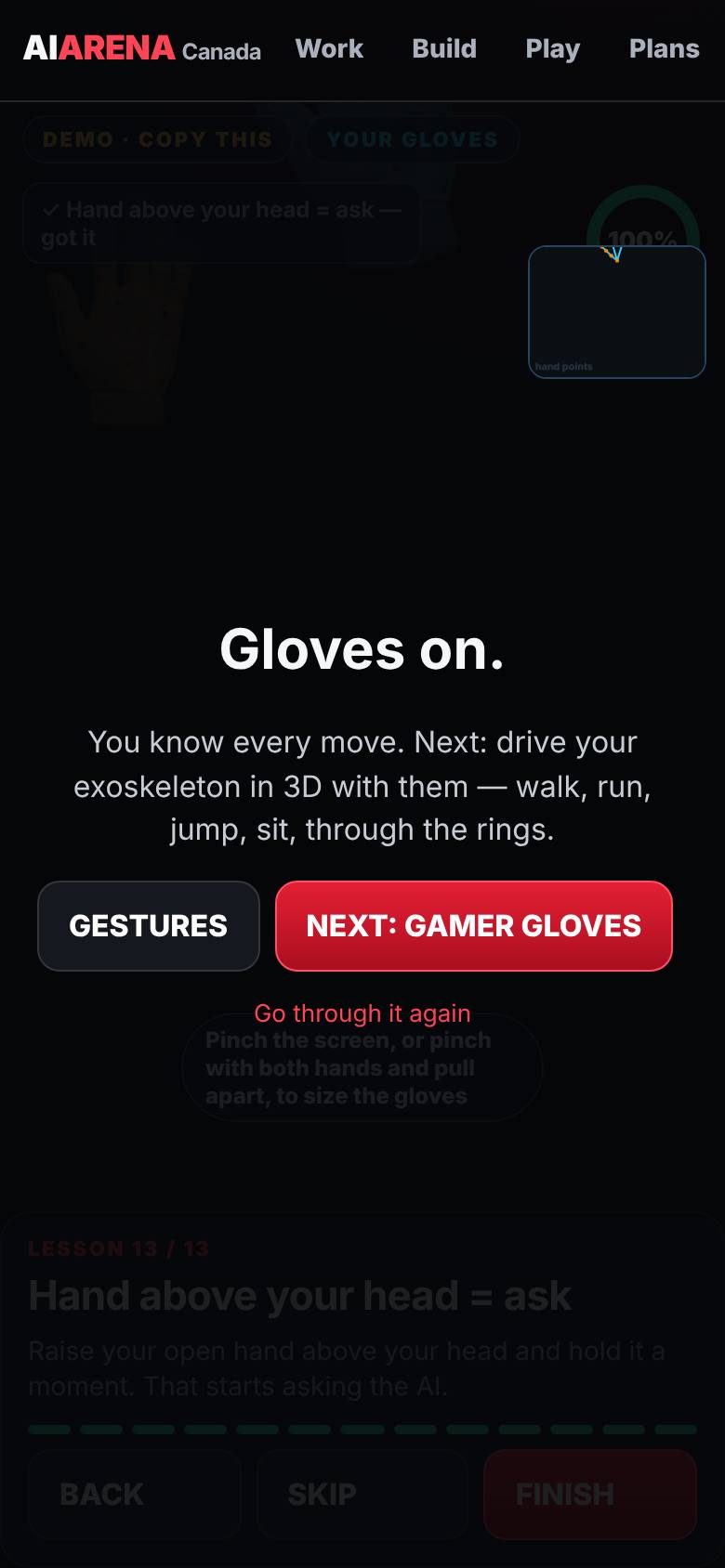
What result should I expect?
Both gloves fitted and every gesture learned: click, right-click, grab, confirm, swipe, wall, desk and ask.
How do I save, share or get help?
Progress is saved on this device; the Gestures page shows which lessons are done.
If something goes wrong
- The glove does not appear. Hold your hand where the camera can see it, about an arm's length away, with good light behind the camera, not behind you.
- The glove is too big or too small. Pinch the screen, or pinch with both hands and pull apart or together.
Every screenshot here was taken while doing these exact steps on the current build (257ad95), on a phone-sized screen, on 2026-10-11.
All AiArena How-To guides Open AiArena Gloves