Drive your exoskeleton with your hand
The 3D half of the gloves tutorial: point to walk, two fingers to run, thumbs up to jump, palm down to sit, fist to stop, then through the rings.
Guide revision: 2026-10-11 · steps checked 2026-10-11 on build 257ad95
8-step walkthrough with voiceover, recorded from the same checked steps.
Voiceover: Kokoro text-to-speech (Apache 2.0).
How do I start?
Open AiArena, tap Gestures, then Gamer gloves. Choose Hands (camera) or Buttons.
What do I do next?
- 1
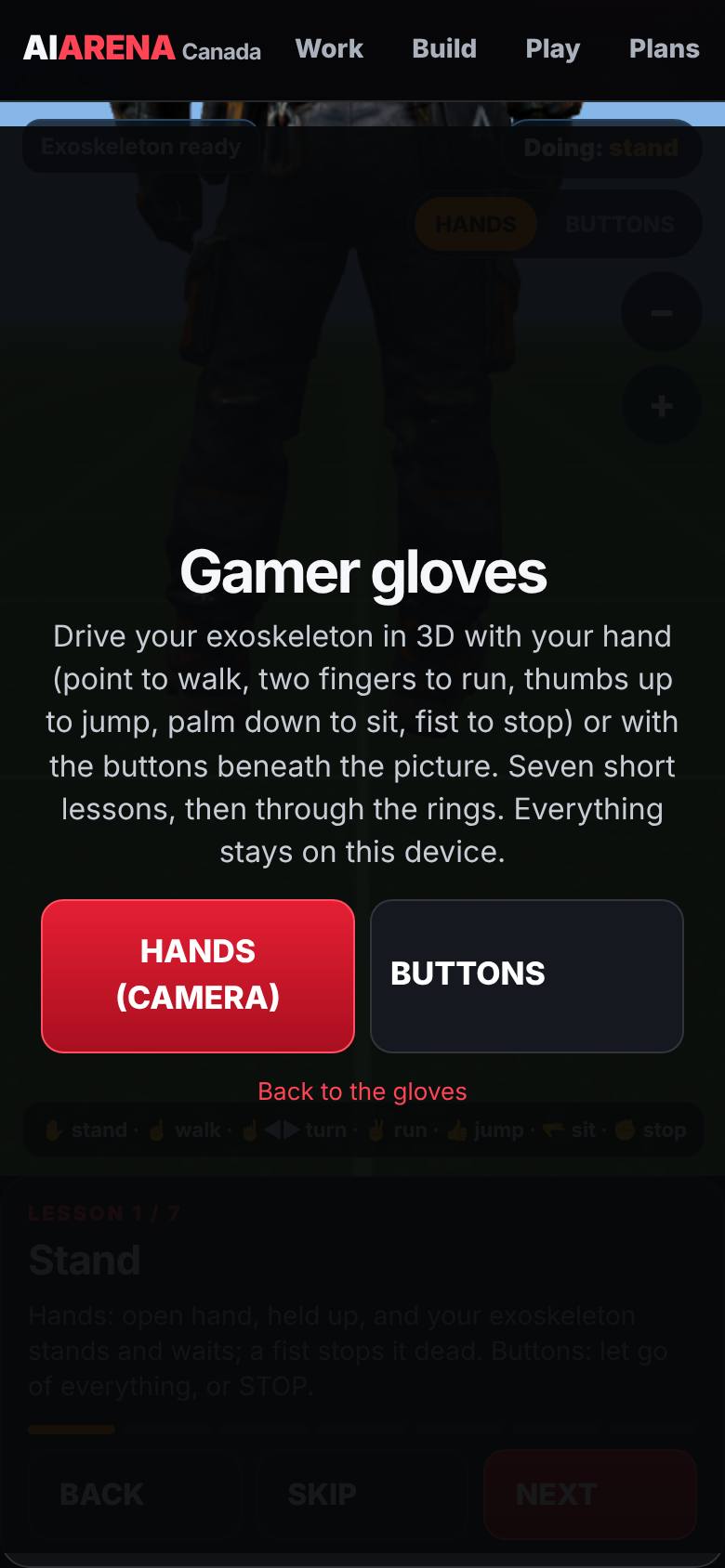
Gamer gloves
In Gestures, tap Gamer gloves.
Hands with the camera, or buttons.
- 2
Stand
Open hand, held up.
The exoskeleton stands and waits.
- 3
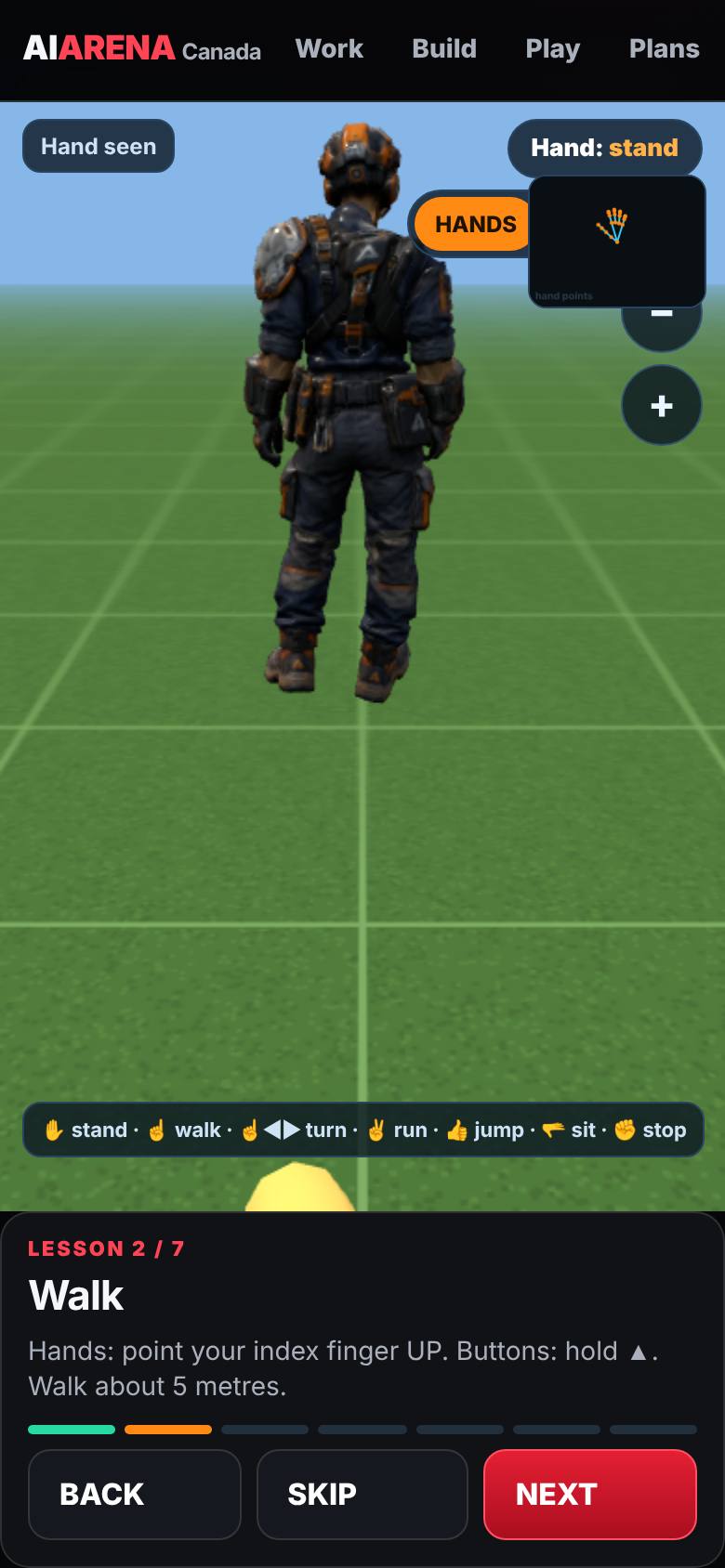
Walk
Point your index finger up.
It walks forward.
- 4
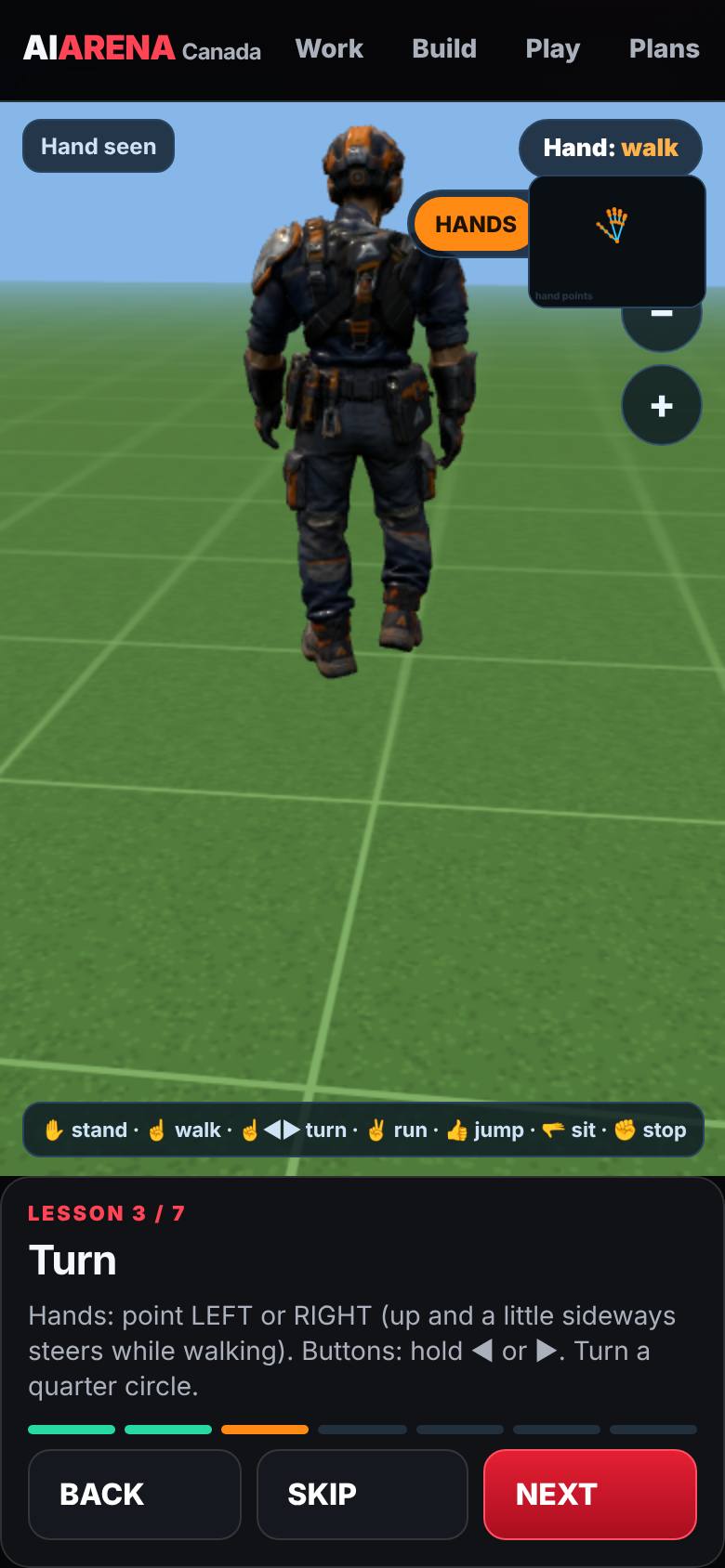
Turn
Point left or right.
It turns on the spot.
- 5
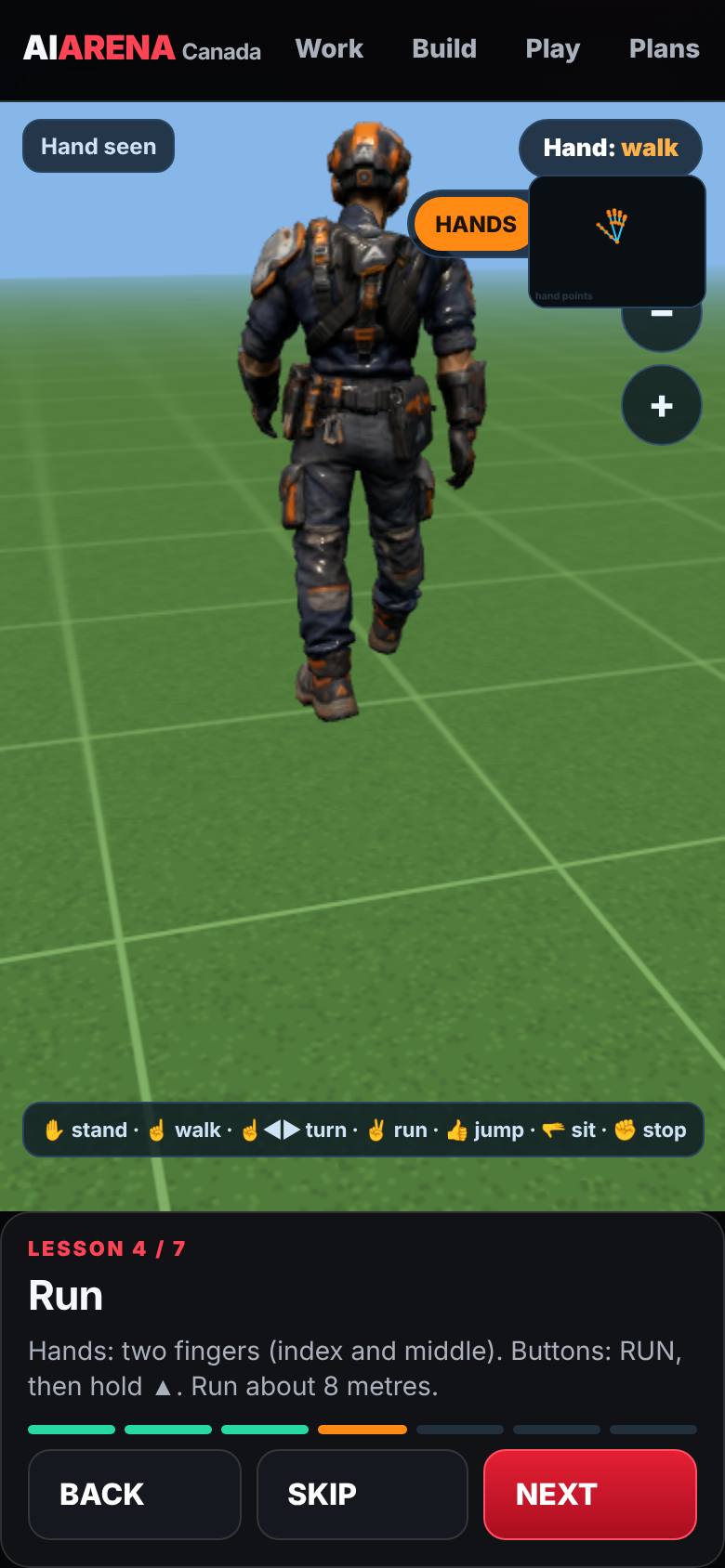
Run
Two fingers.
It runs.
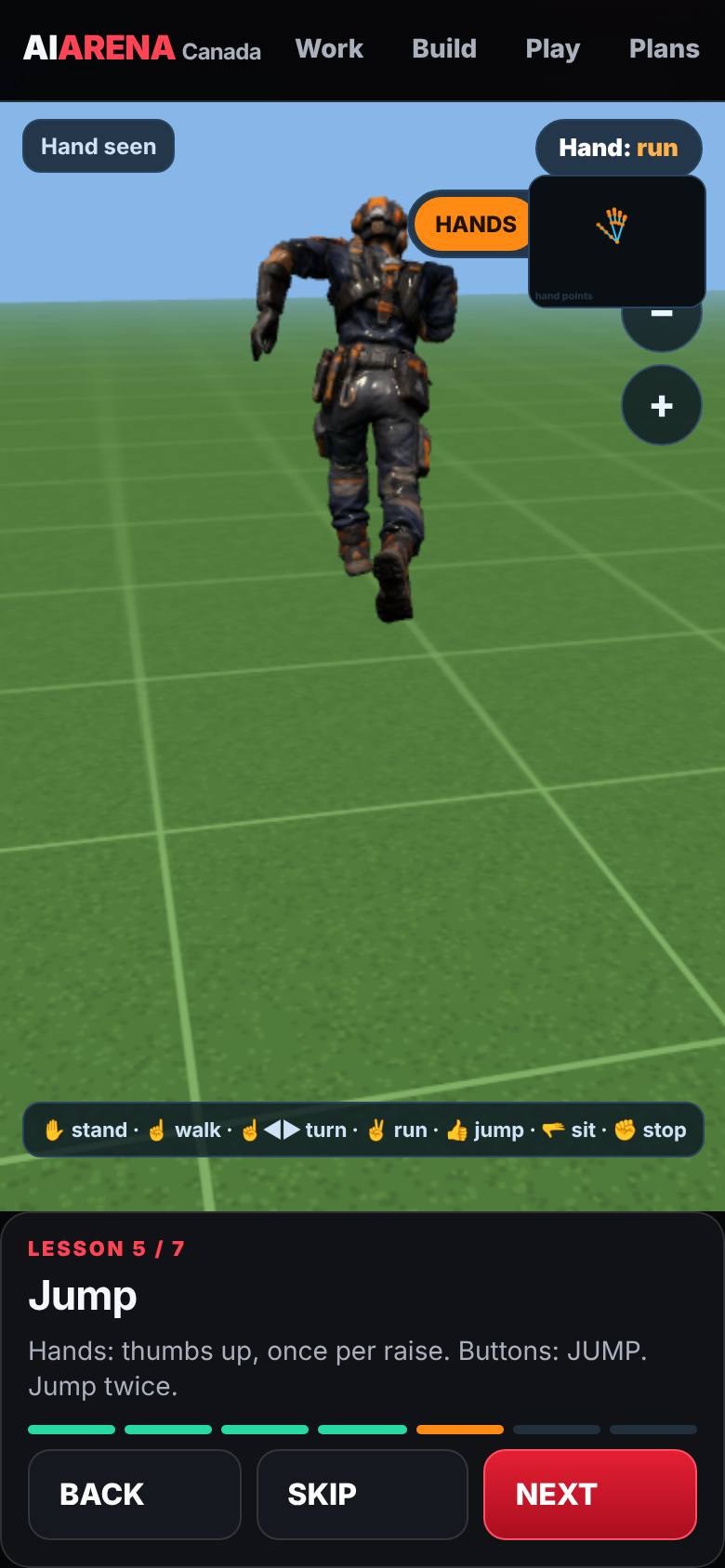
- 6
Jump
Thumbs up, once per jump.
Two jumps.
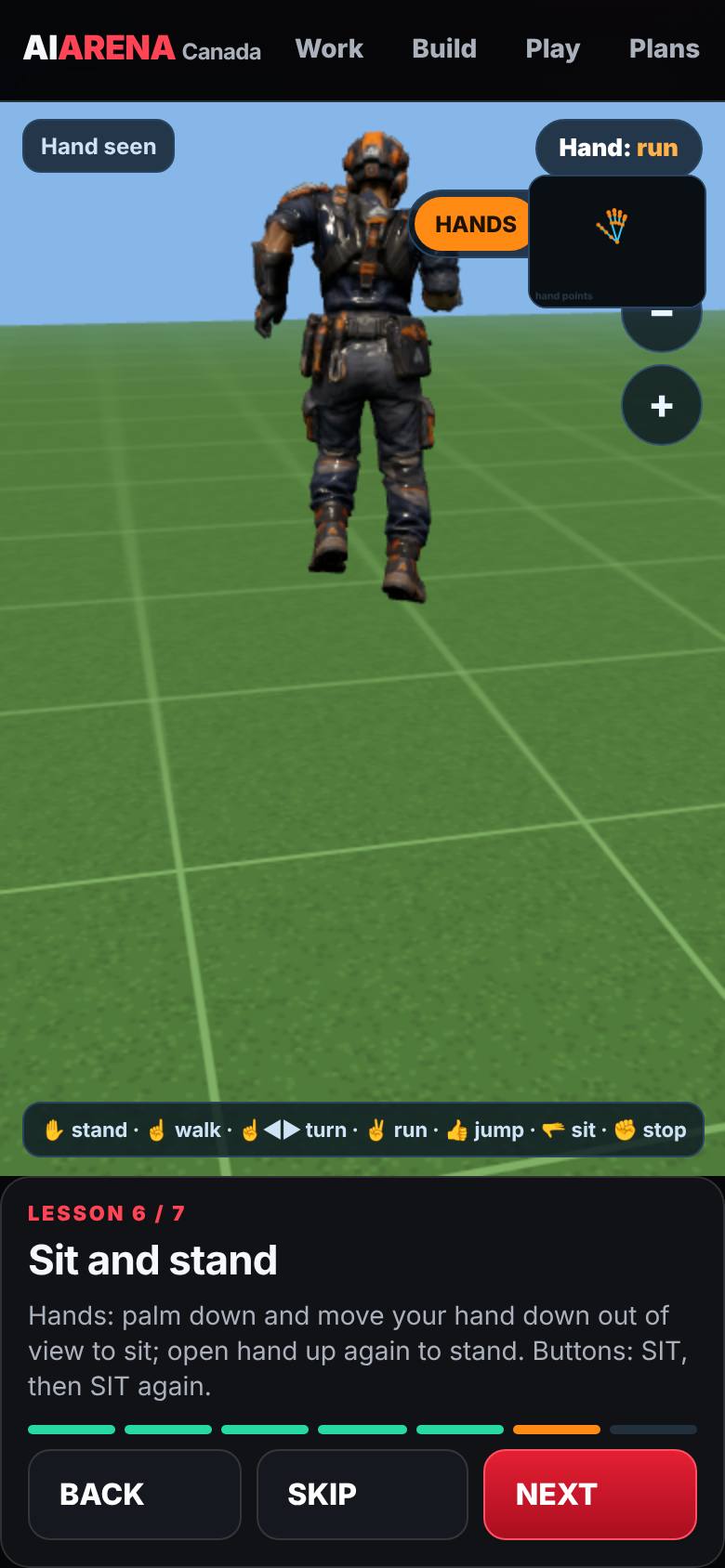
- 7
Sit and stand
Palm down and out of view to sit; open hand to stand.
It sits, then stands.
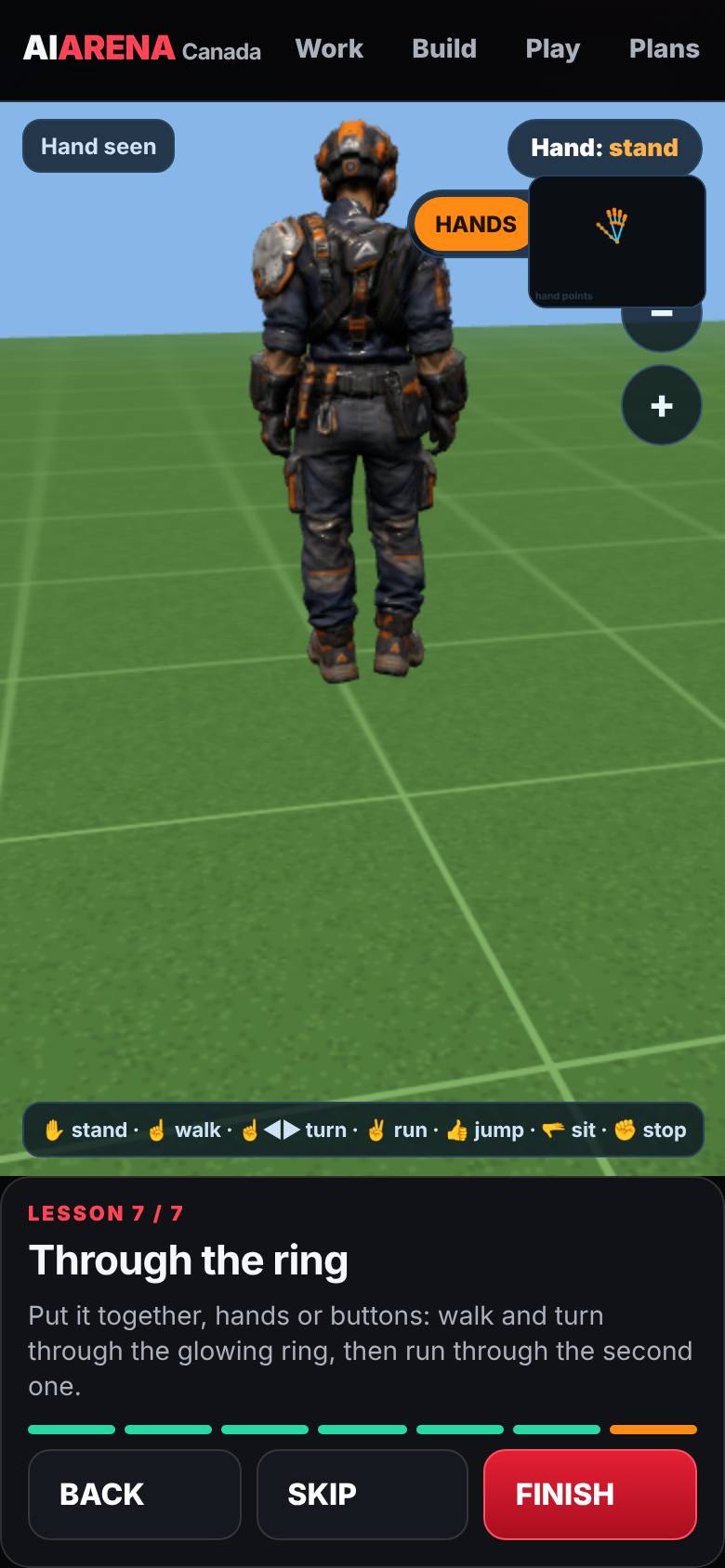
- 8
Through the rings
Walk and turn through the first ring, run through the second.
Both rings turn green.
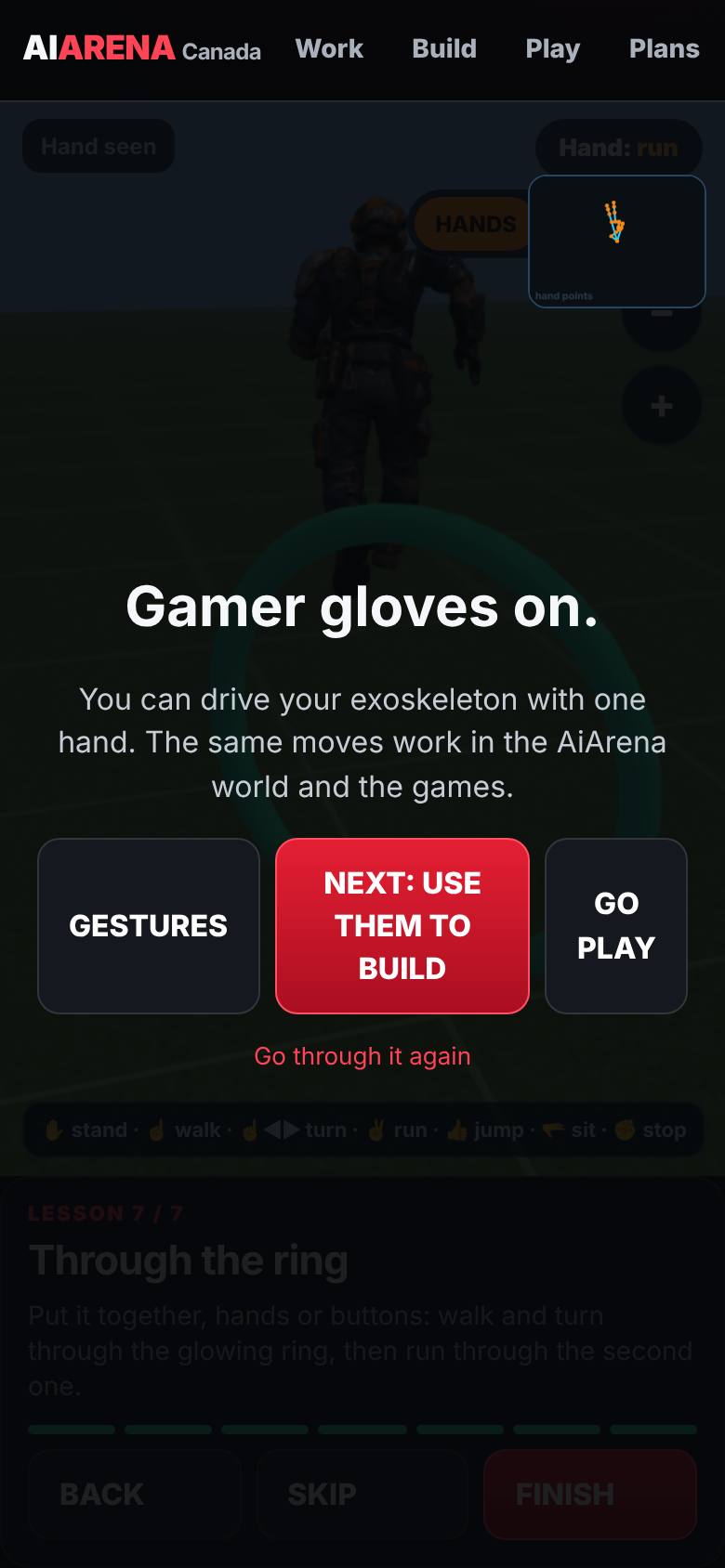
What result should I expect?
You can walk, turn, run, jump and sit your exoskeleton with one hand, and take it through the rings.
How do I save, share or get help?
Progress is saved on this device.
If something goes wrong
- It will not walk. Point straight up with the other fingers curled, and keep the finger in view. Pointing at the camera is read as no direction.
- It keeps running. Open your hand to stand, or make a fist to stop at once.
Every screenshot here was taken while doing these exact steps on the current build (257ad95), on a phone-sized screen, on 2026-10-11.
All AiArena How-To guides Open AiArena Gamer Gloves