Build a driving course and play it
The Game Builder in AiArena: start on empty ground, place landmarks, drive the off-road truck to lay a track, let it meander home around the landmarks, then race it.
Guide revision: 2026-10-11 · steps checked 2026-10-11 on build 257ad95
13-step walkthrough with voiceover, recorded from the same checked steps.
Voiceover: Kokoro text-to-speech (Apache 2.0).
How do I start?
Open AiArena, tap Build, then Build and play. It is part of AiArena Plus.
What do I do next?
- 1
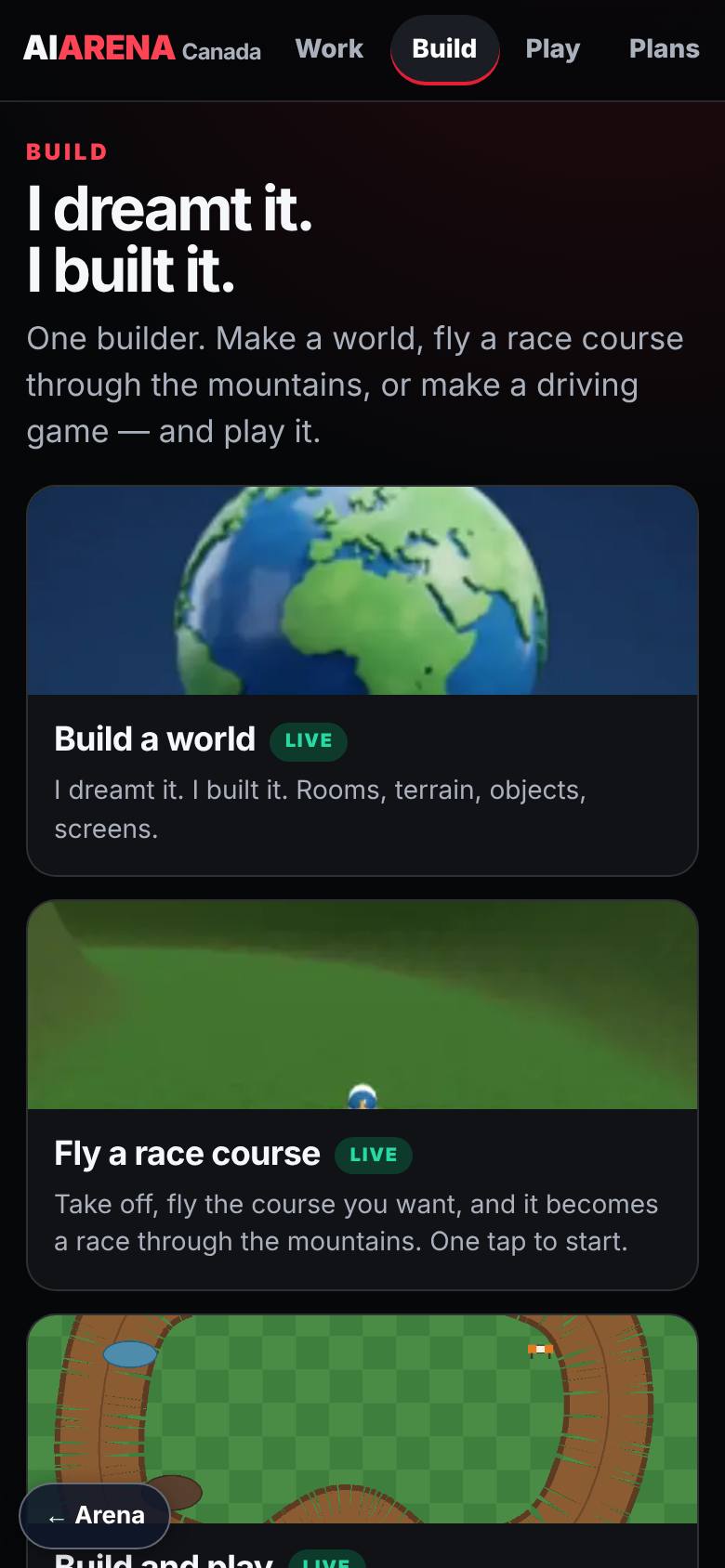
Open Build
On AiArena, tap Build.
Build a world, Fly a race course, Build and play.
- 2
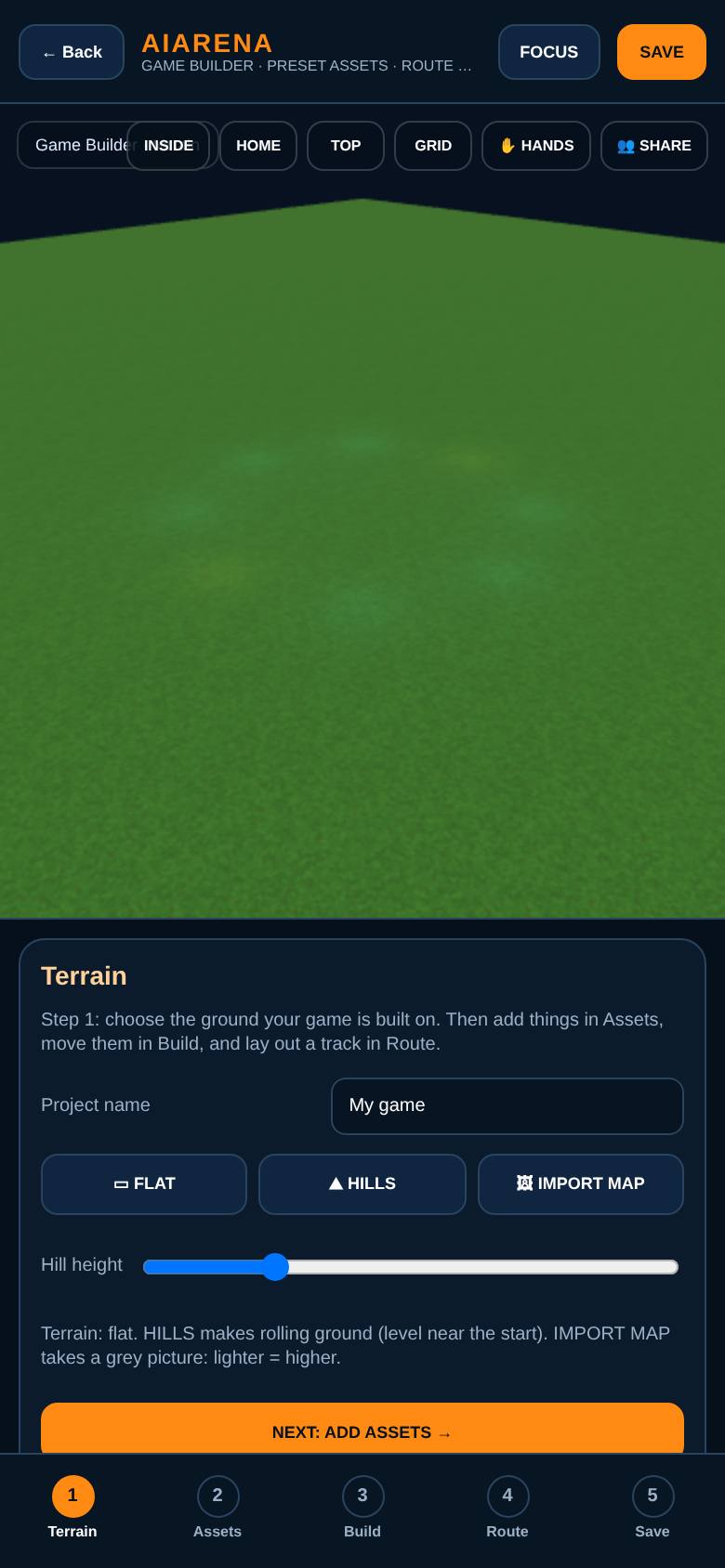
Start on empty ground
Tap Build and play.
An empty terrain: step 1 of 5.
- 3
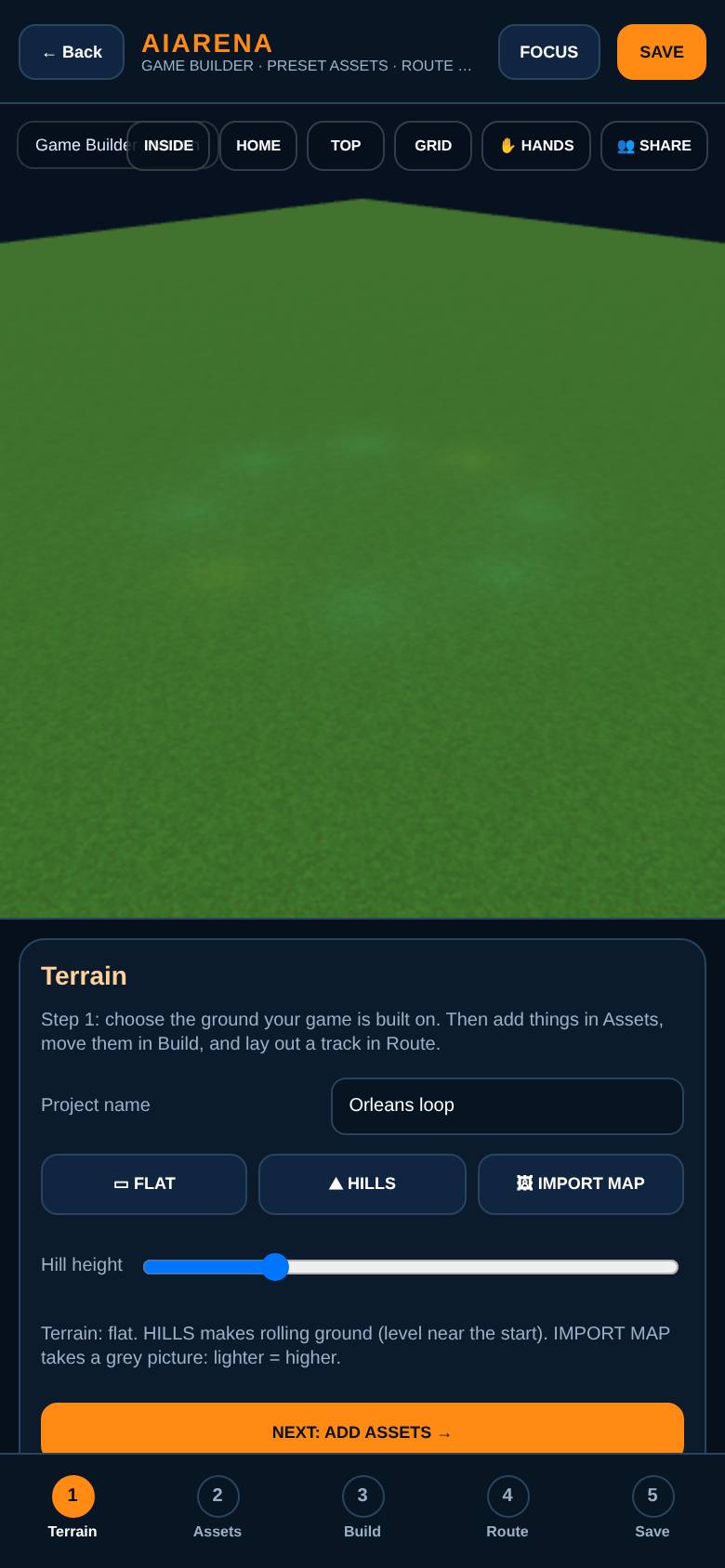
Choose the ground
Name the game, then pick Flat, Hills or Import map.
Flat ground for the first track.
- 4
Place a stadium
In Assets, tap PLACE on the Arena Stadium, then tap the ground.
The stadium stands on the terrain.
- 5
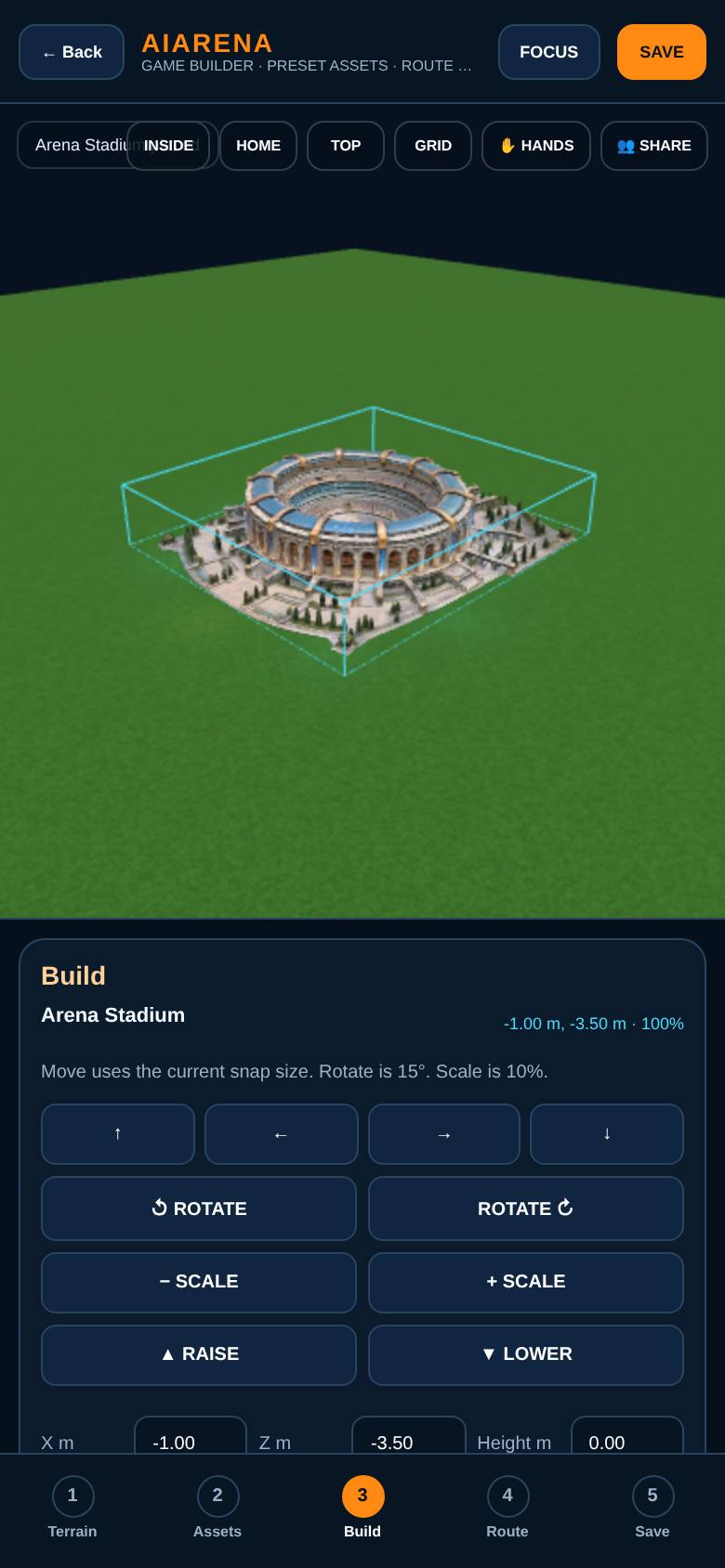
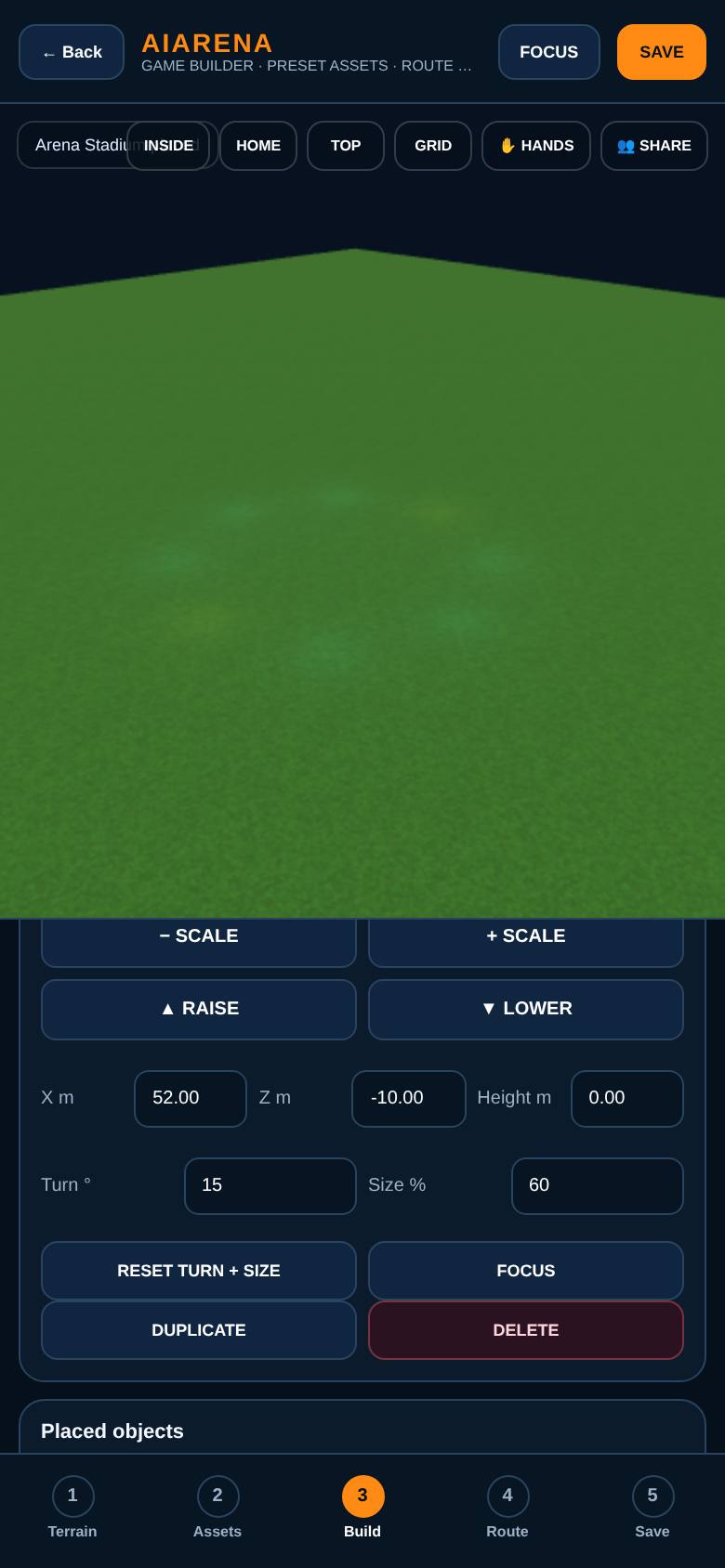
Move and size it
In Build, use the arrows, rotate and scale, or type exact numbers.
The stadium moves out along the course.
- 6
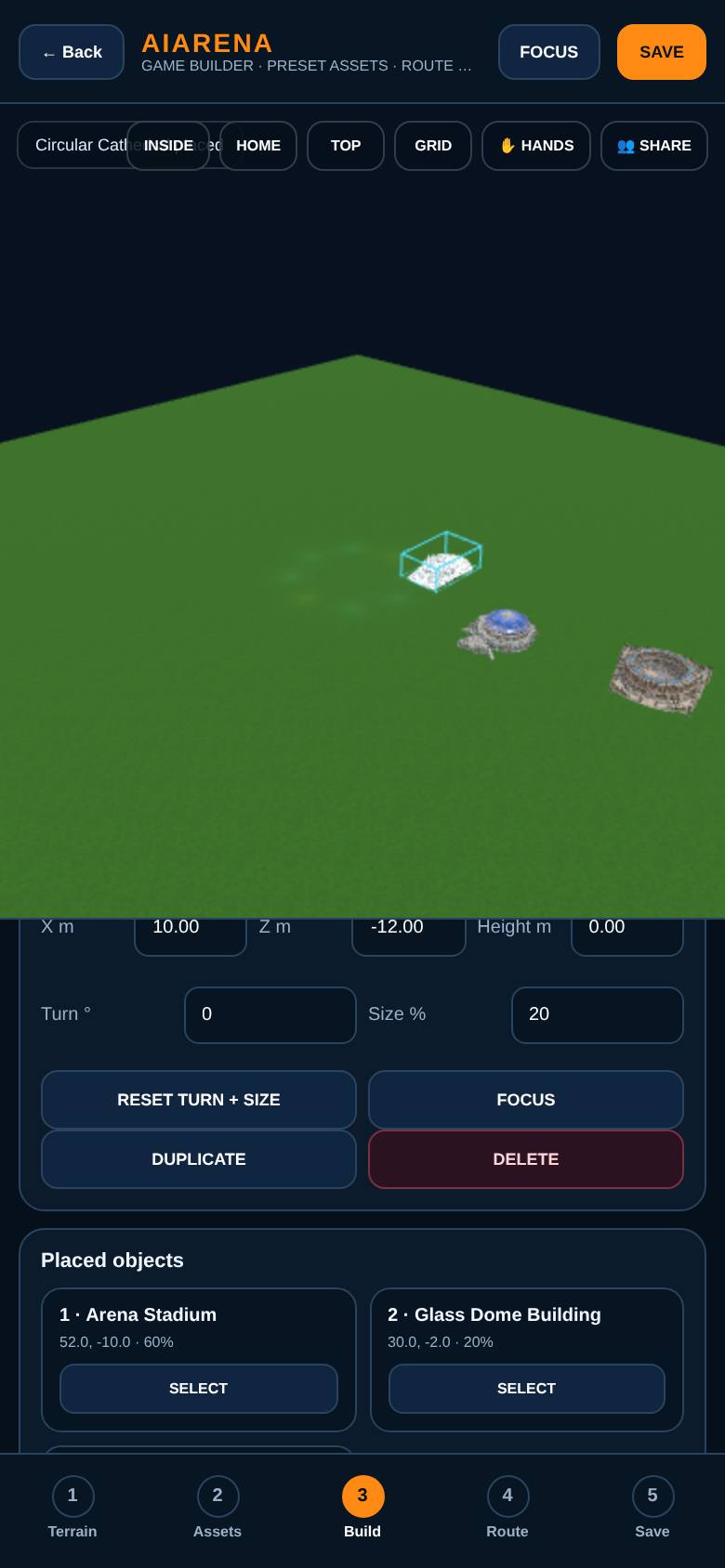
Two more landmarks
Do the same for the Glass Dome and the Circular Cathedral.
Three landmarks on the terrain.
- 7
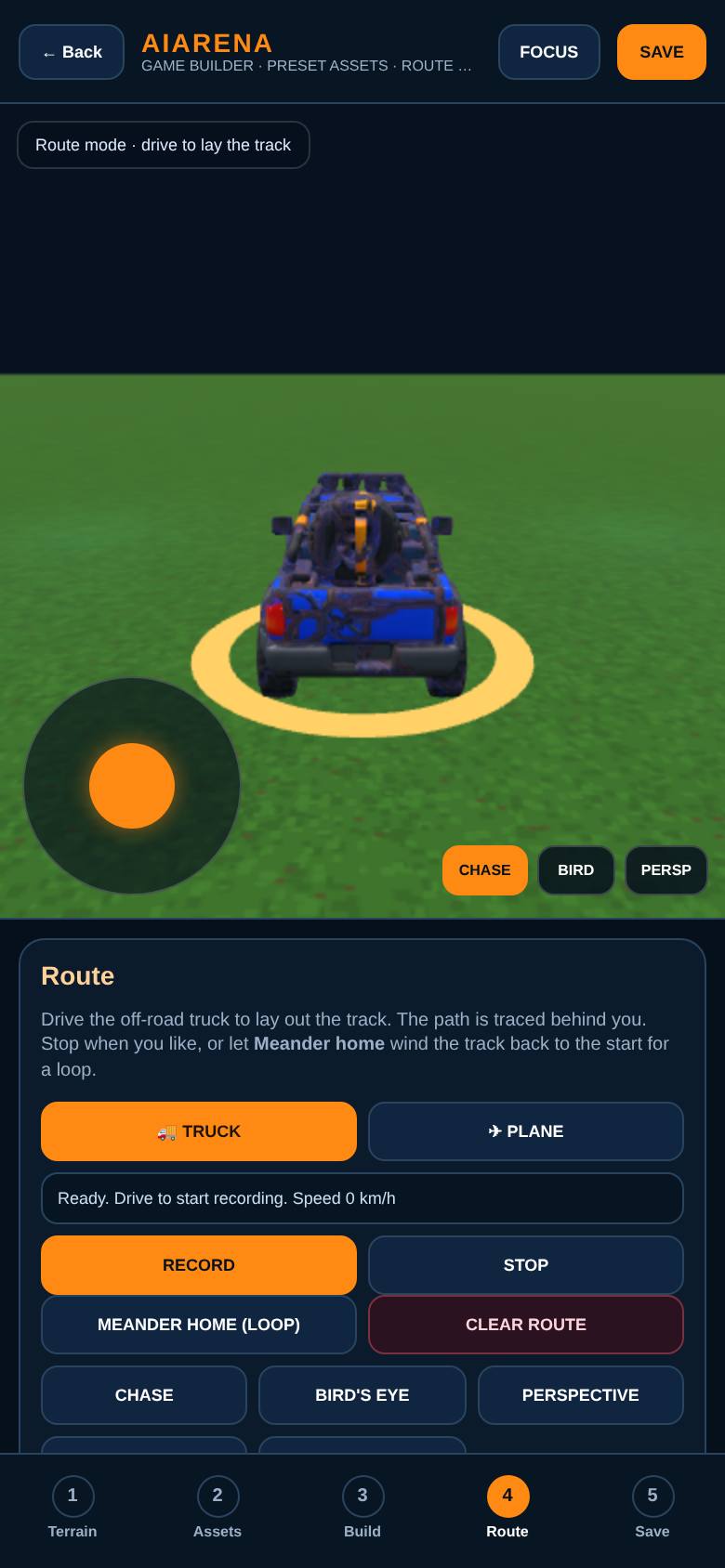
Route mode
In Route, tap Start route mode. The truck is ready.
Drive to lay the track.
- 8
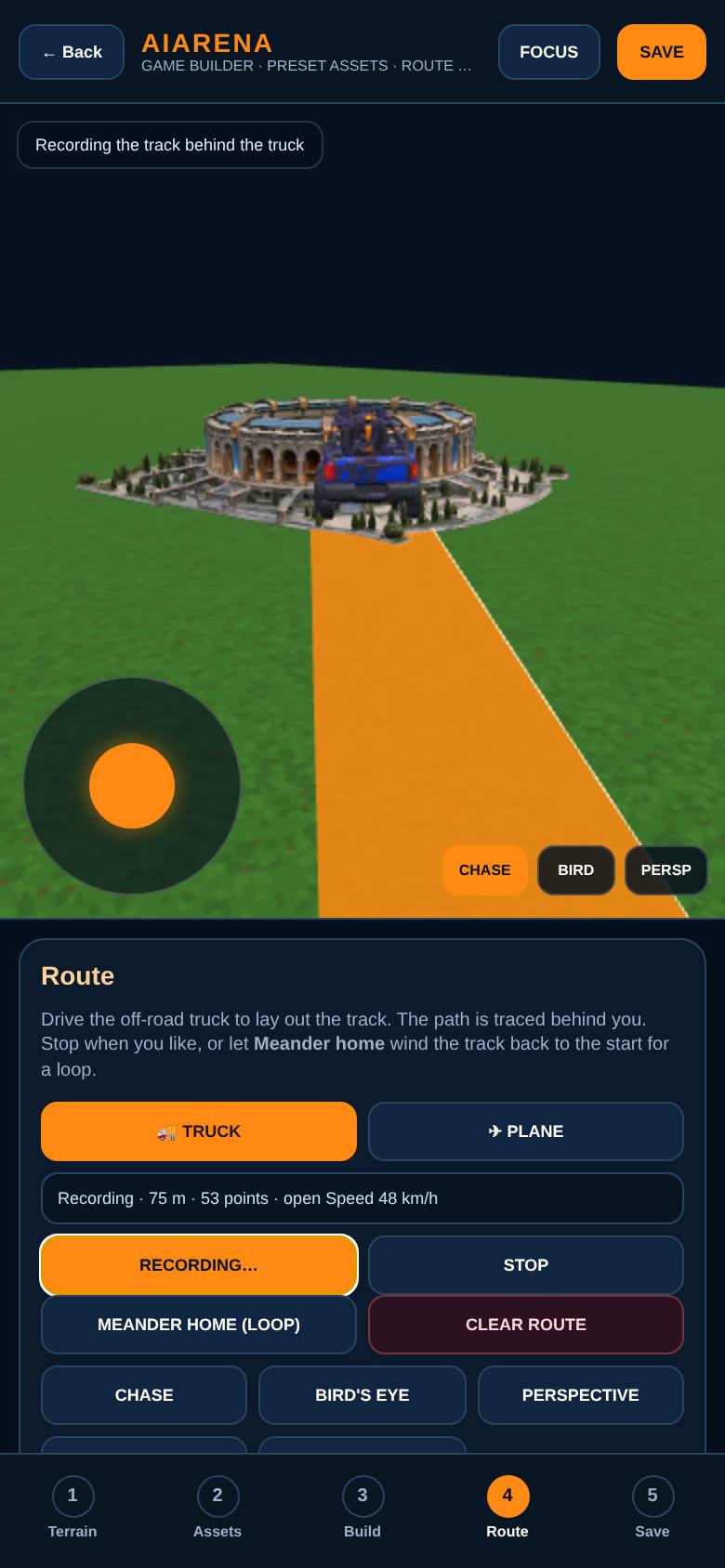
Drive to lay the track
Tap Record and drive: drag the pad, or use the arrow keys.
The track is traced behind the truck.
- 9
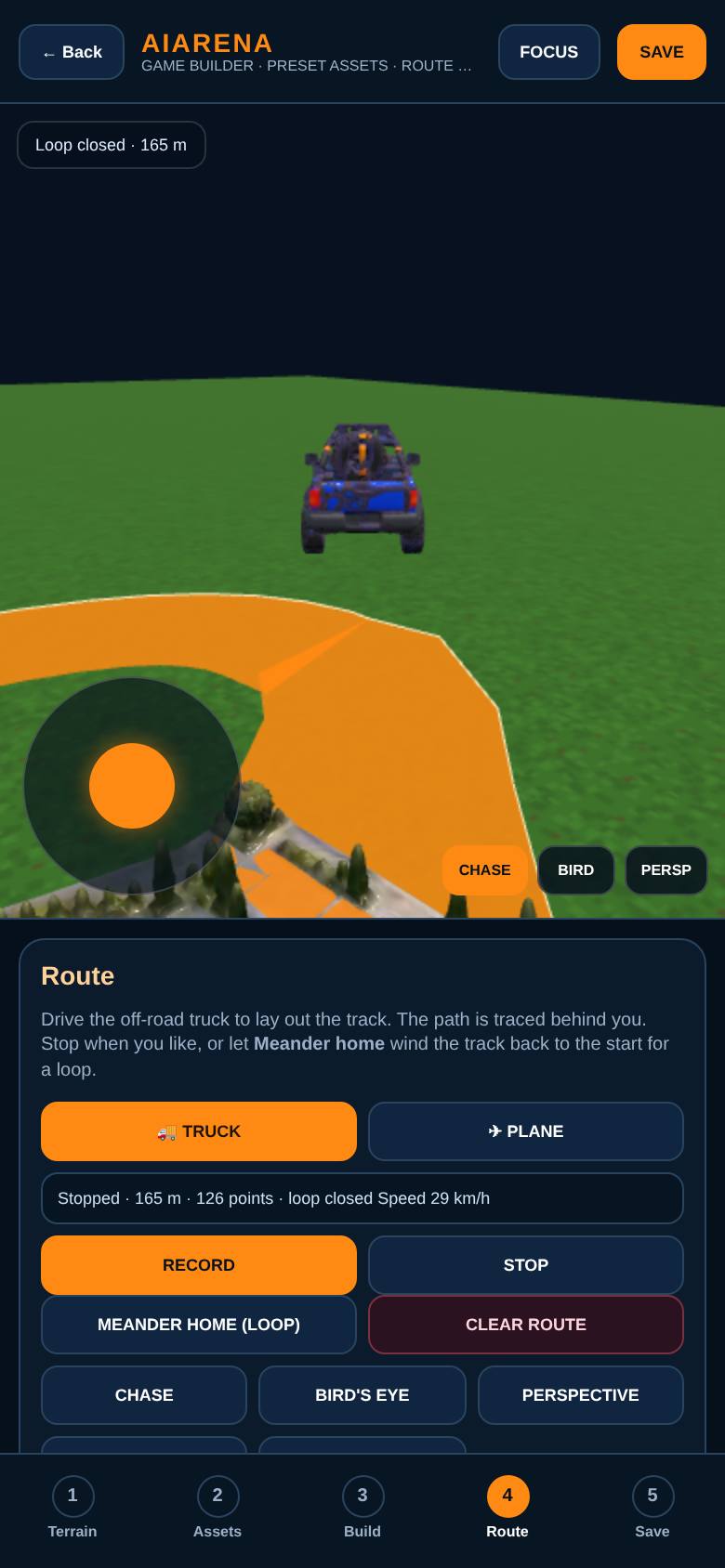
Meander home
Tap Meander home to loop back to the start.
Loop closed.
- 10
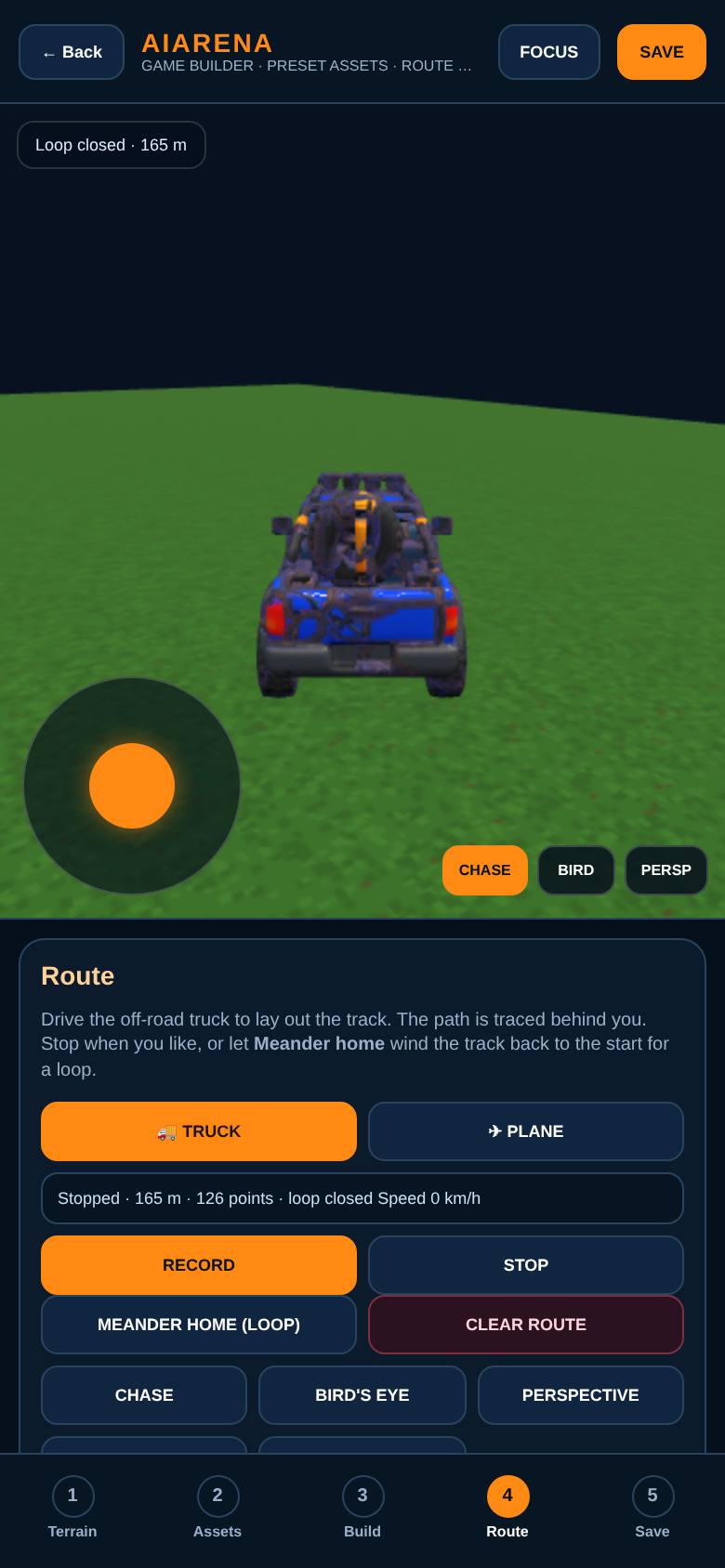
Three cameras
Switch between Chase, Bird's eye and Perspective.
Three views of the course.
- 11
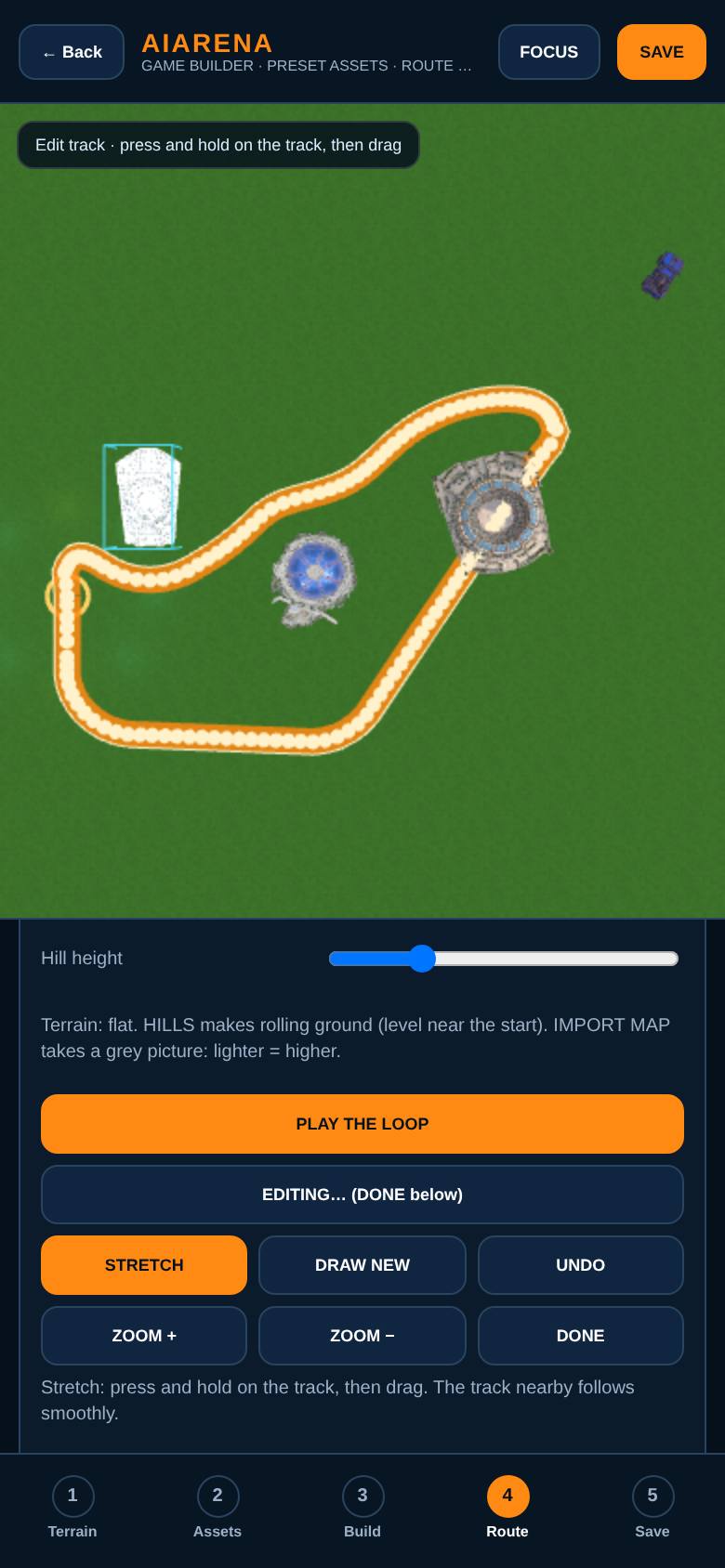
Edit the track
Tap Edit track to see it from above: stretch, draw new, undo, zoom.
The whole loop from above.
- 12
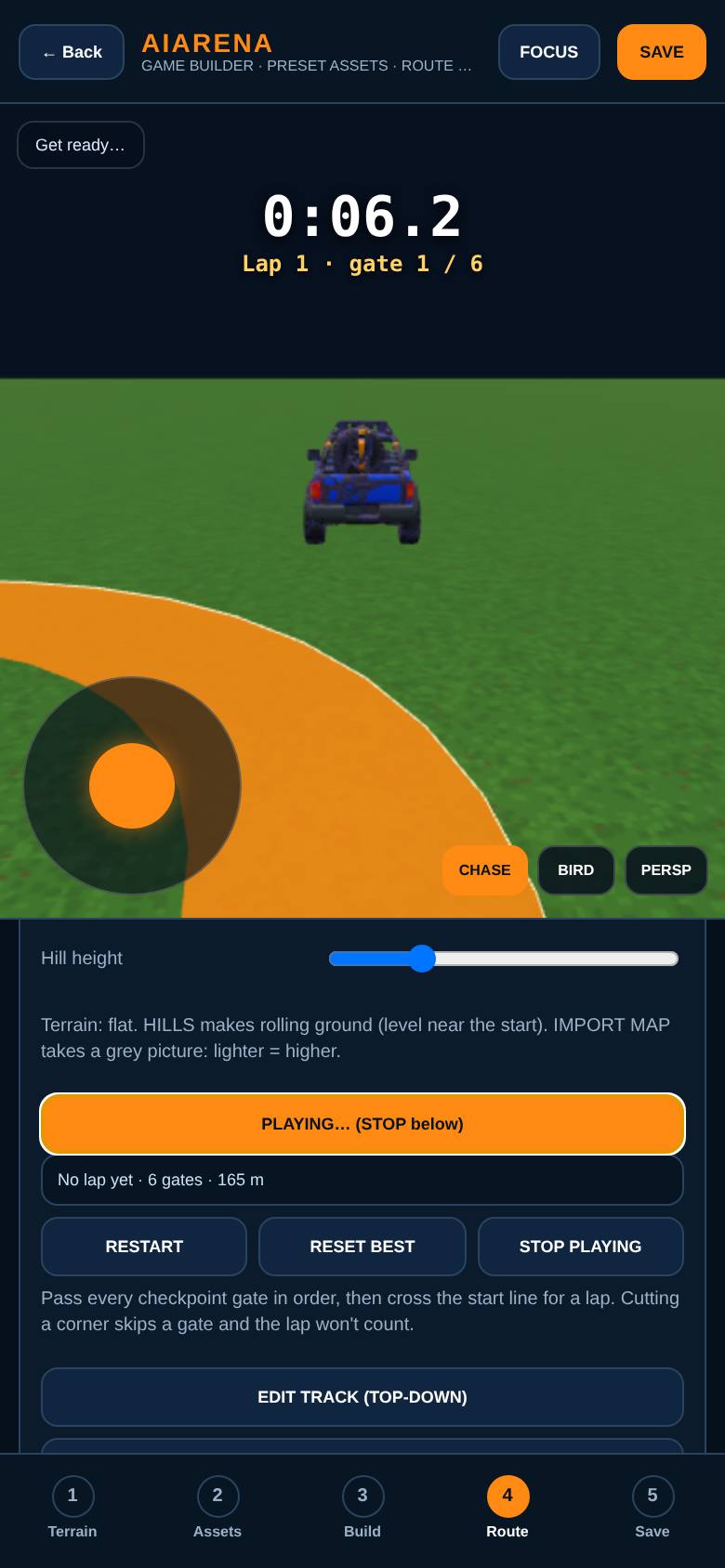
Play the loop
Tap Play the loop and drive through the gates.
A lap timer and checkpoint gates.
- 13
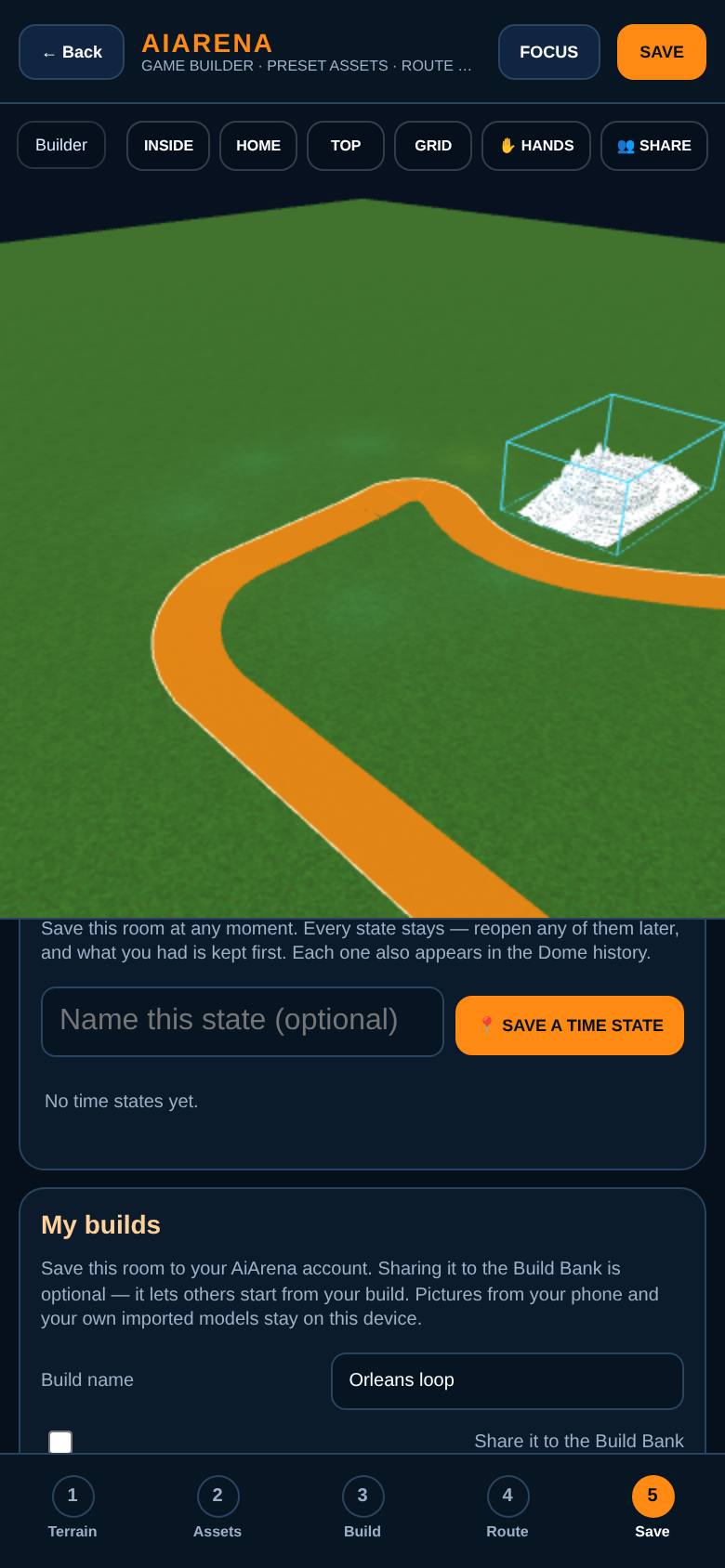
Save your game
In Save, keep it on this phone, export it, or save it to My Builds when signed in.
Save options and the Build Bank.
What result should I expect?
Your own looped course with checkpoint gates and a lap timer, saved to your phone or your builds.
How do I save, share or get help?
Save on this phone, export the world as a file, or save it to My Builds and share it to the Build Bank.
If something goes wrong
- It says 3D could not start. Your browser has 3D turned off. Turn on hardware acceleration or try another browser.
Every screenshot here was taken while doing these exact steps on the current build (257ad95), on a phone-sized screen, on 2026-10-11.
All AiArena How-To guides Open AiArena Game Builder