Two models, one task: which earns its price?
AI Duel in AiArena: the same prompt goes to two of your models, shown blind as A and B with the real cost, time and tokens of each. You pick the better one, the names are revealed, and your pick teaches the Sequence runner which model to use for that kind of task.
Guide revision: 2026-10-13 · steps checked 2026-10-13 on build 9531cf7
5-step walkthrough with voiceover, recorded from the same checked steps.
Voiceover: Kokoro text-to-speech (Apache 2.0).
How do I start?
Open AiArena, tap Work, then AI Duel. Connect your own AI first (OpenRouter).
What do I do next?
- 1
AI Duel
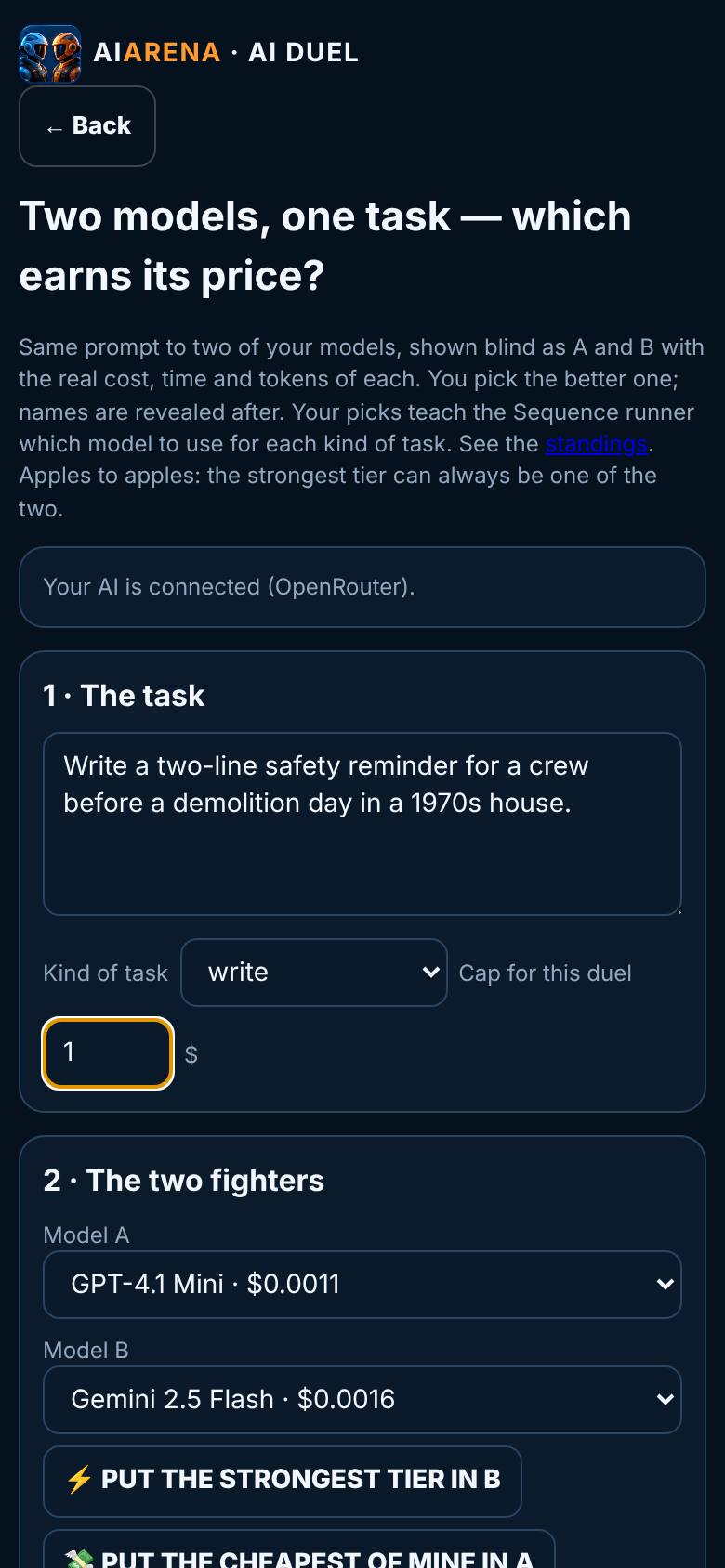
Type the prompt, pick the kind of task, set the cap.
Connected; the task is set.
- 2
The two fighters
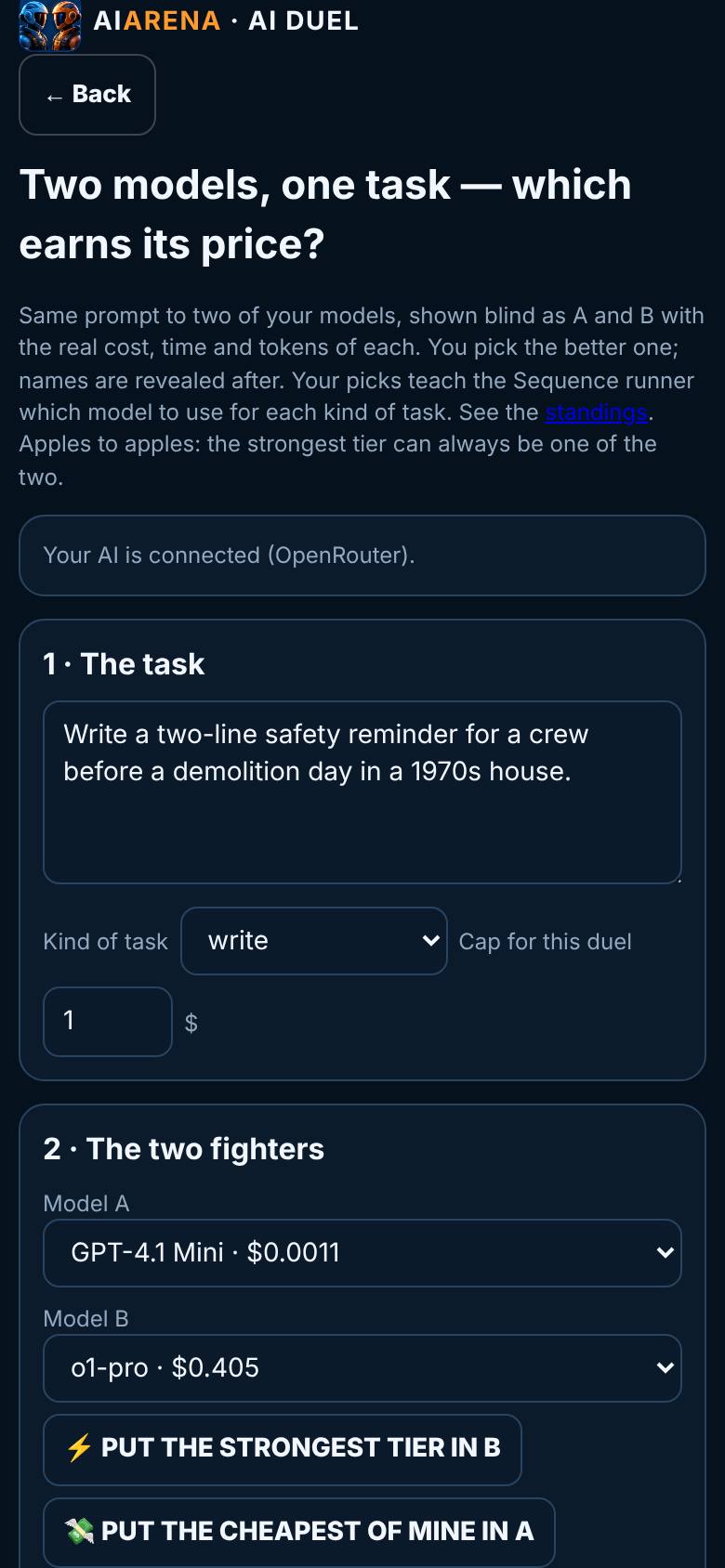
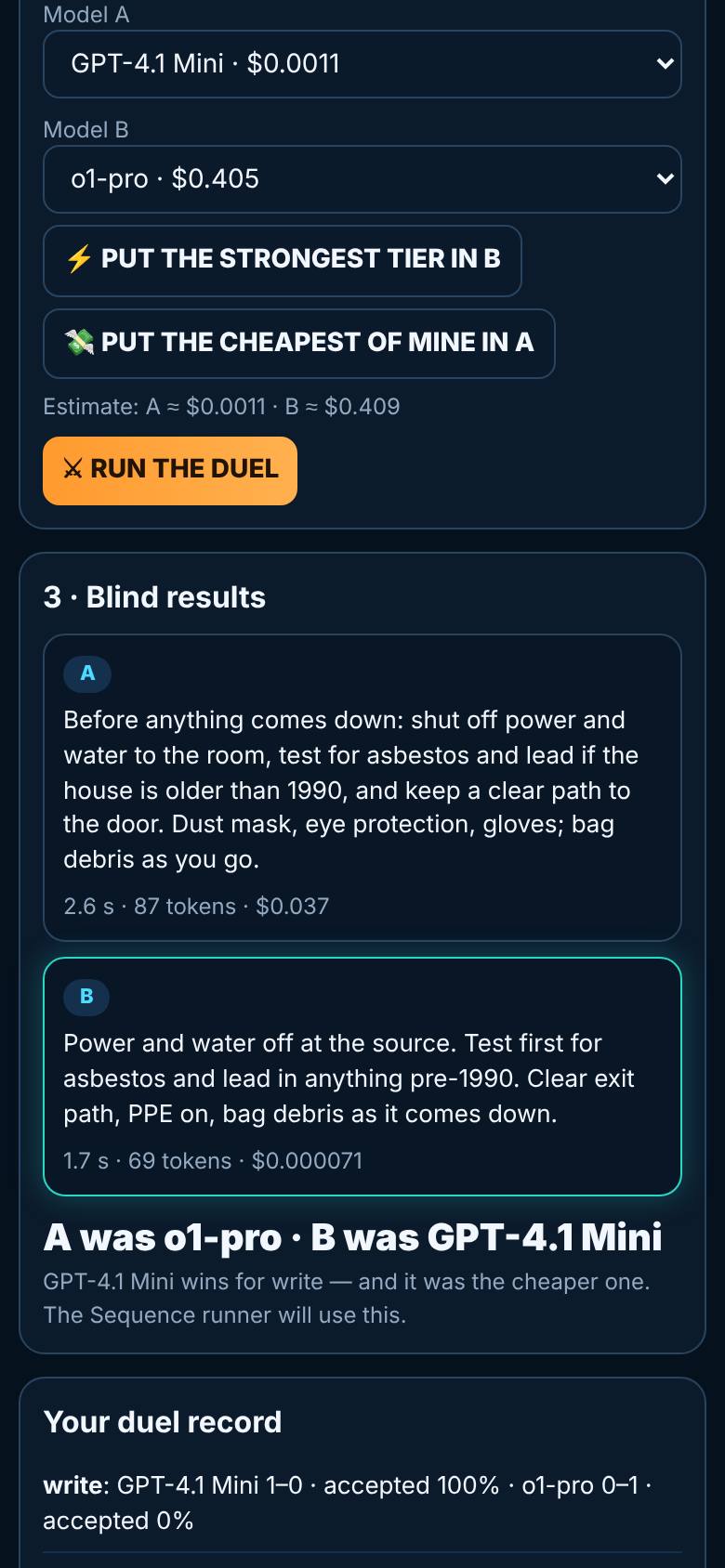
Tap Put the cheapest of mine in A, then Put the strongest tier in B.
A and B chosen, with the estimate.
- 3
Run the duel
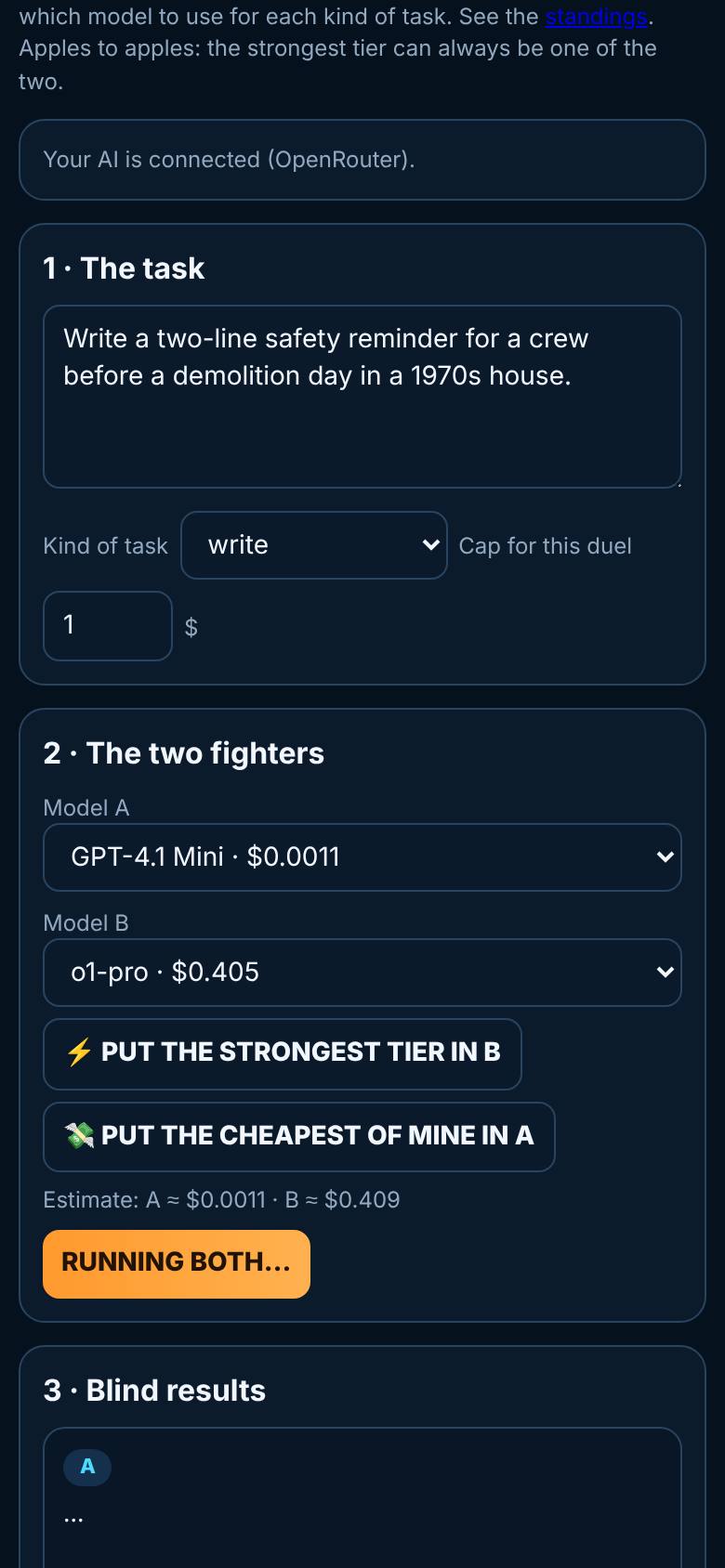
Tap Run the duel.
Running both.
- 4
Blind results
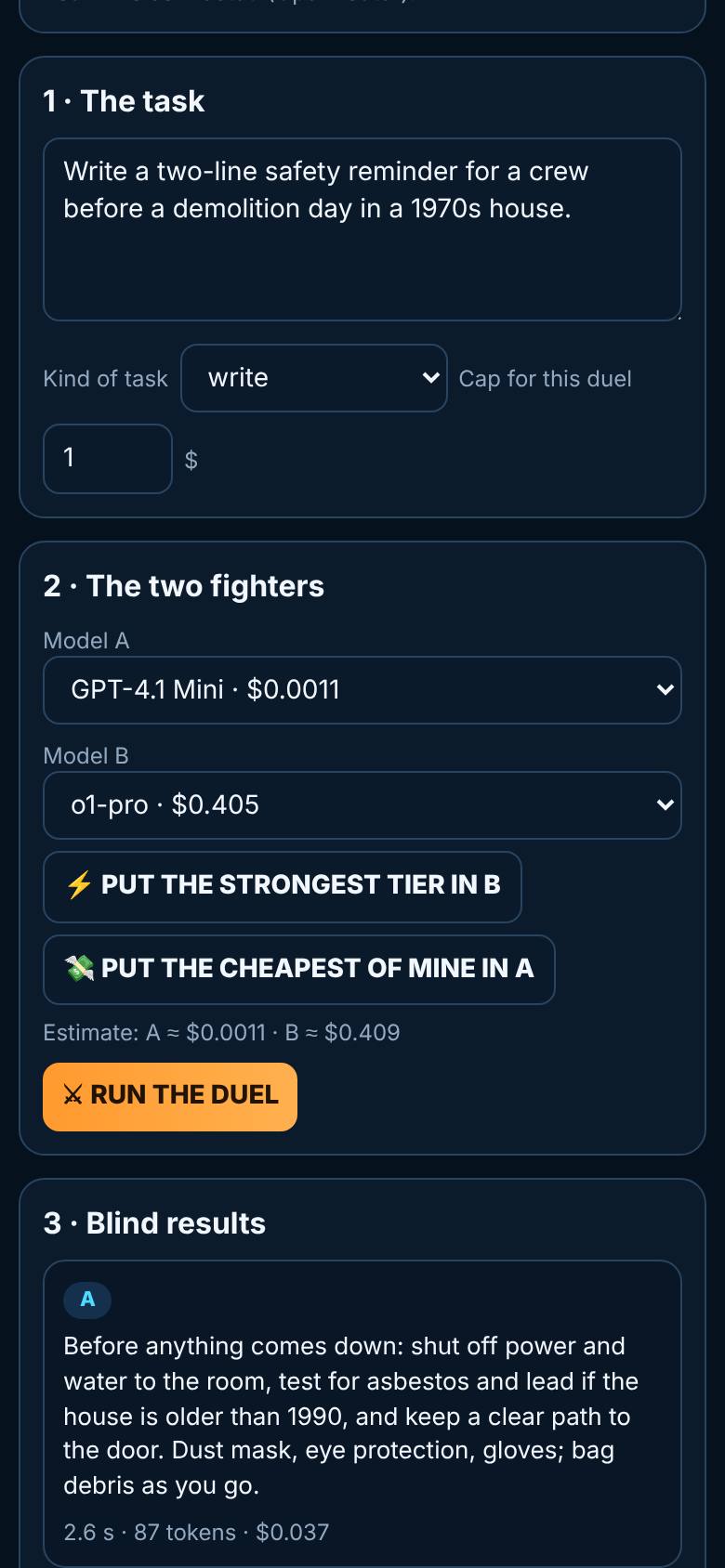
Read A and B.
Two answers with time, tokens and cost.
- 5
The reveal and your record
Tap B is better.
Names revealed; the duel record below.
What result should I expect?
A duel record per kind of task, and a Sequence runner that picks models from your own results.
How do I save, share or get help?
Your duel record stays on this device and feeds the Models page and the Sequence runner.
If something goes wrong
- Run the duel is greyed out. Connect your AI first with the Connect my AI button. Duels run on your own models and your own account.
Every screenshot here was taken while doing these exact steps on the current build (9531cf7), on a phone-sized screen, on 2026-10-13.
All AiArena How-To guides Open AiArena AI Duel